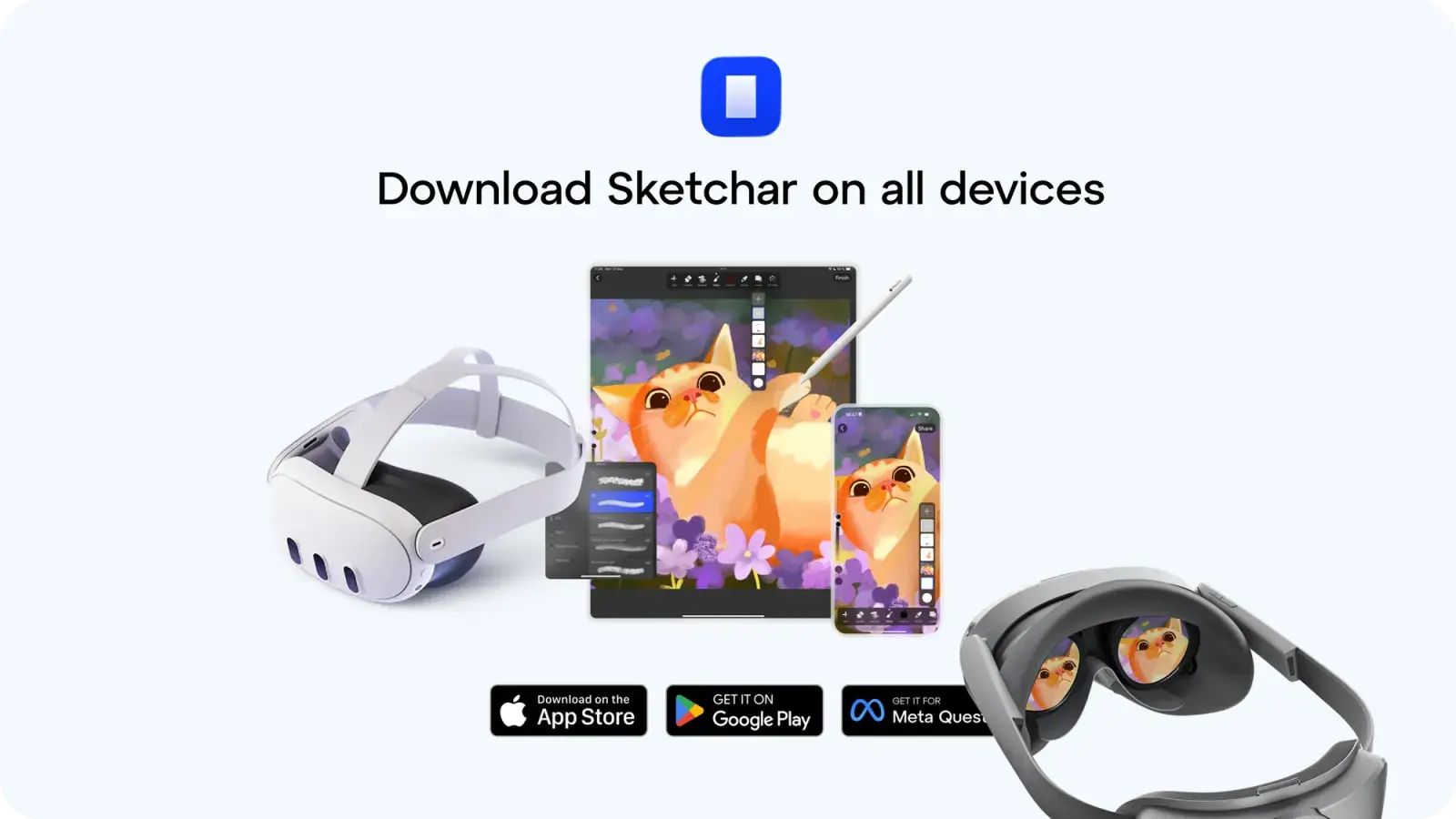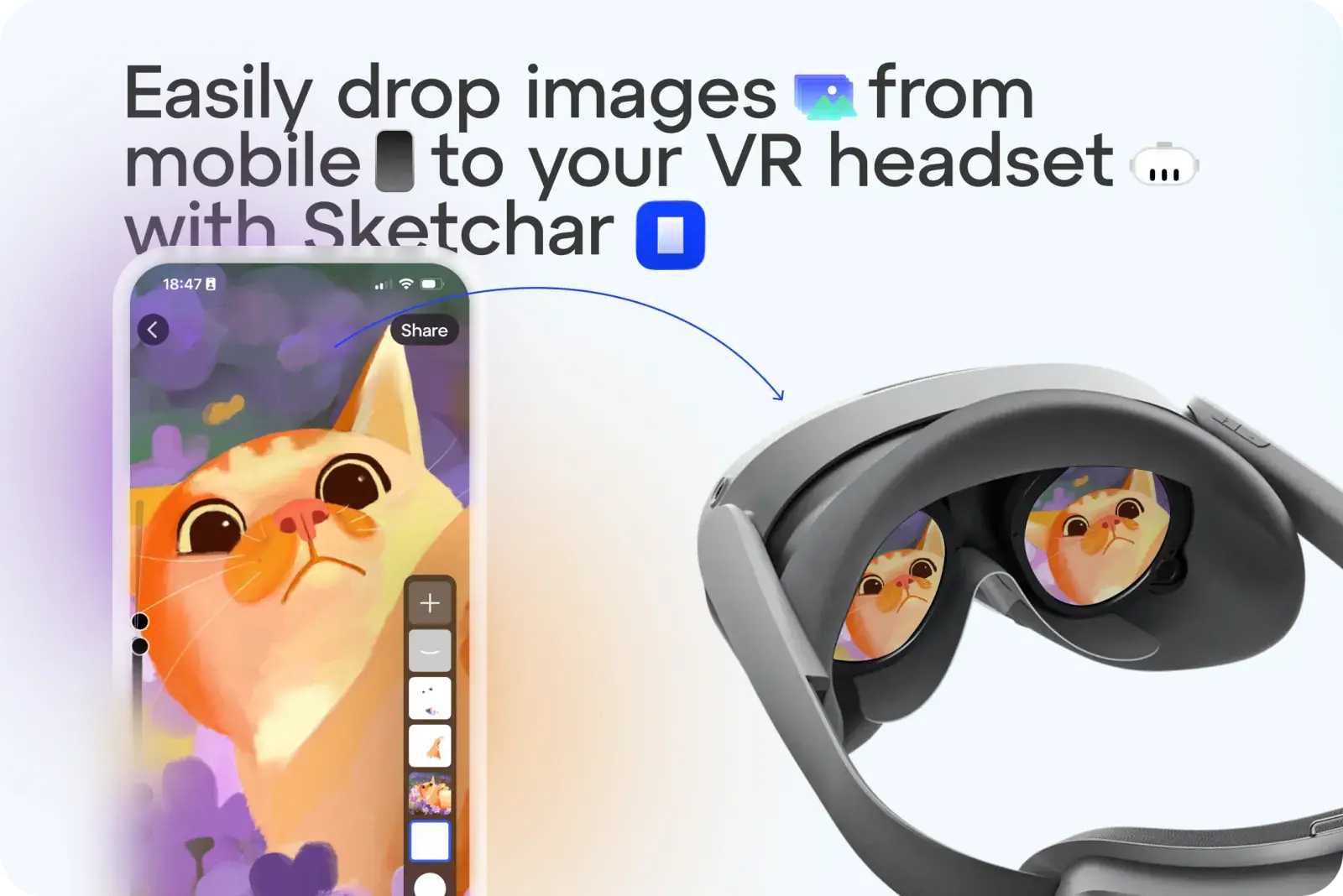
Artık çizimleri veya resimleri VR gözlüğünüze şablon olarak göndermekle uğraşmanıza gerek yok. Sketchar ile artık tek dokunuşla istediğiniz resmi yükleyebilirsiniz.
Nasıl Çalışır:
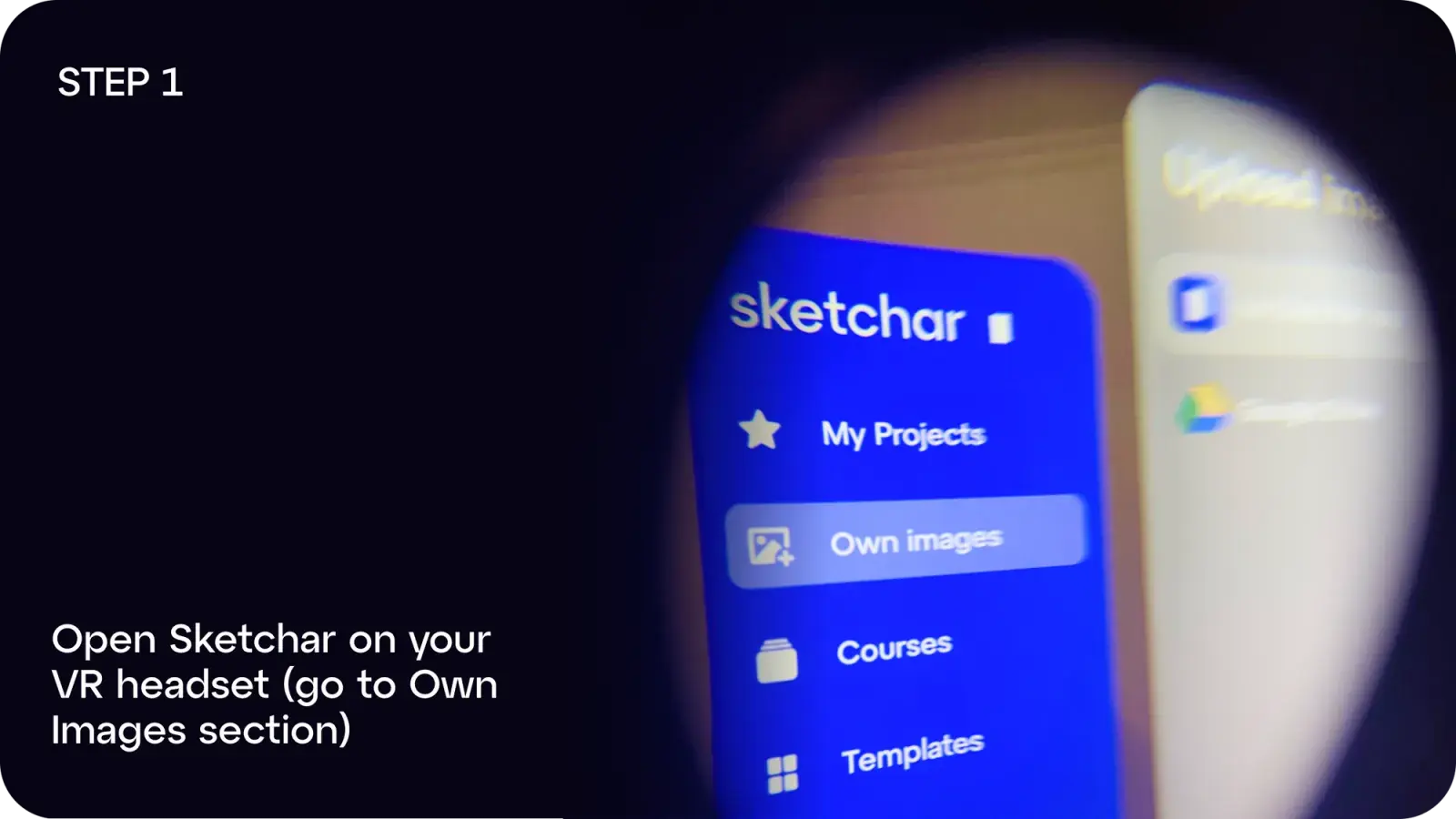
Adım 1: VR gözlüğünüzde Sketchar'ı açın ve Kendi Görsellerim bölümüne gidin.
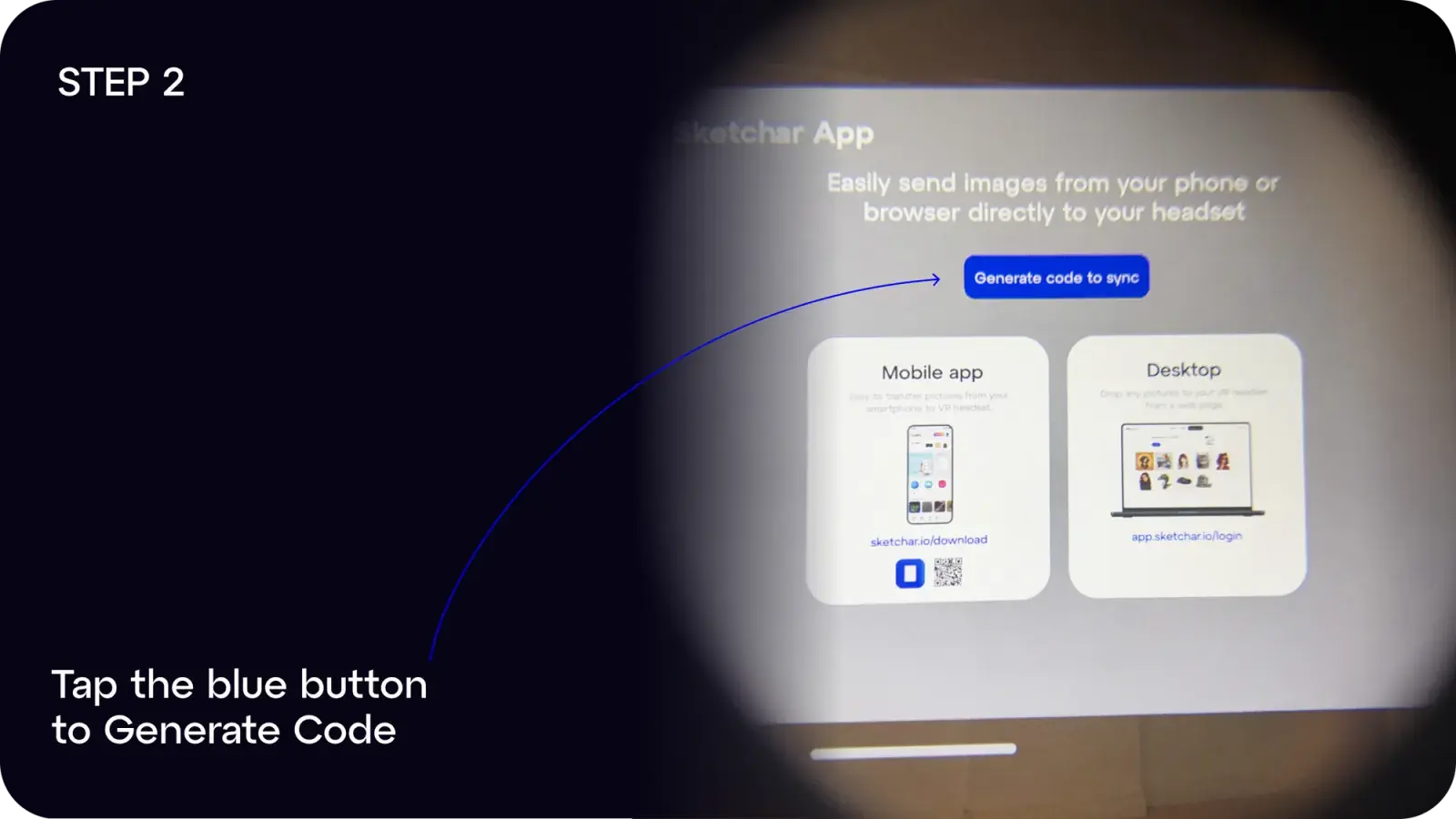
Adım 2: Kod Oluştur düğmesine dokunun.
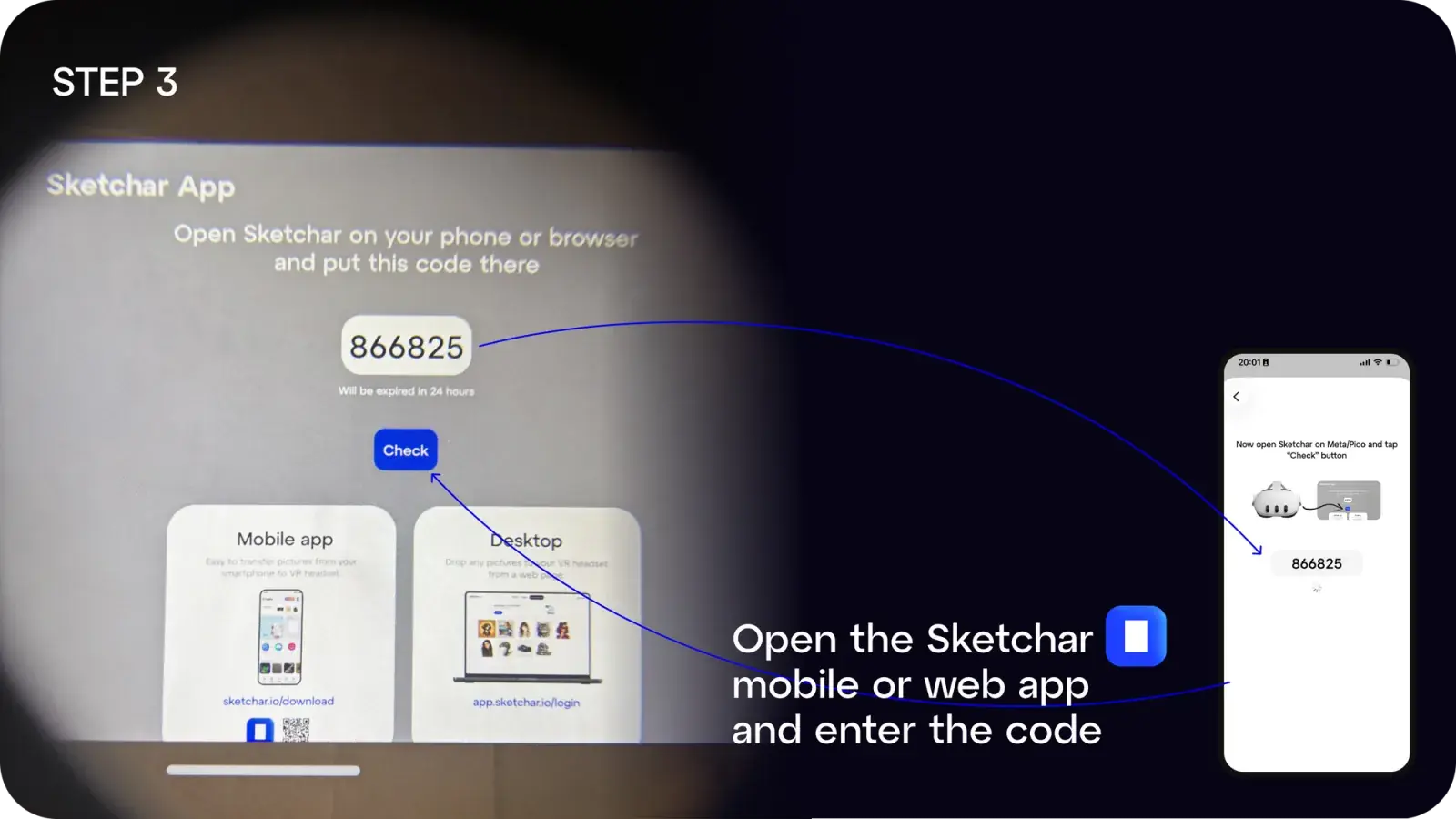
Adım 3: Mobil veya masaüstü cihazınızda Sketchar uygulamasını açın ve kodu girin.
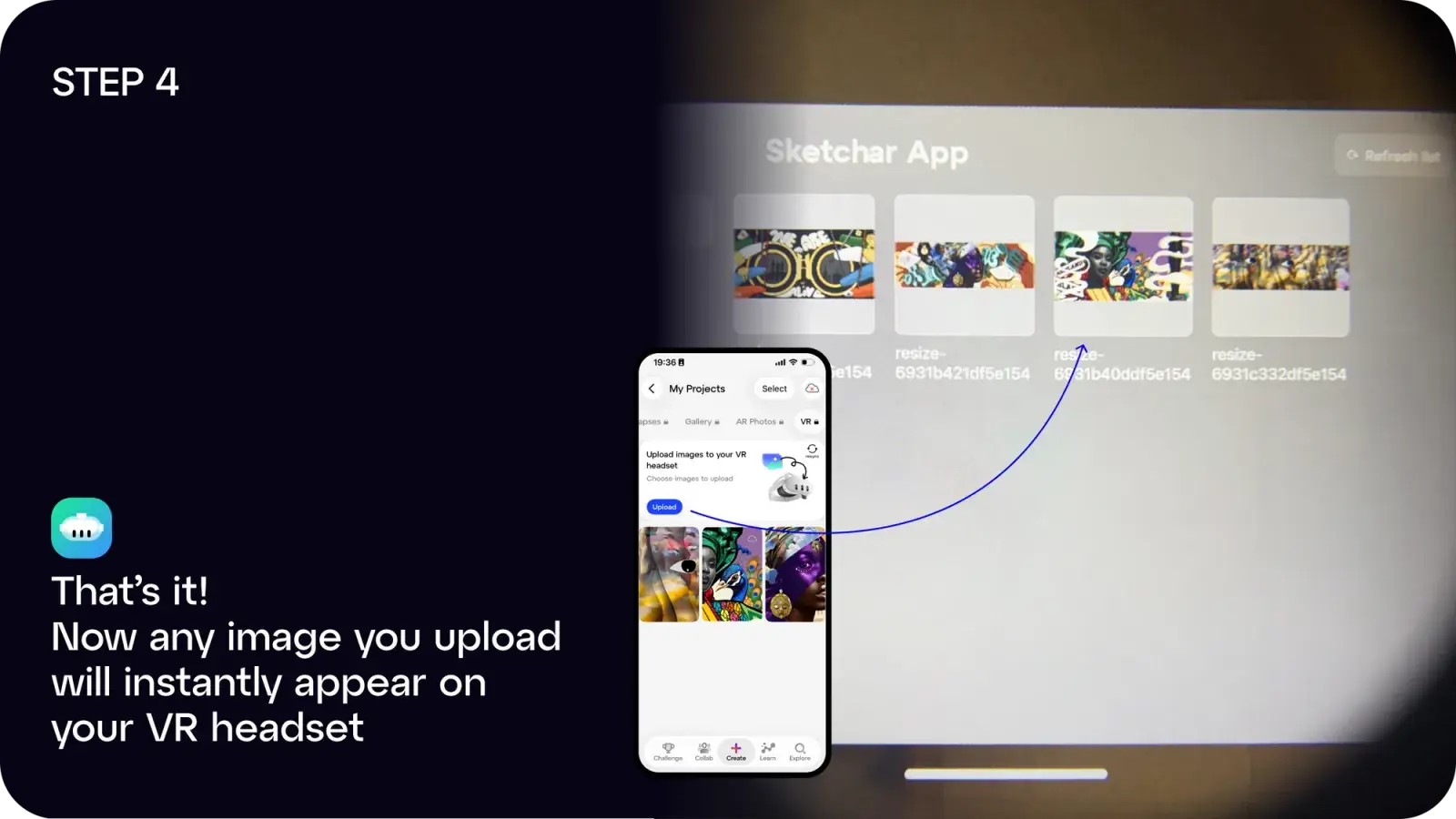
Adım 4: Tamamlandı! Yüklediğiniz herhangi bir resim anında kulaklığınızda görünecektir.
Şunları yapabilirsiniz:
- Sketchar uygulamasını iOS veya Android üzerinden indirebilirsiniz veya
- Masaüstünüzden yüklemek için app.sketchar.io/login adresindeki web uygulamasını kullanabilirsiniz.
Fikirleriniz veya önerileriniz mi var? Lütfen hello(at)sketchar.io adresinden bize ulaşın.