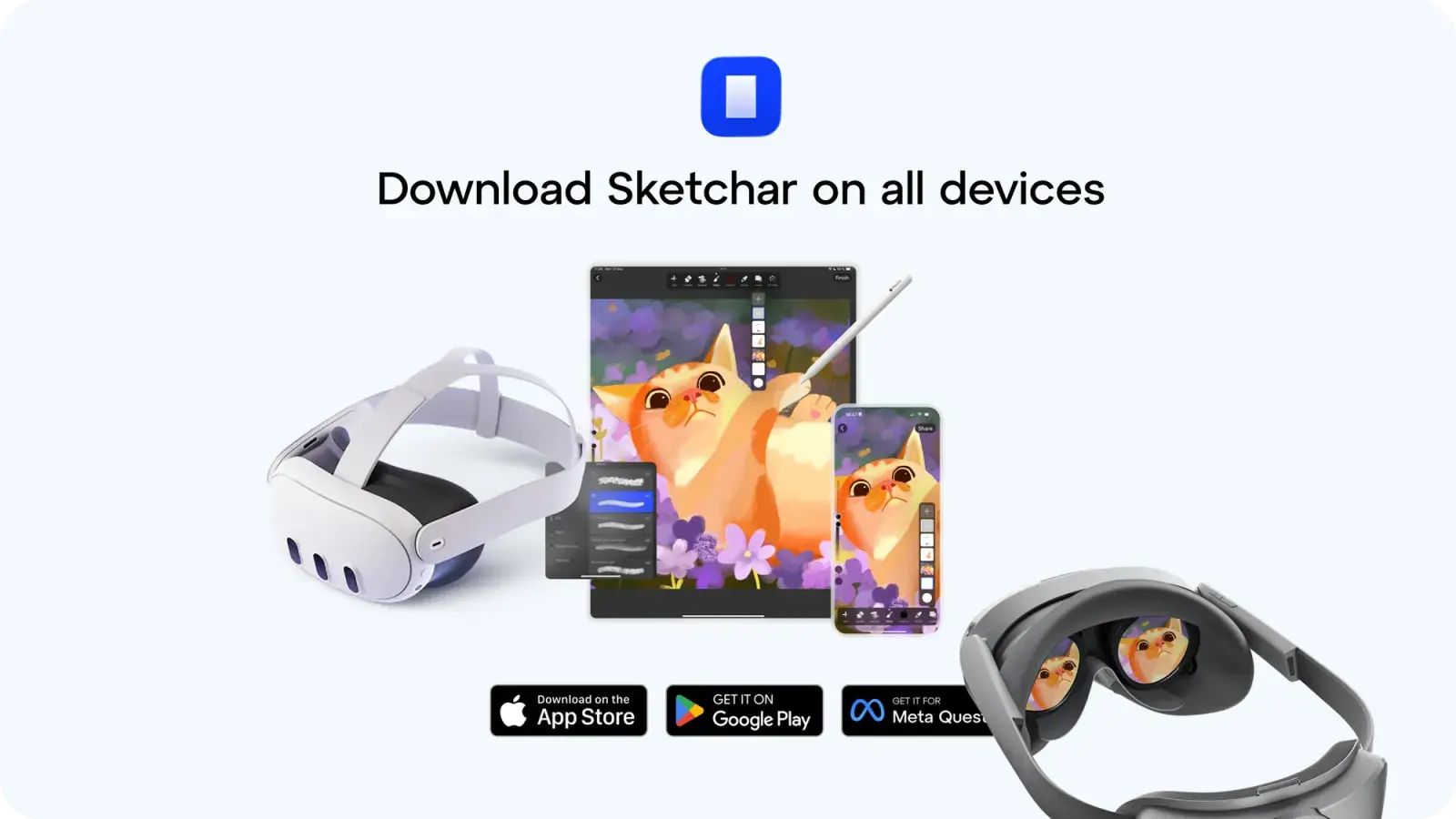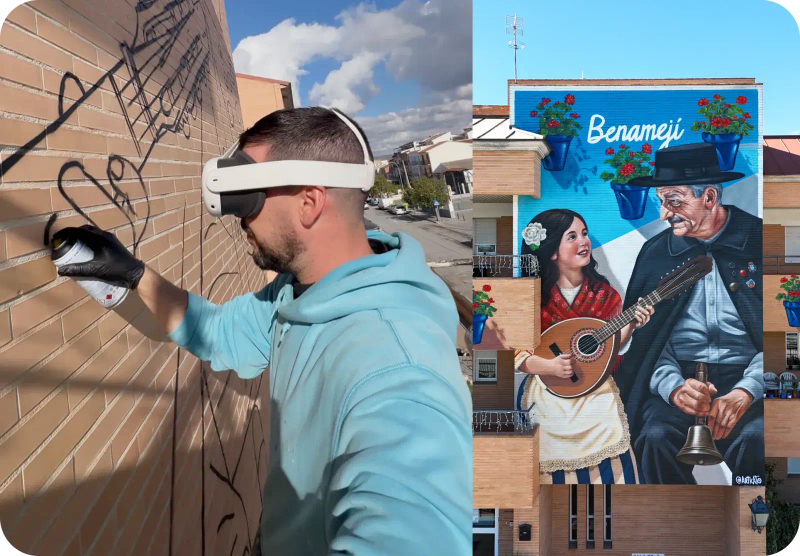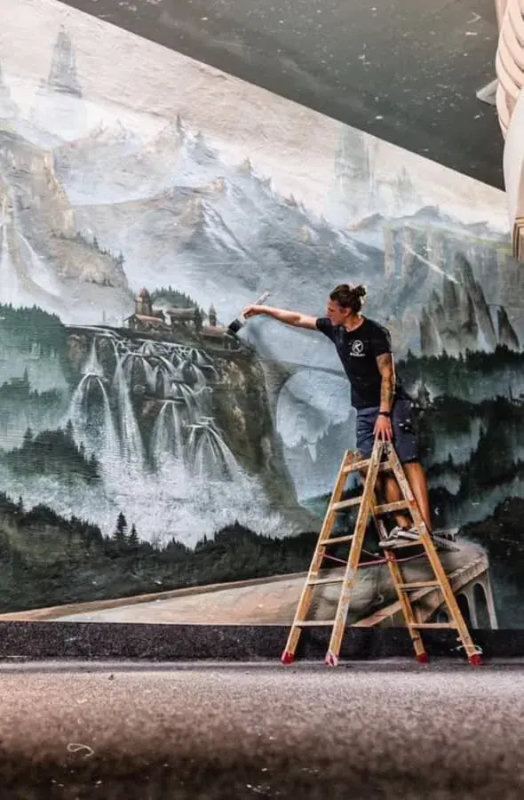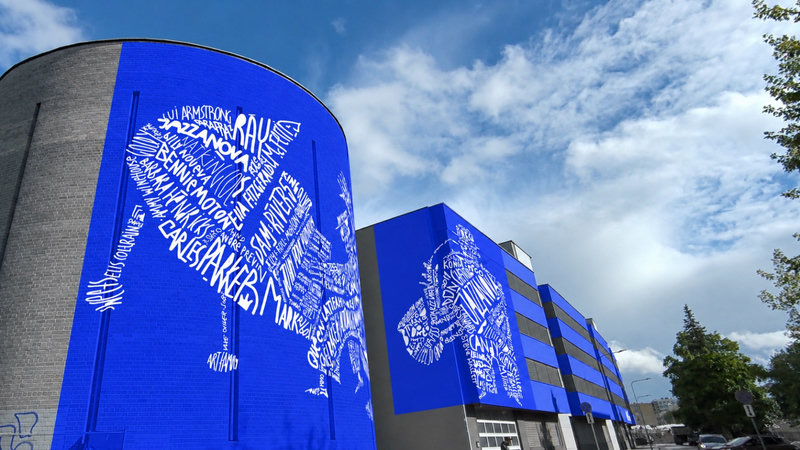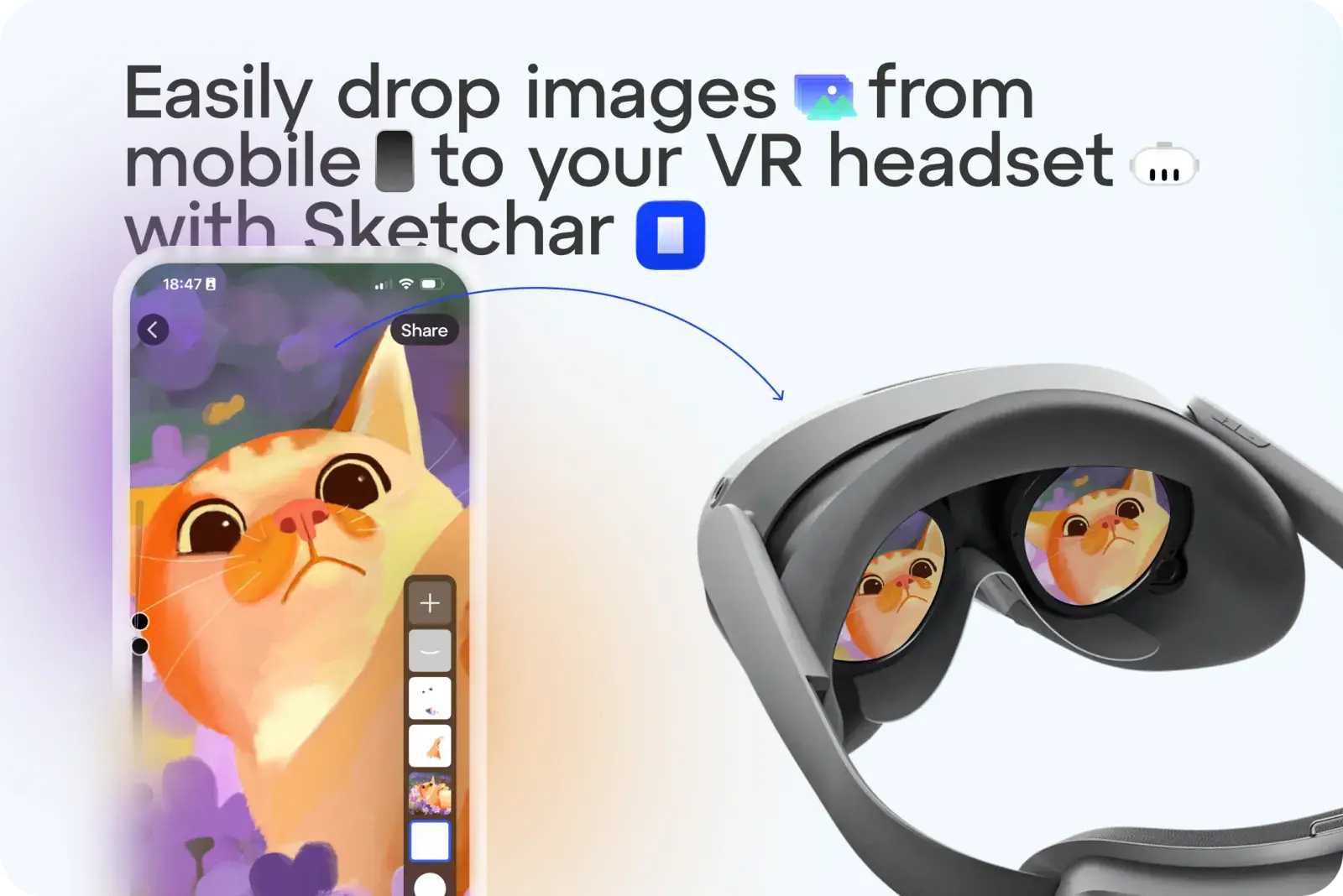
Không còn phải loay hoay gửi bản phác thảo hay hình ảnh vào kính VR để làm mẫu vẽ nữa. Với Sketchar, giờ đây bạn có thể tải lên bất kỳ hình ảnh nào chỉ với một chạm.
Cách thực hiện:
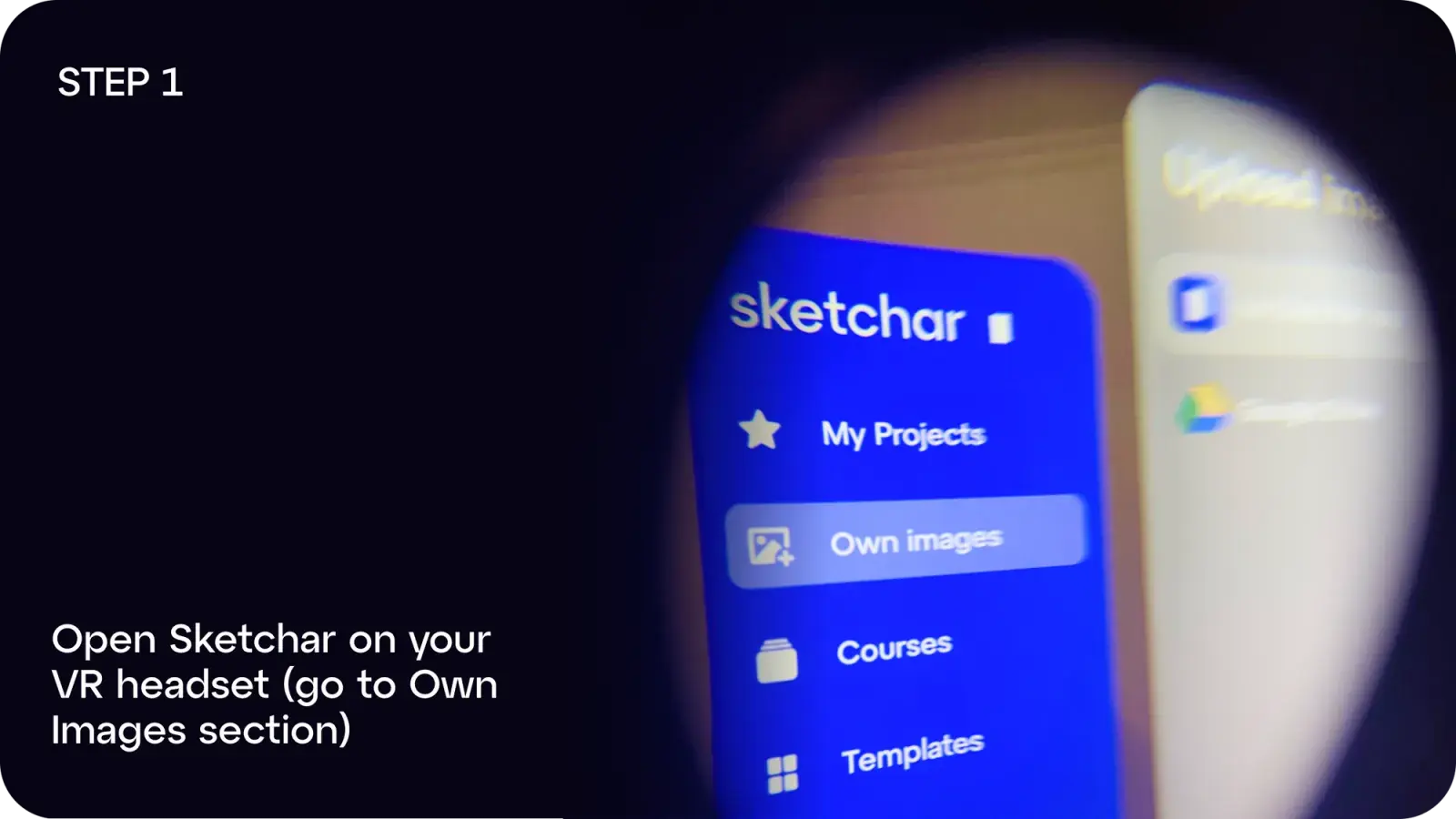
Bước 1: Mở Sketchar trên kính VR của bạn và vào mục Own Images
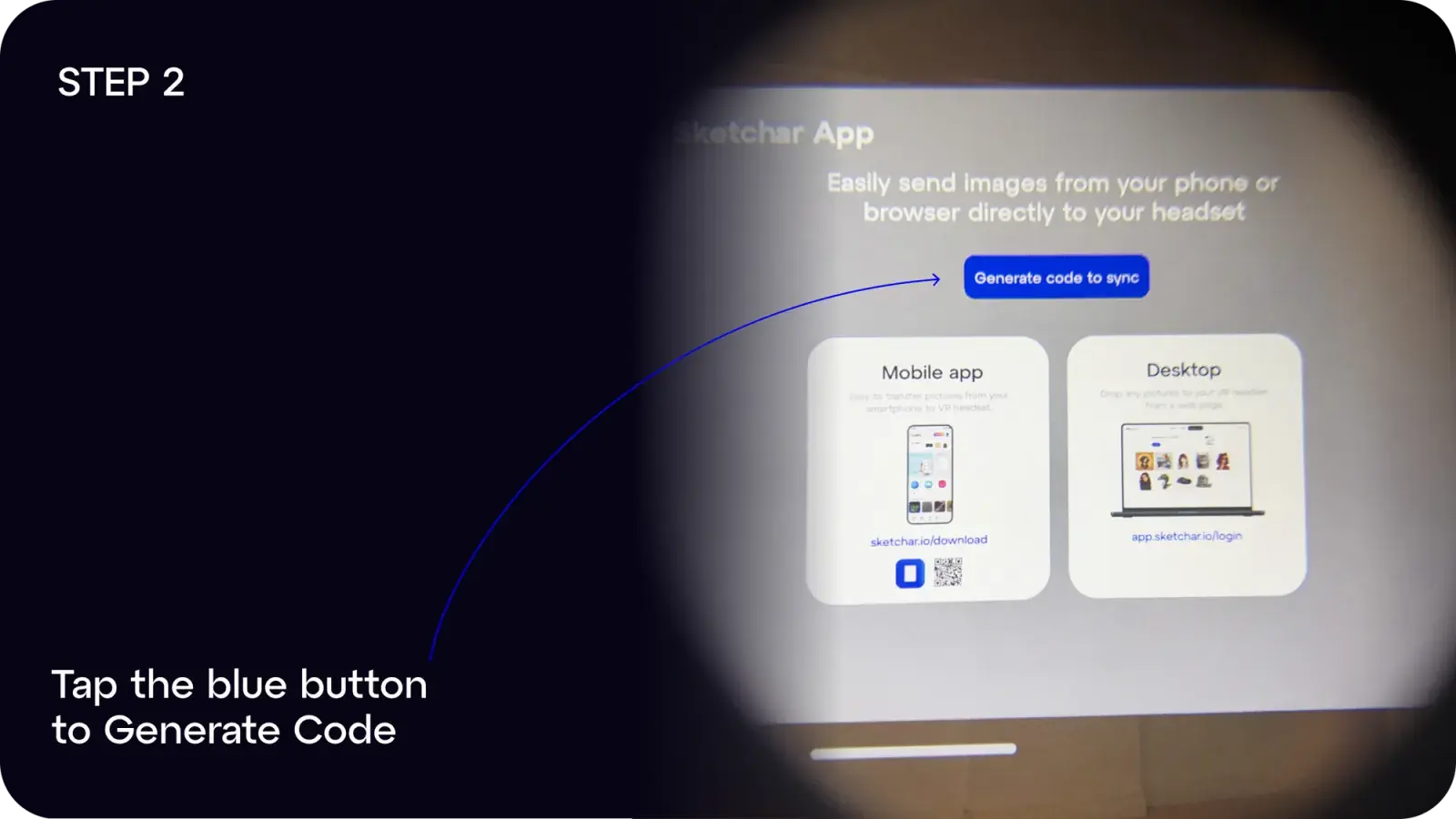
Bước 2: Chạm vào nút màu xanh để Generate Code
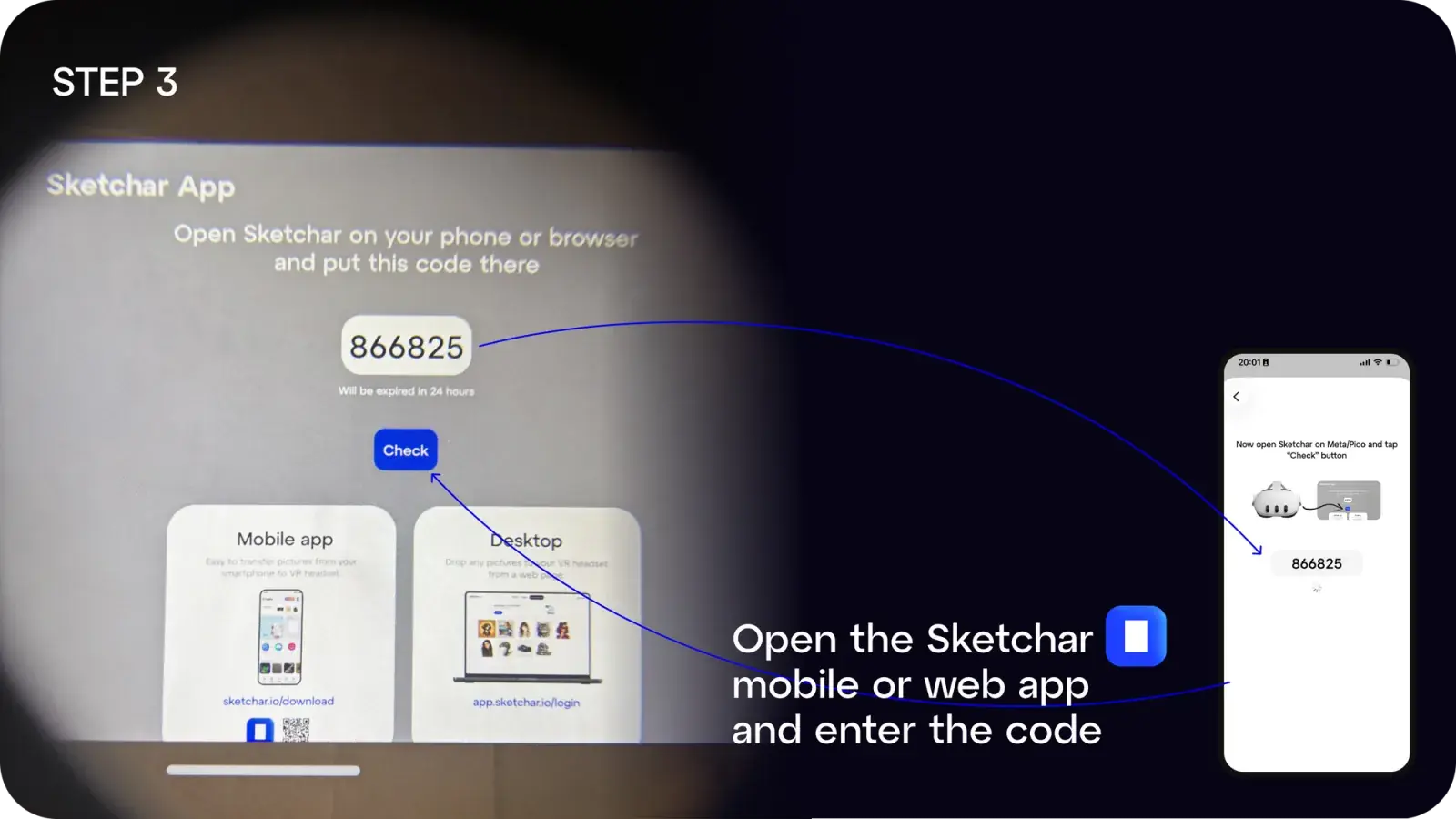
Bước 3: Trên điện thoại hoặc máy tính, mở ứng dụng Sketchar và nhập mã
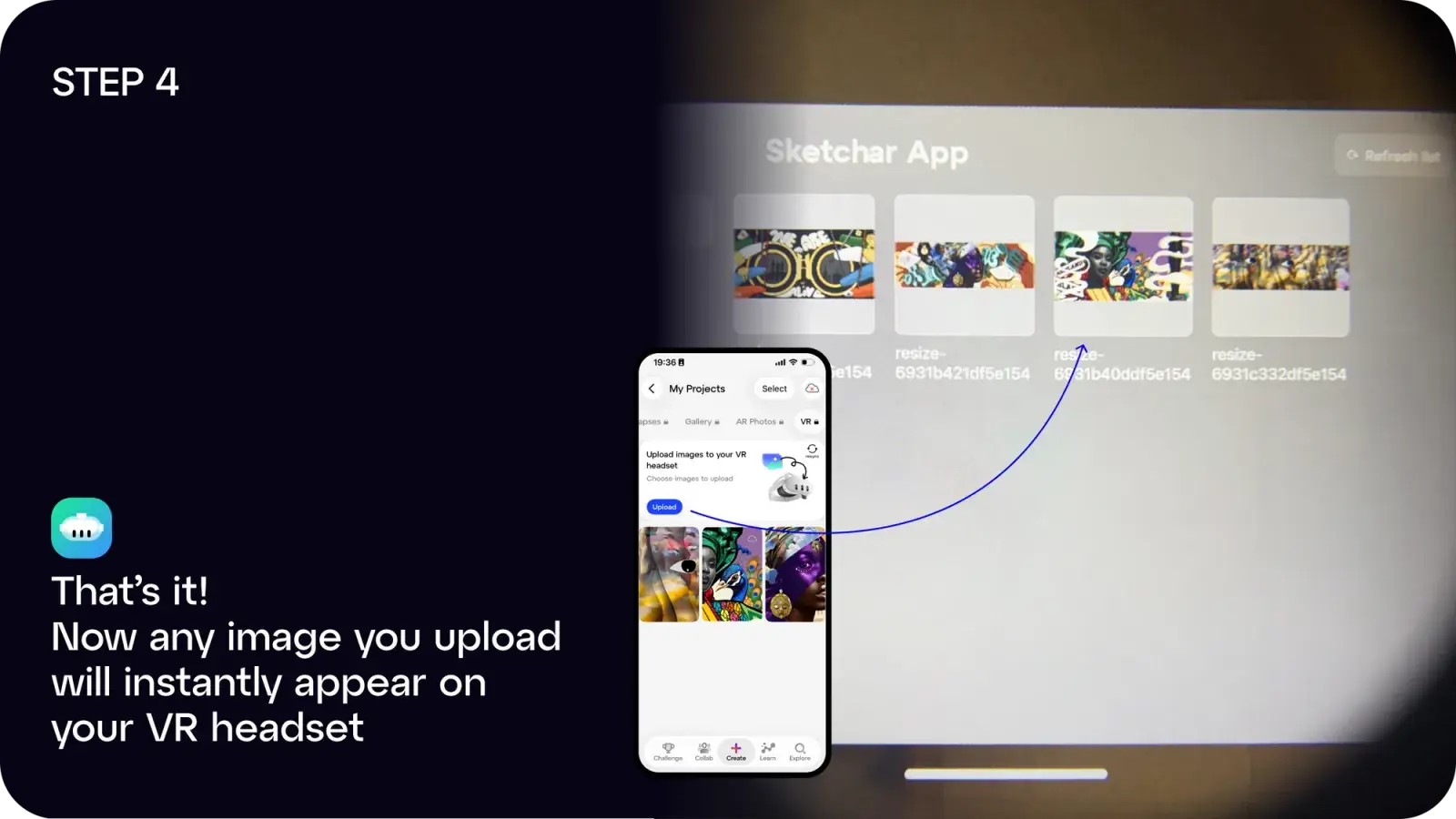
Bước 4: Xong! Bất kỳ hình ảnh nào bạn tải lên sẽ ngay lập tức xuất hiện trên kính VR
Bạn có thể:
- Tải ứng dụng Sketchar trên iOS hoặc Android, hoặc
- Dùng ứng dụng web tại app.sketchar.io/login để tải ảnh lên từ máy tính
Bạn có ý tưởng hay góp ý gì không? Hãy gửi cho chúng tôi tại hello(at)sketchar.io