


Color the World with Sketchar
Sketchar is a drawing app that projects sketches onto real surfaces – paper, walls, murals using augmented reality.
Try the AR Drawing App for Paper, Walls & Murals


As featured in











Sketchar is the only AR drawing app that works across platforms – with instant cross-device sync, and one subscription that unlocks everything everywhere.


Trusted by 15M+ creators worldwide.


AR Drawing on any surface with any device
You can sketch on Sketchar mobile app and then bring those sketches to the real world with Sketchar on VR headsets: paper, canvas, walls, or anywhere. Sketchar is the original AR drawing app for paper, walls, and canvas.
- Available on iOS, Android, Quest 3, Pico
- From beginner to PRO
- Drop images from mobile to VR in seconds

Sketch like a PRO using built-in digital Canvas
The built-in digital canvas lets you create and edit paintings and drawings using tools like brushes, layers, automatic stroke smoothing, time-lapsed process recording, and a unique liquid brush and then send them directly to the Sketchar on VR headsets

Learn to draw with 1000+ lessons – anime, celebs, animals & more
Access over 1000+ detailed drawing lessons on topics like anime, portraits, celebrities, fan art, animals, landscapes, and more.
- Unique own library of drawing courses
- Personalized growth plan

Draw together in real time
Sketchar Multiplayer lets you draw together in real time on iOS and Android. Create a room, invite anyone, and co-create on a shared canvas – the first true cross-platform collaborative drawing app for mobile.
How Sketchar works
Draw murals faster with Sketchar and VR Headset
Forget projectors and grids. Use Sketchar on Meta Quest or Pico to project your sketches onto any surface instantly. Work in daylight – no setup, no cables, no waiting.
Trusted by 15M+ creators worldwide
We receive thousands of amazing feedback messages about Sketchar, especially its AR drawing feature. Here are just a few of them:
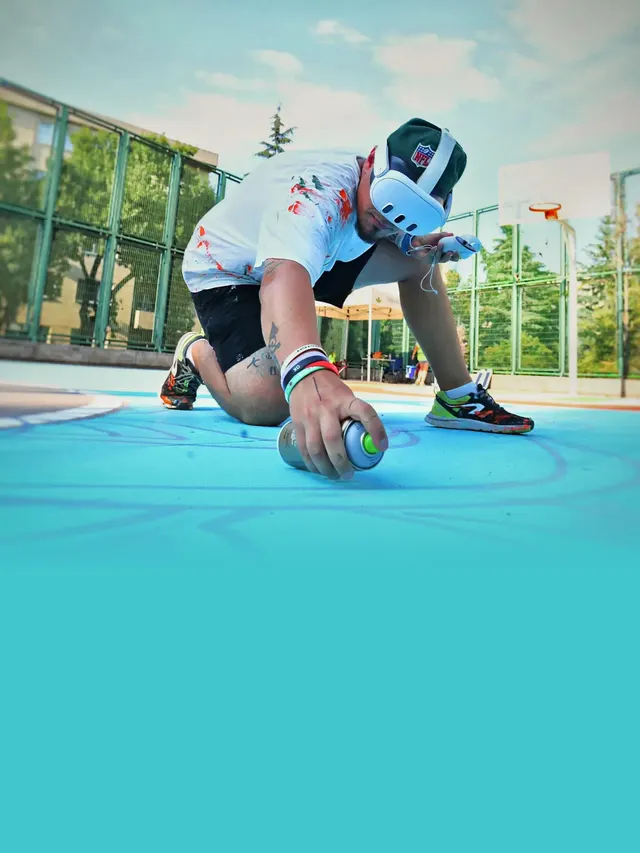
“Sketchar speeds up the process dramatically and reduces the margin of error to almost zero!”
Dukstill
Mural artist, Turkey
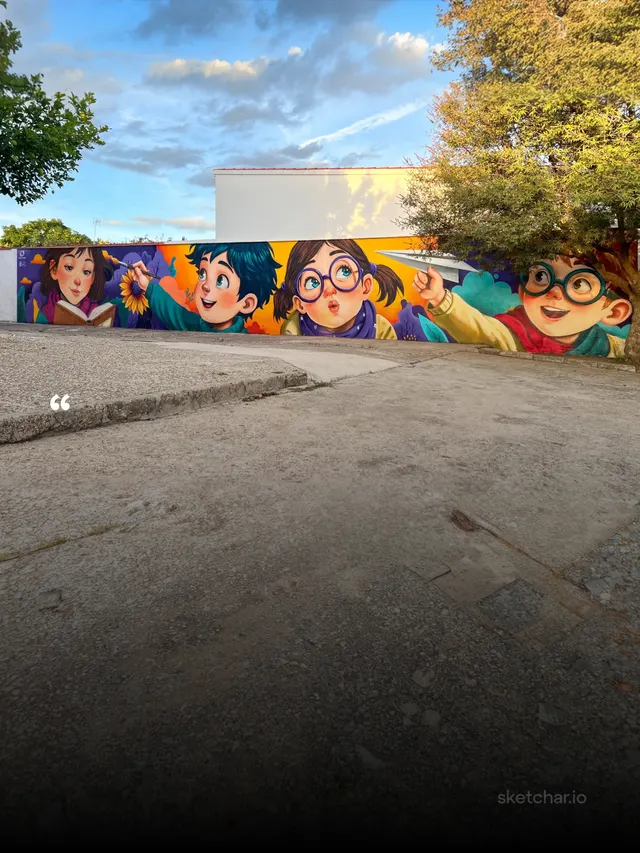
“This mural took me only 45 minutes to sketch. It measures 18×3 meters, and using the doodle technique would have taken at least 4–6 hours.”
Art Kato
Mural artist, Spain
“I discovered Sketchar during the pandemic in March, 2020 and I love it! The augmented reality sketch app has helped me improve my drawing skills via AR Drawing feature and stay away from the noise of social media.”
Amna, 21
Student, UAE
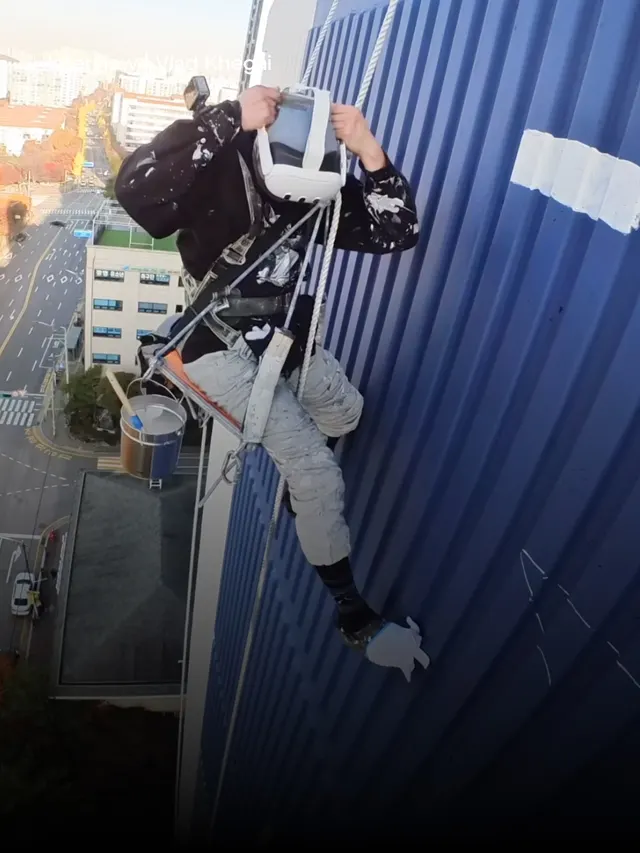
“Sketchar helps instantly determine the starting point and overall workflow. It’s a very useful tool that helps us develop new skills. And thanks to it, we’ve been getting noticeably more work.”
Painichi
Industrial painter, Korea
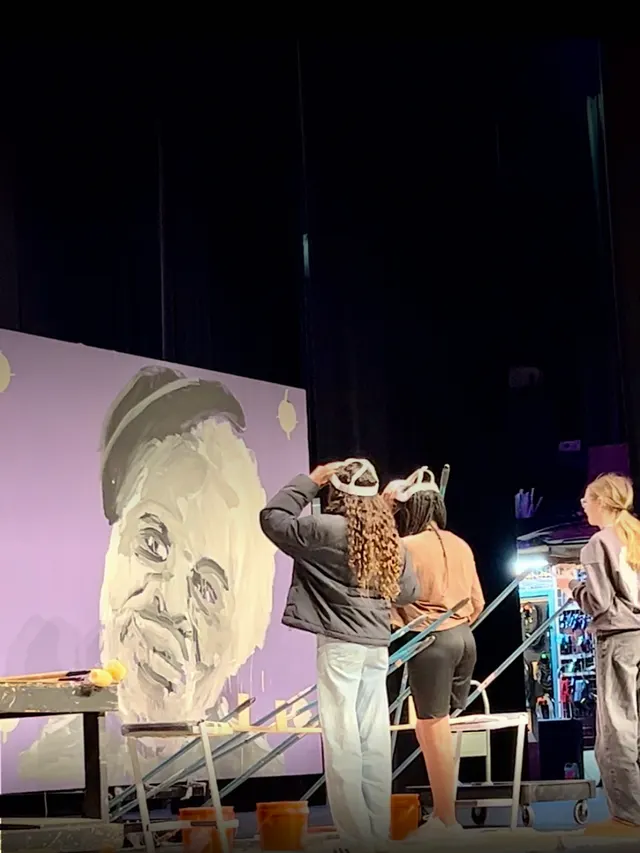
“Sketchar made us realize what’s possible in art education: three students on stage, painting a huge mural together in minutes–like one unified mind–because they’re working from the same image in different headsets.”
Dayton Colie
Visual Arts Teacher at CCSOA
“Art helps me reduce anxiety and avoid stress. I use Sketchar daily, which helps me improve my drawing skills simultaneously.”
Connor, 51
Software trainer for the social sector, UK
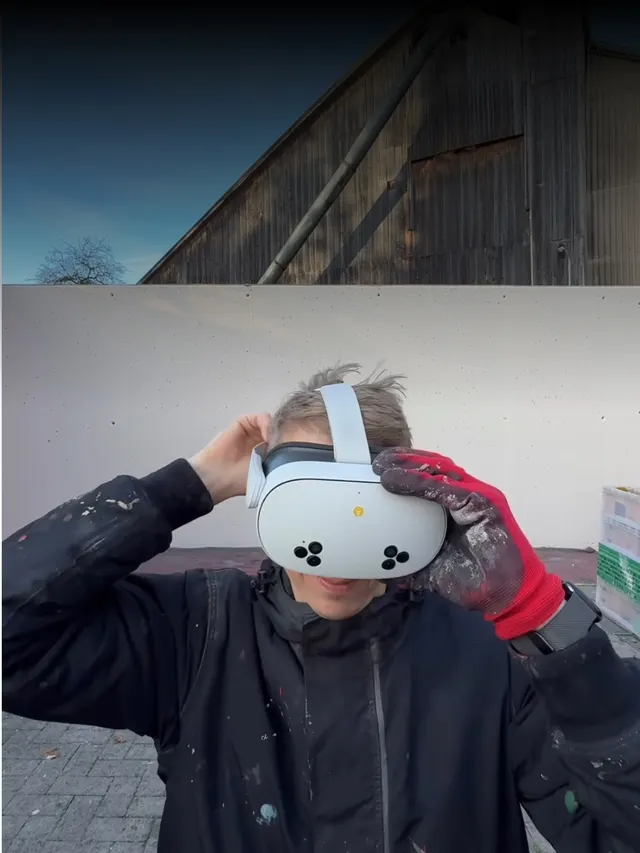
“I grew up with technology, and when I saw that Sketchar could speed up this step, I was eager to try it.”
Stone Graffiti
Mural artist, Germany
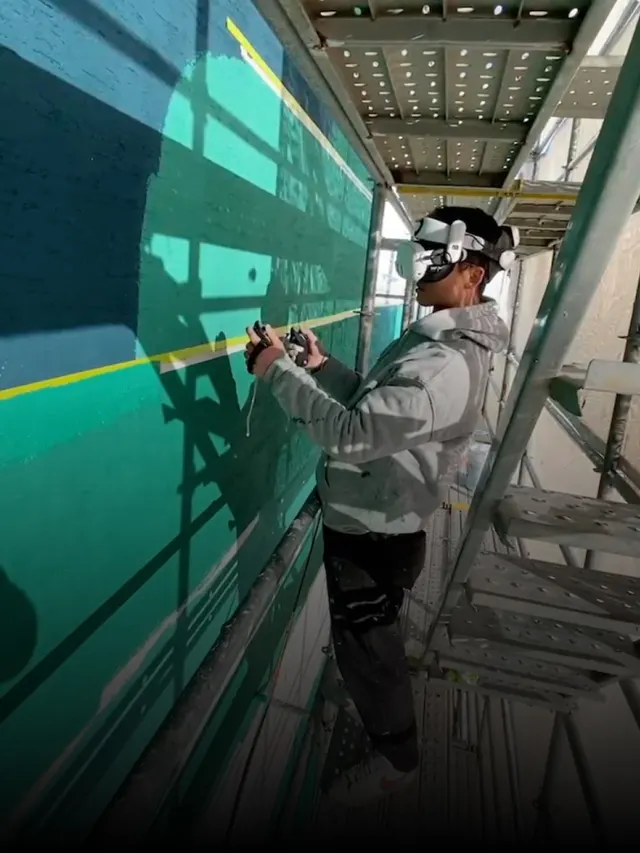
“Sketchar played an important role. It helped preserve scale and proportion during sketching, reduced the need for corrections, and improved overall efficiency.”
Kim Tae-gang
Industrial painter, Korea
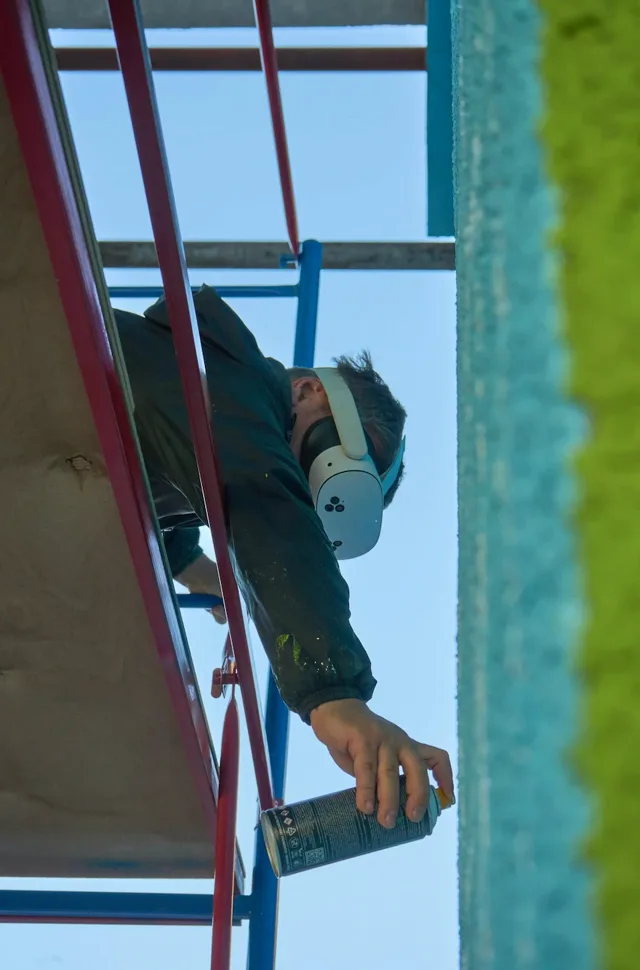
“On my two most recent murals, AR/VR layout in Sketchar clearly won on speed — and on how fast you can even begin.”
ZMOGK
Mural artist, Russia


Color the world with Sketchar
Find Sketchar on the App Store and Google Play

Or, use your phone's camera to scan and download Sketchar app.
