
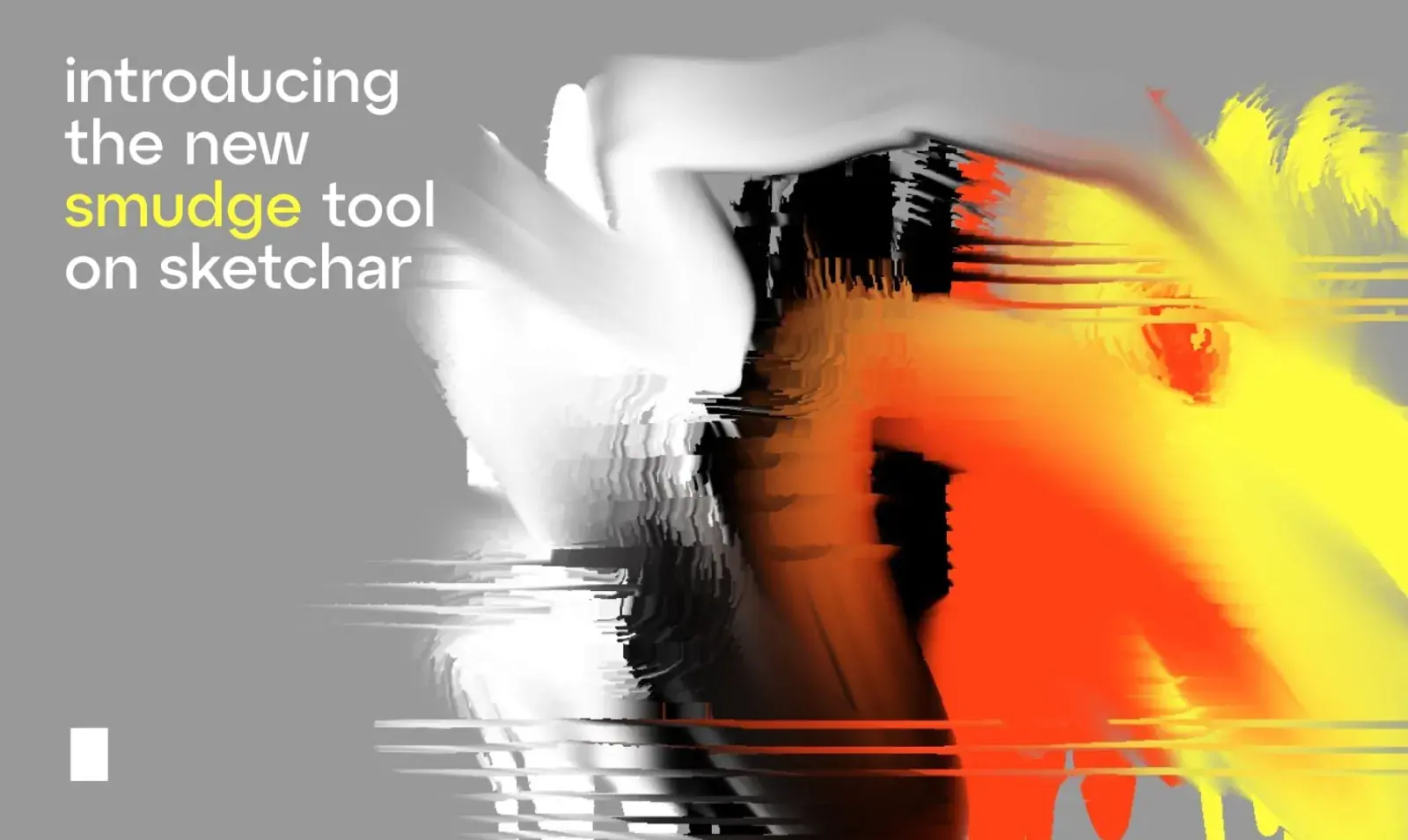
Blend colors, smooth edges, and create stunning transitions – like digital oil painting. Experiment with different brushes and bring your art to life!
Whether you’re into realistic portraits, fantasy scenes, or casual sketching, the Smudge Tool gives you a new level of artistic control. Blend colors seamlessly, soften edges, and achieve stunning effects – from smooth gradients to oil paint textures.
Why You’ll Love It:
Realistic Blending: Create smooth color transitions or dramatic painterly strokes.
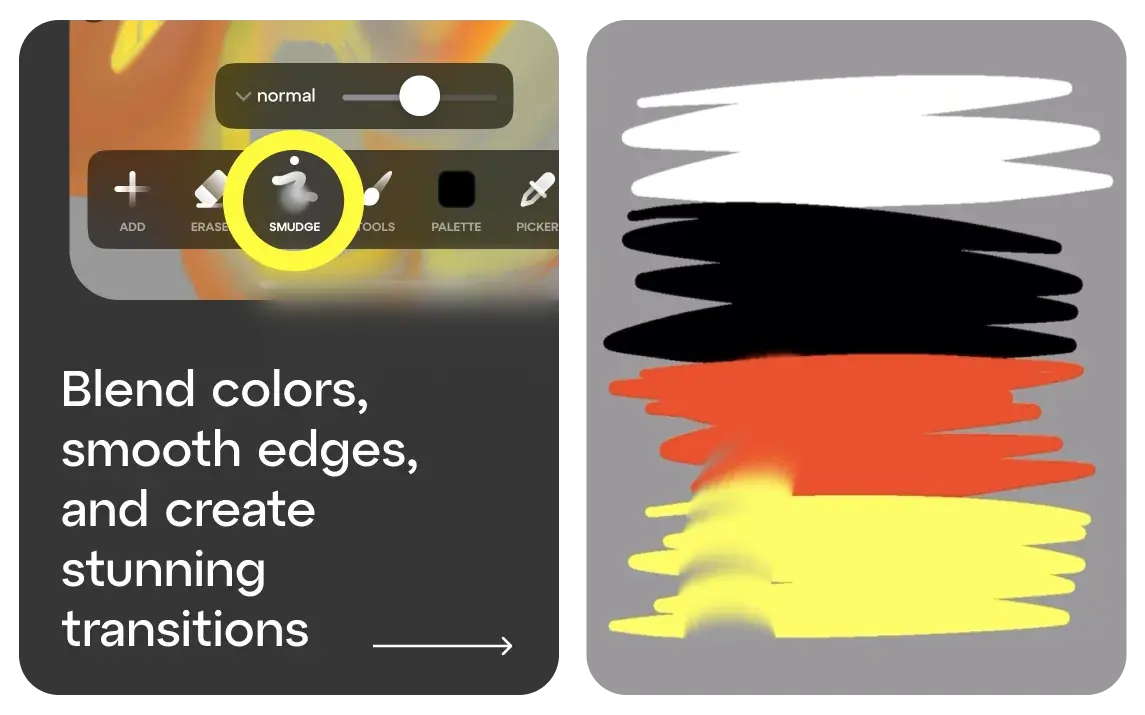
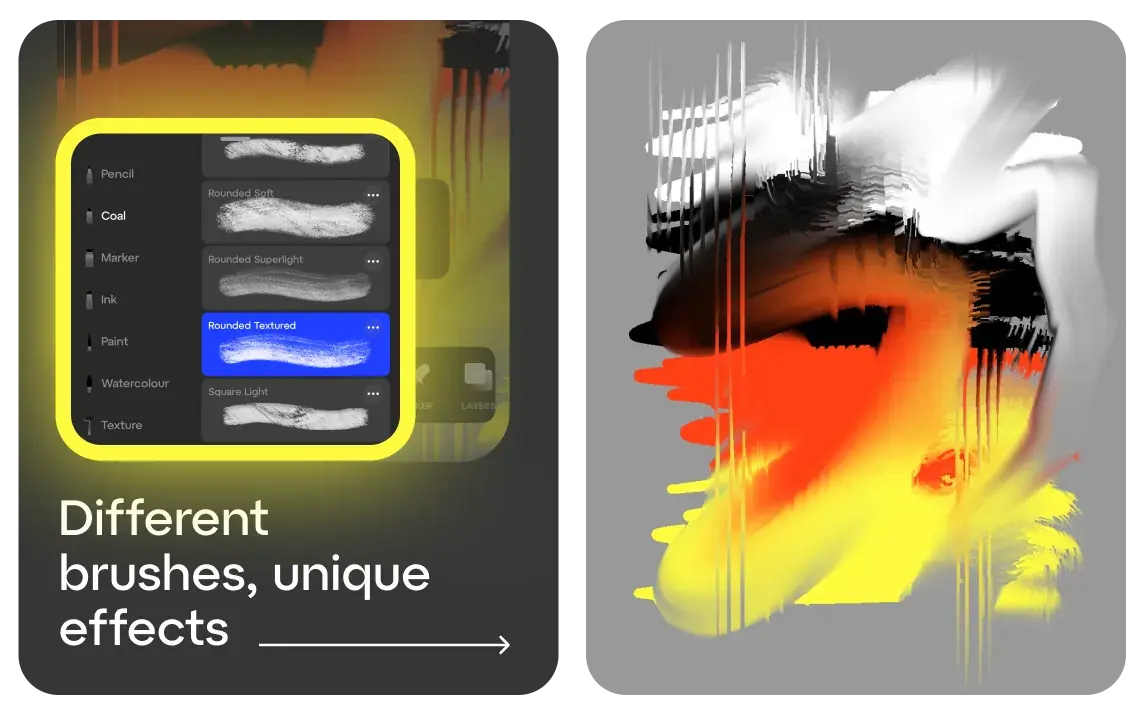
Multiple Smudge Brushes: Choose from various styles to match your art needs.
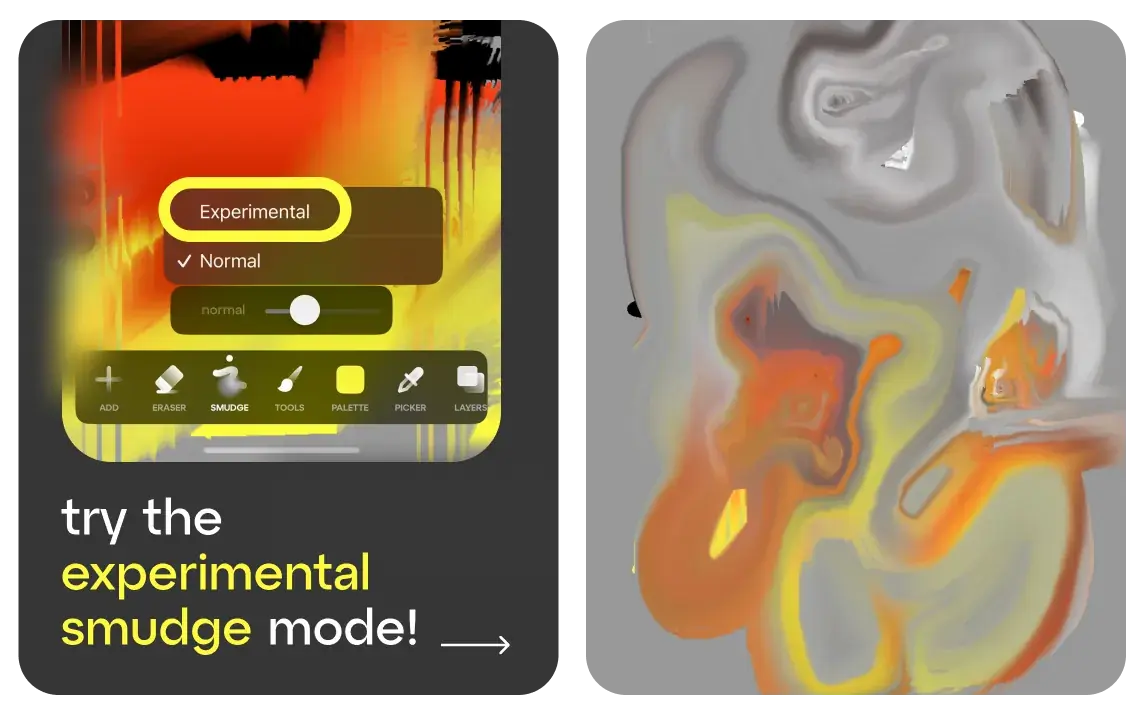
Intensity Control and experimental mode: Fine-tune the effect for subtle shading or rich, expressive blending.
Who is it for?
Whether you’re a beginner exploring how to draw or a seasoned digital art fan looking for professional tools, this feature opens new creative possibilities.
How to Start:
- Open any canvas in the Sketchar drawing app
- Tap the brush icon and select Smudge Tool
- Choose your brush, adjust intensity, and start blending!
🎨 Update Sketchar on iOS and take your digital art to the next level.
Smudge. Blend. Create.
▋
Team Sketchar