
Free drawing app with a powerful digital canvas
Canvas on the Sketchar app is the perfect drawing pad to learn to draw, create stunning art easily and progress faster.


As featured in










This free drawing tool offers a simple, intuitive interface combined with powerful tools to help you learn to draw like a pro

No steep learning curve
– start drawing right away!

Focus on your art
not figuring out the app.

Perfect for beginners
and those looking for a free drawing app to get started.
Canvas features
Whether you're creating a sketch, doodling, or working on detailed illustrations, the streamlined interface ensures that all tools are accessible and easy to understand.

Variety of brushes for every style
Experiment with diverse range of brushes and different effects tailored to fit every style and drawing technique.
Choose from different brush types to suit your needs–pencil, marker, or paintbrush.
- All styles
- Flexible brush settings
- Intuitive interface

Smoothing strength for prettier strokes
Say goodbye to shaky lines! The Smoothing Strength feature ensures that every stroke you make looks professional and polished.
- Automatically refines your brushstrokes in real time.
- Perfect for drawing straight lines, smooth curves, and intricate details.
- For beginners and PRO

Layers: maximum control over your art
Sketchar's Canvas includes a layering system that gives you complete creative freedom.
- Add up to 10 layers to organize your artwork
- Move, hide, drag, or merge layers effortlessly
- Edit specific parts of your drawing without affecting the rest
AR Preview: see your artwork in real life
Bring your creations to life with Augmented Reality (AR) Preview, a standout feature in Sketchar.
Our mission
Discover and unveil the hidden creative talent in everyone, and accelerate it from doubt to confidence.
Trusted by 15M+ creators worldwide
We receive thousands of amazing feedback messages about Sketchar, especially its AR drawing feature. Here are just a few of them:
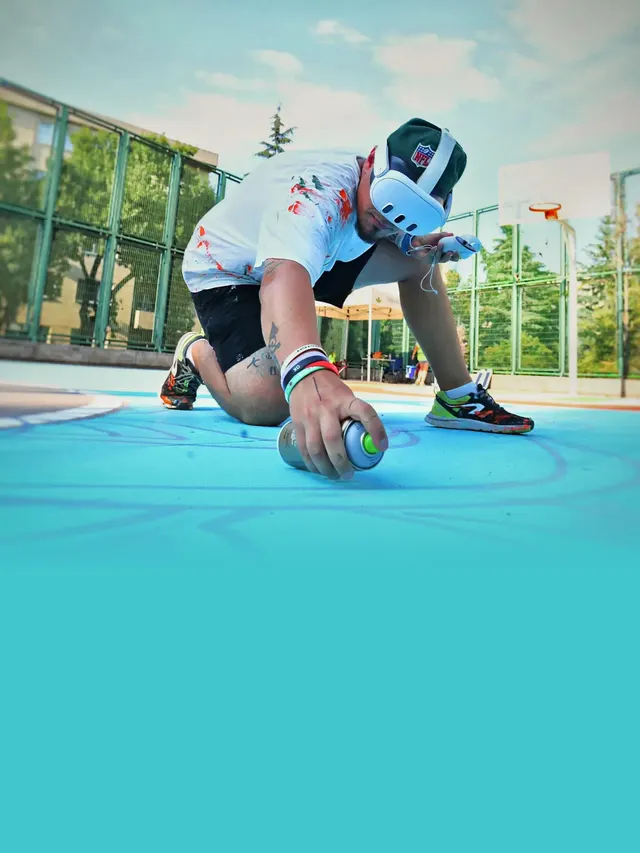
“Sketchar speeds up the process dramatically and reduces the margin of error to almost zero!”
Dukstill
Mural artist, Turkey
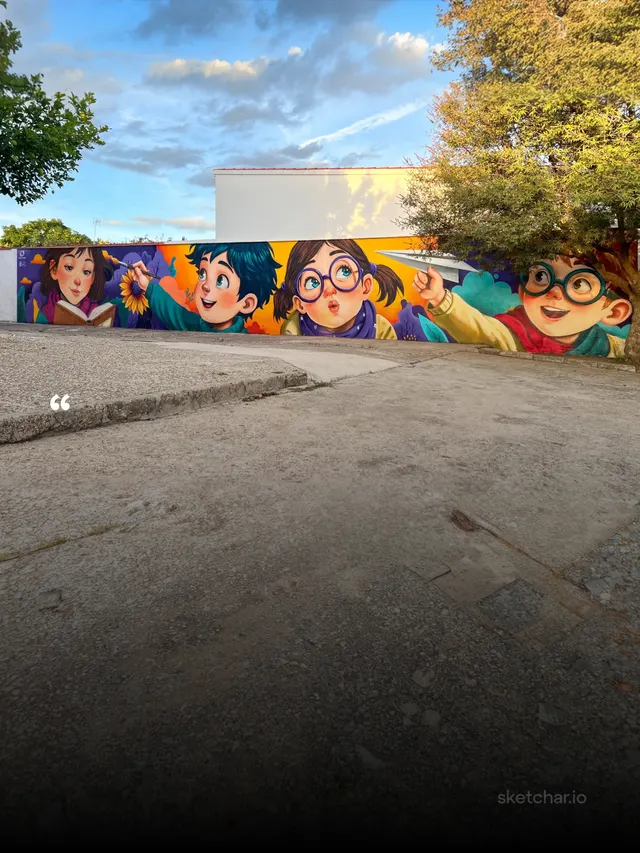
“This mural took me only 45 minutes to sketch. It measures 18×3 meters, and using the doodle technique would have taken at least 4–6 hours.”
Art Kato
Mural artist, Spain
“I discovered Sketchar during the pandemic in March, 2020 and I love it! The augmented reality sketch app has helped me improve my drawing skills via AR Drawing feature and stay away from the noise of social media.”
Amna, 21
Student, UAE
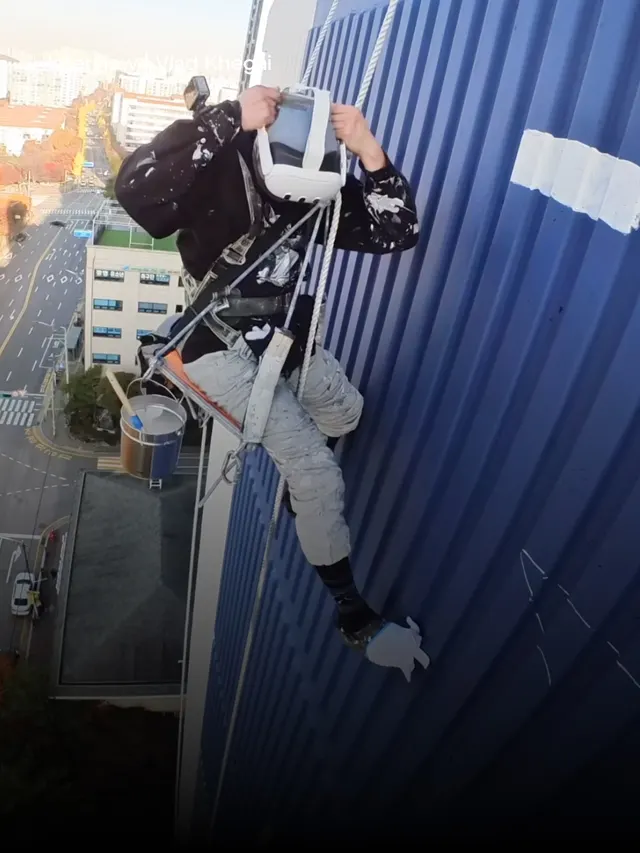
“Sketchar helps instantly determine the starting point and overall workflow. It’s a very useful tool that helps us develop new skills. And thanks to it, we’ve been getting noticeably more work.”
Painichi
Industrial painter, Korea
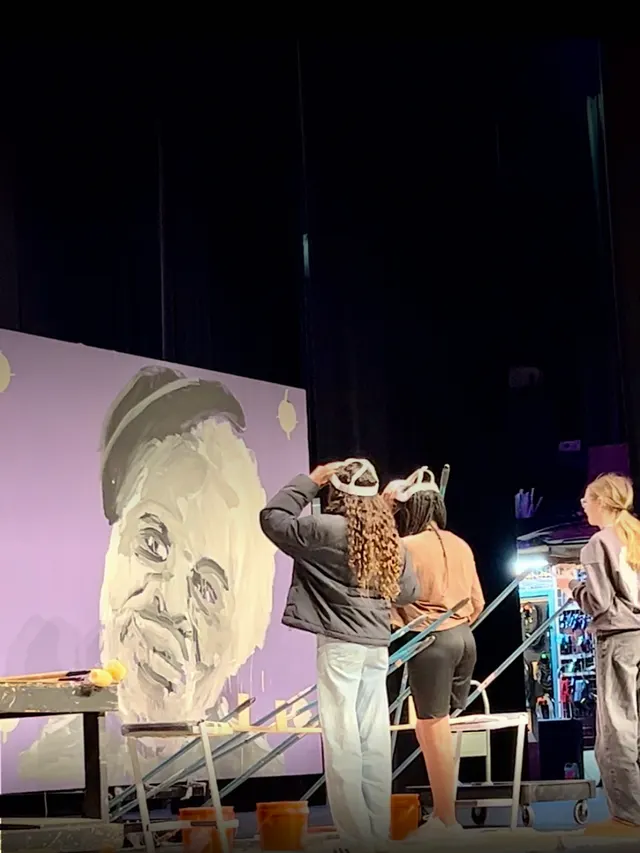
“Sketchar made us realize what’s possible in art education: three students on stage, painting a huge mural together in minutes–like one unified mind–because they’re working from the same image in different headsets.”
Dayton Colie
Visual Arts Teacher at CCSOA
“Art helps me reduce anxiety and avoid stress. I use Sketchar daily, which helps me improve my drawing skills simultaneously.”
Connor, 51
Software trainer for the social sector, UK
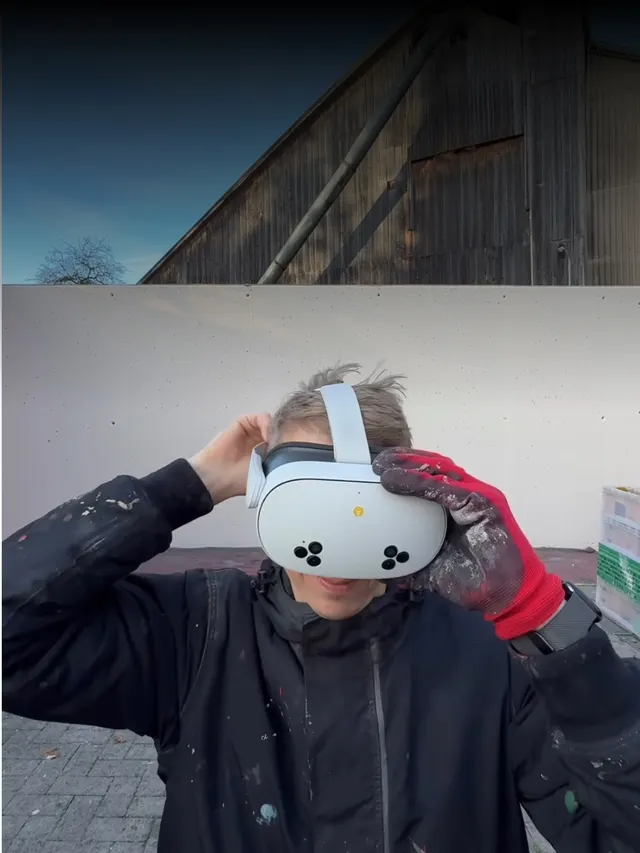
“I grew up with technology, and when I saw that Sketchar could speed up this step, I was eager to try it.”
Stone Graffiti
Mural artist, Germany
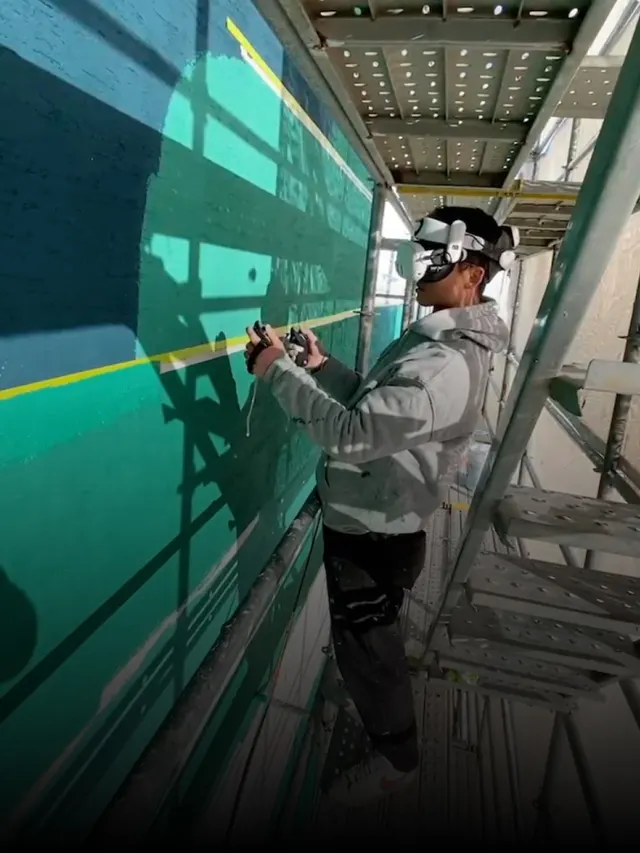
“Sketchar played an important role. It helped preserve scale and proportion during sketching, reduced the need for corrections, and improved overall efficiency.”
Kim Tae-gang
Industrial painter, Korea
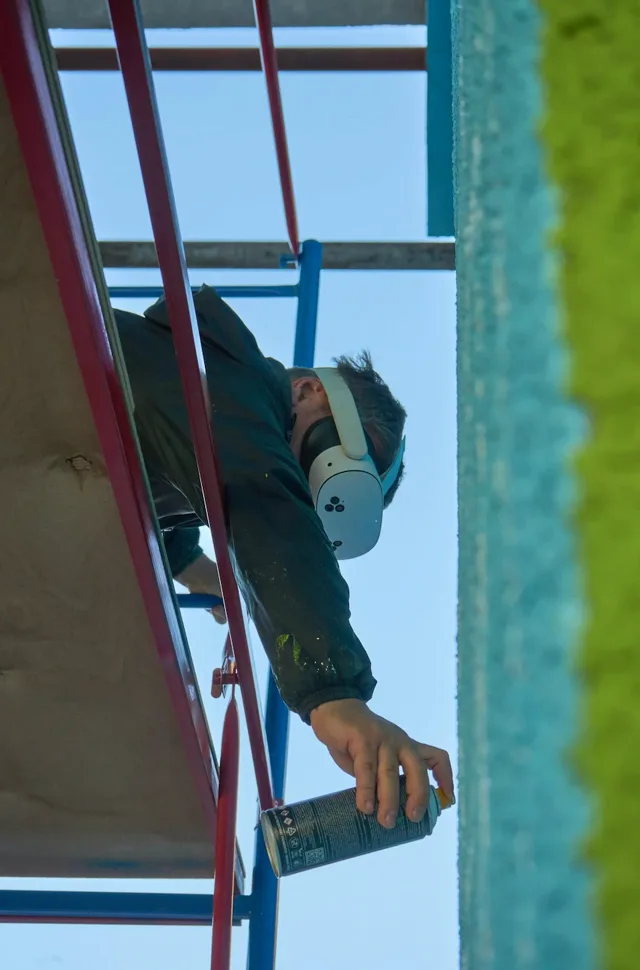
“On my two most recent murals, AR/VR layout in Sketchar clearly won on speed — and on how fast you can even begin.”
ZMOGK
Mural artist, Russia


Color the world with Sketchar
Find Sketchar on the App Store and Google Play

Or, use your phone's camera to scan and download Sketchar app.
