25 Years of Graffiti Meets AR/VR Mural Tools: 5 Questions for Konstantin Zmogk
Konstantin Zmogk has been painting graffiti for over 25 years — and just used Sketchar for the first time to sketch a mural. Here are the five questions we asked him about AR drawing, VR mural painting and the new Paint Calculator.
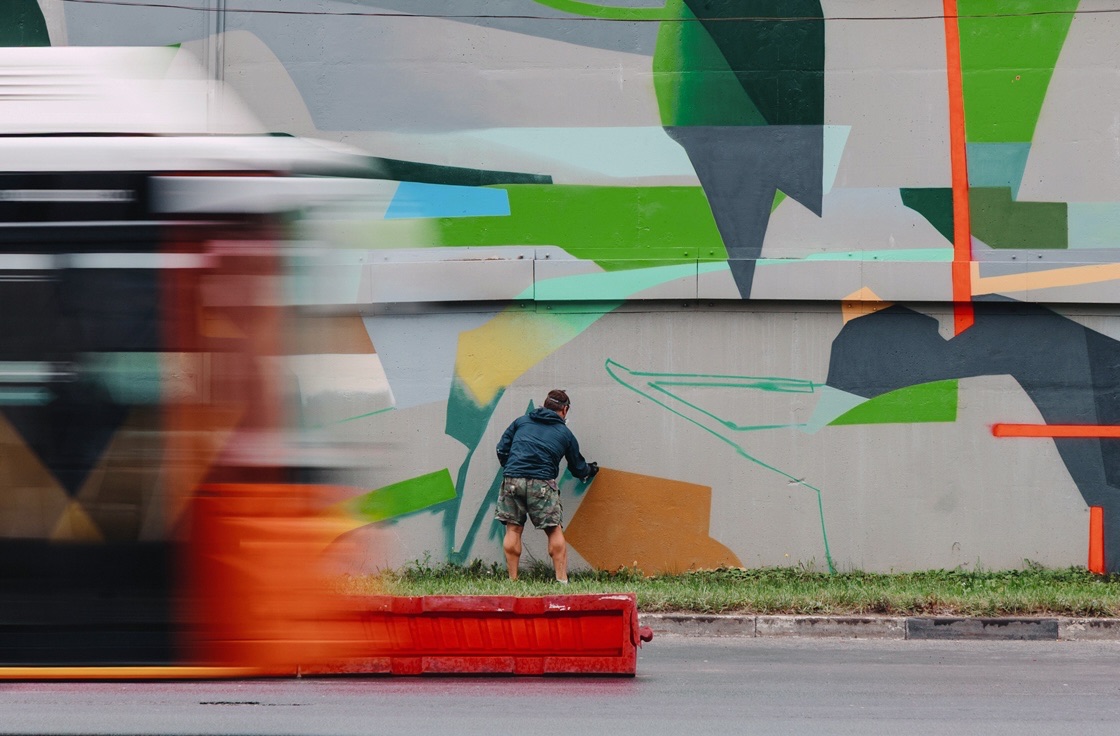
Konstantin Zmogk is one of those artists whose hand you recognise before you read the signature. More than 25 years in graffiti, a style that is entirely his own, and walls in cities where the paint has long since become part of the architecture.
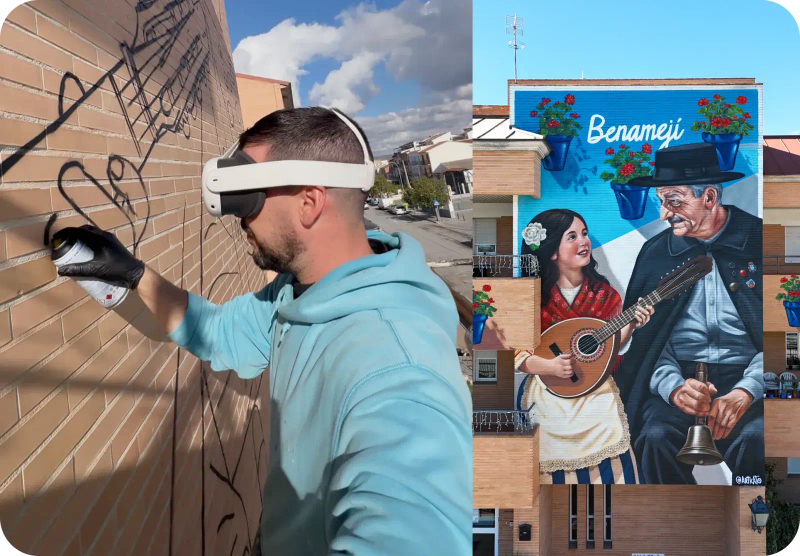
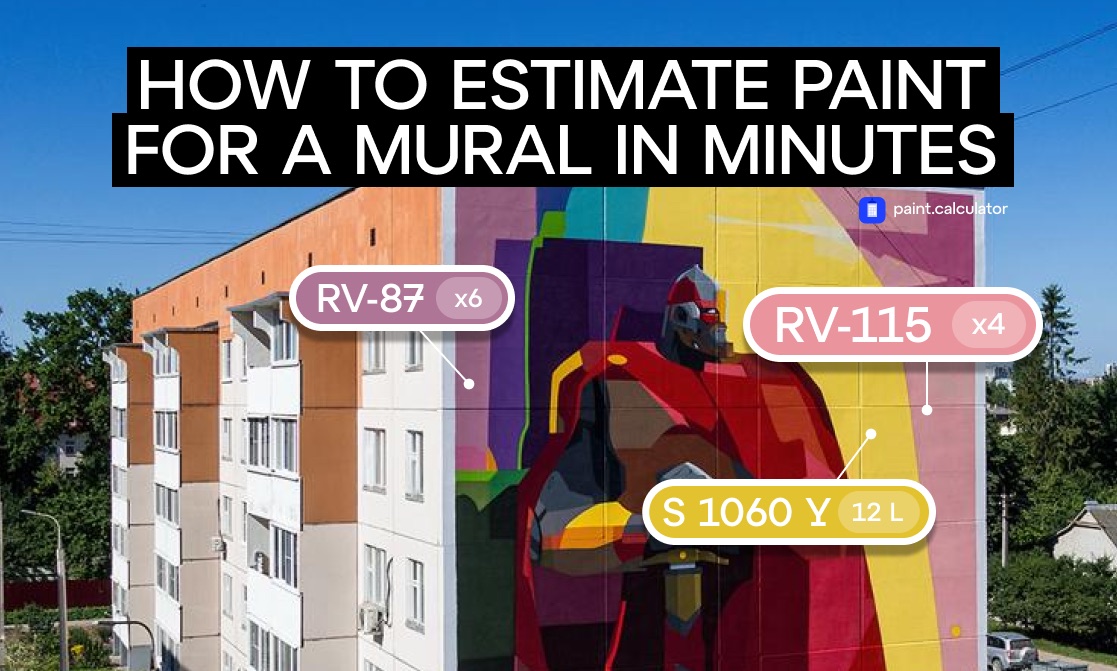
Recently he did something unexpected for an artist with that kind of mileage: he opened the Sketchar app and used it to lay out a mural for the first time. He also worked closely with our team on Paint Calculator — a tool that estimates paint and materials for a facade — and now uses it to build full cost estimates in minutes.
After three decades, Konstantin can grid a wall, scale a sketch and hold proportions by eye. So the obvious question: what makes an experienced artist pick up an AR drawing app at all? This artist interview is about exactly that — what the first session with mural projection on a wall actually felt like, where it clicked instantly, and where old habits pushed back.
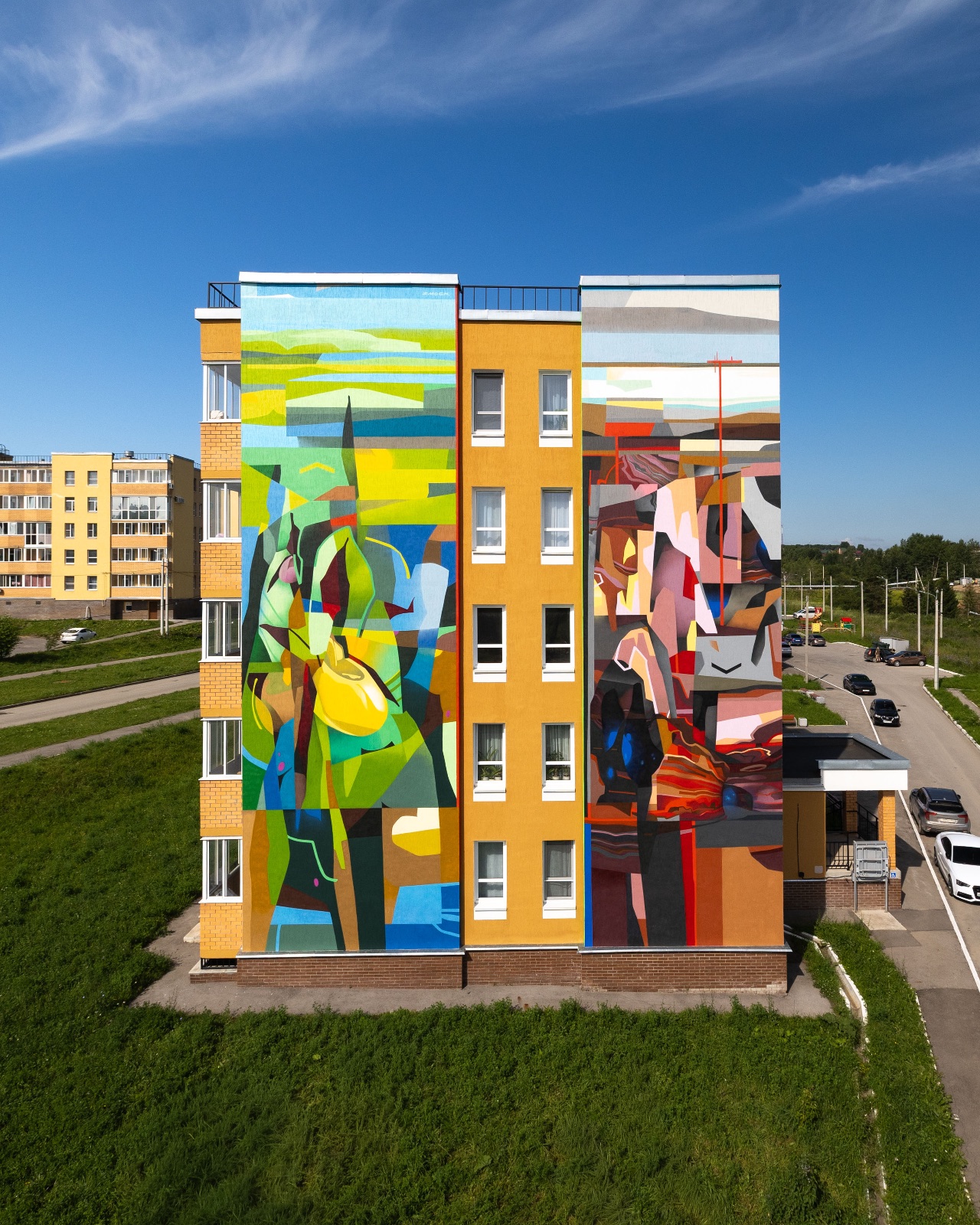
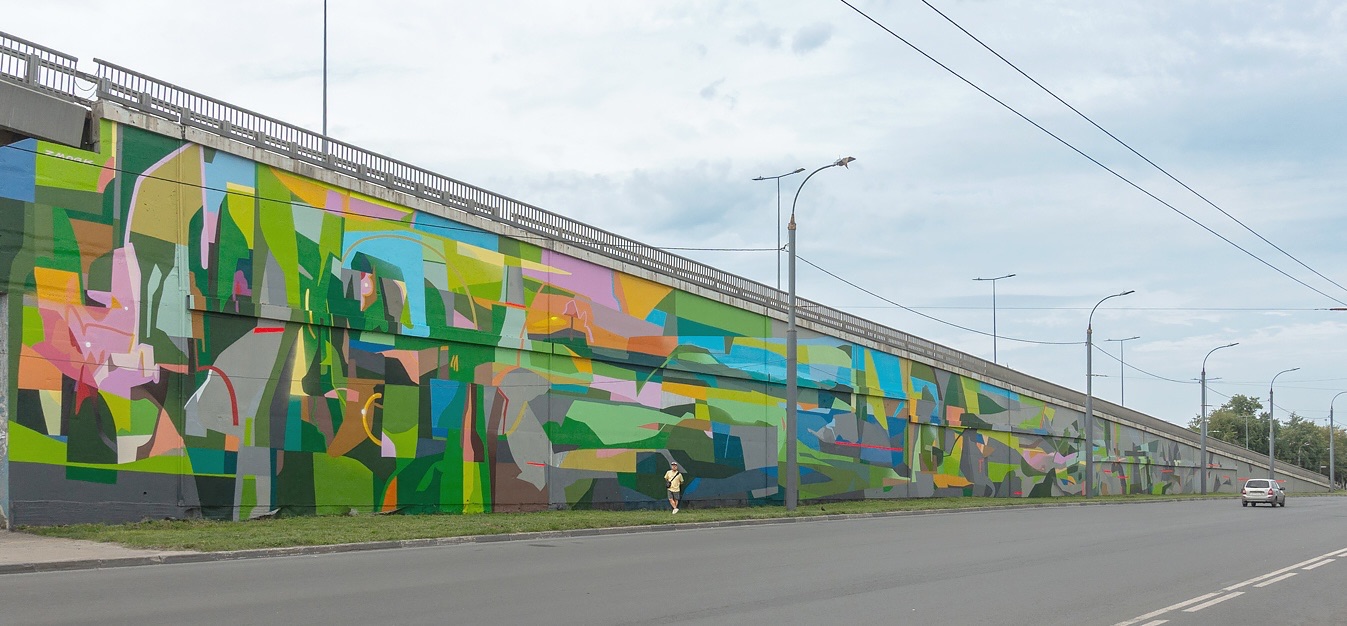 "Layers of disapperance", 2025. 1st Biennale of Environmental Art, "Air" project, Nizhny Novgorod
1. Why switch tools when you can already do it "the old way"?
"I've been in street art for more than 25 years. In that time I've mapped out walls with every method available: projector, doodles, grid — and most recently augmented reality with the Sketchar app. Each one has its pros and cons depending on the conditions.
The first session was instructive and genuinely fun. In the first half hour I made every possible mistake — the kind that would normally slow the layout down badly. But you figure out the joysticks, the tools and the functionality fairly quickly; after a while the movements become intuitive and fitting the sketch to the wall speeds up. On the second mural I already knew what to account for, and everything went much faster and felt more natural.
There are technical limitations that still make other methods feel more precise, but as the technology develops I'm convinced those limits will shrink.
I don't see AR as a replacement for the old methods — it's a new tool, and I can see the potential for it to eventually top the list. Right now its value depends on the specific wall and the specific task."
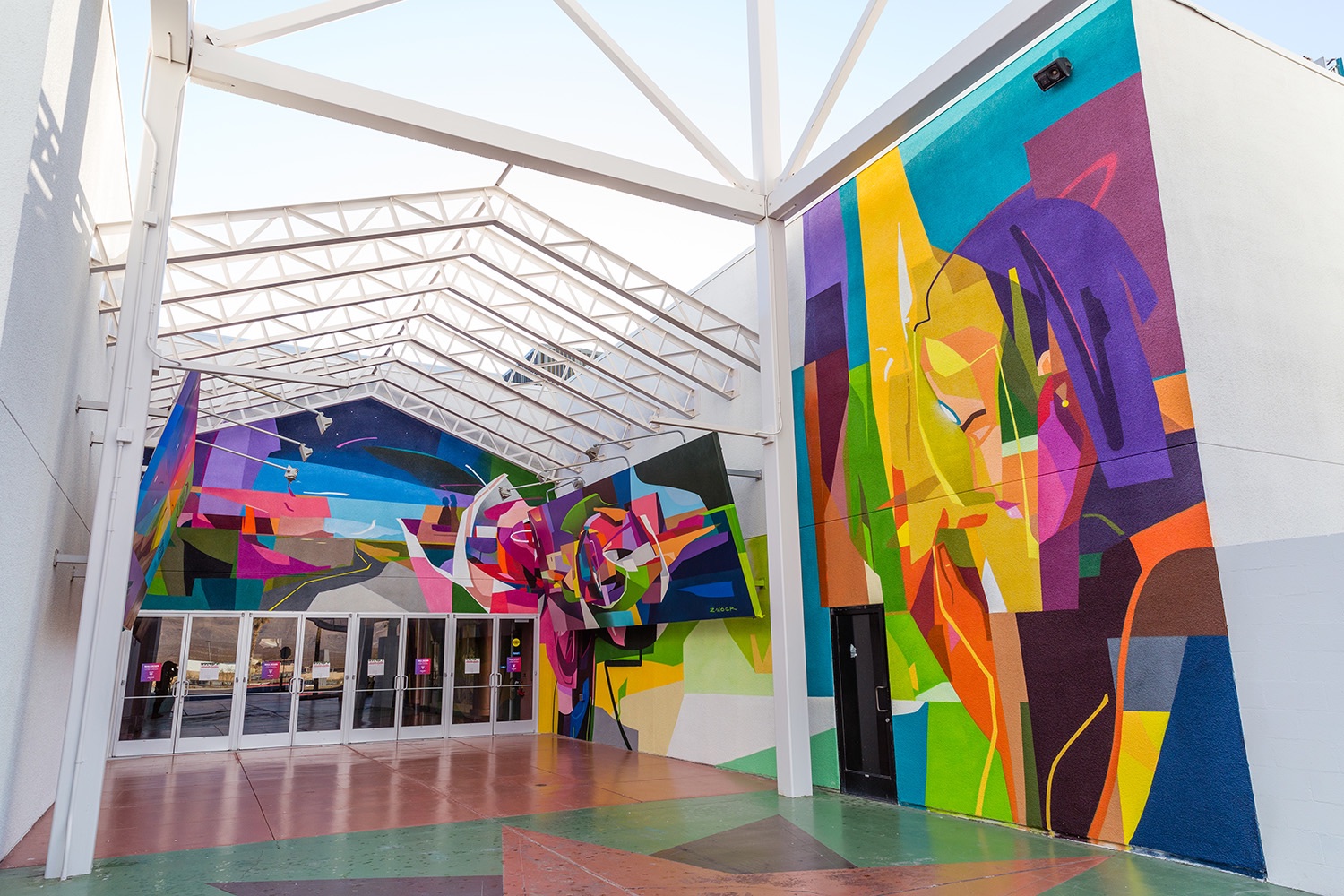
2. What are the real benefits of AR and VR for a professional artist?
"The main advantage for me is that I can start the layout almost immediately. On my two most recent murals, AR/VR layout in Sketchar clearly won on speed — and on how fast you can even begin. Another big plus: you're not tied to the time of day, the way you are with a projector. With a grid or doodles you constantly have to check back against the sketch. With AR, you don't."
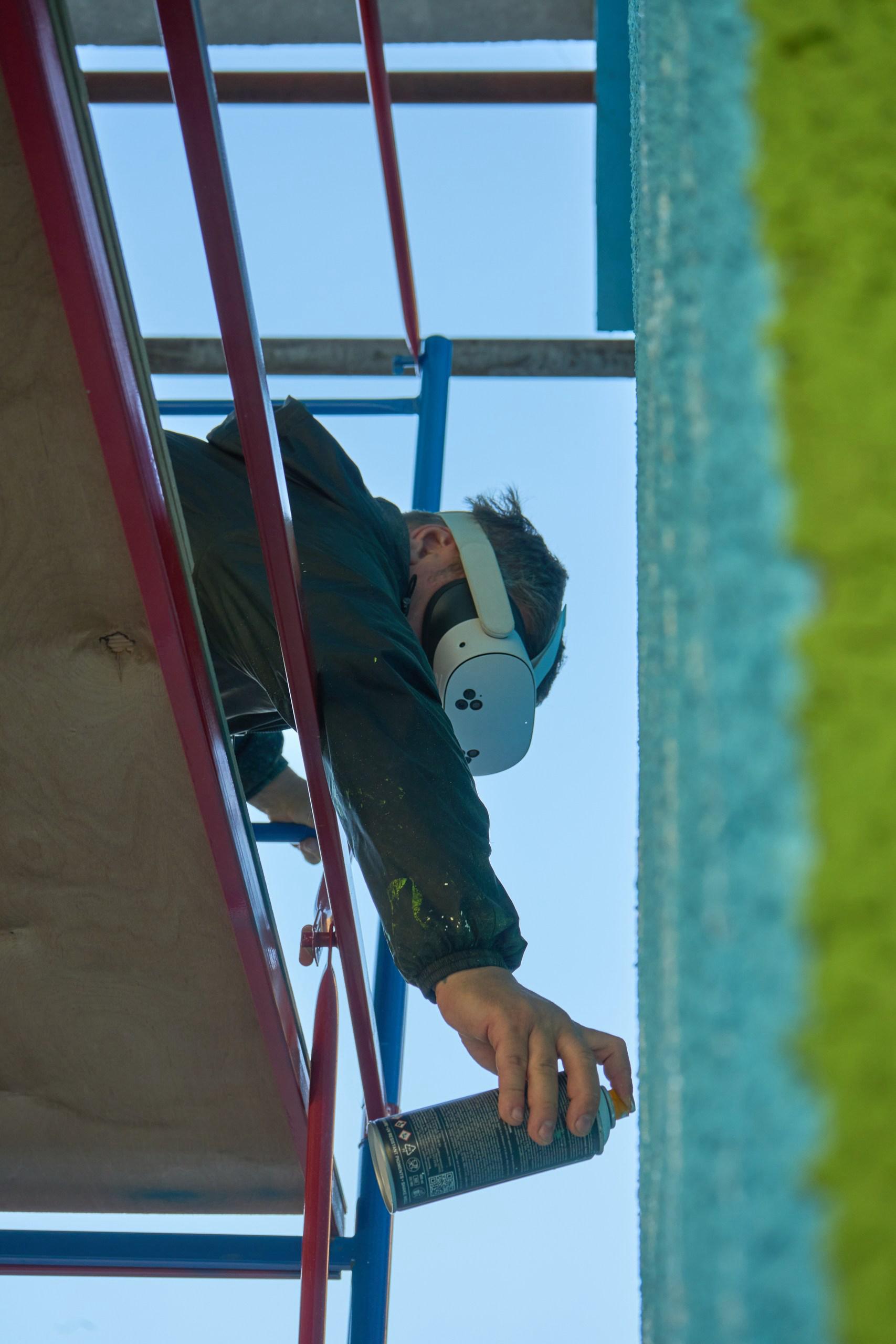
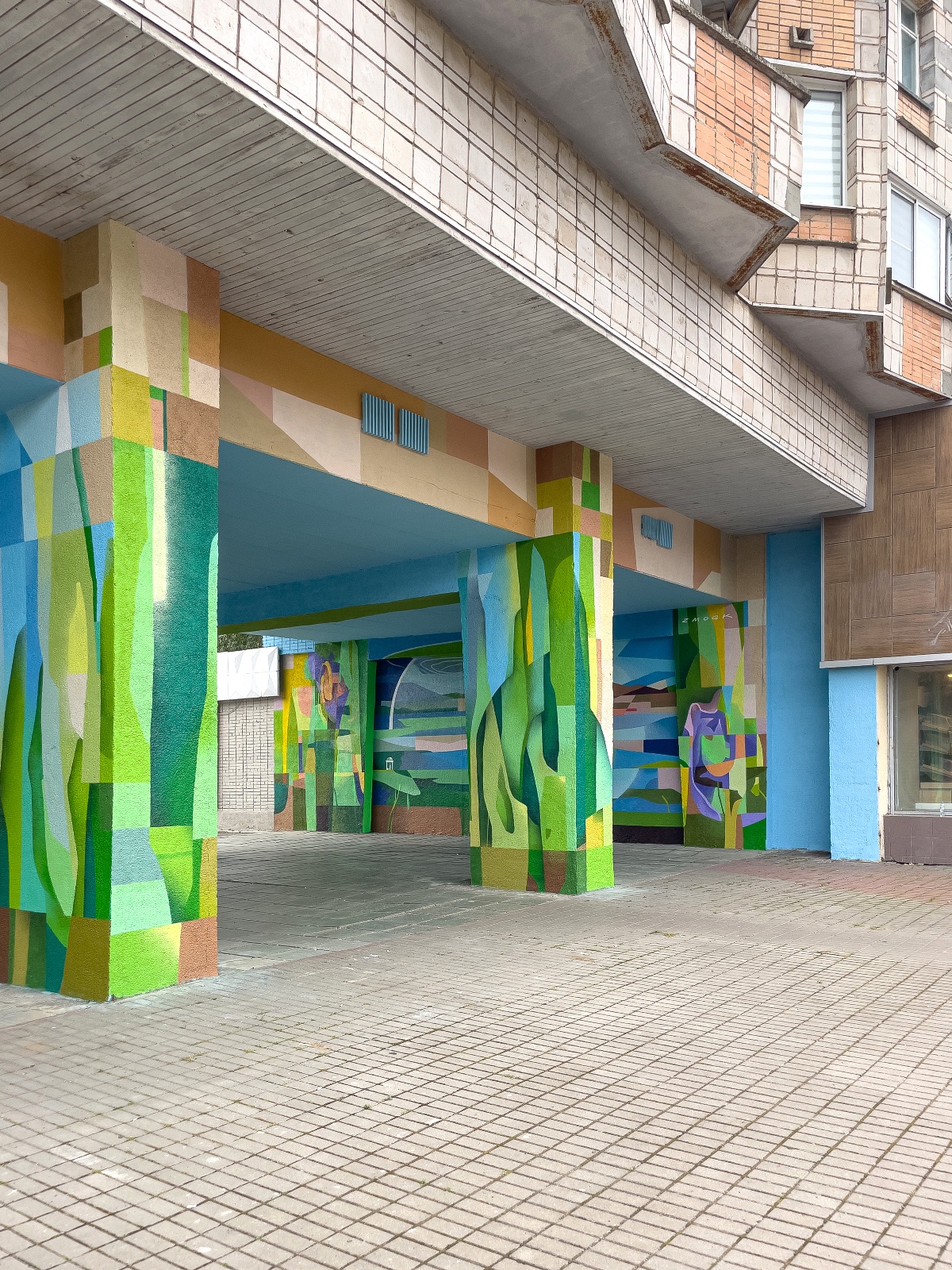
Photo by Anna Snegovskaya
3. How did Paint Calculator change the way you quote a job?
"I used Paint Calculator for both of my last murals, alongside my old method of counting cans: pixel counts per colour in Photoshop, plus a formula, plus a little extra.
The calculator helped me understand exactly which colour on the sketch corresponds to which product from the chosen brand — that part got noticeably faster. I still calculated the volumes with my old method and cross-checked them against the calculator. Essentially, I kept testing it."
4. Is it cheating to use Sketchar if you already know how to draw?
"No. If you can draw, if you have the knowledge and the skills, you'll use this tool in addition to them — at the right moment, to the right degree. Remember the camera obscura.
For me, cheating starts where technology replaces the very skill that makes up the essence of the action. I've seen people use AR to lay out a small calligraphic piece. But calligraphy is precisely about the movement of the hand, brush control, rhythm, the accuracy of the gesture. There, the technology does the work for you and strips out most of the meaning, leaving you to trace a projection and fill it in.
If that same lettering were several dozen metres wide — where the physiology of the arm can no longer hold the gesture and the brush width goes beyond reason — then AR becomes a perfectly appropriate technical tool for a task the body can't do directly.
Cheating weakens the person using it first. It's a short-term gain and a guaranteed failure over distance, if there are no real skills and knowledge behind it."
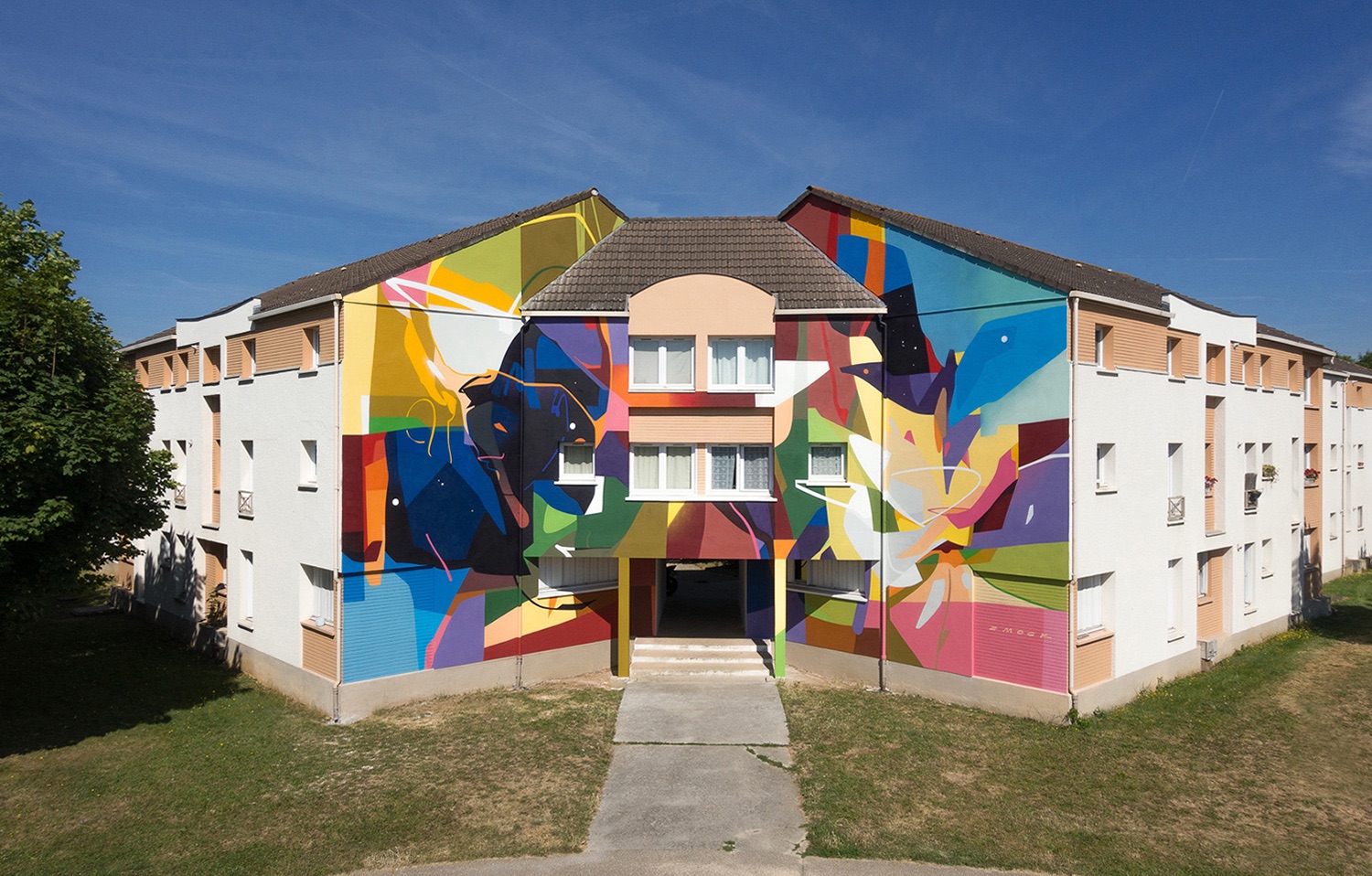 Lieusaint, France. Wall street art, Grand-Paris-Sud, 2019
If you can draw, if you have the knowledge and the skills, you'll use this tool in addition to them — at the right moment, to the right degree.
5. What would you recommend to other artists?
"Work on your own abilities first — the accuracy of your eye and the steadiness of your hand. New tools should be added to your arsenal and tested in real work. Technology should save time or solve a specific problem, but never replace your understanding of composition, the colour wheel, or the skill of drawing itself."
What we took away from this artist story
Zmogk's answers point in one direction: AR and VR don't shorten the creative journey, they shorten the setup. The sketch still has to be good. The composition, the colour relationships and the eye still belong to the artist — the headset just gets the drawing onto the wall faster, in any light, without a projector and without redrawing a grid.
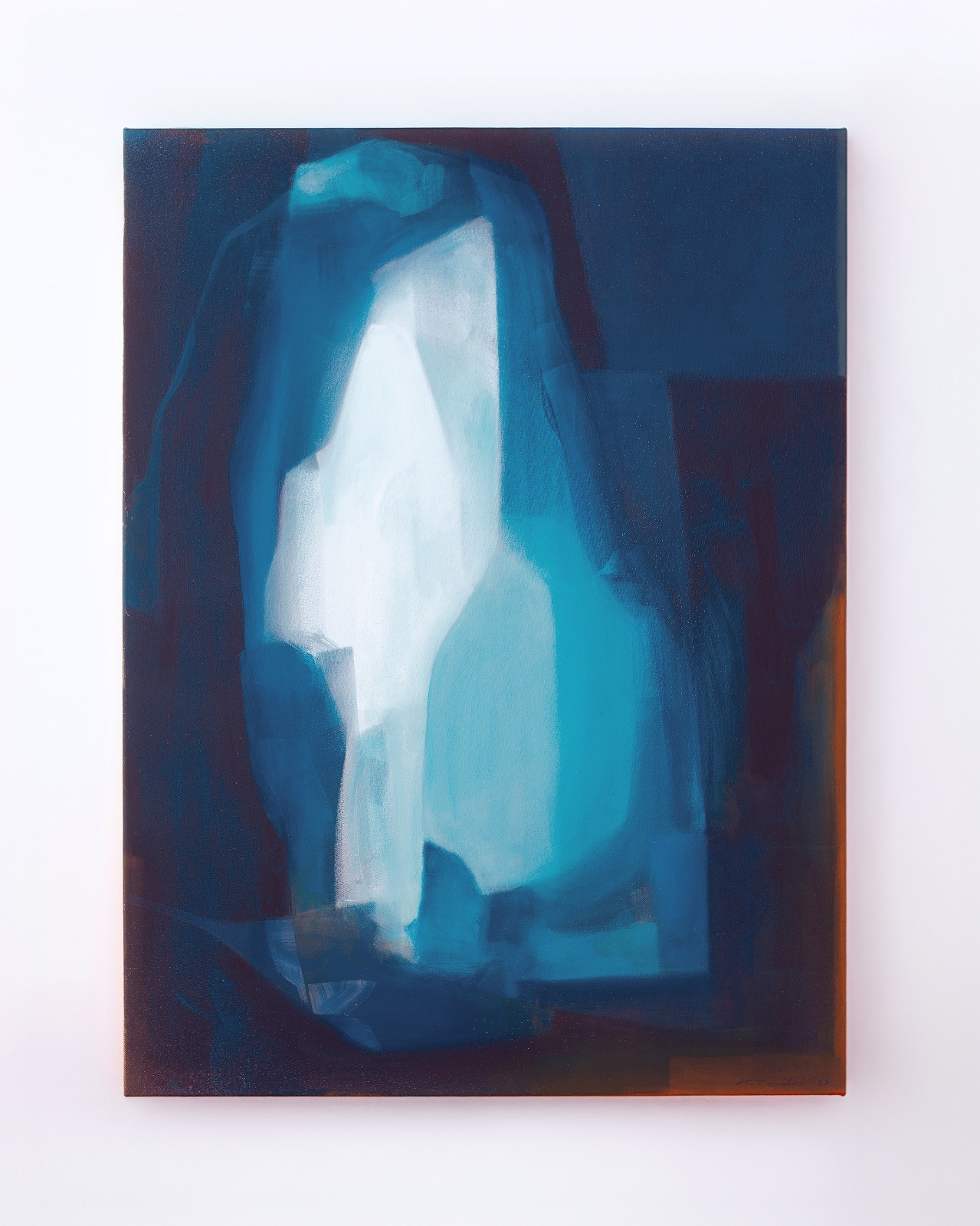
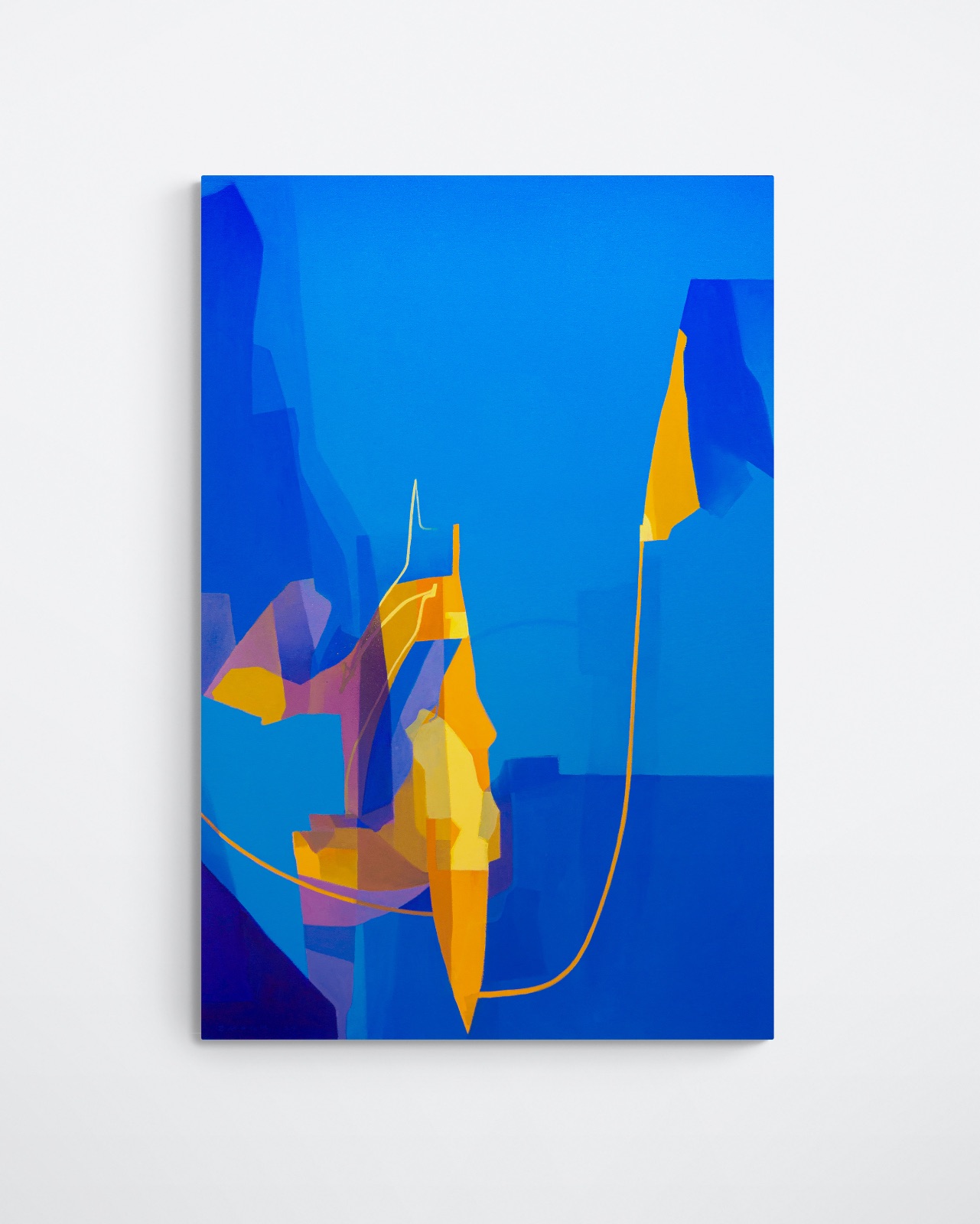
Deposited depth, 2026 / Integration 02, 2023
That's also the honest verdict on Paint Calculator. It won't replace an experienced painter's instinct for how many cans a facade eats, but it turns the tedious part — matching every colour in the sketch to a real product from a real brand — into a couple of minutes.
If you're curious how it feels, start where Konstantin started: with a sketch you already believe in. Then let the tools handle the wall.
Try mural layout in AR and VR with Sketchar — and run your next facade through Paint Calculator before you buy a single can.
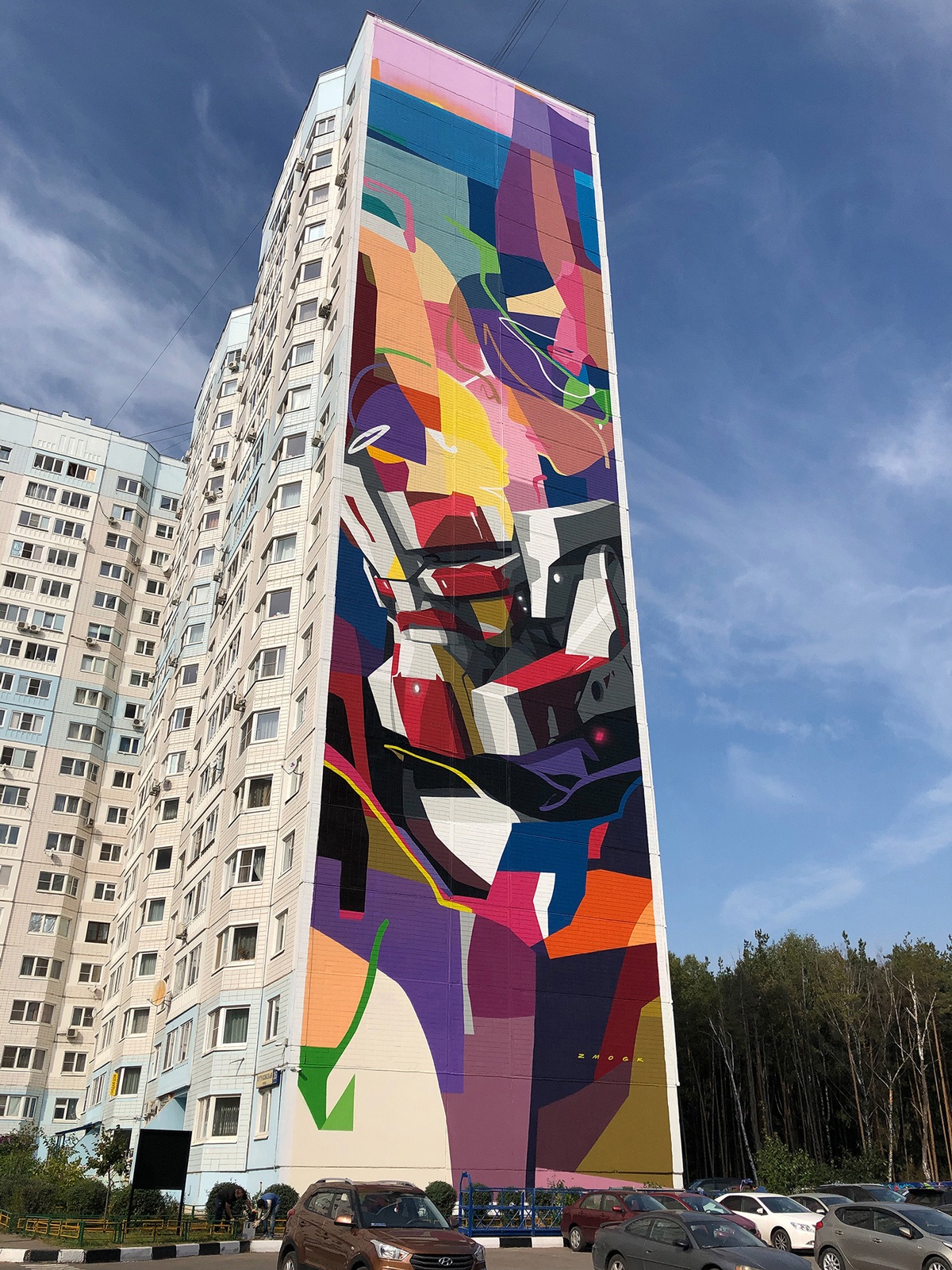
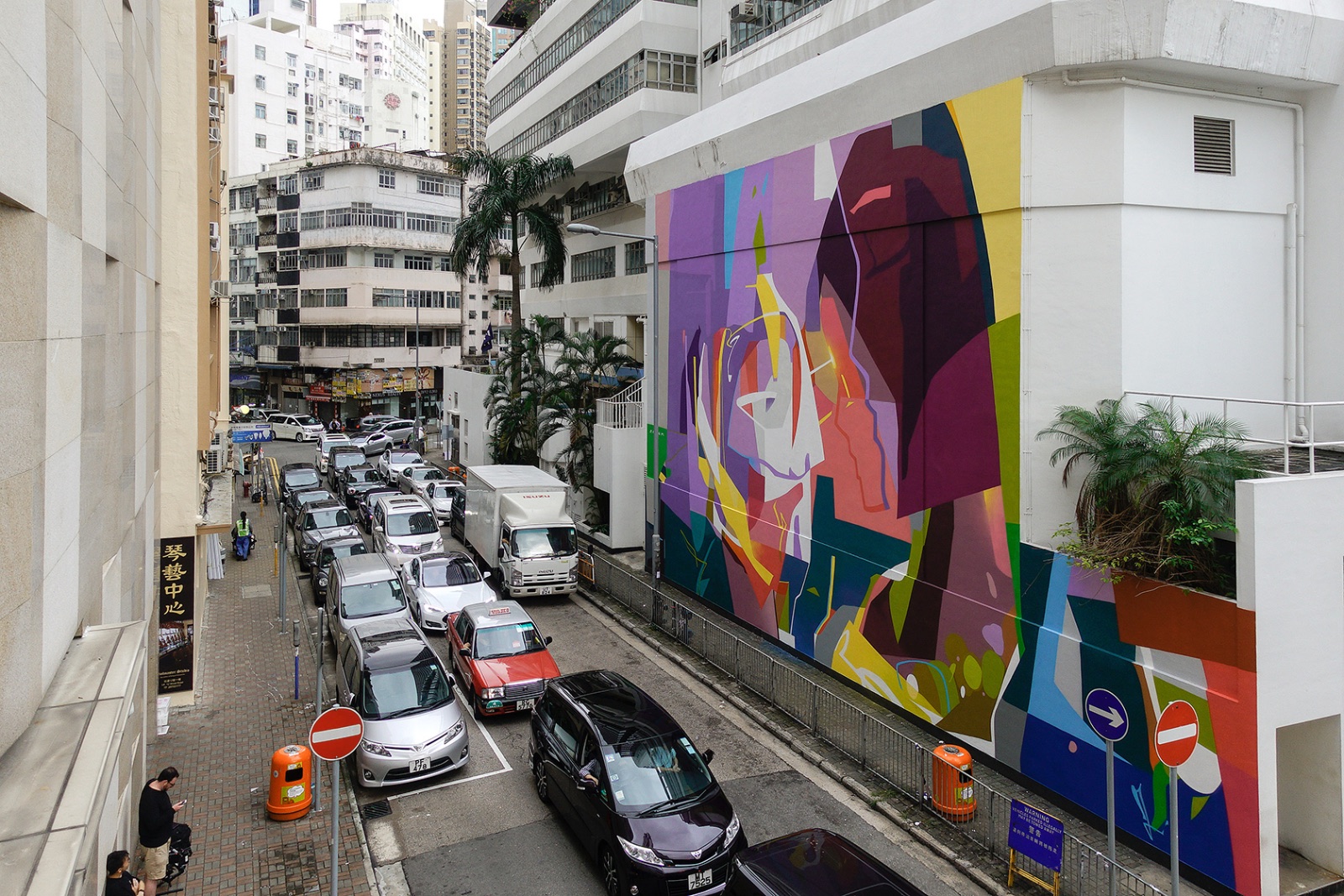 HKWalls, Hong Kong, China, 2019
Visit Zmogk's website
Follow Konstantin Zmogk on Instagram
▋