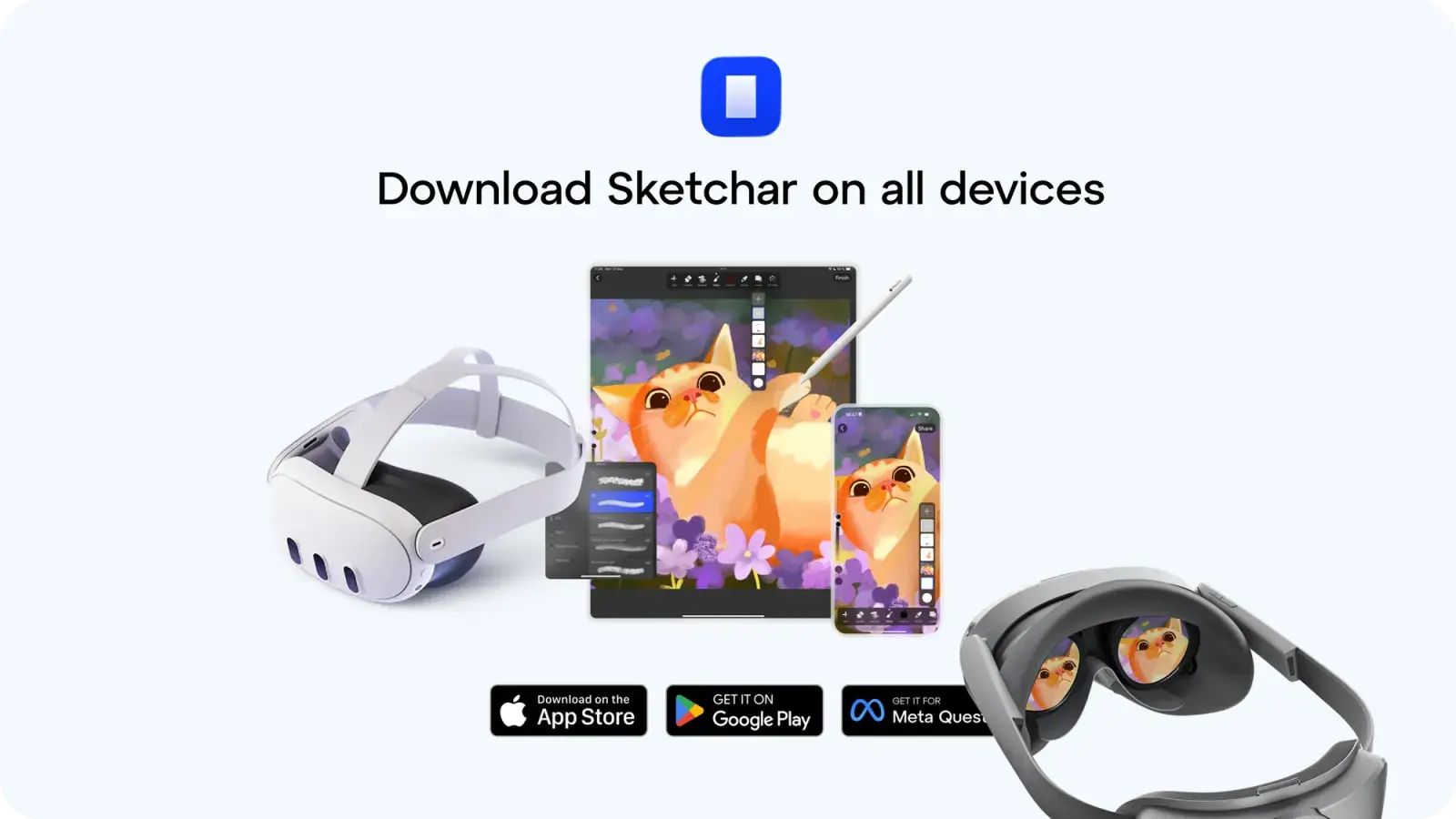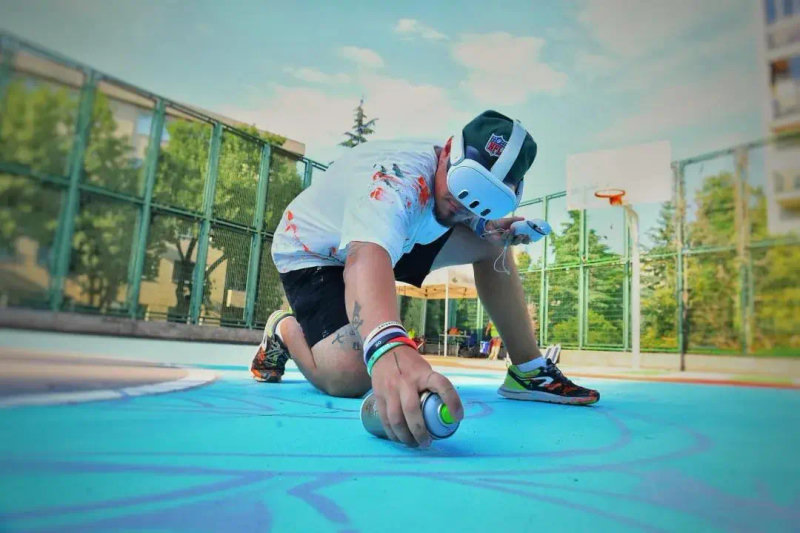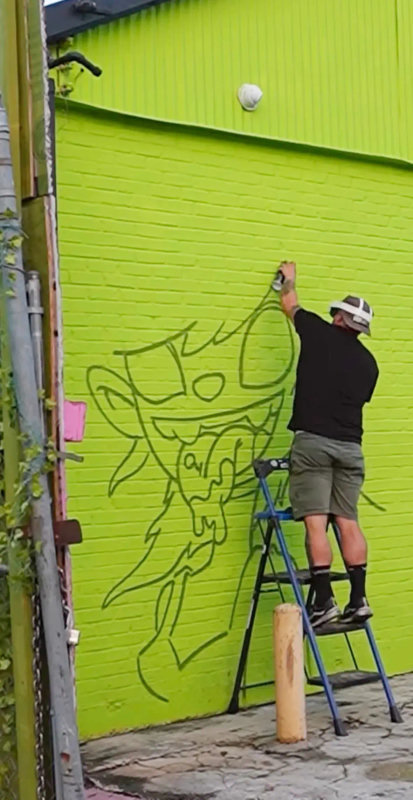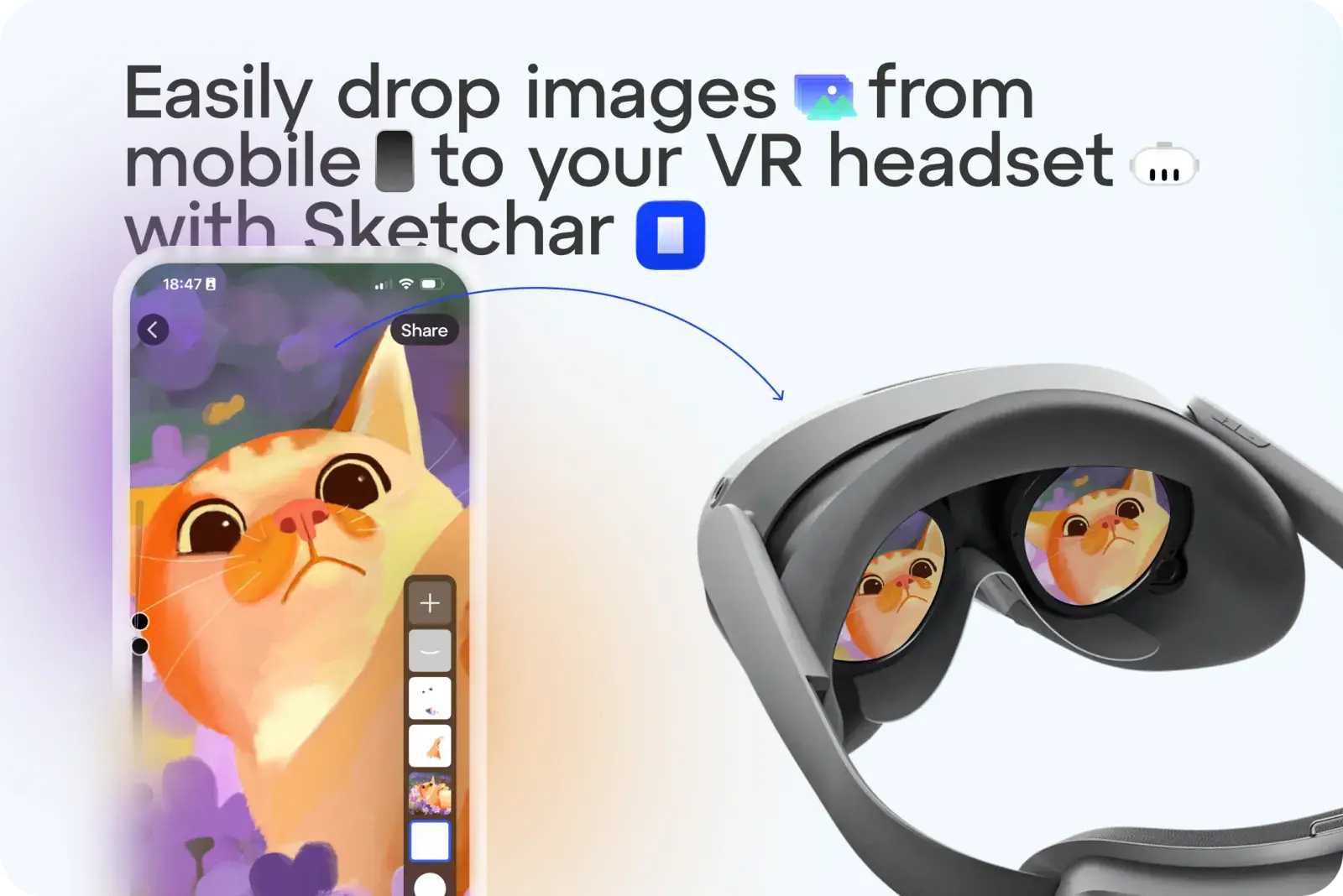
Больше никаких хлопот с отправкой эскизов или изображений в качестве шаблонов на вашу VR-гарнитуру. С Sketchar вы можете загрузить любое изображение одним касанием.
Как это работает:
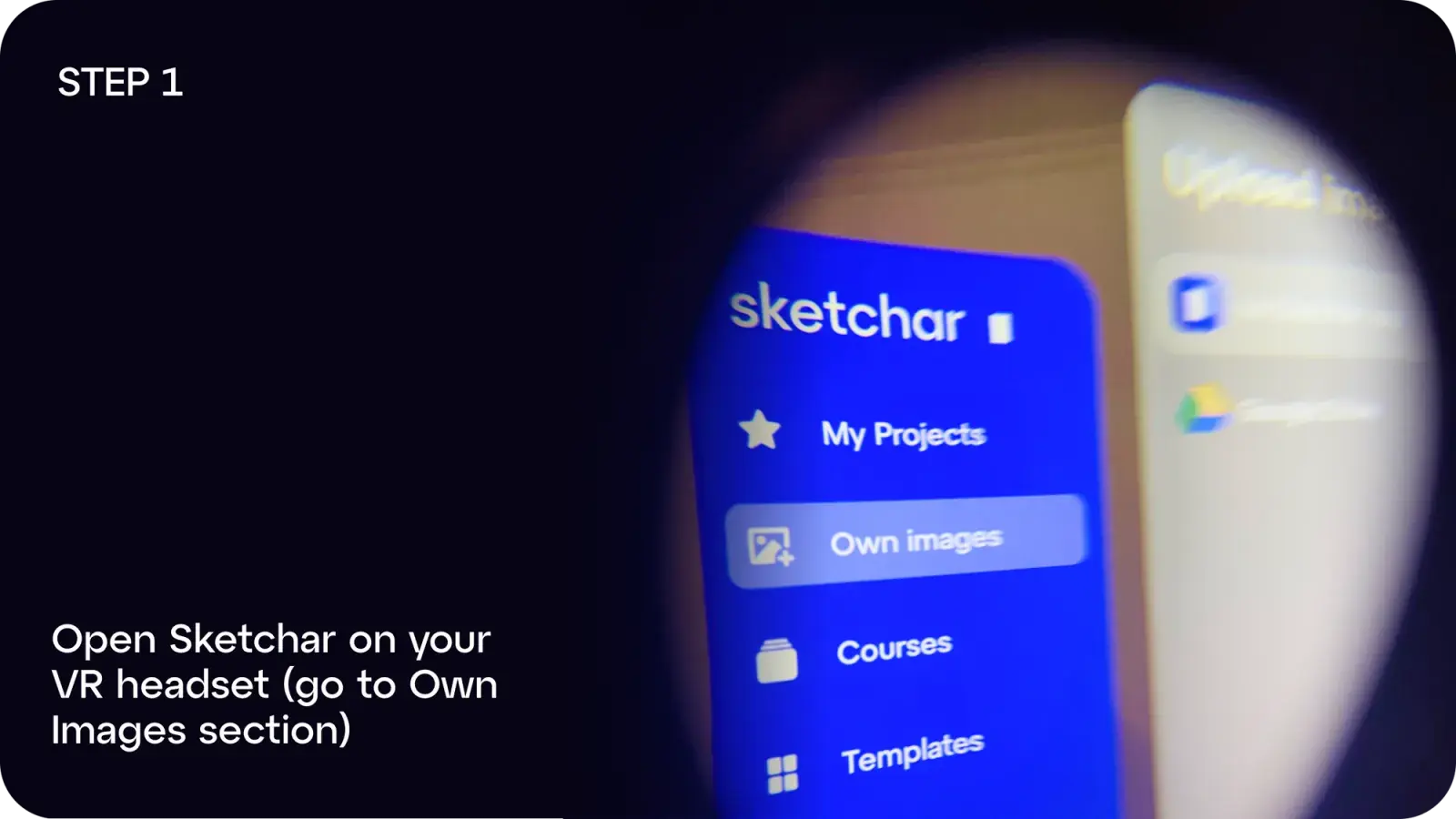
Шаг 1: Откройте Sketchar на своей VR-гарнитуре и перейдите в раздел Собственные изображения
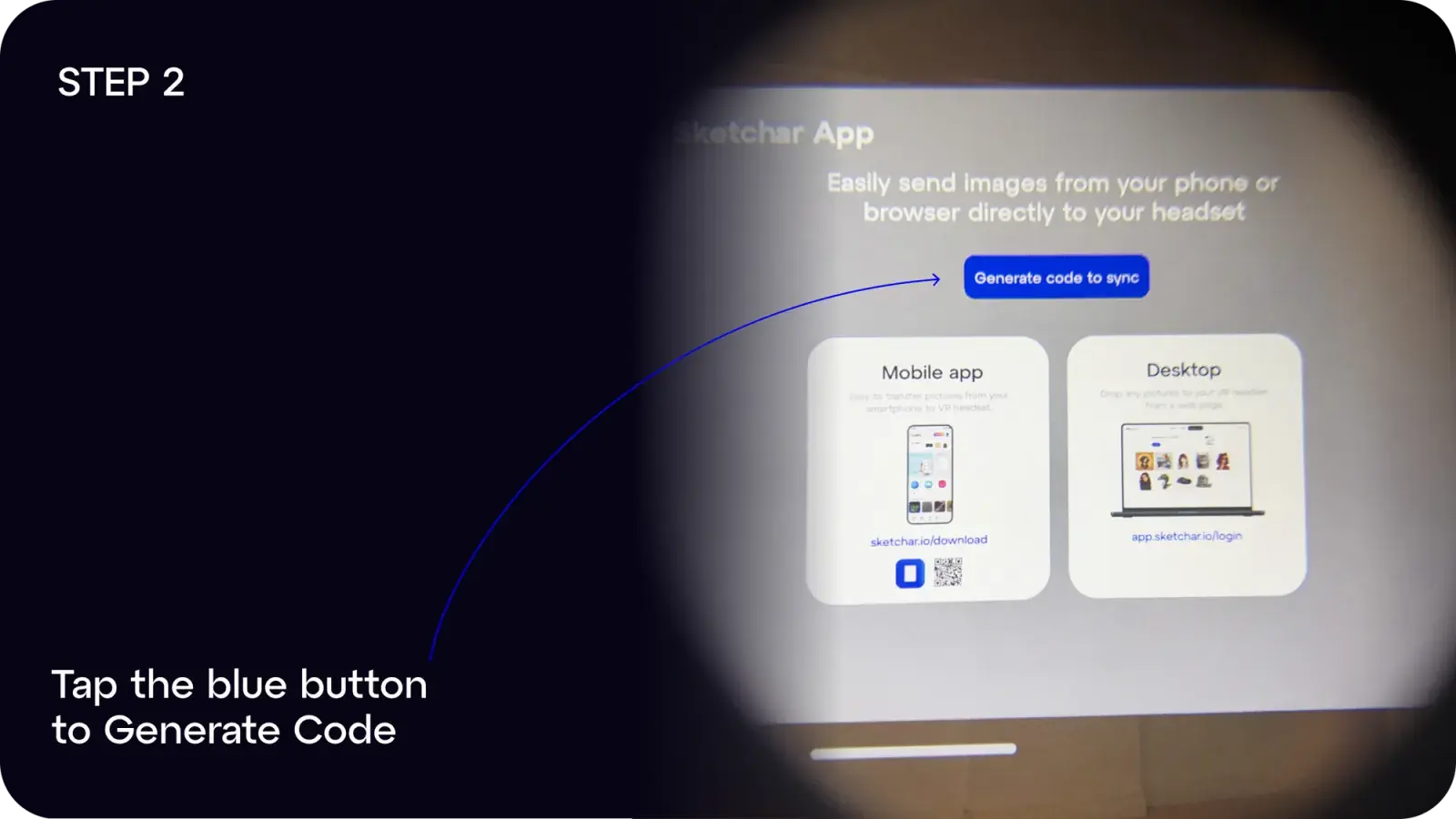
Шаг 2: Нажмите синюю кнопку, чтобы Сгенерировать код
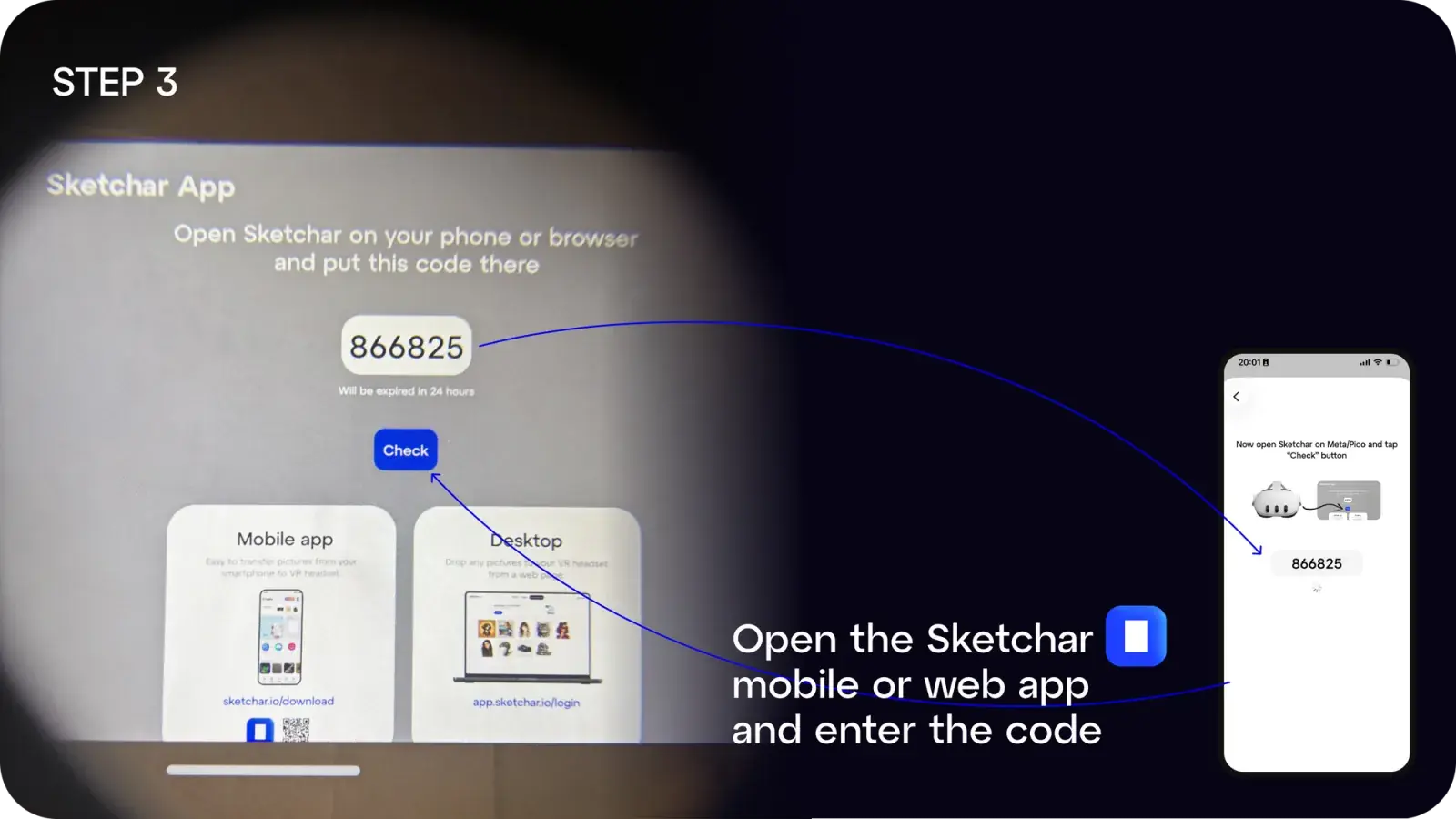
Шаг 3: Откройте приложение Sketchar на своем мобильном устройстве или компьютере и введите код
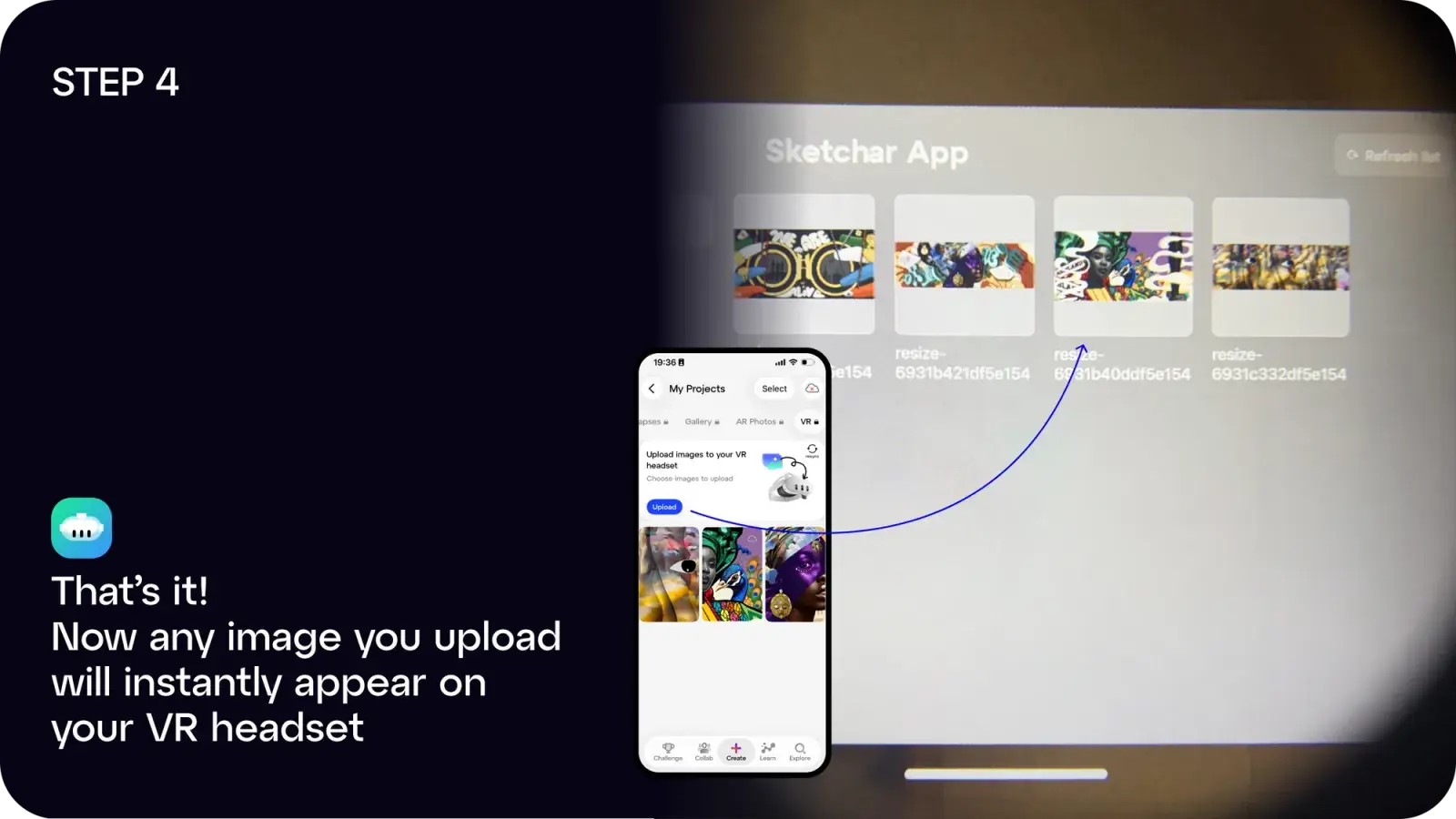
Шаг 4: Готово! Любое загруженное вами изображение мгновенно появится в вашей гарнитуре
Вы можете:
- Скачать приложение Sketchar на iOS или Android, или
- Использовать веб-приложение по адресу app.sketchar.io/login для загрузки с компьютера
Есть идеи или Есть предложения? Напишите нам по адресу hello(at)sketchar.io