Sketchar
返回博客

Easily Drop Images to Your VR Headset with Sketchar

作者:Sketchar阅读需 1 分钟
SketcharProduct UpdatesvrTutorials

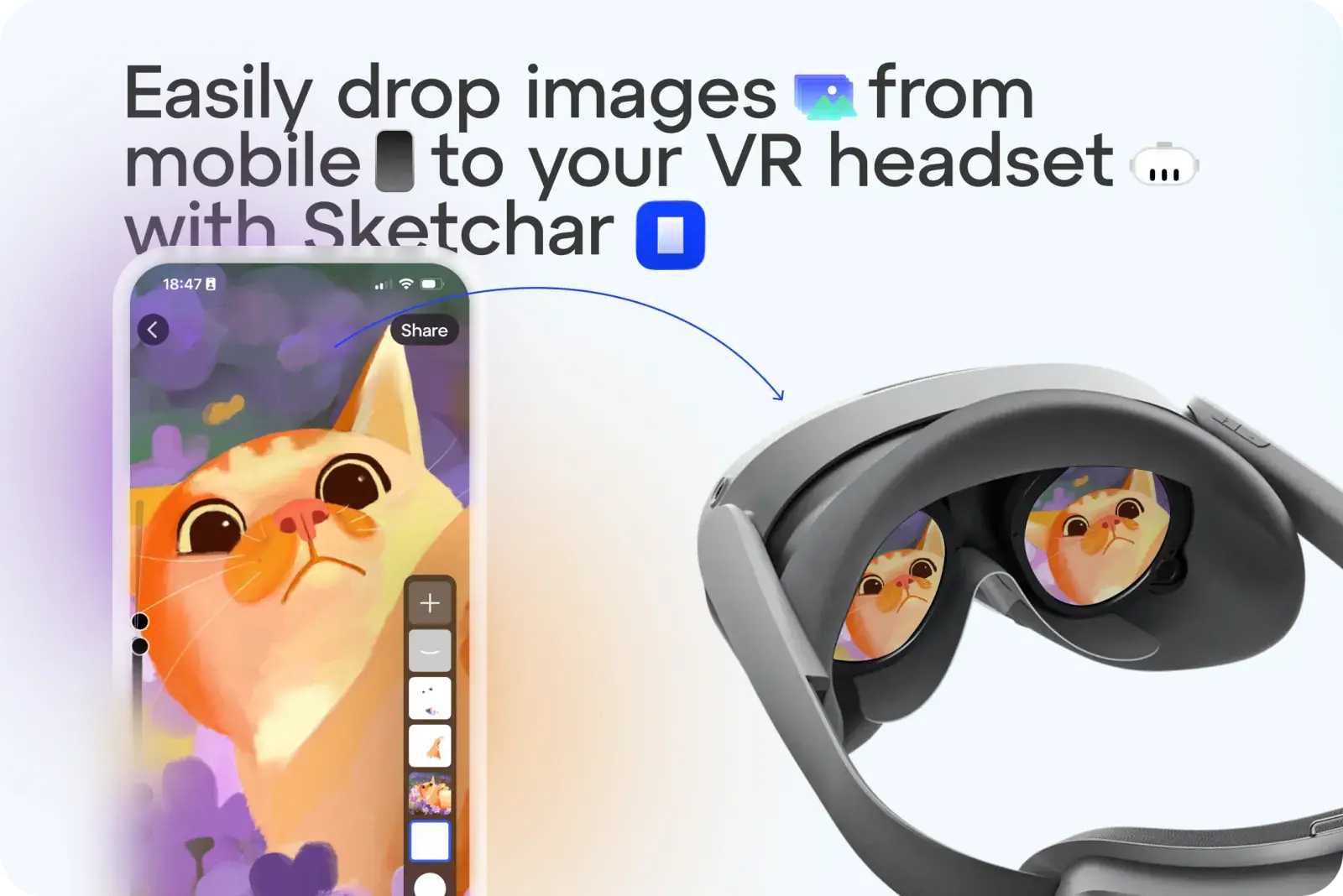
No more hassle sending sketches or images to your VR headset as templates. With Sketchar, you can now upload any image in one tap.

How It Works:

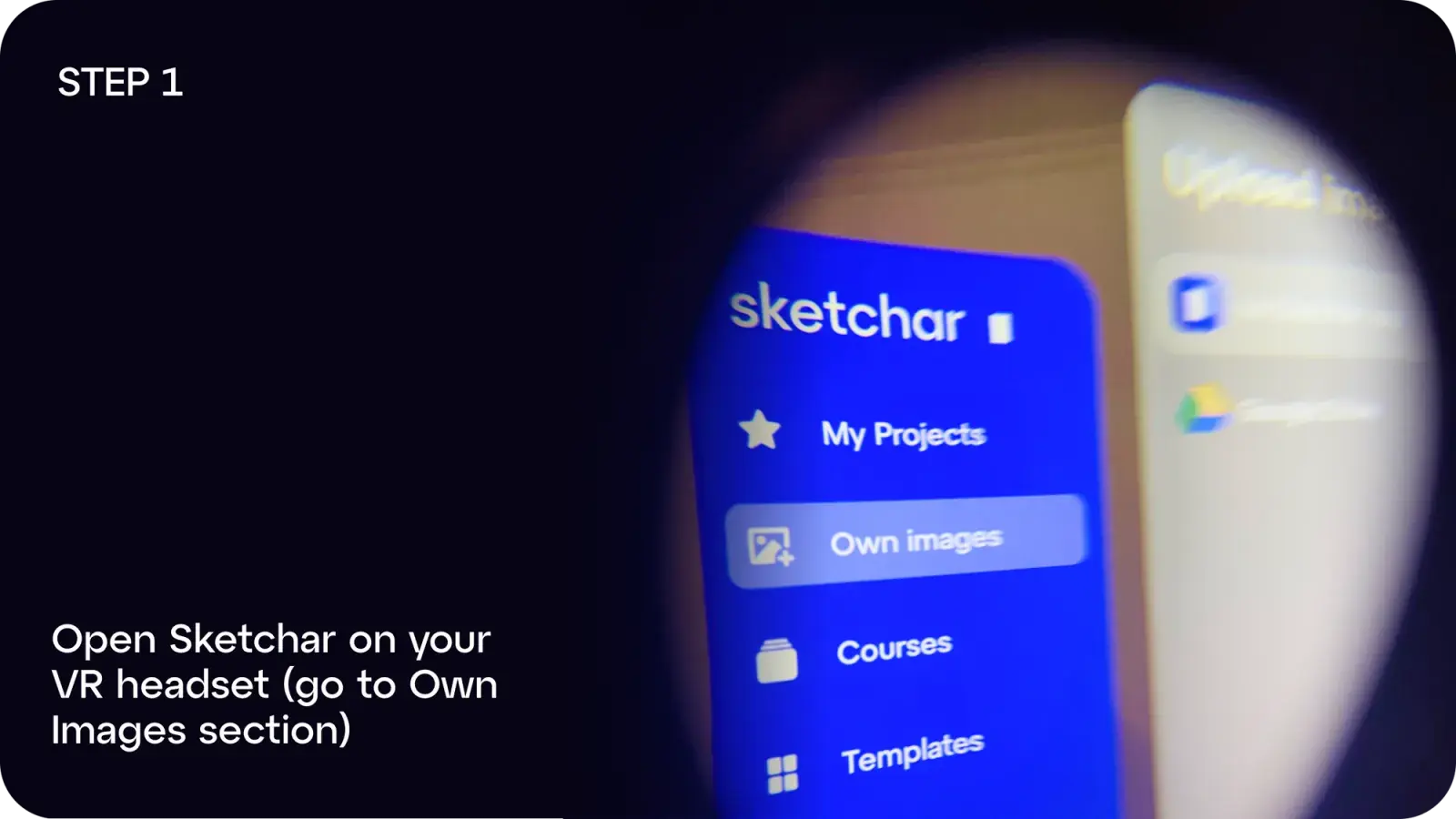
Step 1: Open Sketchar on your VR headset and go to Own Images

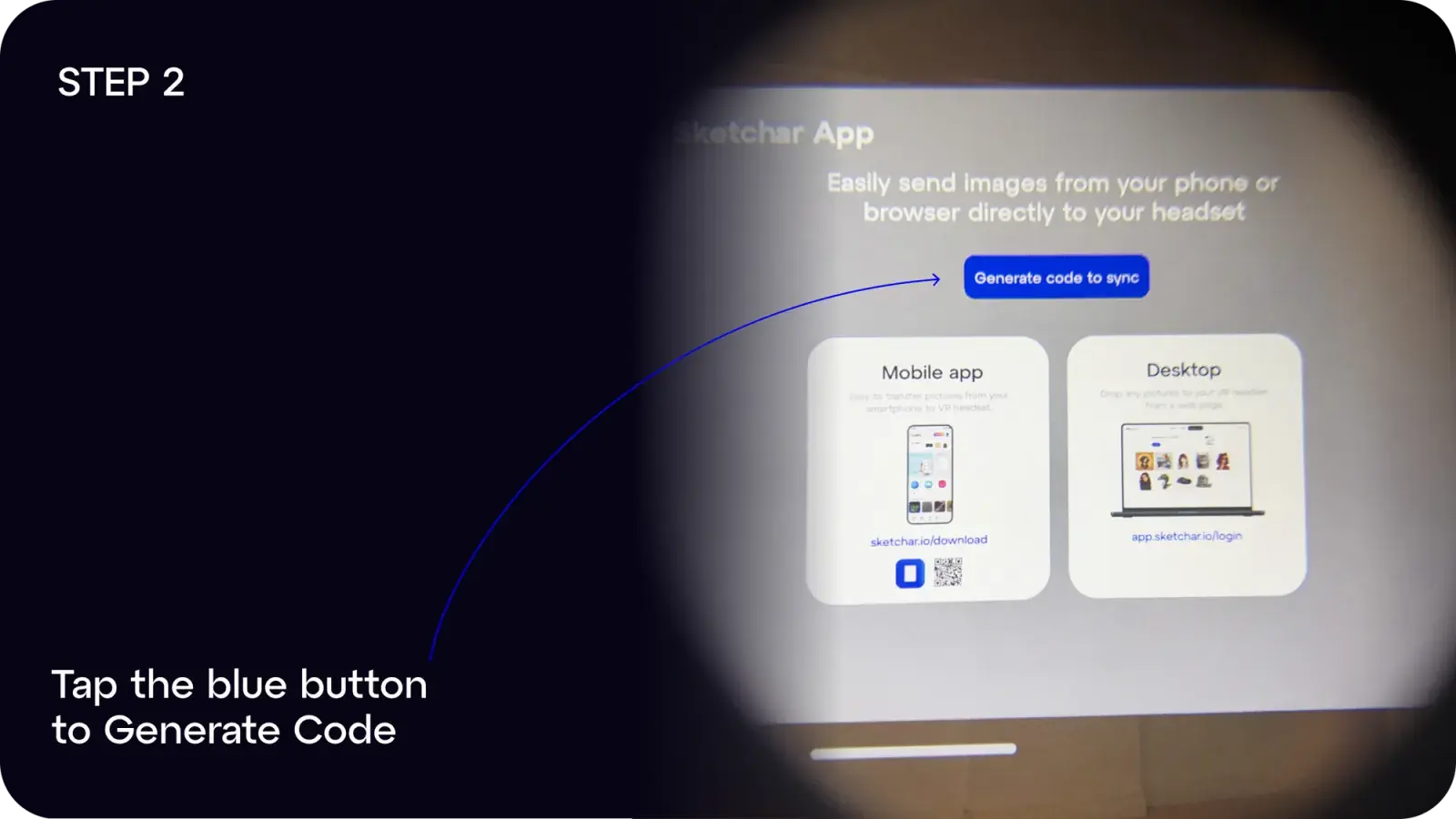
Step 2: Tap the blue button to Generate Code

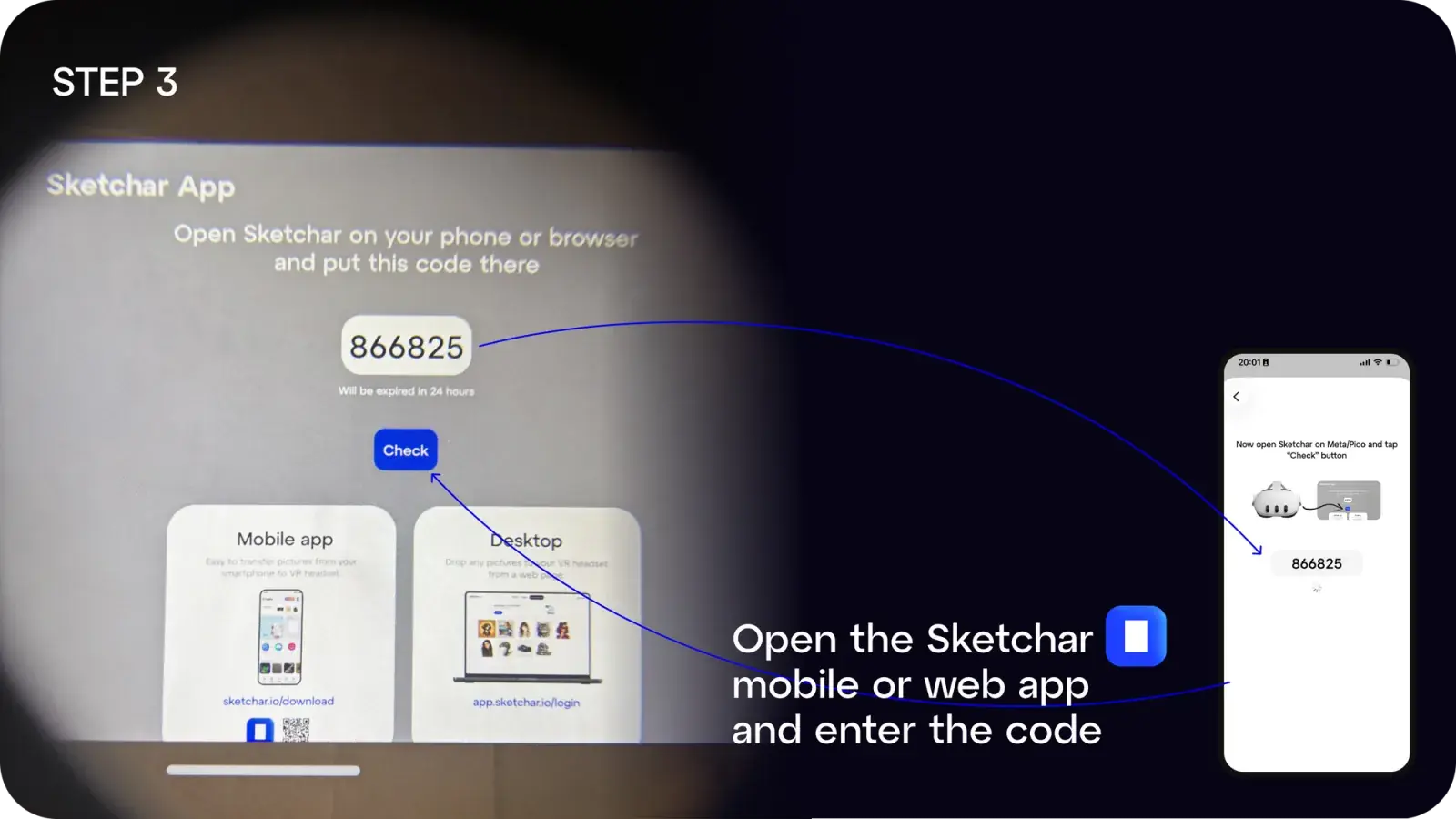
Step 3: On your mobile or desktop, open the Sketchar app and enter the code

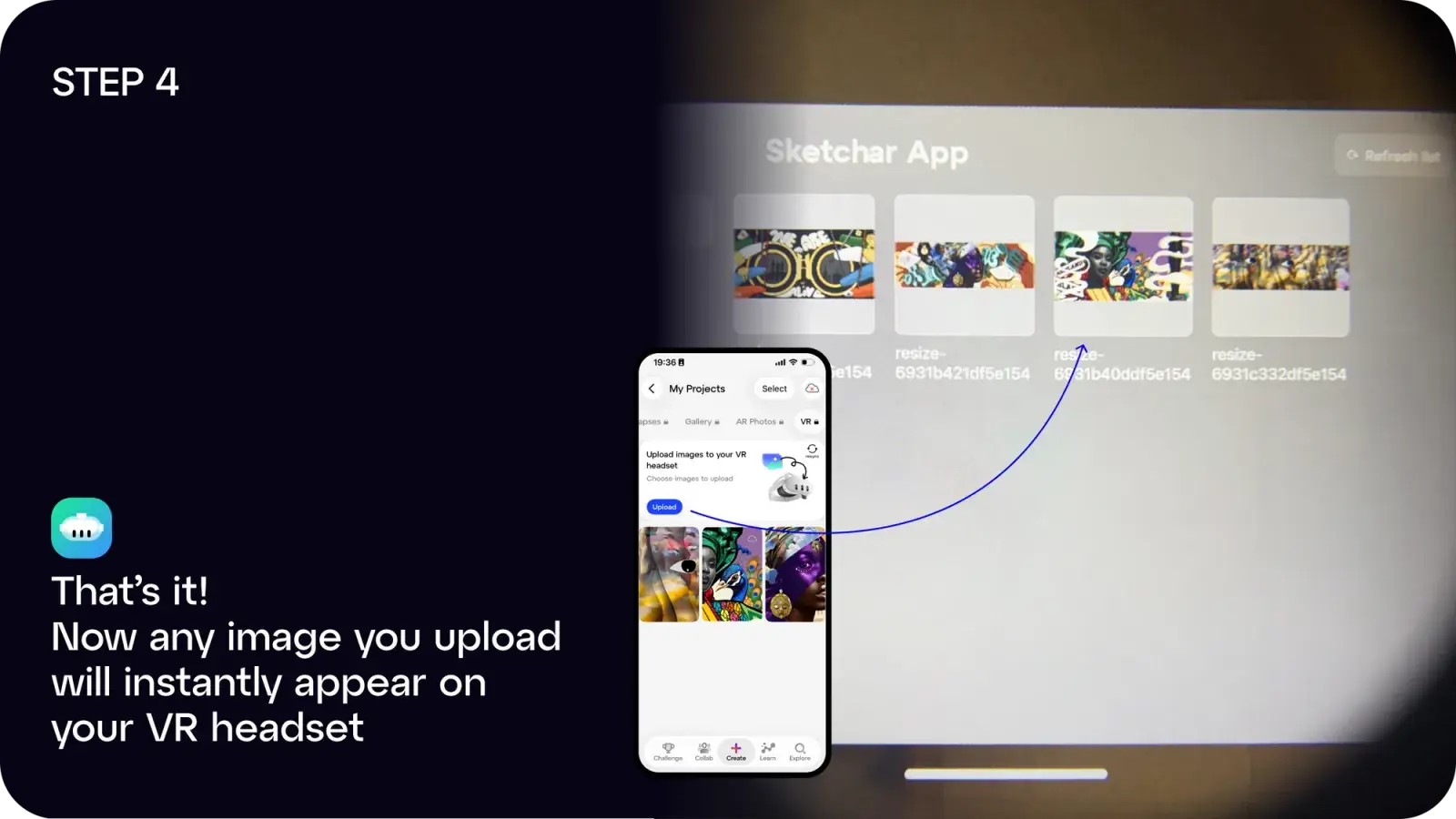
Step 4: Done! Any image you upload will instantly appear in your headset

You can:

Got ideas or suggestions? Drop us a line at hello(at)sketchar.io

订阅公司动态

新文章、产品更新和社区故事直达您的邮箱。绝无垃圾邮件。