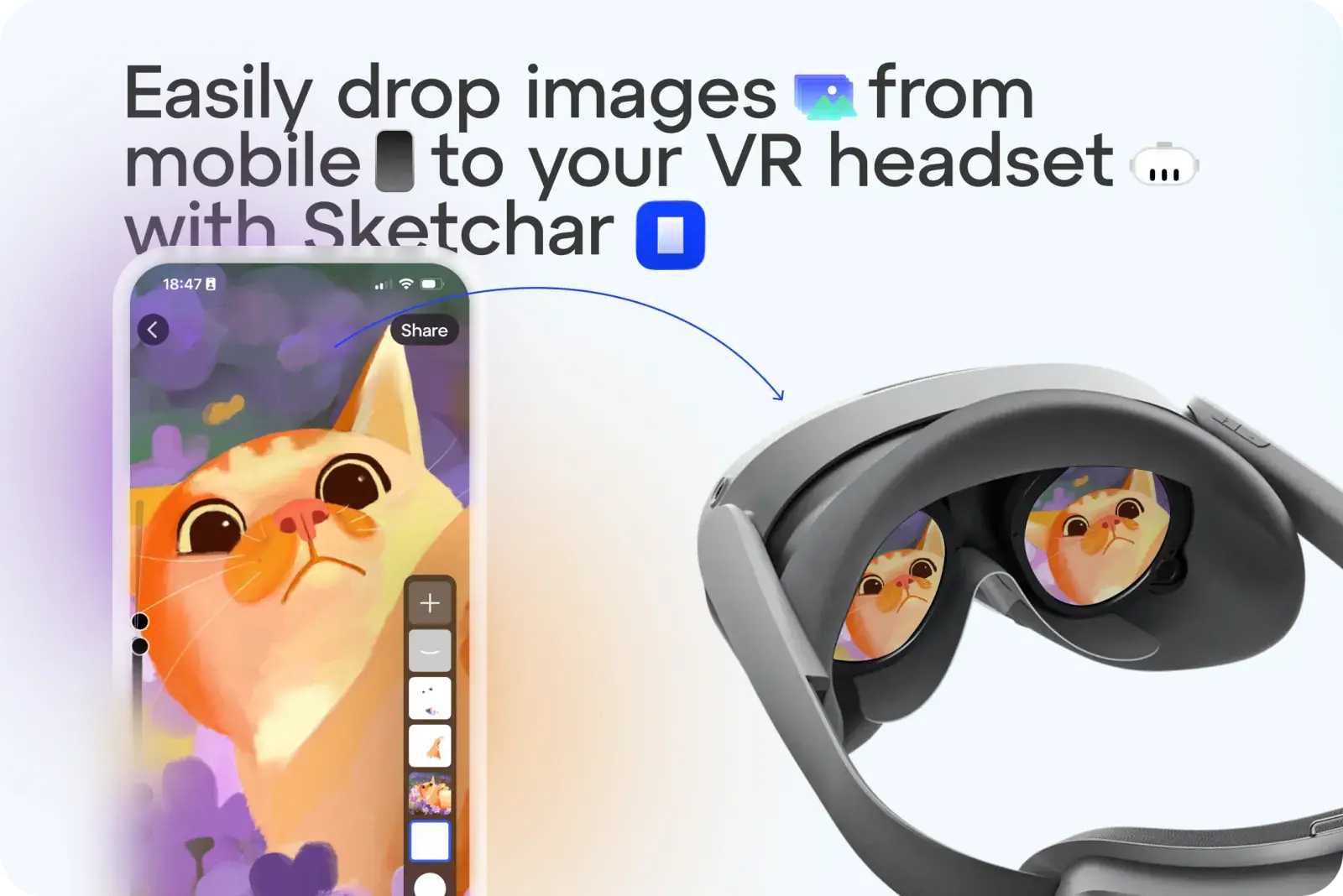
Se acabaron las complicaciones al enviar bocetos o imágenes a tus gafas de realidad virtual como plantillas. Con Sketchar, ahora puedes subir cualquier imagen con un solo toque.
Cómo funciona:
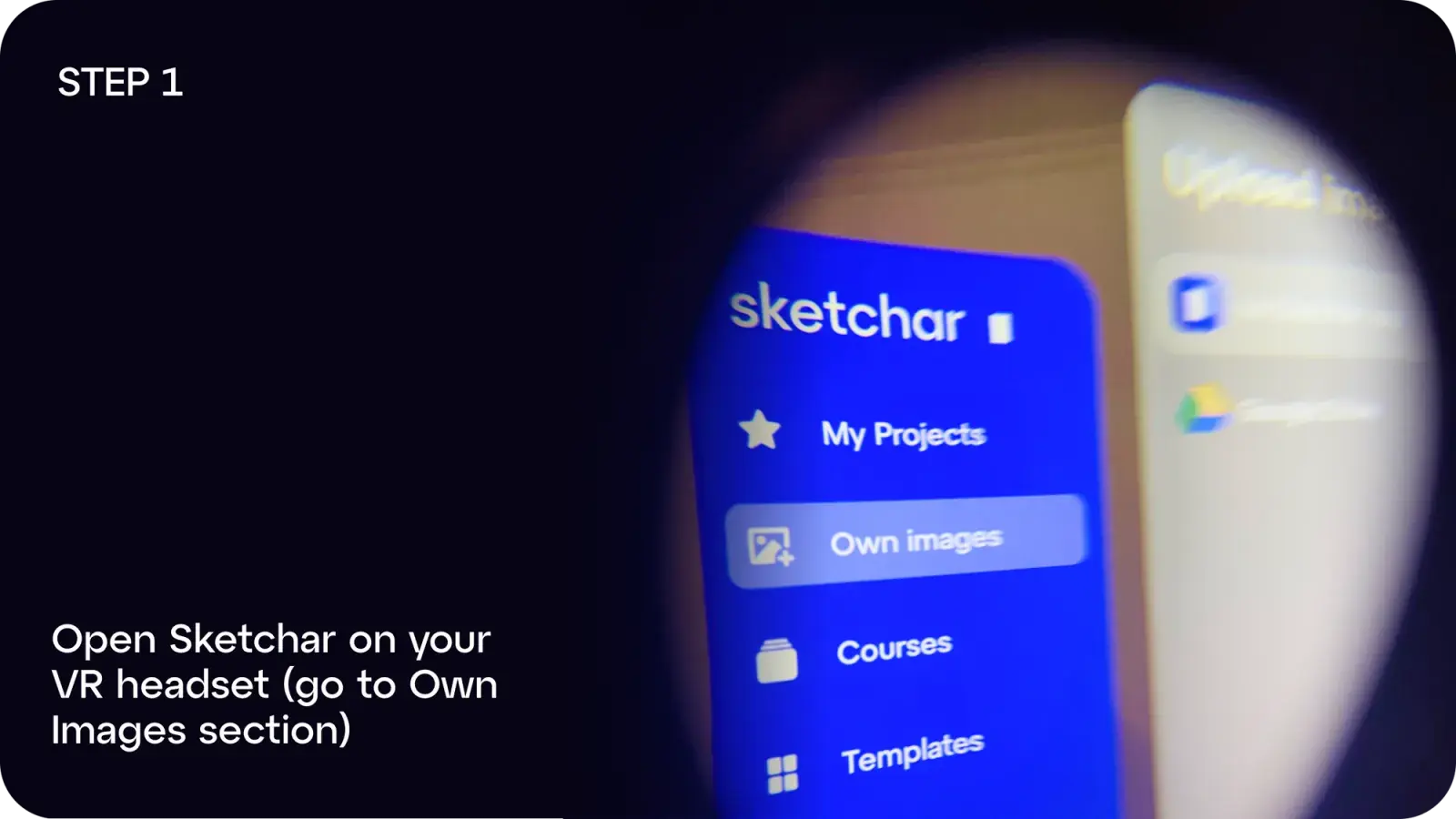
Paso 1: Abre Sketchar en tus gafas de realidad virtual y ve a Imágenes propias
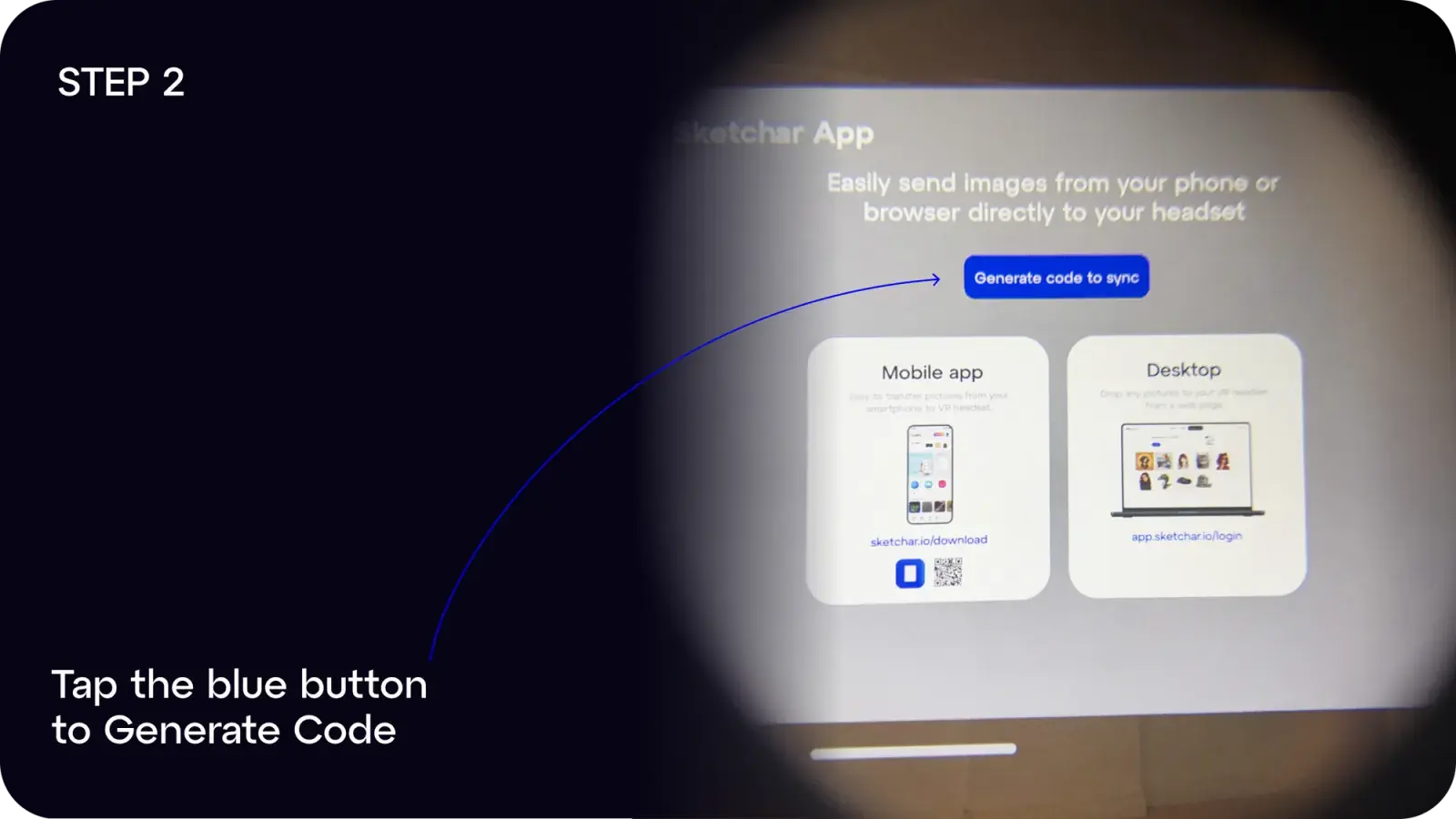
Paso 2: Pulsa el botón azul para Generar código
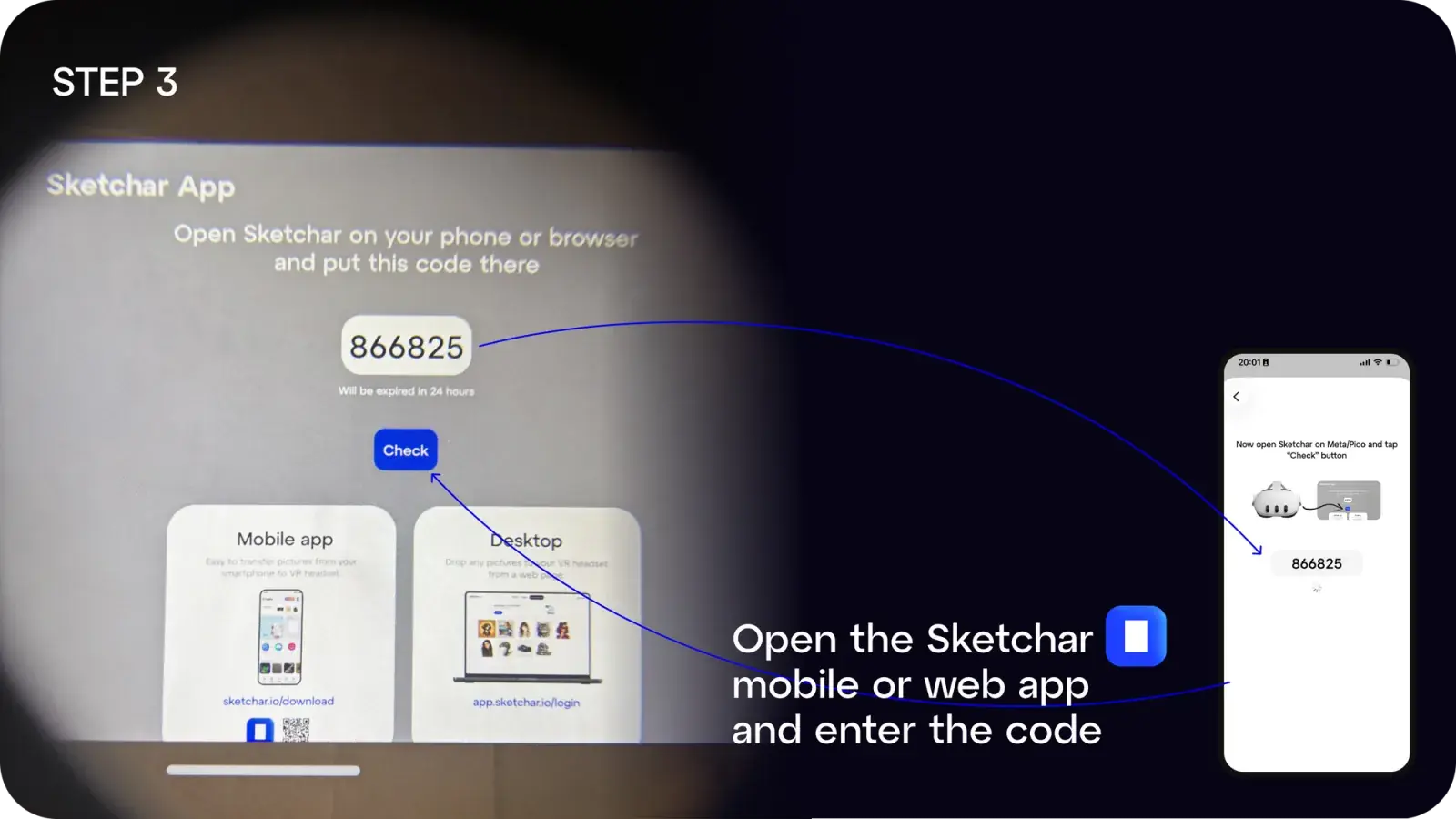
Paso 3: En tu móvil o ordenador, abre la app de Sketchar e introduce el código
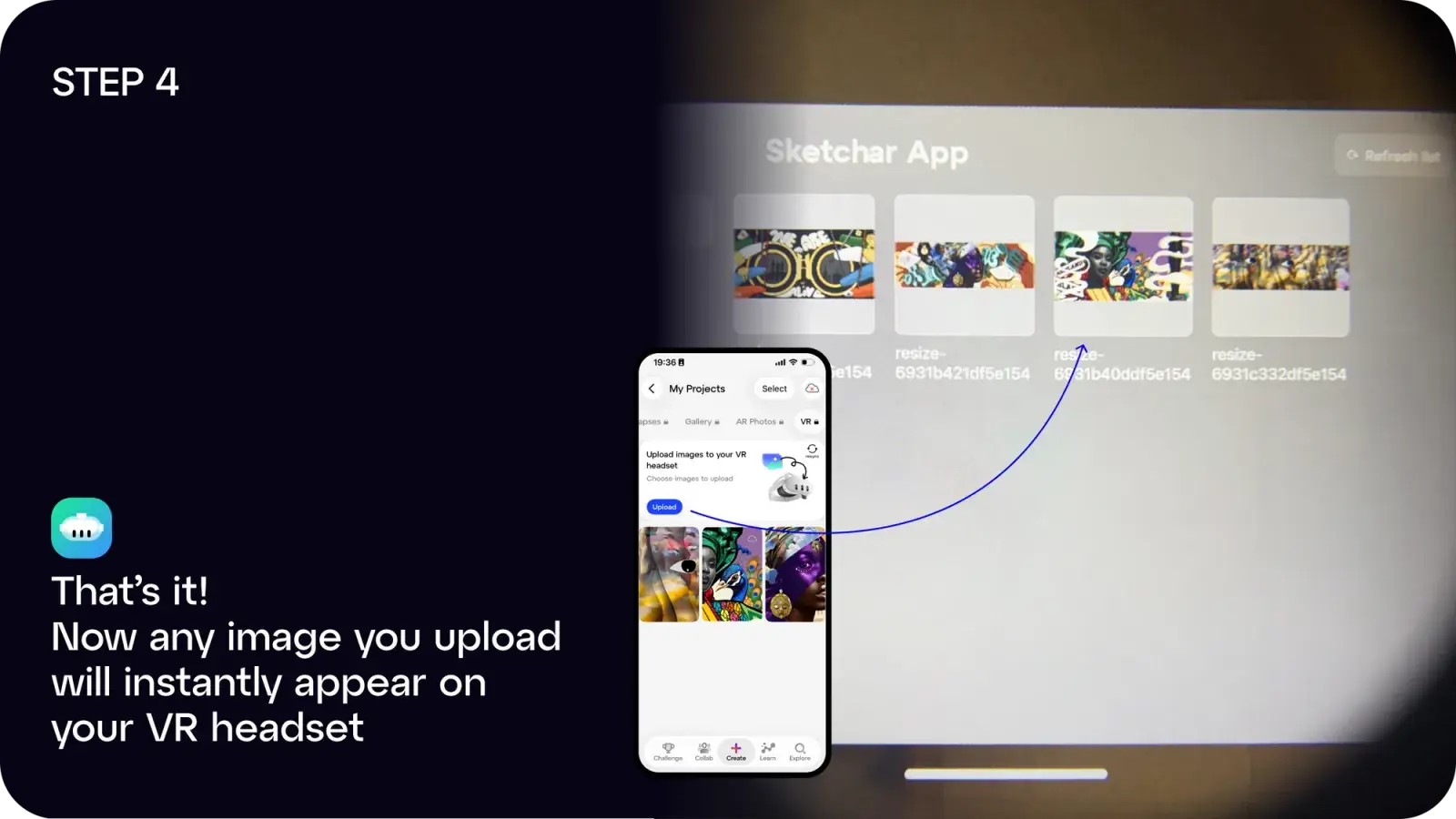
Paso 4: ¡Listo! Cualquier imagen que subas aparecerá instantáneamente en tus gafas de realidad aumentada.
Puedes:
Usar la app web en app.sketchar.io/login para subir imágenes desde tu ordenador.
¿Tienes ideas o sugerencias? Escríbenos a hello(at)sketchar.io