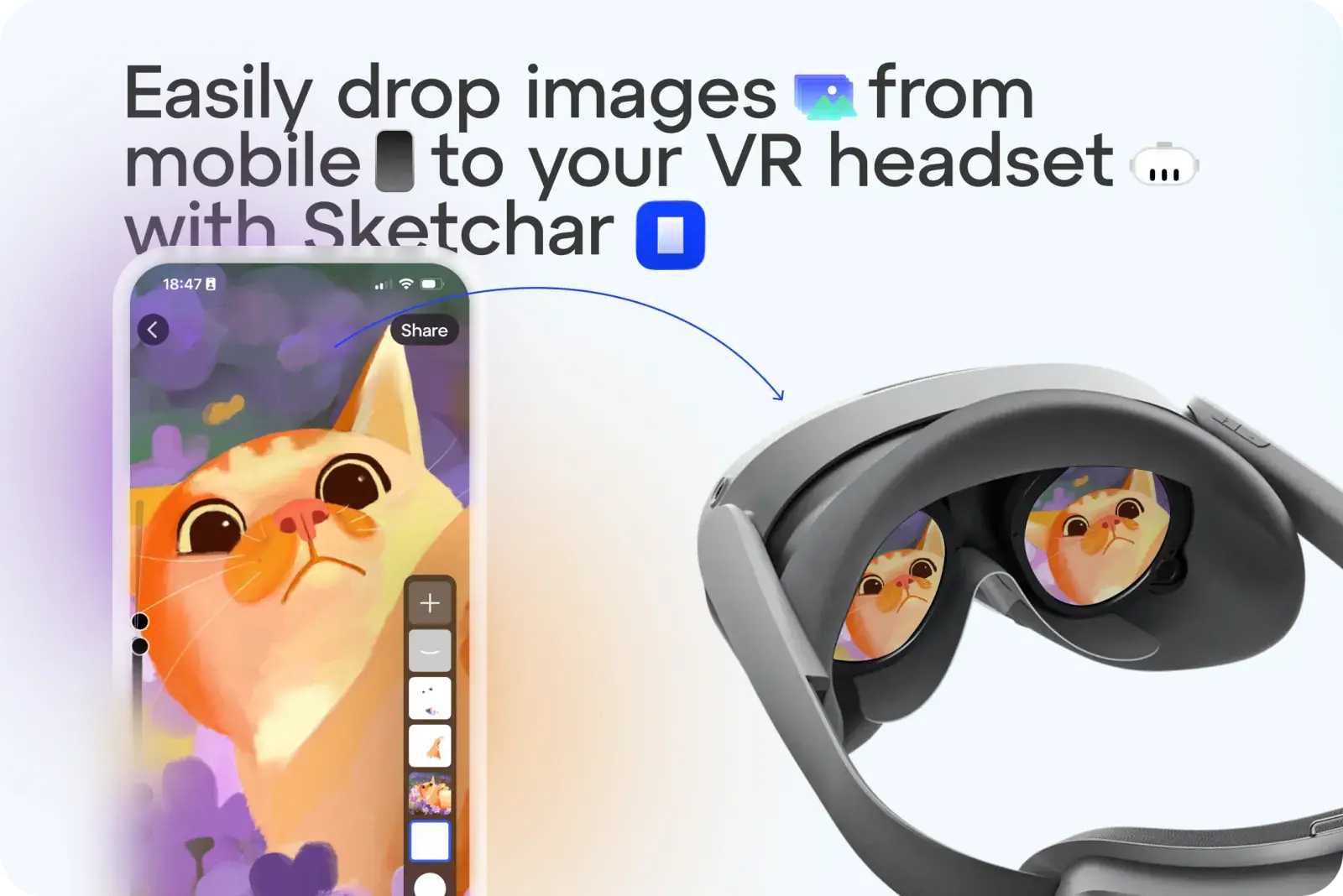
Plus besoin de vous embêter à envoyer des croquis ou des images à votre casque VR comme modèles. Avec Sketchar, vous pouvez désormais importer n'importe quelle image en un seul clic.
Comment ça marche :
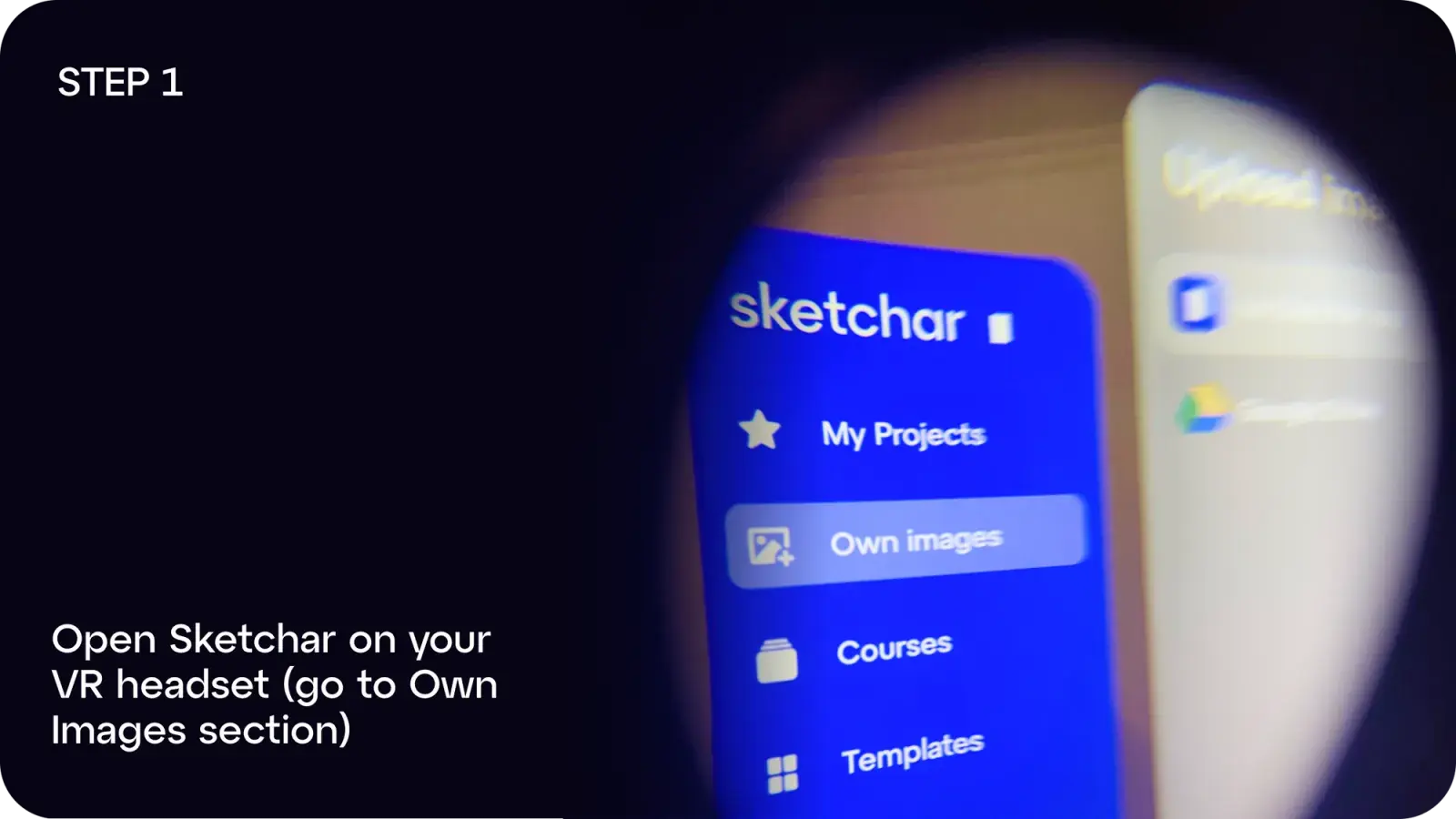
Étape 1 : Ouvrez Sketchar sur votre casque VR et accédez à Mes images.
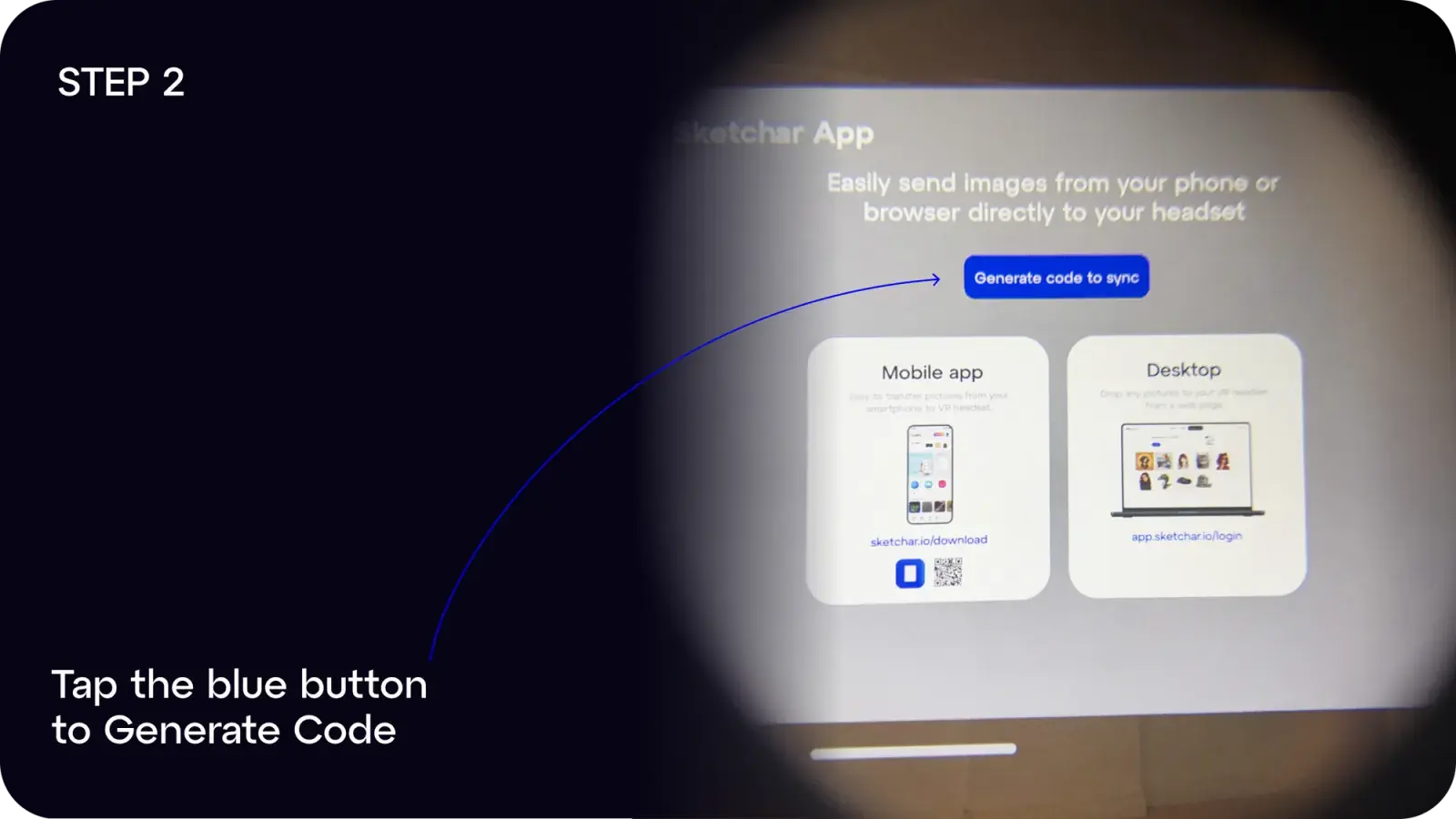
Étape 2 : Appuyez sur le bouton bleu pour Générer le code.
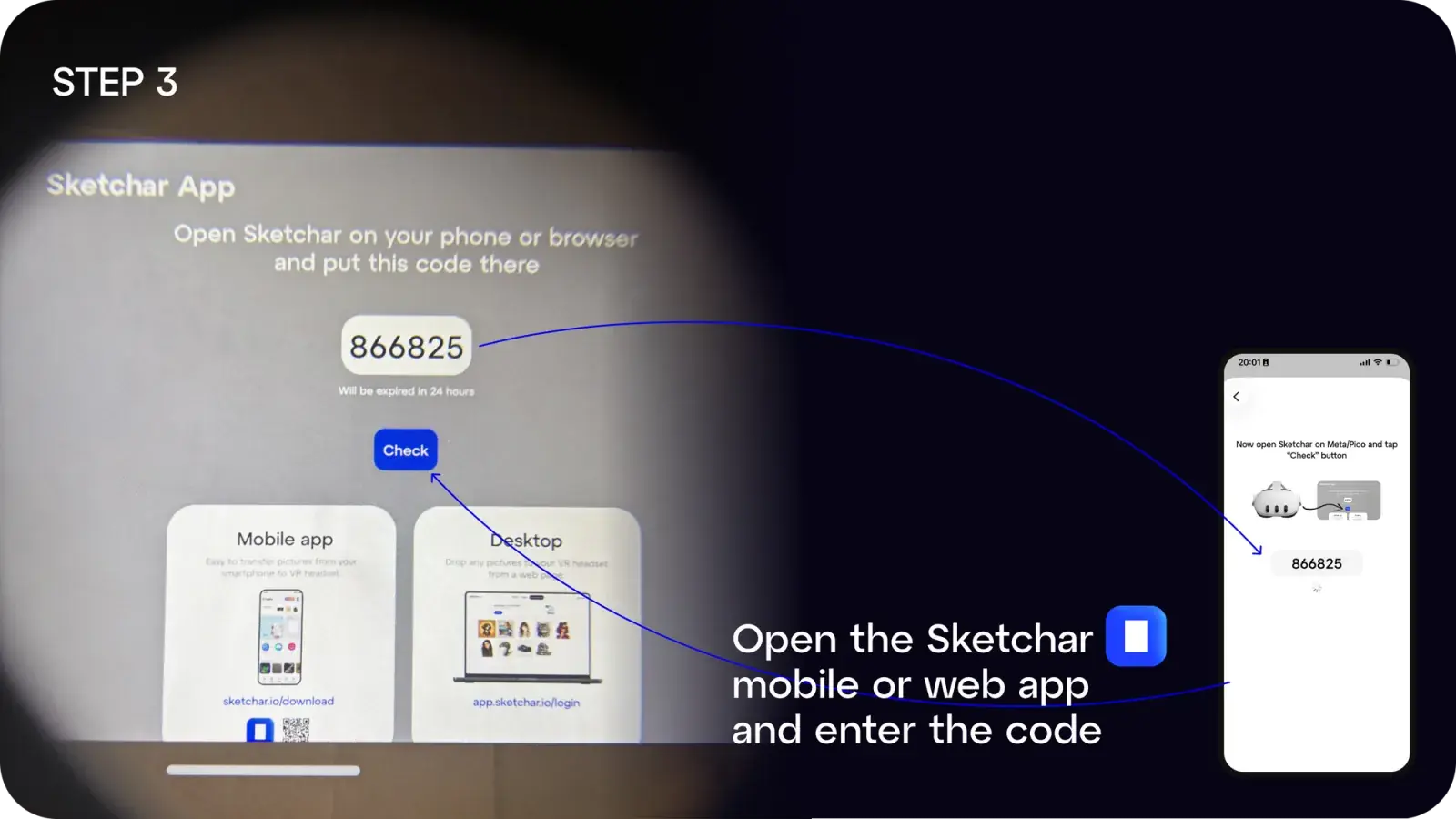
Étape 3 : Sur votre mobile ou ordinateur, ouvrez l’application Sketchar et saisissez le code.
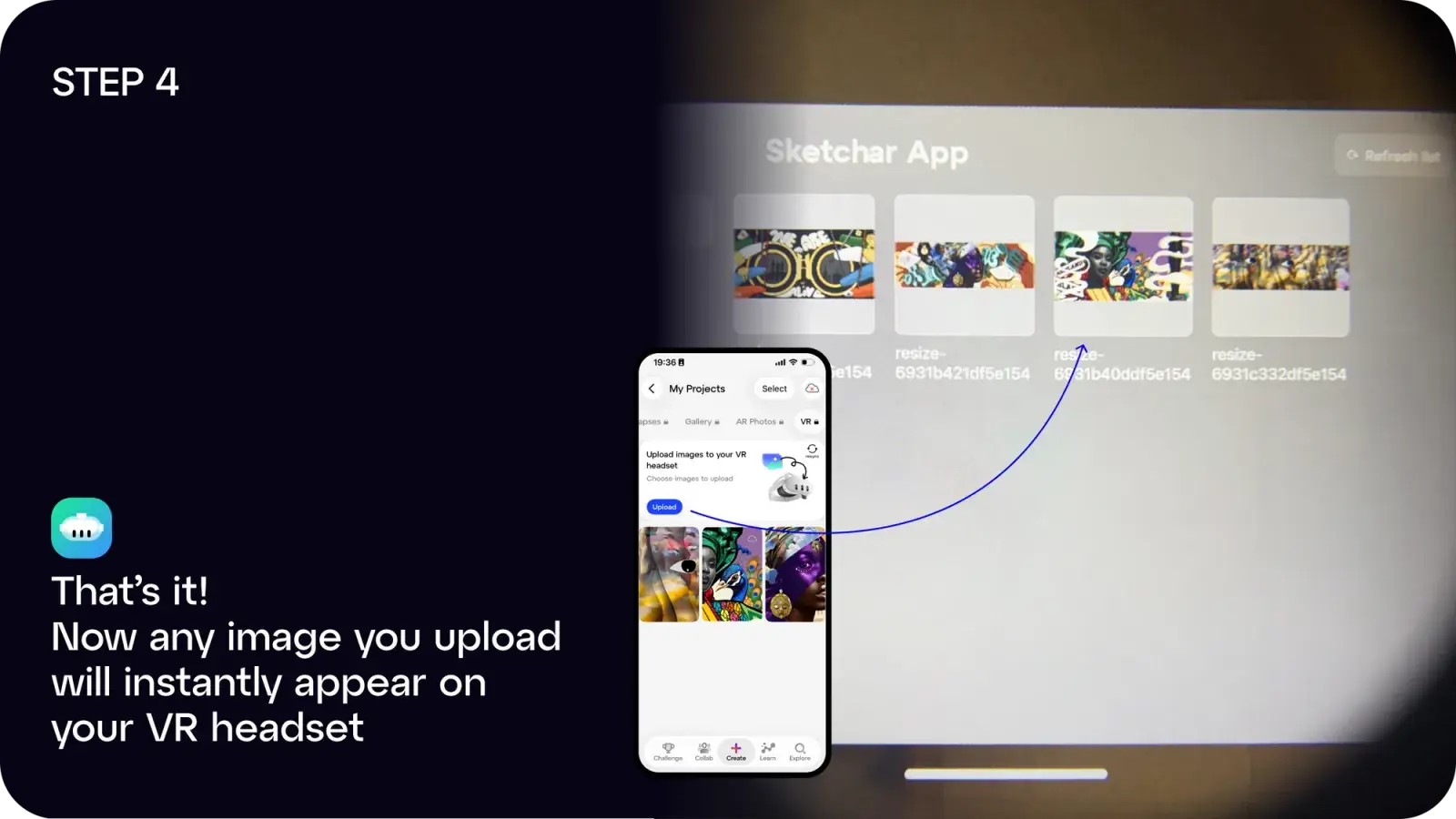
Étape 4 : Terminé ! Toute image que vous téléchargez s'affichera instantanément dans votre casque.
Vous pouvez :
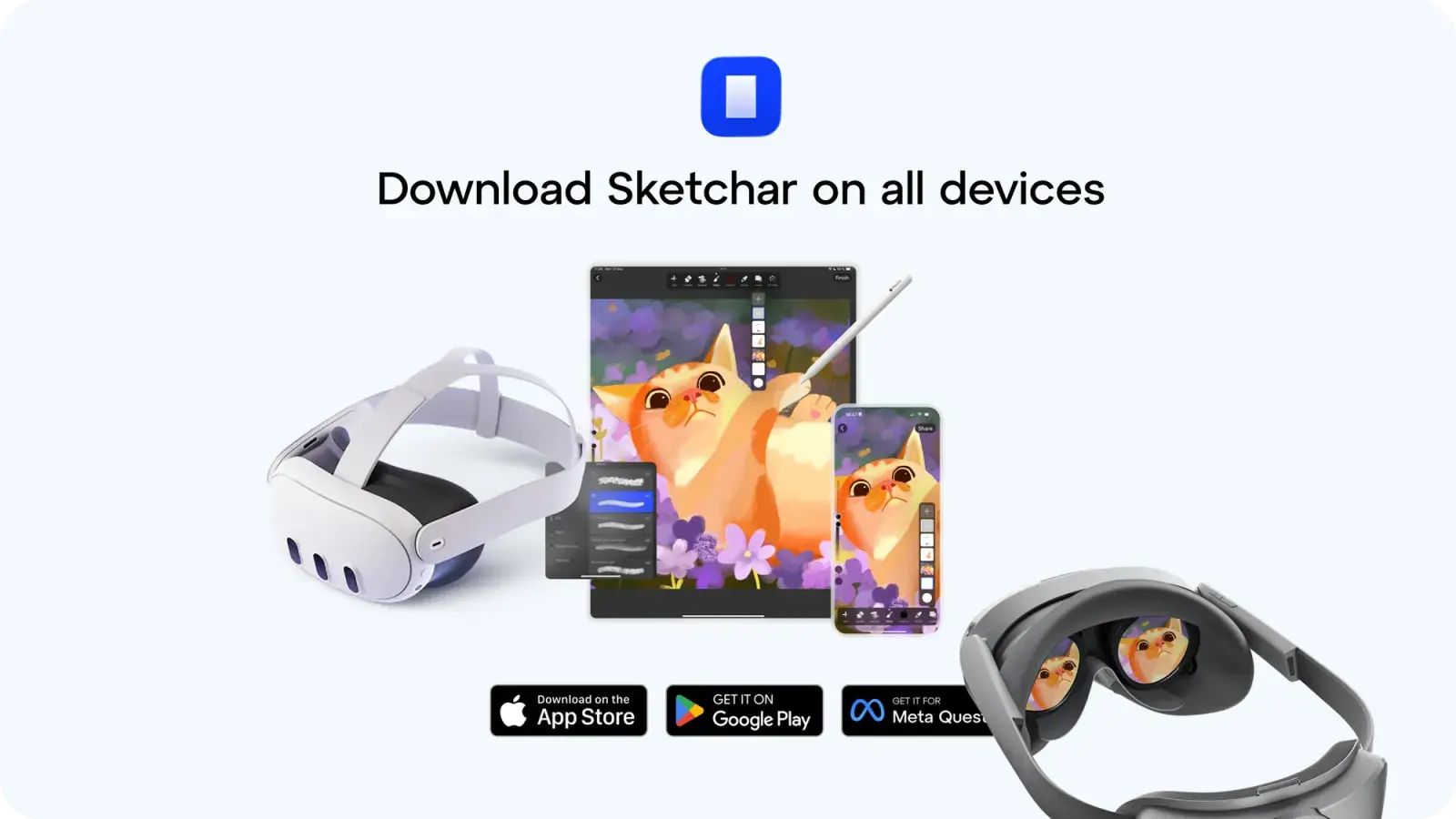
- Télécharger l'application Sketchar sur iOS ou Android, ou
- Utiliser l'application web à l'adresse app.sketchar.io/login pour télécharger depuis un ordinateur.
Des idées ou des suggestions ? Écrivez-nous à hello(at)sketchar.io**