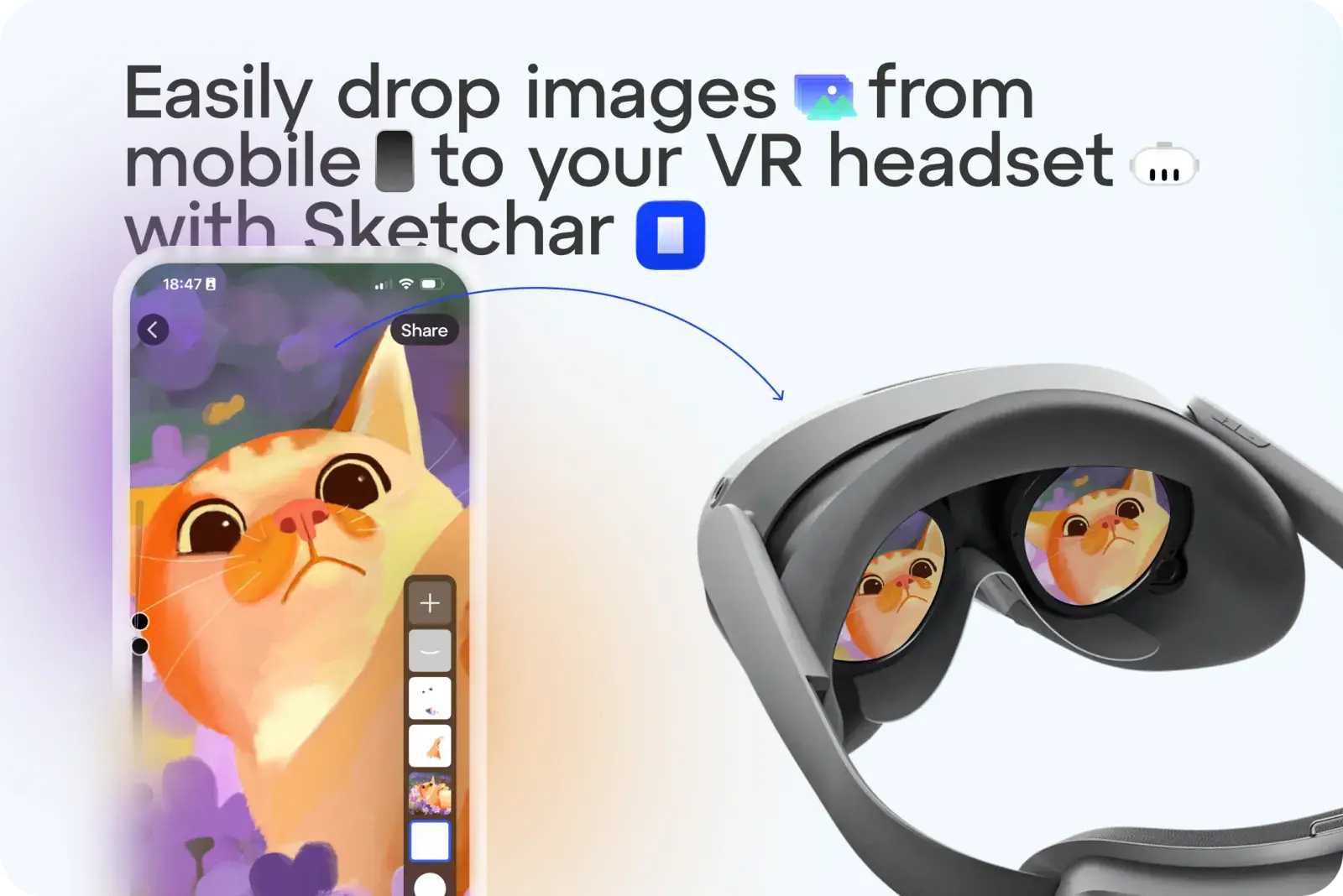
스케치나 이미지를 템플릿으로 쓰려고 VR 헤드셋에 힘들게 옮길 필요가 없습니다. 이제 Sketchar에서는 탭 한 번으로 어떤 이미지든 업로드할 수 있습니다.
사용 방법:
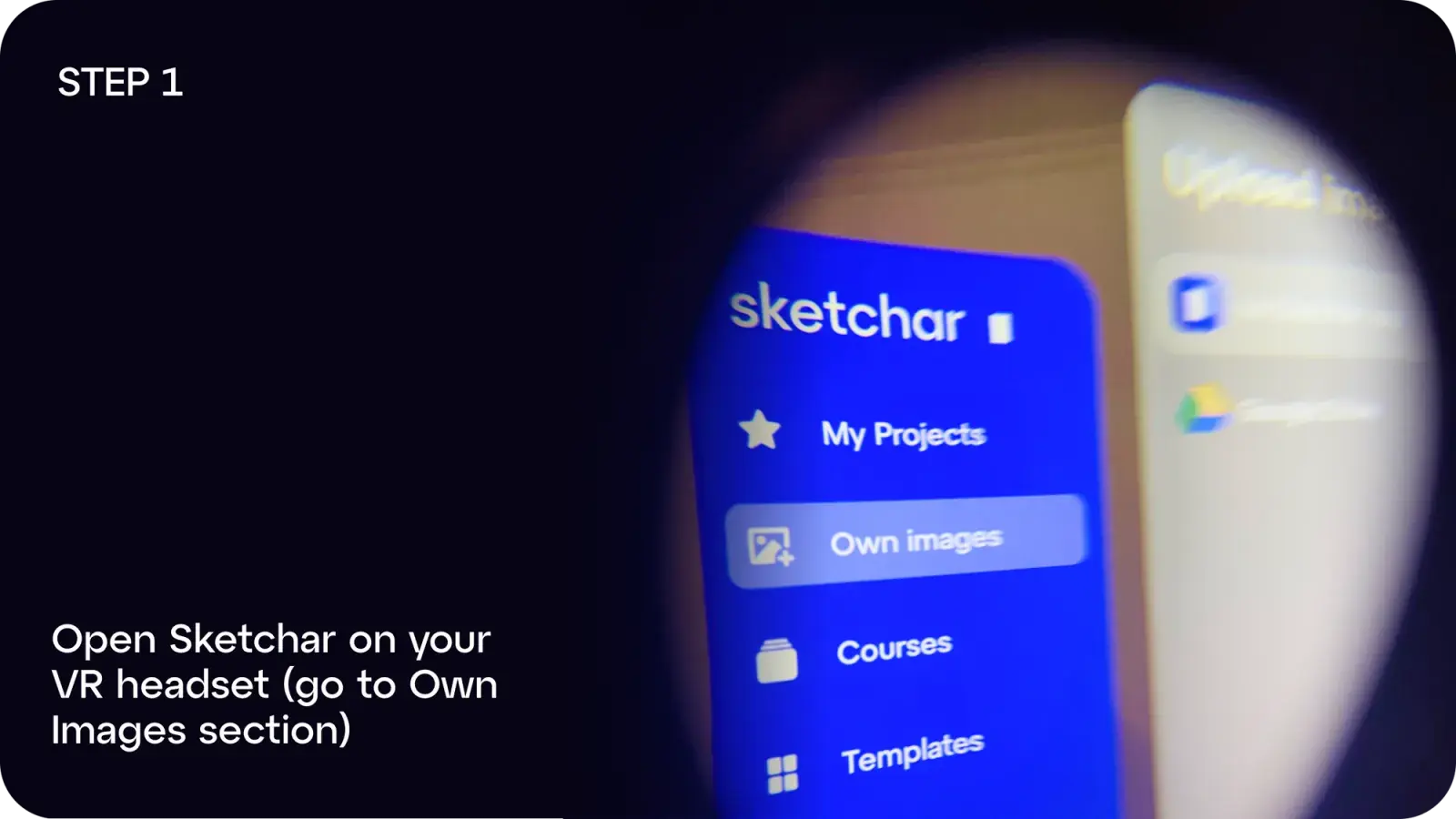
1단계: VR 헤드셋에서 Sketchar를 열고 Own Images로 이동합니다
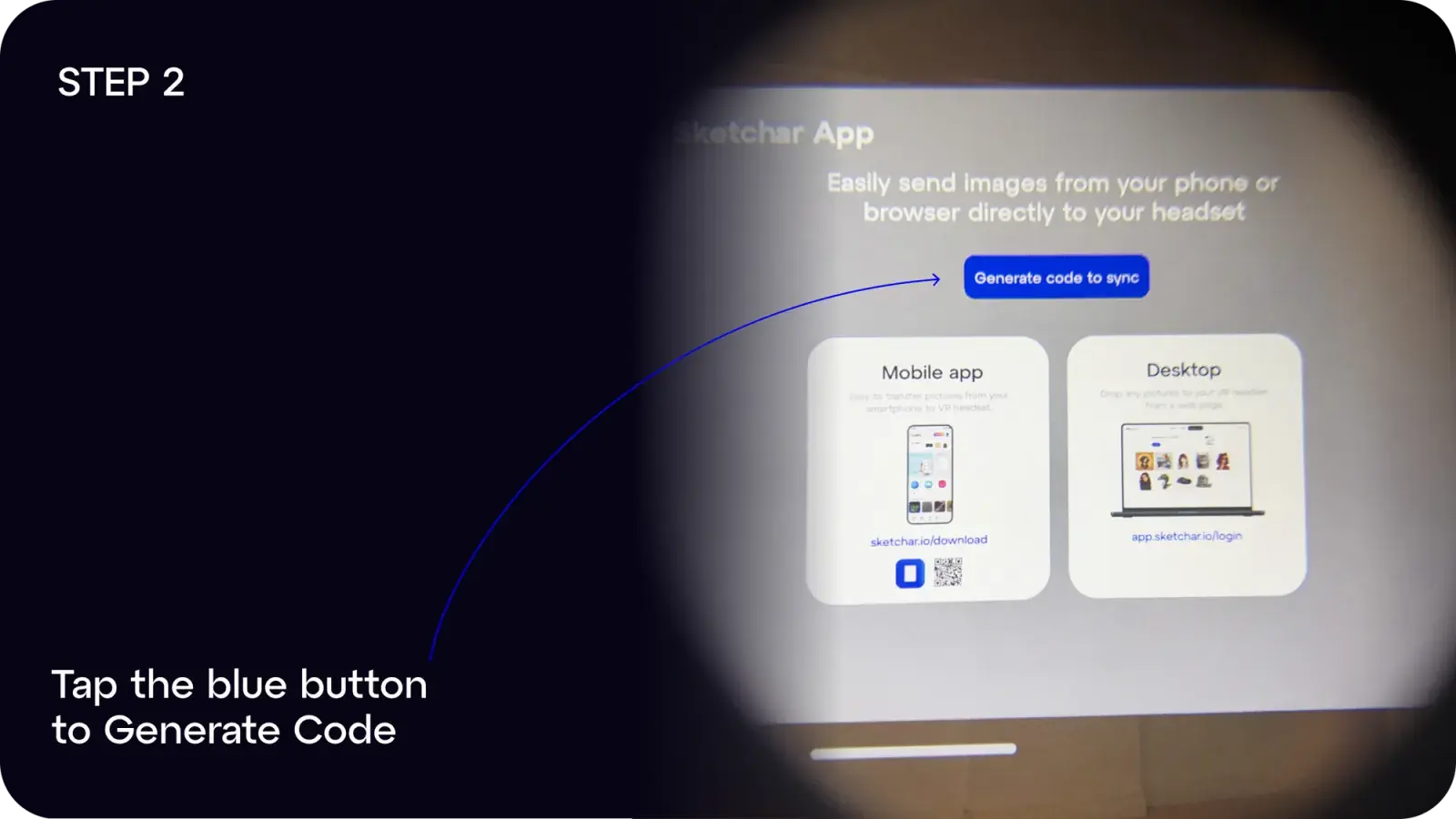
2단계: 파란색 버튼을 눌러 Generate Code를 실행합니다
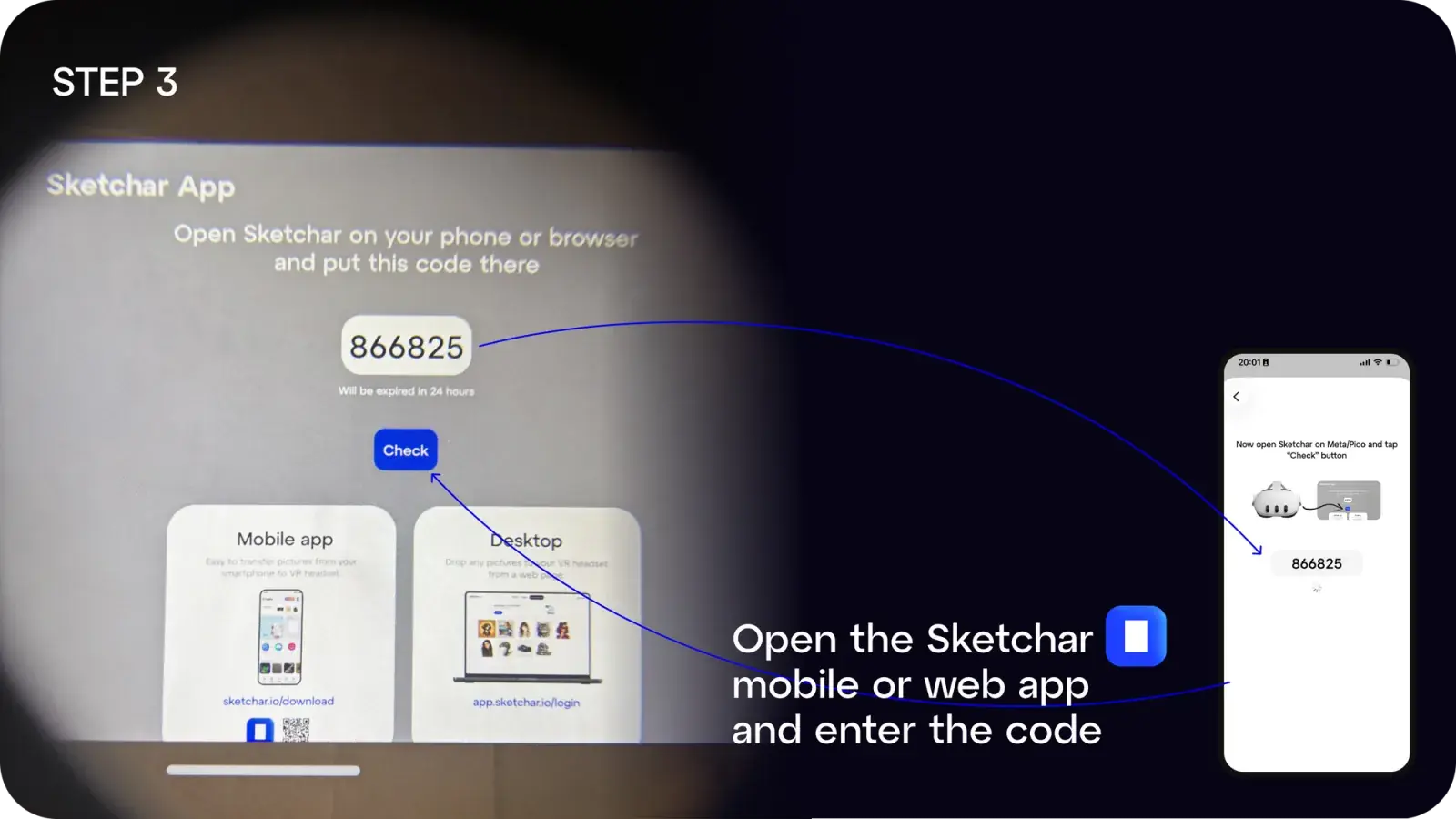
3단계: 모바일이나 데스크탑에서 Sketchar 앱을 열고 코드를 입력합니다
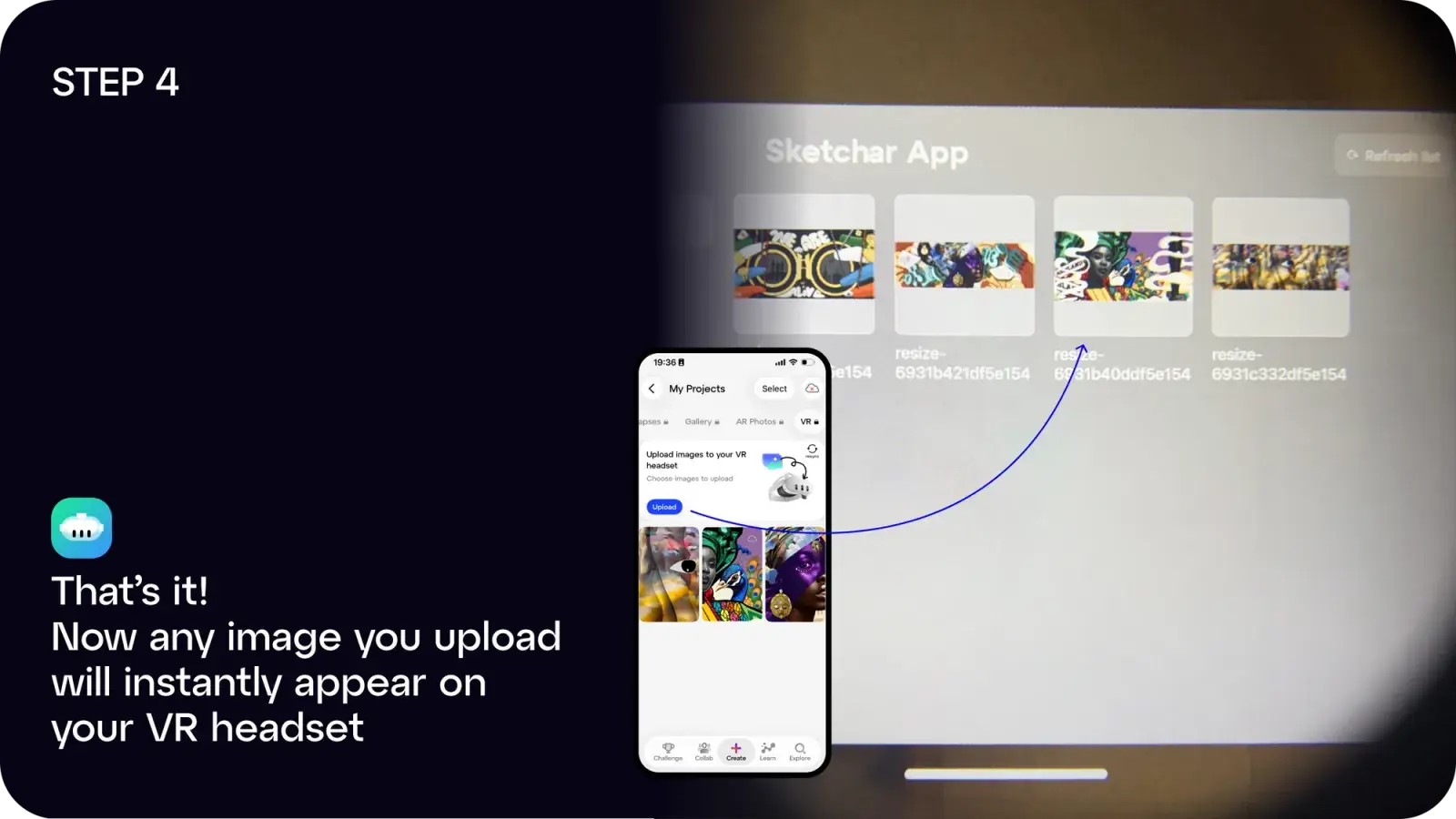
4단계: 완료! 업로드한 이미지가 헤드셋에 즉시 나타납니다
다음과 같이 이용할 수 있습니다:
- iOS 또는 Android에서 Sketchar 앱 다운로드, 또는
- app.sketchar.io/login의 웹 앱을 이용해 데스크탑에서 업로드
아이디어나 제안이 있으신가요? hello(at)sketchar.io로 알려주세요