Free AR drawing apps: what's actually free
Every AR drawing app is free to download. Few are free to use. What each store listing says about ads, subscriptions and paywalls – and how to check before you pay
Short answer: every AR drawing app in the stores is free to download. Very few are free to use. The rest pay for themselves with ads, a subscription behind a trial, or a paywall that appears the moment you try to trace your own photo. Here's what each listing actually says, and how to check before you pay. And if all you need is a picture over the camera, you no longer need an app at all: Sketchar's Simple AR does that in the browser, free, with no sign-up.
"Free" means three different things
When a store page says free, it usually means one of these:
Free with ads. Everything works, but ads interrupt the session. Annoying when your pencil is on the paper and the screen goes to a video.
Free with a subscription behind it. The app opens, you pick a picture – and a paywall or a "free trial" screen appears. The trial turns into a paid subscription unless you cancel in time.
Free core, paid extras. The main job works without paying. You pay for more content, more tools or more devices.
Only the third one is free in the sense people mean when they search for a free AR drawing app. The first two are free to install.
What the store listings say
We compared five AR drawing apps side by side – platforms, tracking, lessons and price – in Best AR drawing apps compared (2026). On price, the pattern is simple: all five are free to download; two run on ads with paid extras, the rest on a subscription.
A price range in a listing tells you little on its own. A $64.99 item might be a lifetime unlock or a large content pack. Open the in-app purchase list on the store page and read what each item is before you tap anything.
The free option that is not an app
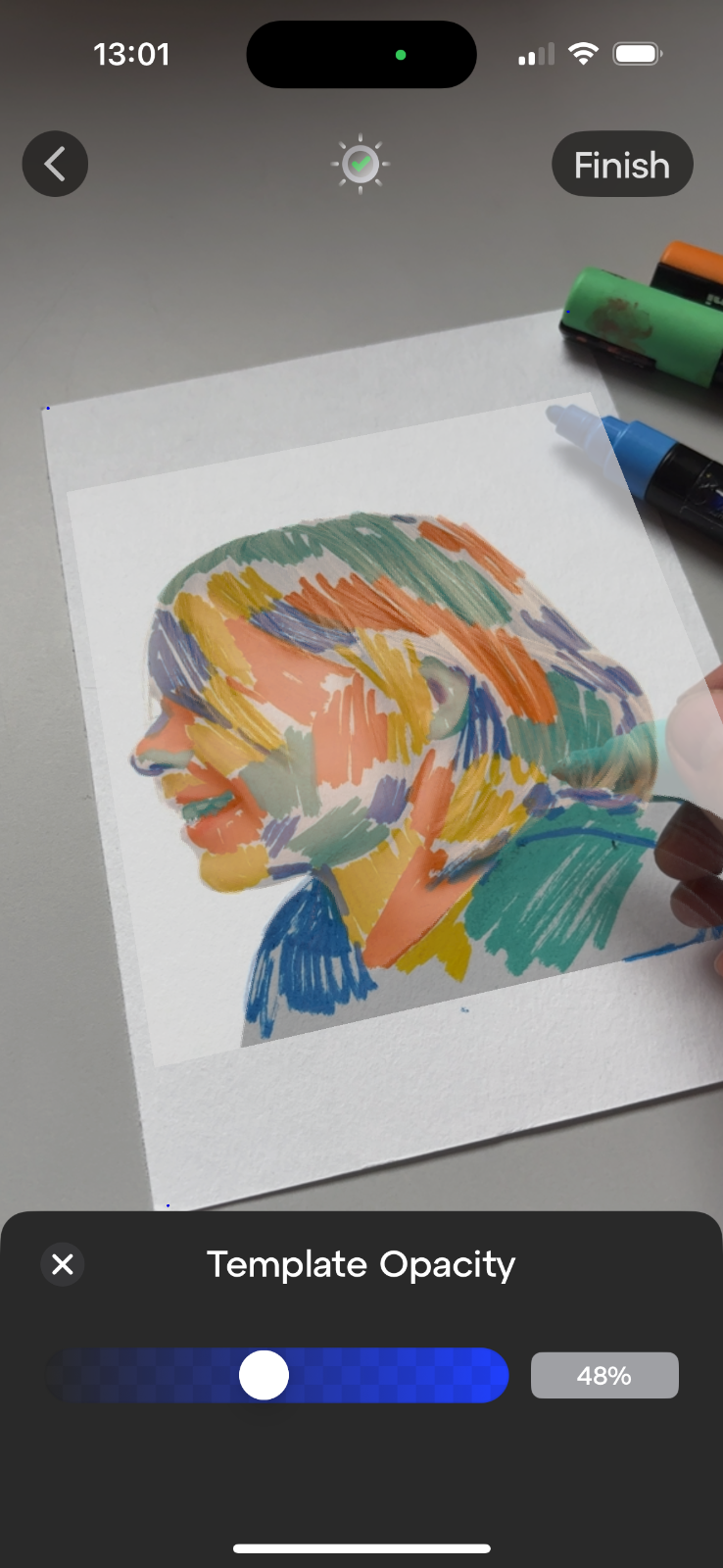
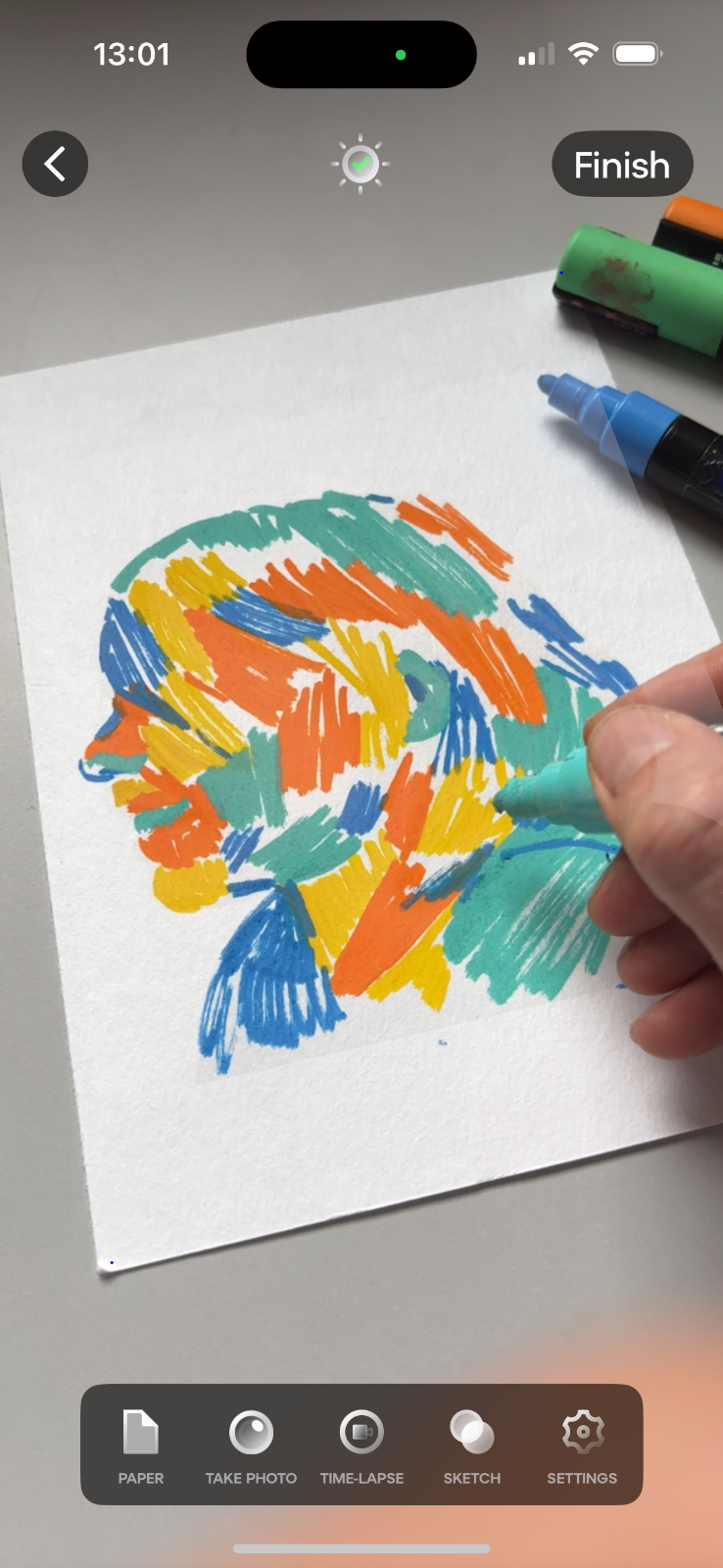
Most of what the paid apps sell is an overlay: a picture laid over the camera view, phone on a stand. A browser can do that, so Sketchar put it online. sketchar.io/try opens on any recent iPhone or Android phone in Safari or Chrome, takes your own photo or a ready sketch, and never uploads the picture anywhere. No account, no watermark, no limit. The setup is in AR drawing online: how to trace a picture in your browser.
What a browser cannot do is tracking – keeping the picture on the paper while the phone moves in your hand. That is the part of Sketchar that is paid, and the one-second test for telling the two apart is in Real AR vs fake AR in drawing apps.
What Sketchar costs
We make Sketchar, so here is exactly how our pricing works, as of October 2026:
Download is free, and every new account gets a 7-day free trial of everything in PRO.
PRO is one subscription that unlocks the same app on phone and on a VR headset: tracking that keeps the picture on the paper, 1,000+ courses and lessons, multiplayer rooms, advanced drawing tools, cloud sync across devices and sharing to Sketchar Explore.
Plans: $7.99 a week, $24.99 a month or $79.90 a year (about $6.66 a month). Weekly, monthly or yearly is only how you pay – the app is the same.
Schools and universities get a separate per-seat price and can apply for a free licence on the EDU page.
Current prices are always on the pricing page; the store listing shows the same numbers in your local currency.
How to spot a paywall before you pay
Two minutes on the store page saves a charge you didn't expect.
Read the in-app purchase list. Weekly subscriptions at a low headline price are common in this category and add up fast over a year.
Look for "free trial" in the screenshots and description. A trial is fine, as long as you know when it ends.
Check the latest one-star reviews. Complaints about surprise charges or a paywall on the first picture show up there first.
Know how to cancel before you start. On iPhone: Settings → your name → Subscriptions. On Android: Google Play → profile → Payments & subscriptions → Subscriptions. Deleting the app does not cancel a subscription.
Free on Android vs iPhone
Most AR drawing apps are on both stores with the same pricing model. AR Draw Sketch is Android-only. Sketchar, AR Drawing: Sketch & Paint, Artrace and Da Vinci Eye list both platforms. If you switch phones, check whether your purchase follows you: a subscription bought in one store does not automatically transfer to the other store, but an account-based subscription can. Sketchar PRO is tied to your Sketchar account, so one subscription covers iOS, Android and the headset.
Can you do AR drawing for free without an app?
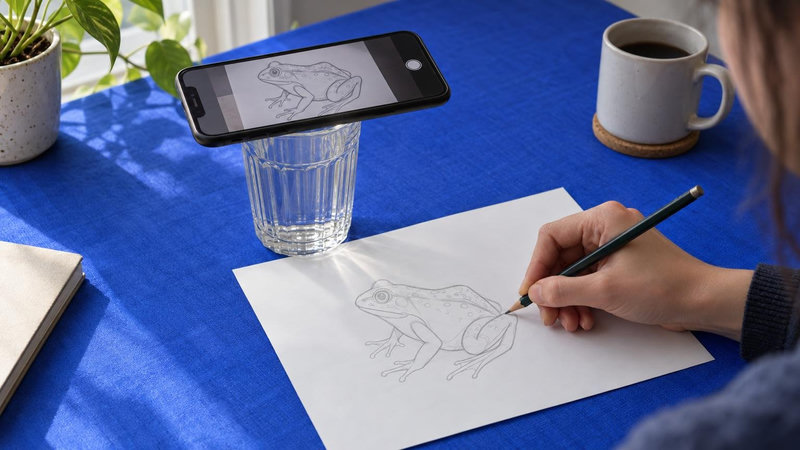
Yes, for the overlay kind. sketchar.io/try puts your picture over the camera view in the browser; rest the phone on a glass above the paper and trace. Move the phone and the picture moves with the screen – that is the nature of an overlay, in a browser or in an app. For drawing with the phone in your hand you need tracking, and tracking needs the app.
FAQ
Is there a completely free AR drawing app? For the overlay, you do not need an app: Sketchar's browser version is free with no account. Among store apps, fully free with no ads and no paywall is rare; look for a free core and paid extras on top.
Is the AR Drawing app free? AR Drawing: Sketch & Paint is free to download. Its listing shows a subscription and in-app items from $1.99 to $64.99.
What's the best free AR drawing app for Android? It depends on what you draw. For tracing a single picture with the phone on a stand, the browser does it without installing anything. For lessons, a headset or drawing with the phone in hand, compare the columns in our full comparison.
Is Sketchar free? The browser version is free. The app is free to download with a 7-day free trial of PRO; after the trial PRO is a subscription – $7.99 a week, $24.99 a month or $79.90 a year as of October 2026 – and one subscription works on phone and VR headset.
How do I cancel an AR drawing app subscription? Through the store, not the app. iPhone: Settings → your name → Subscriptions. Android: Google Play → Payments & subscriptions → Subscriptions.
Trace for free, right now. No app, no sign-up, your photo stays on your phone: open the browser version. Want the picture to stay on the paper while you move? Get Sketchar and try PRO AR free for 7 days.
▋