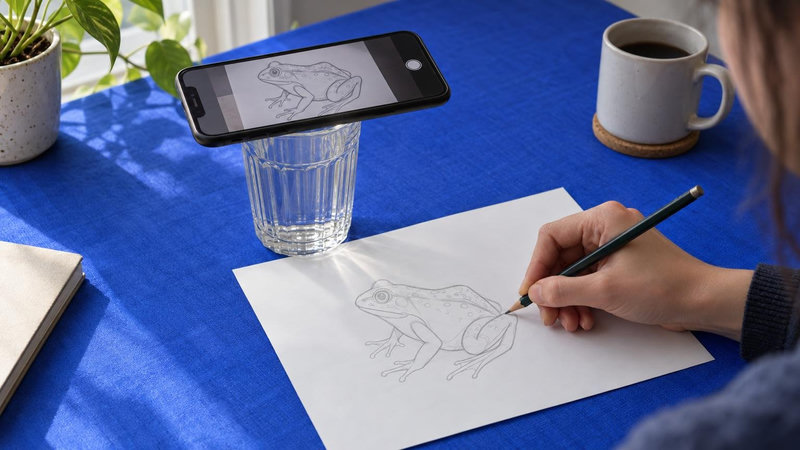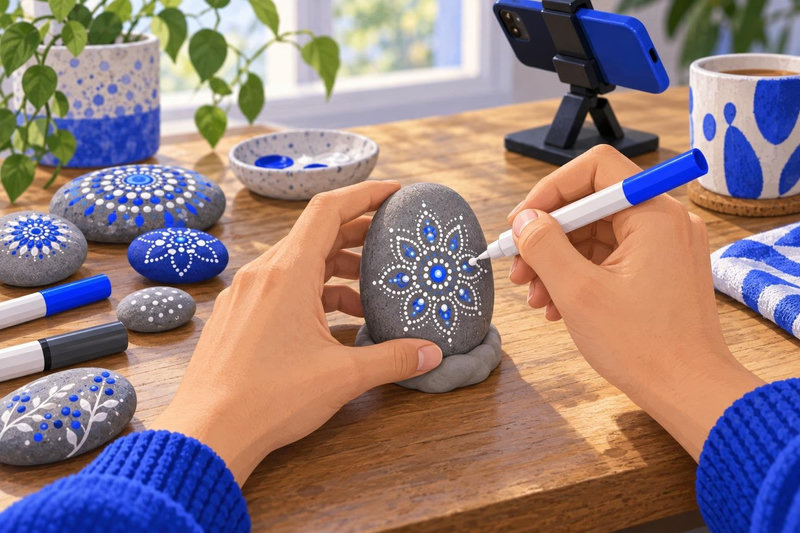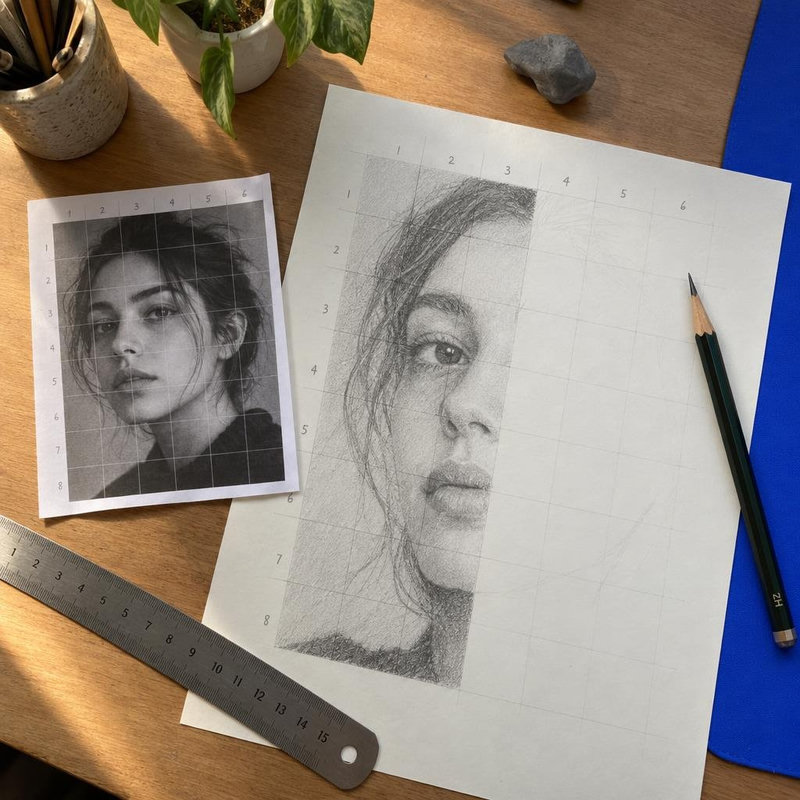
Мы делаем Sketchar; таблица ниже ограничена фактами, которые любой может проверить в карточках приложений в сторах и на сайтах вендоров. Там, где карточка молчит, в ячейке стоит "не указано" вместо догадки.
Для кого это
Ты хочешь рисовать на бумаге, стене или холсте с референсом, спроецированным поверх через камеру телефона или гарнитуру, и хочешь понять, какое приложение подходит твоему устройству и бюджету. Если для начала хочешь разобраться в самом методе, начни с того, как работает AR-рисование.
Как мы сравнивали
Мы взяли пять приложений, которые называют себя инструментами AR-рисования или AR-трейсинга, и зафиксировали, что указано в их карточках в App Store и Google Play. Дата снимка — 2026-09-22. Ничего не додумывалось: если в карточке не упоминается офлайн-режим, в ячейке написано "не указано", даже если такая функция у приложения, возможно, есть. Мы перепроверяем данные каждый квартал. Идентификаторы карточек — в конце.
Два столбца требуют пояснения. «Web app (canvas)» означает, что у разработчика есть версия, работающая в браузере: для Sketchar это цифровой Canvas, курсы и аккаунт, плюс бесплатное AR-демо на sketchar.io/try, которое накладывает изображение поверх камеры без трекинга, так что ты можешь попробовать обводку без регистрации. «AR tracking» означает, что в описании заявлен трекинг, который удерживает референс на бумаге, пока телефон держат в одной руке и перемещают, а не закрепляет его на экране; Real AR vs fake AR показывает, как отличить одно от другого. Остальное – платформы, гарнитуры, уроки, Multiplayer, офлайн, синхронизация, цена, год запуска – указано как есть.
Сравнительная таблица
| Platforms | Web app (canvas) | AR tracking | VR headsets | Lessons / templates | Multiplayer | Offline mode | Cross-device sync | Price | Launch year | |
|---|---|---|---|---|---|---|---|---|---|---|
| Sketchar | iOS, Android, Meta Quest, Pico 4 Ultra | ✓ canvas, plus a free AR demo in the browser, no sign-up: sketchar.io/try | ✓ | ✓ | 1,000+ templates and step-by-step lessons | ✓ | ✓ | ✓ | Free; PRO $7.99/week, $24.99/month or $79.99/year | 2016 |
| AR Drawing: Sketch & Paint | iOS, Android | – | – | not stated by the vendor | 200+ lessons, 700+ templates | not stated by the vendor | not stated by the vendor | not stated by the vendor | Free with subscription; in-app items $1.99–$64.99 | not stated by the vendor |
| Artrace | iOS, Android | – | – | not stated by the vendor | not stated by the vendor | not stated by the vendor | not stated by the vendor | not stated by the vendor | Free with ads; in-app items $2.99–$39.99 | not stated by the vendor |
| AR Draw Sketch | Android | – | – | not stated by the vendor | not stated by the vendor | not stated by the vendor | not stated by the vendor | not stated by the vendor | Free with ads; in-app items $7.99–$39.99 | not stated by the vendor |
| Da Vinci Eye | iOS, Android, visionOS | – | – | ✓ | not stated by the vendor | not stated by the vendor | not stated by the vendor | not stated by the vendor | Free; paid tiers from $4.99/month to $49.99/year | not stated by the vendor |
| ardrawing.site | Web (mobile browser) | ✓ browser | – screen overlay, no tracking | not stated by the vendor | “hundreds” of templates | not stated by the vendor | not stated by the vendor | not stated by the vendor | Free | not stated by the vendor |
Facts as published by each app’s store listing or website on 2026-10-19. Rechecked quarterly. Sources: Sketchar: sketchar.io · AR Drawing: Sketch & Paint: ar-drawing.com, play.google.com, apps.apple.com · Artrace: play.google.com, apps.apple.com · AR Draw Sketch: play.google.com · Da Vinci Eye: apps.apple.com, www.davincieyeapp.com · ardrawing.site: ardrawing.site
✓ = указано в карточке или на сайте вендора. – = указано как отсутствующее, либо вендор не предлагает такой версии. "не указано" = источники молчат.
Что эти различия значат на практике
Телефон в руке против зафиксированного телефона. Большинство AR-трейсинг-приложений предполагают, что телефон стоит неподвижно: ты ставишь его на подставку или стопку книг, направляешь на бумагу, и референс остаётся на месте, пока ничего не двигается. Собственное отслеживание Sketchar следует за телефоном в руке, так что ты можешь поднять его, посмотреть, отложить и снова взять без повторного выравнивания. В этом снимке ни одна другая карточка такого не описывает, так что если у тебя нет подставки или ты рисуешь на поверхностях, где подставку не поставить, столбец про телефон в руке — первый, на который стоит смотреть.
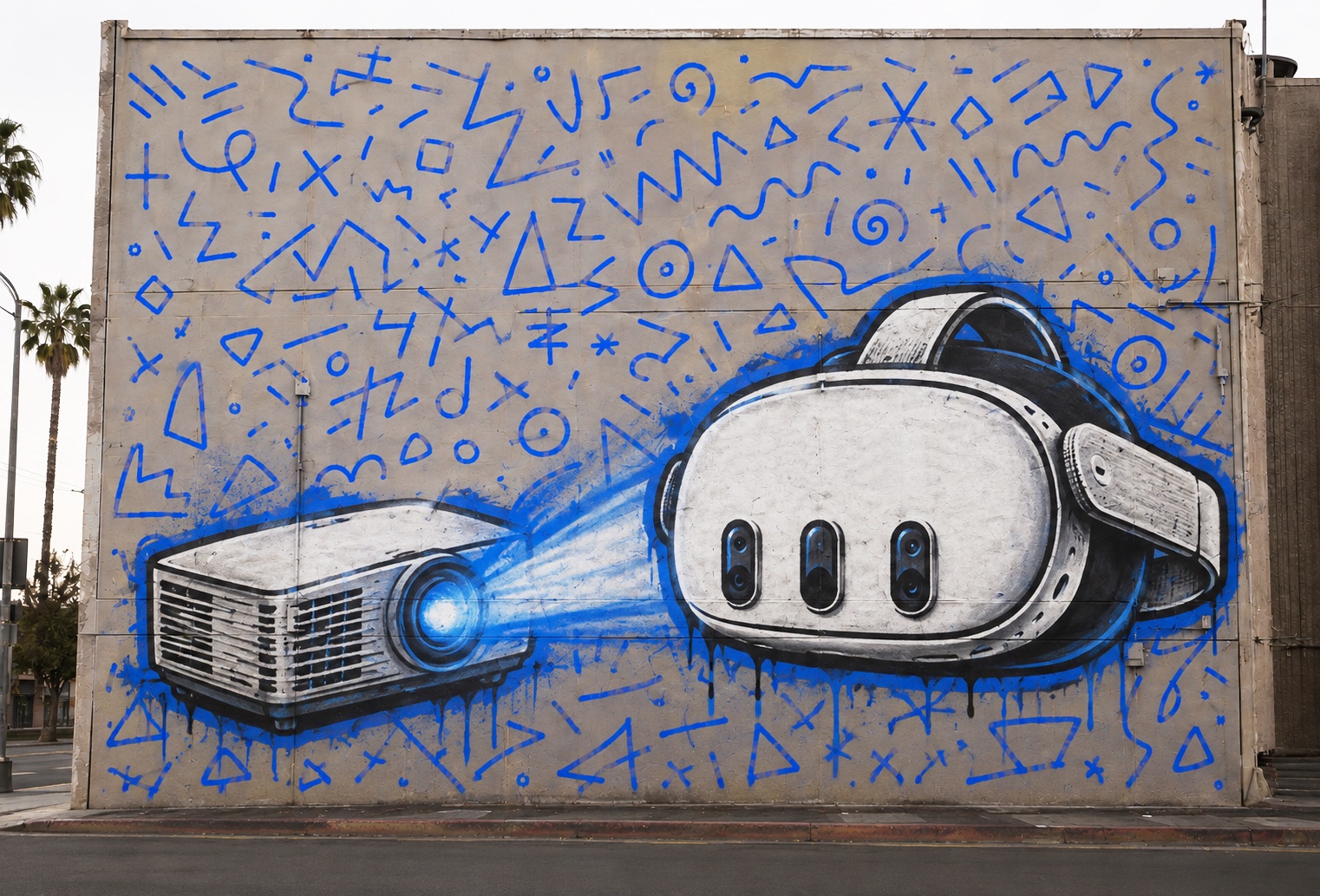
Гарнитуры. Два приложения указывают версию для гарнитуры. Sketchar работает на Meta Quest 3, 3S и Pro, а также на Pico 4 Ultra; Da Vinci Eye указывает visionOS. Гарнитура освобождает обе руки и размещает референс на стене в том масштабе, который ты задашь, что важнее всего для муралов и другой работы крупнее листа бумаги. Остальные три приложения вообще не упоминают гарнитуры.
Уроки. Две карточки указывают объём учебного контента: Sketchar с 1000+ шаблонами и пошаговыми уроками, все бесплатны, и AR Drawing: Sketch & Paint с 200+ уроками и 700+ шаблонами. Остальные три карточки описывают обводку картинки, которую приносишь сам, и ничего не говорят об уроках. Если ты учишься рисовать, а не переносишь готовый дизайн, это тот столбец, который отделяет группу.
Цена. Все пять приложений бесплатны для скачивания. Дальше модели различаются: Sketchar и Da Vinci Eye указывают подписку с помесячным и годовым вариантом ($5/месяц или $49/год, и от $4.99/месяц до $49.99/год соответственно). AR Drawing: Sketch & Paint указывает подписку плюс внутриигровые покупки от $1.99 до $64.99. Artrace и AR Draw Sketch поддерживаются рекламой с внутриигровыми покупками от $2.99 до $39.99 и от $7.99 до $39.99. Что именно открывает каждый платный уровень, из одних только карточек не сравнить, так что перед оплатой читай список покупок в приложении на странице стора.
Какое приложение кому подойдёт
Тому, кто работает и с ноутбука тоже. Из пяти только Sketchar на этом снимке указывает веб-приложение — холст для рисования, курсы и аккаунт работают в браузере на app.sketchar.io. Сам AR-трейсинг всё равно требует камеру телефона или гарнитуры — в каждом приложении из списка.
Ребёнку или новичку. Смотри на столбец с уроками. Sketchar и AR Drawing: Sketch & Paint — те два, что указывают пошаговый контент; Sketchar также доступен на Android, iOS и гарнитуре с одним аккаунтом на всех устройствах, что помогает, когда семья делит одно устройство.
Муралисту или тому, кто рисует в масштабе стены. Смотри на столбец с гарнитурами. Sketchar (Meta Quest 3/3S/Pro, Pico 4 Ultra) и Da Vinci Eye (visionOS) — два варианта; выбор сводится к тому, какая гарнитура у тебя есть. На телефоне отслеживание с рук позволяет отойти от стены и вернуться без повторного выравнивания.

Частые вопросы
Есть ли бесплатное приложение для AR-рисования?
Да. Все пять приложений в таблице бесплатны для скачивания. 1000+ шаблонов и уроков Sketchar бесплатны; платный уровень PRO стоит $5/месяц или $49/год. Остальные четыре сочетают бесплатный уровень с рекламой, подпиской или внутриигровыми покупками.
Какое приложение для AR-рисования работает на Meta Quest?
В этом сравнении Sketchar — единственное приложение, указывающее Meta Quest (Quest 3, 3S и Pro); оно также работает на Pico 4 Ultra. Da Vinci Eye указывает visionOS, а не Meta Quest. Остальные три не указывают гарнитуру вовсе.
Работают ли приложения для AR-рисования на iPad?
Четыре из пяти указывают iOS: Sketchar, AR Drawing: Sketch & Paint, Artrace и Da Vinci Eye. Поддержка iPad показывается в разделе совместимости App Store для каждого приложения отдельно; этот снимок не фиксировал это отдельно, так что проверяй карточку.
Какое приложение положило начало AR-рисованию?
Sketchar, выпущенное в 2016 году. Основатель Андрей Дробитко, художник-муралист, набросал идею в 2012 году как способ переносить референс на стену без проектора. Ни одна другая карточка в таблице не указывает год запуска.
Если хочешь попробовать отслеживание с рук или версию для гарнитуры, получи Sketchar — он бесплатен для скачивания, и уроки тоже бесплатны.
Источники
Снимок 2026-09-22, взят из публичных карточек App Store и Google Play. Указаны как обычный текст, так что здесь нет ссылок; вставь адрес в поиск стора, если хочешь проверить ячейку.
Sketchar – App Store. Google Play sketchar.io/pricing
AR Drawing: Sketch & Paint
Artrace – App Store · Google Play
AR Draw Sketch – Google Play
Da Vinci Eye – App Store
▋