Sketchar Multiplayer for Meta Quest: Paint Murals Together using AR/VR
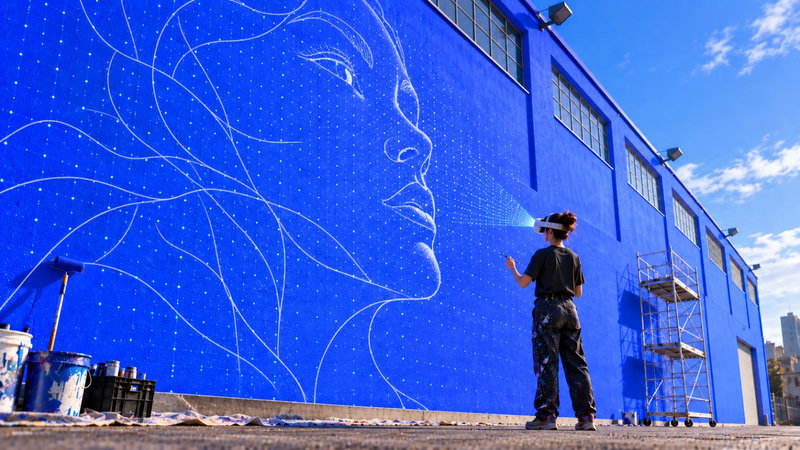
Sketchar launches the first multiplayer mural painting feature for Meta Quest — several headsets now see the same sketch, in the same place, on the same wall. Mural teams, schools, and live events can finally paint together.

Sketchar Multiplayer: Mural Painting Becomes a Team Sport
We just released something no one has done before: multiplayer wall drawing on Meta Quest. Several artists, several headsets, one shared sketch on one real wall.
A little backstory
In 2018 we shipped our first headset app on Microsoft HoloLens — and it quietly changed how creative work gets done. Since then Sketchar has become a standard tool for muralists, replacing the old ways of transferring an image to a wall: projectors, grids, chalk lines, and pounce patterns.
Instead of waiting for darkness, calibrating a projector, or gridding a facade by hand, you place a digital sketch on the surface and trace what you see. Faster setup, no distortion, no scaffolding math.
Multiplayer is the next logical step.
How Sketchar Multiplayer works
When a sketch is placed on a wall, every connected Meta Quest headset sees that sketch in exactly the same position, at the same scale, on the same surface.

One artist positions and locks the design.
Teammates join the session and instantly see the identical overlay.
Everyone paints their own section of the same mural — no re-measuring, no mismatched proportions.
No projector. No grid. No "wait, is this line in the right place?"
Who it's built for
Mural teams and creative agencies
Large-format work is usually a bottleneck: one person transfers the image while the rest wait. With shared sketch alignment, a whole crew can outline and fill simultaneously, cutting production time on big walls dramatically. Ideal for agencies delivering branded murals on deadline.
Schools and universities
Collective creativity finally scales. Students share one canvas and one vision, each contributing a piece. A great example: Charleston School turned collaborative VR mural painting into an entire festival — see the case below.
Events, festivals, and live demos
Audiences no longer watch a blank wall. Spectators in headsets can see the invisible sketch the artist is following, turning a live painting session into an immersive show. Perfect for brand activations, art fairs, and workshops.
What shared sessions unlock
Multiplayer isn't just "more people at once" — it changes the workflow:
Parallel production: split a wall into zones and paint them at the same time with guaranteed alignment.
Live art direction: a lead artist or client can review the design in place, at real scale, before a single drop of paint lands.
Faster onboarding: juniors learn by following the same overlay as a senior muralist, side by side.
Remote-to-onsite handoff: design digitally, then bring the approved file to the wall for the whole team.
Teaching and critique: instructors demonstrate, students replicate, everyone sees identical reference.
Documentation: consistent placement makes progress shots and time-lapses far cleaner.
Mural painting has been a solo craft for a long time. Not anymore — now you can paint murals together with SketchAR."
Get started
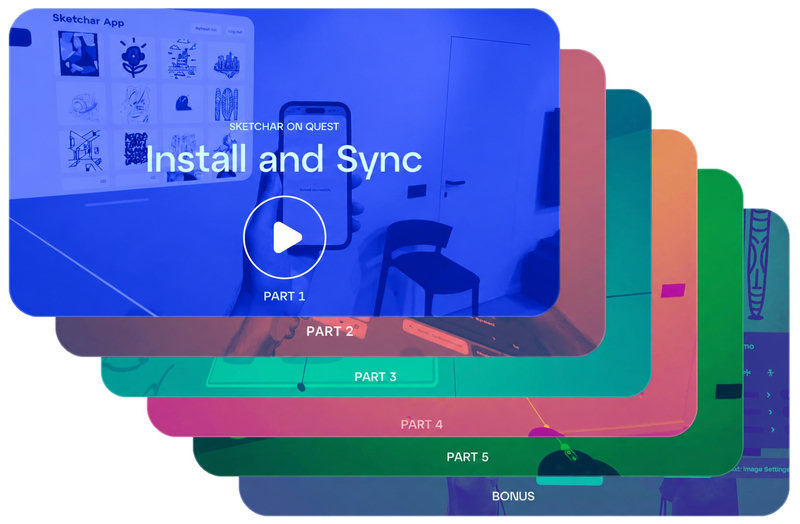
Grab Sketchar on Meta Quest, upload, place it on the wall, and invite your crew into the session.
▋