How to Scale a Mural: Projector vs. Grid vs. Doodle Grid vs. AR/VR (2026 Comparison)
Grid, projector or AR – three ways to get a sketch onto a wall at scale, with the step-by-step AR method on a phone or a Meta Quest headset.
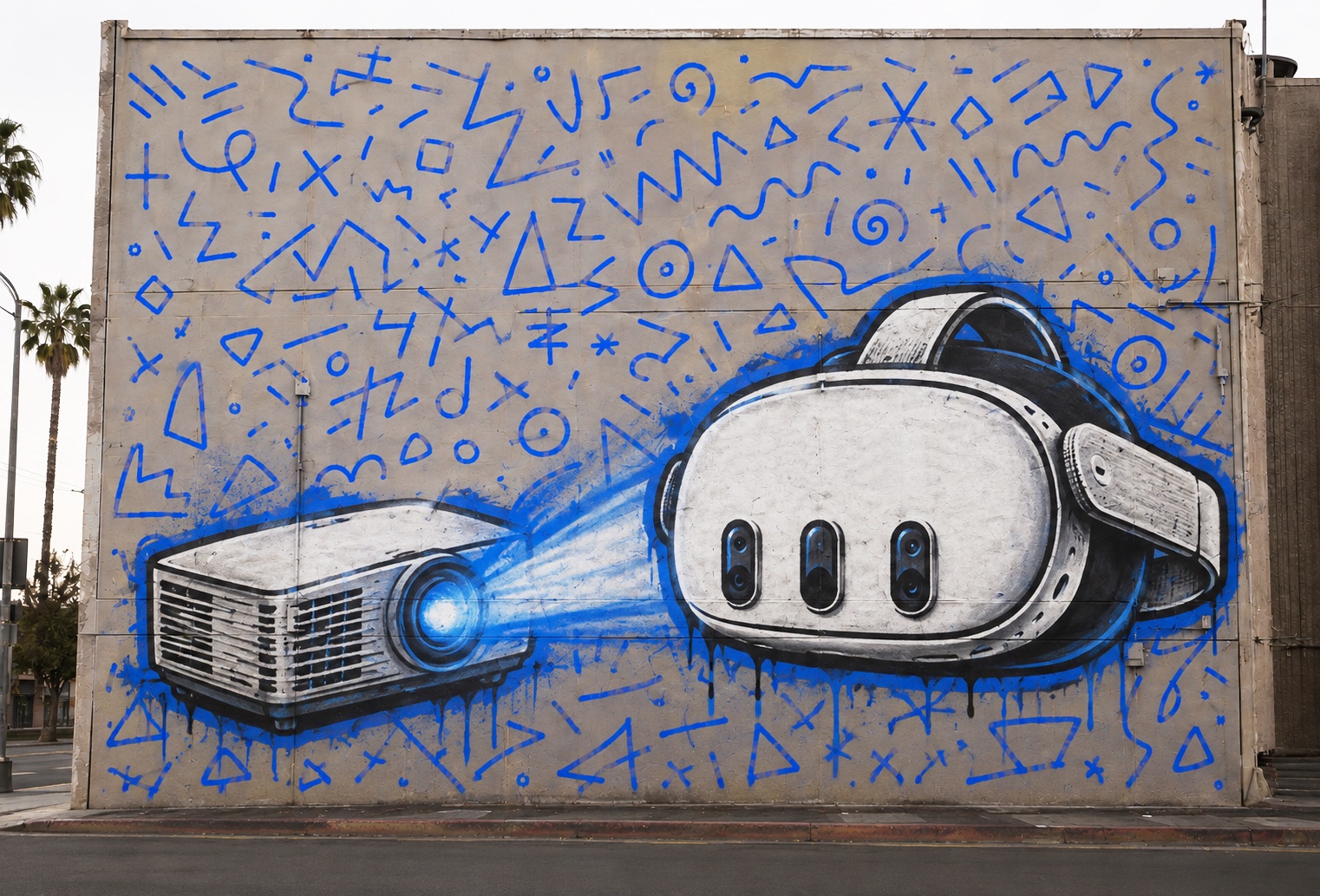
Every mural starts with the same problem: the sketch is 20 centimeters wide and the wall is 8 meters. Getting the drawing onto the wall at the right scale is where the setup time goes and where mistakes happen. There are three ways – a grid, a projector, or AR drawing on a phone or headset. I have used all three on real walls, and I built Sketchar because the first two cost me too many nights. Here is how each works, when to pick it, and the exact steps for AR.
The short answer
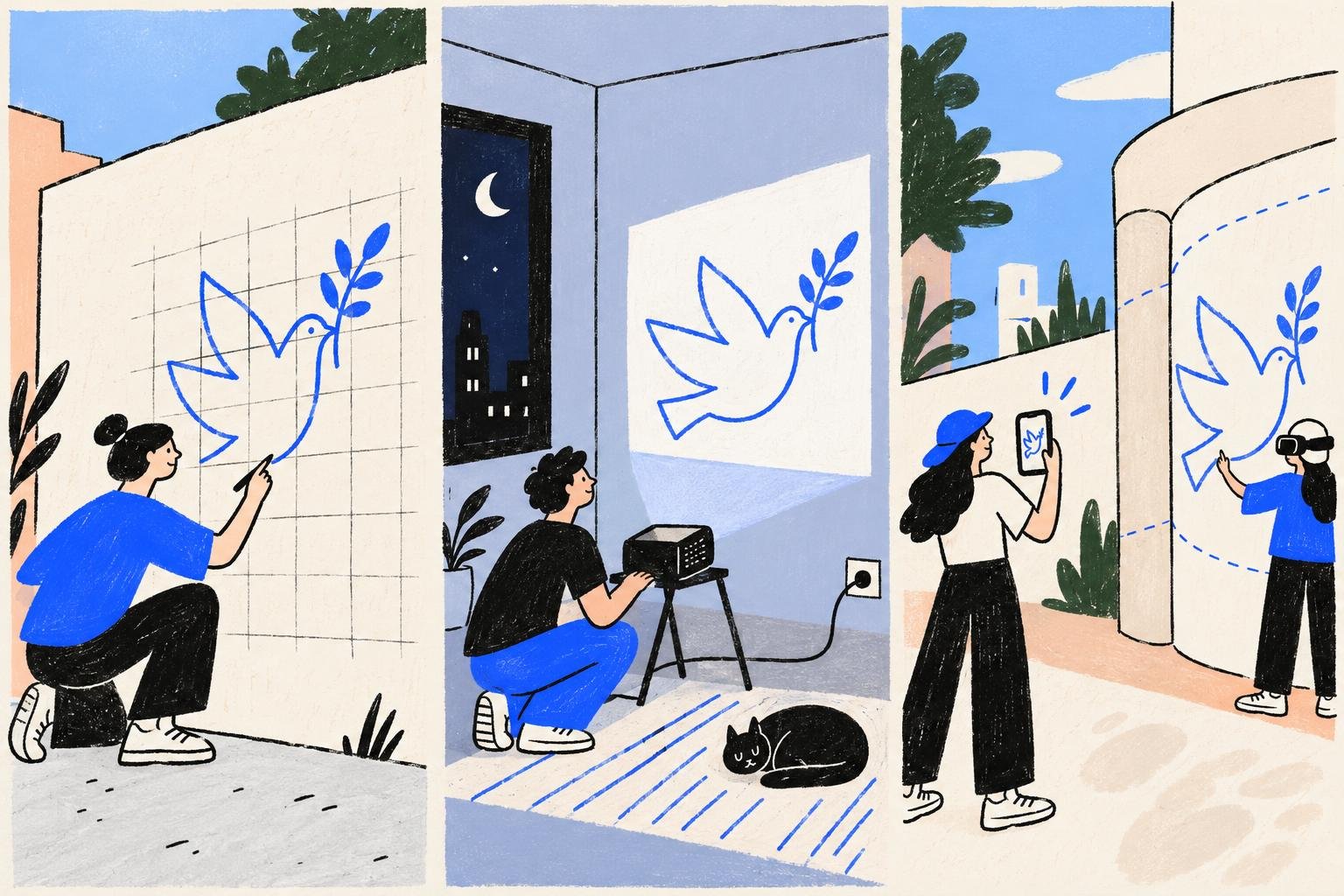
Grid – small wall, no equipment, no power. Slow, but it always works.
Projector – indoors at night, with a socket nearby and a flat wall you can face square. Fast to trace once set up, but the setup is the job.
AR on a phone or headset – daylight, outdoors, curved walls, columns and corners. Minutes to set up, and the sketch stays anchored while you move. A phone covers most walls; a headset is for building-size work and hands-free painting.
Quick comparison
Projector | Grid method | Doodle grid | AR/VR projection | |
|---|---|---|---|---|
Works in daylight | ❌ | ✅ | ✅ | ✅ |
Setup time (5×10 m) | 1–2 h + waiting for dark | 3–6 h of measuring | 2–4 h | 10–20 min |
Equipment cost | $200–2,000 | ~$20 (+Photoshop +printer) | ~$20 (+Photoshop +printer) | $200–500 (headset) or $0 (phone you own) |
Precision for detail | High | High (if measured well) | High (if measured well) | High |
Curved / irregular surfaces | ❌ | ⚠️ hard math | ⚠️ skill-heavy | ✅ (Sketchar) |
Power outlet needed | ✅ | ❌ | ❌ | ❌ |
Skill floor | Low | High | High | Low |
1. Projector: the classic that only works at night
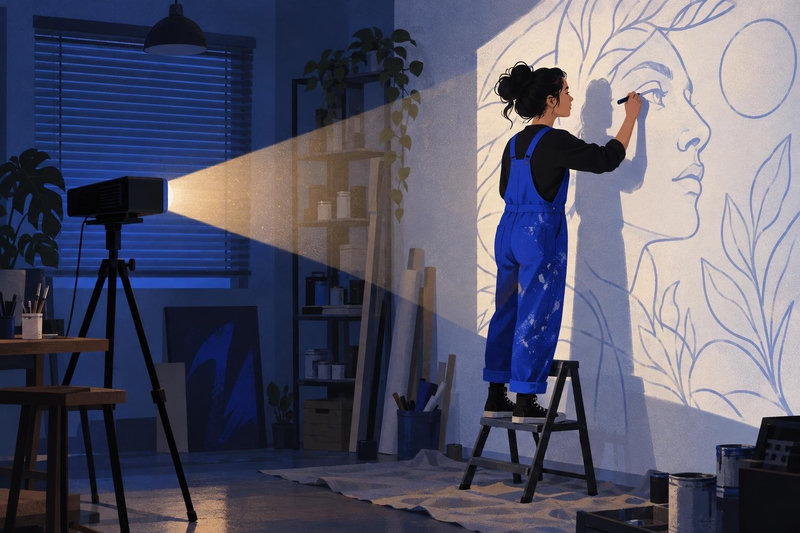
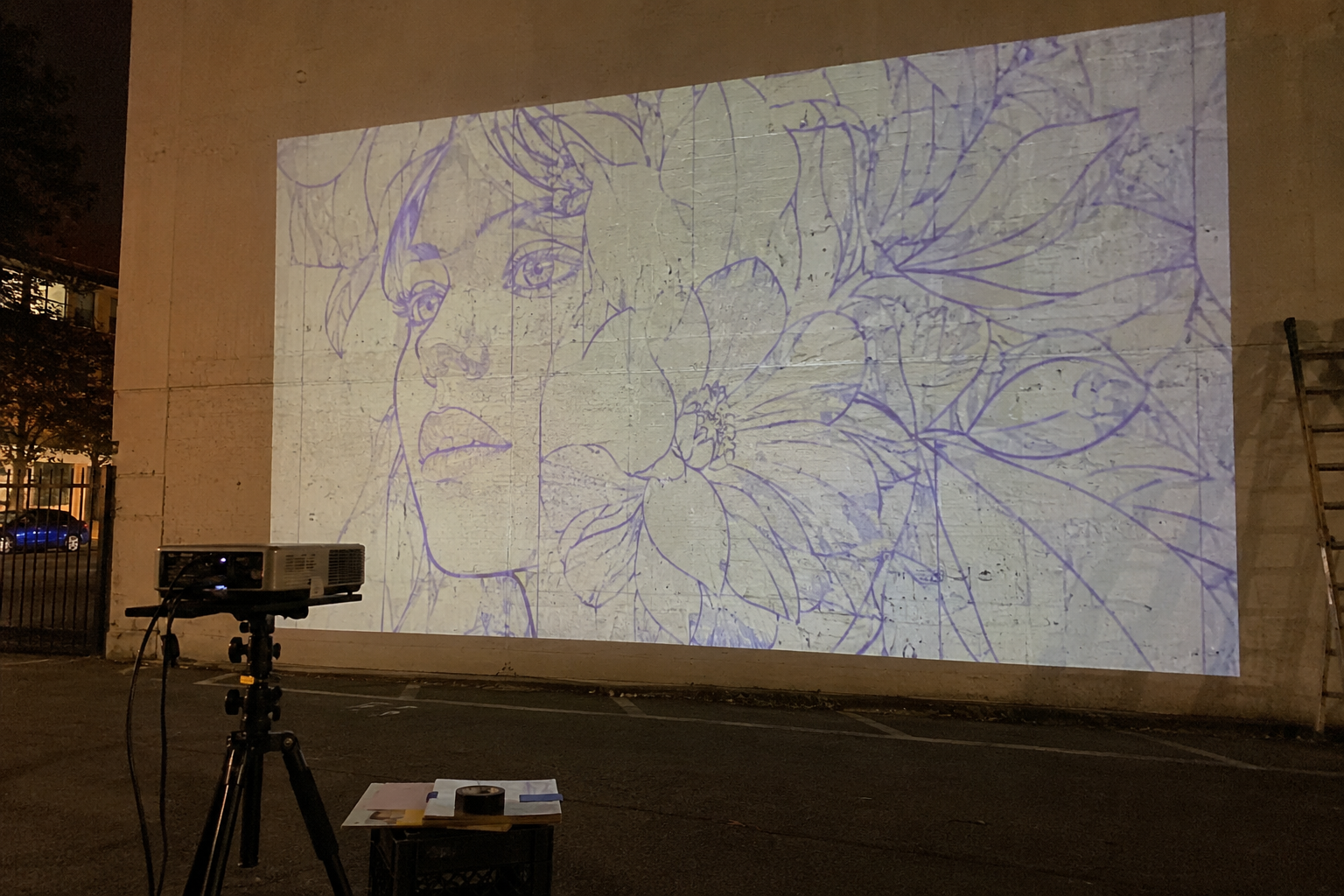
Throw the design on the wall, trace the lines. Precise and fast — when it works: you need darkness, a power source, a flat wall and enough distance to throw a large image without keystone distortion. For commercial jobs that means night shifts, generators and scaffolding shadows. Best for: indoor murals, small-to-medium flat walls, artists who already own a bright projector.
2. Grid method: cheap, reliable, slow
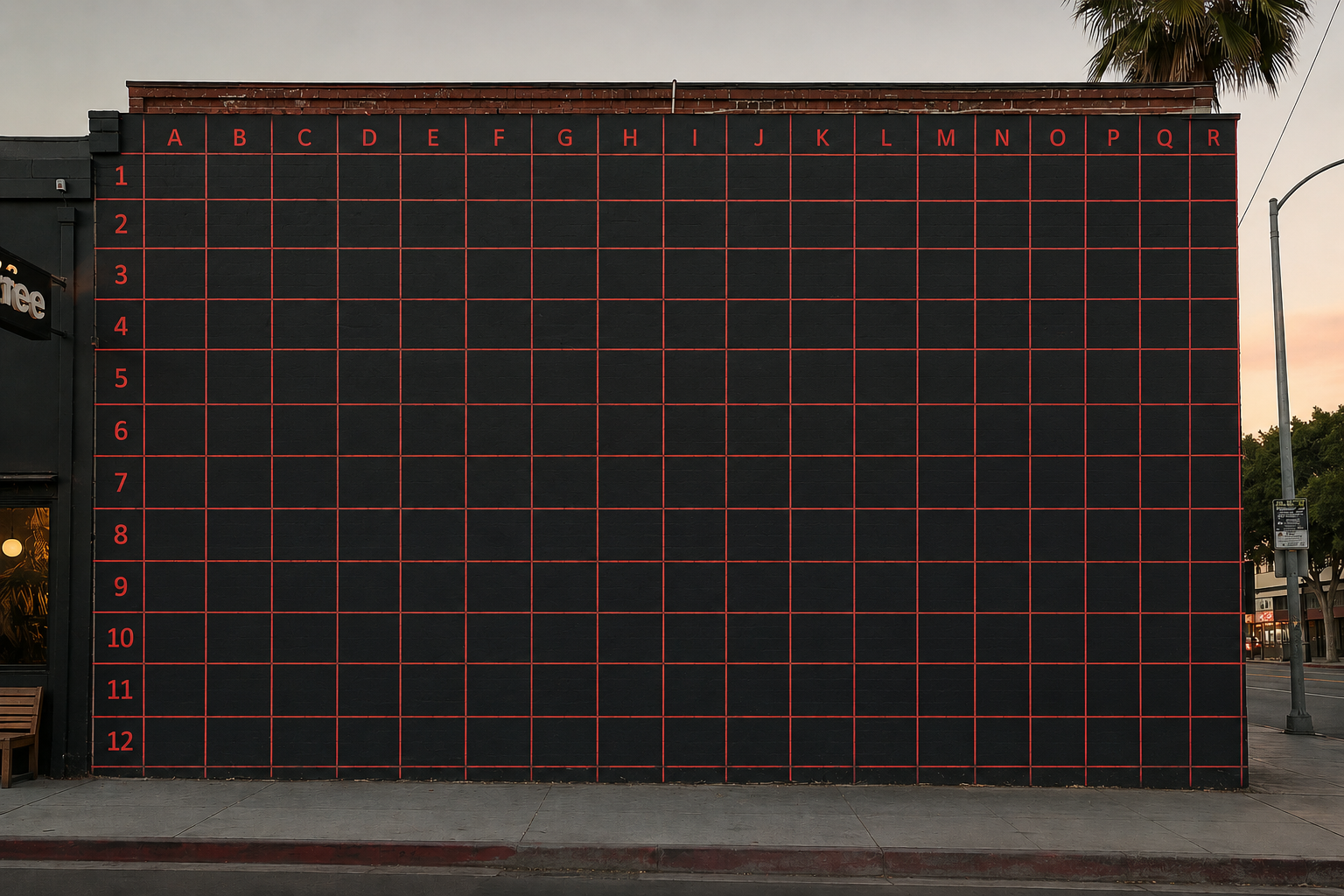
Divide the sketch into squares, draw the same squares scaled-up on the wall, copy square by square. Costs nothing and teaches proportion like nothing else, but on a large commercial wall the measuring and snapping alone can eat most of a day, and curved surfaces turn the math ugly. Best for: tight budgets, students, precise realism on flat walls without deadlines.
3. Doodle grid: the muralist's hack
Instead of a measured grid, you cover the wall with random marks — squiggles, numbers, shapes — photograph it, overlay your design on the photo, and use the doodles as reference points. Faster than a grid and daylight-friendly, which is why it became the default for many professionals. The catch: accuracy depends entirely on your freehand skill, and fine details drift. Best for: experienced muralists, organic designs where a few centimeters don't matter.
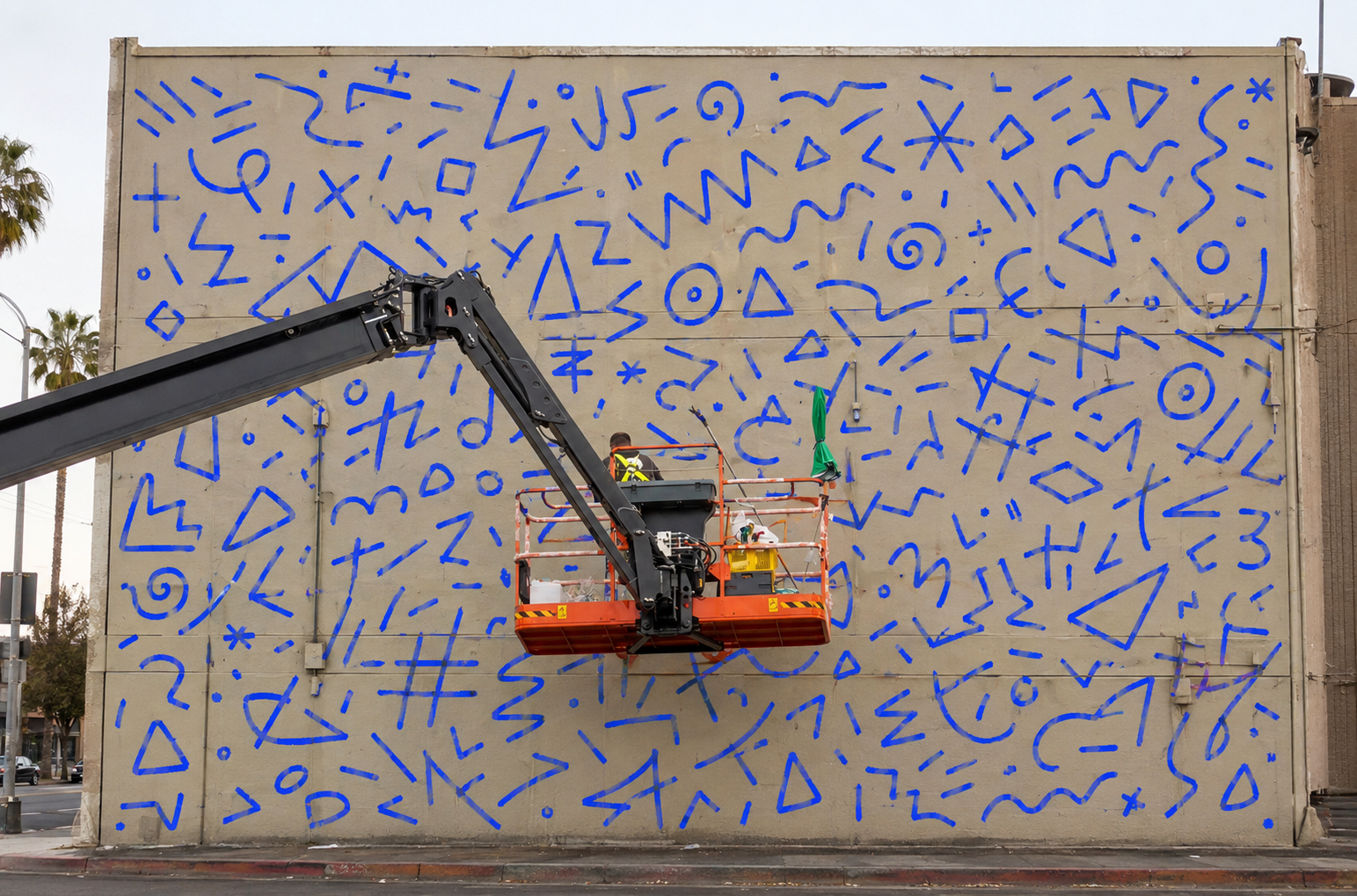
4. AR/VR projection: the projector that works in daylight
The newest method invented by Andrey (Adno) Drobitko in 2012. You upload the design into an app, and it overlays the sketch on the real wall — through a VR/MR headset (Meta Quest, PICO). You see the lines on the wall and trace them directly; there is no physical projector, no darkness, no measuring.
Current tools: Sketchar on Meta Quest, PICO; curved-surface modes for columns, corners and car hoods, offline mode, multiplayer for two artists on one wall). Mobile-only options like Sketchar mobile AR app works for smaller pieces but tire the arm on big walls.
Method 4.1 – AR with a phone, step by step (Mural View)
The method I use on most walls now. The phone camera sees the wall, the app places your sketch on it, and the tracking keeps the drawing pinned to the surface as you walk. Sketchar has had this mode – Wall View, now Mural View – since 2020.
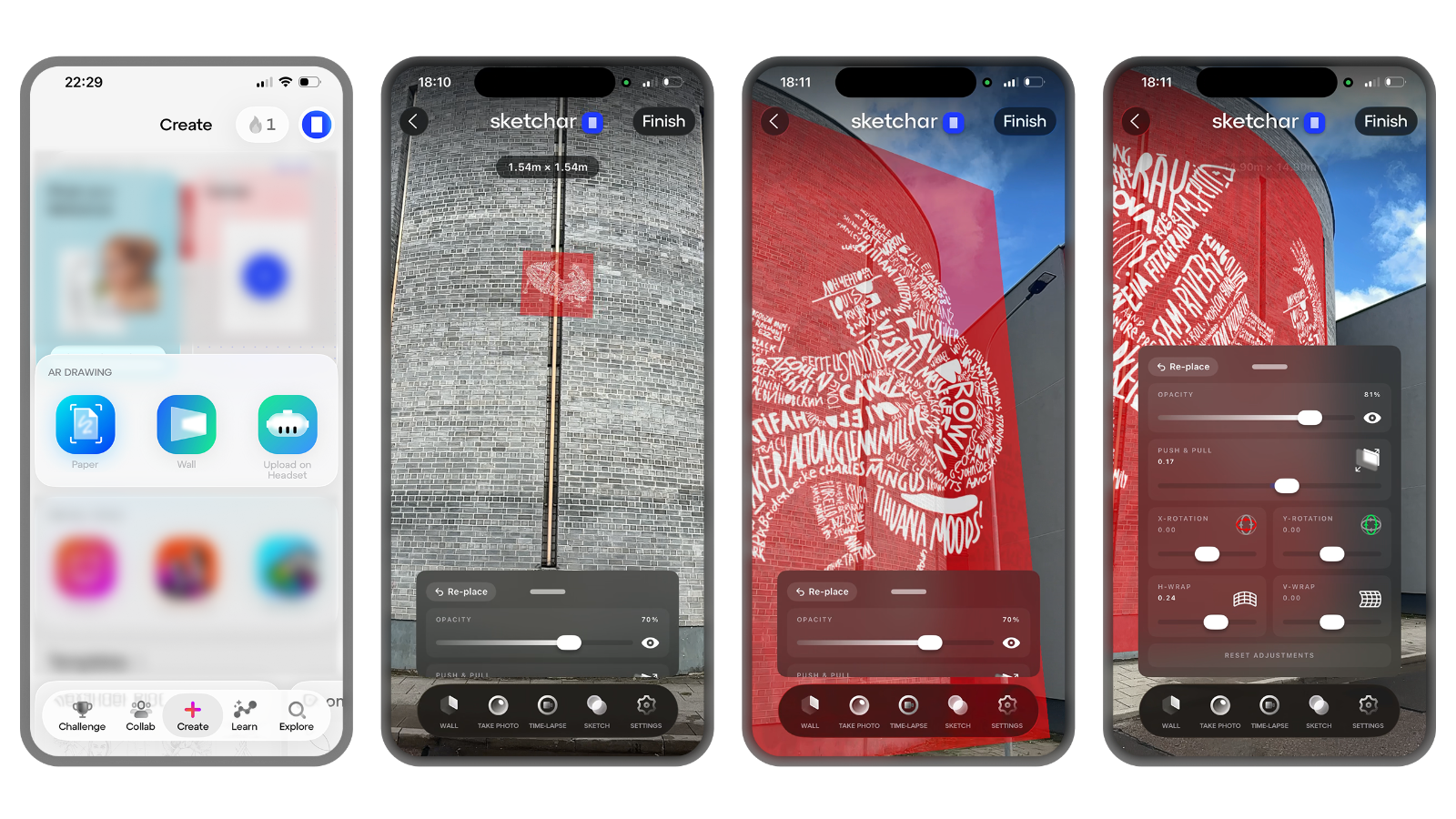
Measure the wall in the app. Open Mural View, point the camera at the wall and mark its corners. The app measures the surface so the sketch lands at real size, not a guess.
Place the sketch. Load your image, drag it into position and set the width in meters. Type exact dimensions if the client gave you a spec.
Set opacity. Lower it until you see both the drawing and the wall texture. Around 50 percent to start; drop it further once paint goes on.
Lock it. Locking freezes the placement so a stray tap does not shift the whole mural.
Mark anchor points. Chalk five or six key points – corners of the composition, an eye, the edge of a letter. If tracking is ever lost, you re-align to these marks in seconds.
Walk and paint. Phone in one hand, brush in the other. The sketch stays anchored to the wall while you step closer, back off or move to a new section.
For a curved wall, a column or a corner, switch to Surface mode, which bends the sketch around the shape instead of projecting a flat plane onto it.
The app is free on iOS and Android; projecting your own images is PRO at $5 a month or $49 a year. Get Sketchar on your phone and test it on a studio wall before a job.

Limits to know about: headset battery (4–5 hours, solved by a power bank), tracking might drift for 1-2 sm on featureless white walls (solved by a few doodle-style anchor marks — the two methods combine well), and the upfront cost of a headset if you don't own one.
Best for: commercial muralists on deadlines, daylight-only sites, curved and irregular surfaces, collaborative walls.
What you need
Grid: tape measure, level, chalk line, straightedge, your sketch with a grid drawn on it.
Projector: projector, tripod, extension cord, darkness, a flat wall you can face square.
AR with a phone: a recent phone, the Sketchar app, your sketch as an image, chalk for anchor points.
AR with a headset: Meta Quest 3, 3S, Pro or Pico 4 Ultra with Sketchar installed, sketches downloaded before you leave – the app works offline on site.
Which one should you pick?
First mural ever, flat wall, no budget → grid method.
Indoor wall, you own a projector, can work at night → projector.
Pro speed, organic design, confident hand → doodle grid.
Commercial deadlines, daylight, curved surfaces, or teamwork → AR/VR.
Many pros mix: AR/VR or doodle grid for layout, freehand for character.
Mistakes to avoid
Wrong scale. Eyeballing the width instead of measuring the wall. Type the real dimensions into the app, or measure the grid twice.
Not marking anchor points. Any method can lose its reference – a kicked tripod, a phone reboot. Five chalk marks let you recover in a minute instead of an hour.
Painting the whole wall from one overlay. Work section by section and re-check the overlay from close range each time you move. Placement from 10 meters back hides offsets that show up on the ladder.
FAQ
What is the fastest way to transfer a sketch to a wall?
AR/VR projection — setup takes 15–30 minutes and works in daylight. A projector matches its speed but only after dark.
Do I need a headset?
No. Mural View on a phone handles most walls. A headset adds hands-free work, building-size scale and multiplayer for large commissions.
Can I scale a mural without a projector?
Yes — three ways: the grid method (cheapest), the doodle grid (fastest manual method), or AR/VR projection through a headset or phone (fastest overall).
Does AR/VR mural projection work in sunlight?
Yes. Unlike a physical projector, the image lives inside the headset or on the phone screen, so ambient light doesn't wash it out. Very bright sun can affect headset passthrough cameras; a shaded start or higher-contrast design solves it.
What do I need to start with AR/VR mural projection?
A Meta Quest 3/3S/Pro or PICO 4 Ultra headset (~$200–500) and an app such as Sketchar — or just a phone version os Sketchar with a mobile AR smaller size like paper or canvas.
Is the doodle grid better than the grid method?
For speed, yes; for precision, no. Doodle grid relies on your eye, so beginners get cleaner results from a measured grid.
How big a wall can I transfer this way?
On a phone, any wall you can walk along. On a Meta Quest or Pico headset, a mural the size of a building – type the width in meters and walk up to it.
Can two people paint one mural from the same sketch?
Yes, on headsets. Two or more Meta Quest headsets share one wall and one sketch in real time, so both artists see the same drawing in the same place.
▋