Mural projector guide: which projector you need, when it works, and when a VR headset beats it (2026)
How many lumens a mural projector needs, how far to place it, why it only works at night – and why, in 2026, a VR headset is the better buy for the same money.
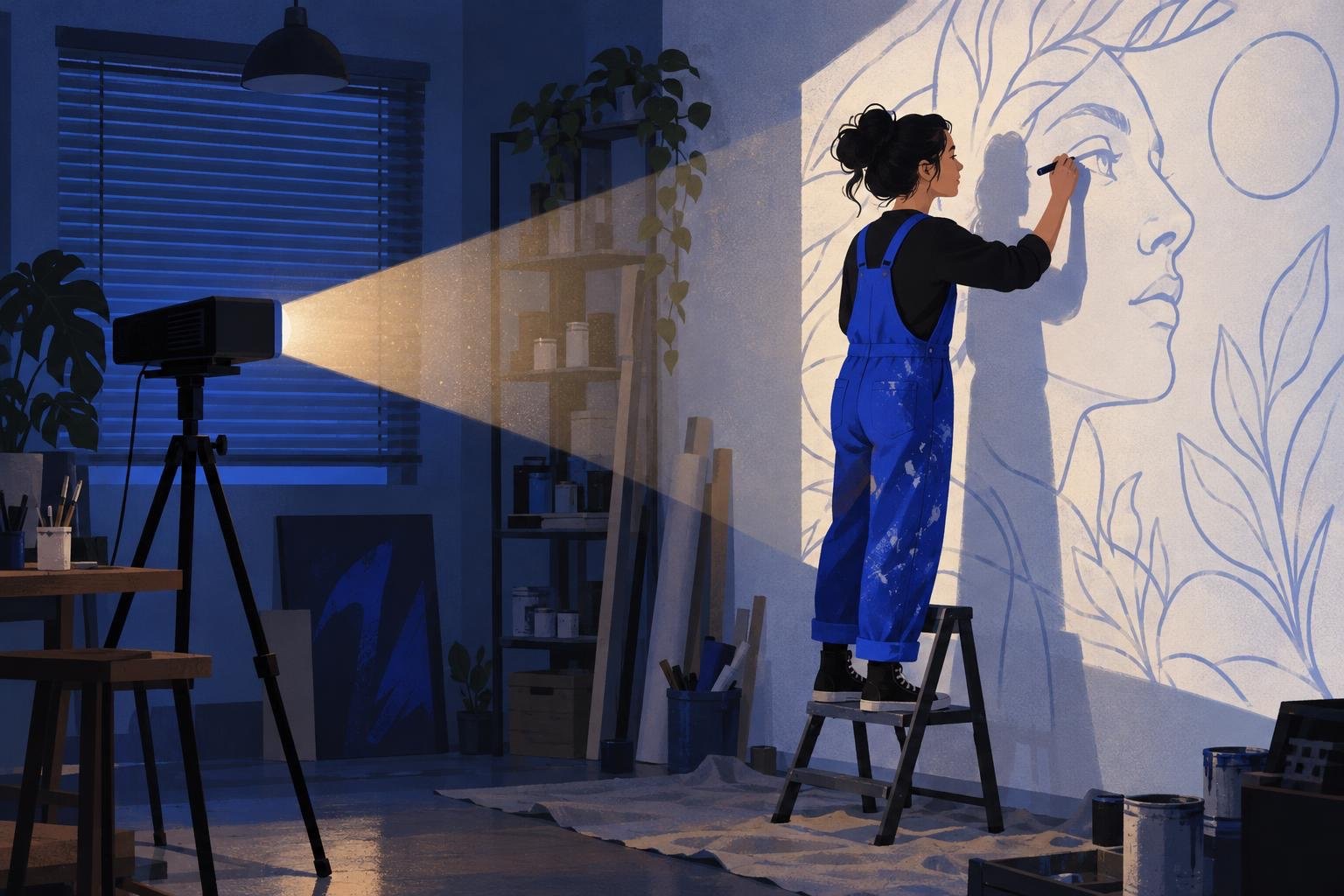
Short answer: a mural projector works when the wall is indoors or it is dark outside, the projector can sit still for the whole transfer, and you have power nearby. In those conditions almost any 3,000+ lumen projector with keystone correction will do. In daylight, on a wall you cannot face straight on, or when you need to come back tomorrow, a projector fails – and that is where a VR headset takes over. If you are about to buy one, read the last section first: in 2026 we would not.
What a projector is actually for
A projector does one job in mural work: it puts your sketch on the wall at full size so you can trace the outline. It does not help with colour, and it does not help once the outline is on the wall. So the question is not "which projector is best" but "does a projector fit this wall, this time of day and this schedule". We compared projectors with the grid, the doodle grid and VR in How to scale a mural: projector vs grid vs doodle grid vs AR/VR. This guide goes deeper on the projector itself.
Four conditions a projector needs
Darkness. Even a bright projector washes out in daylight. Indoors, close the blinds. Outdoors, you are working at night, which means lighting for yourself, a ladder in the dark and a neighbour who wonders what you are doing.
A straight shot at the wall. The projector has to face the wall squarely. Shoot from an angle and the image stretches into a trapezoid. Keystone correction fixes a few degrees; it cannot fix a projector standing in the only spot the courtyard allows.
A place to stand still. The image moves if the projector moves. A tripod on gravel, a table on a windy roof, a car bonnet that someone leans on – each one means re-aligning the sketch.
Power. Most projectors need mains power. Battery models exist but trade brightness for portability.
If all four hold, read on. If one does not, skip to the alternatives.
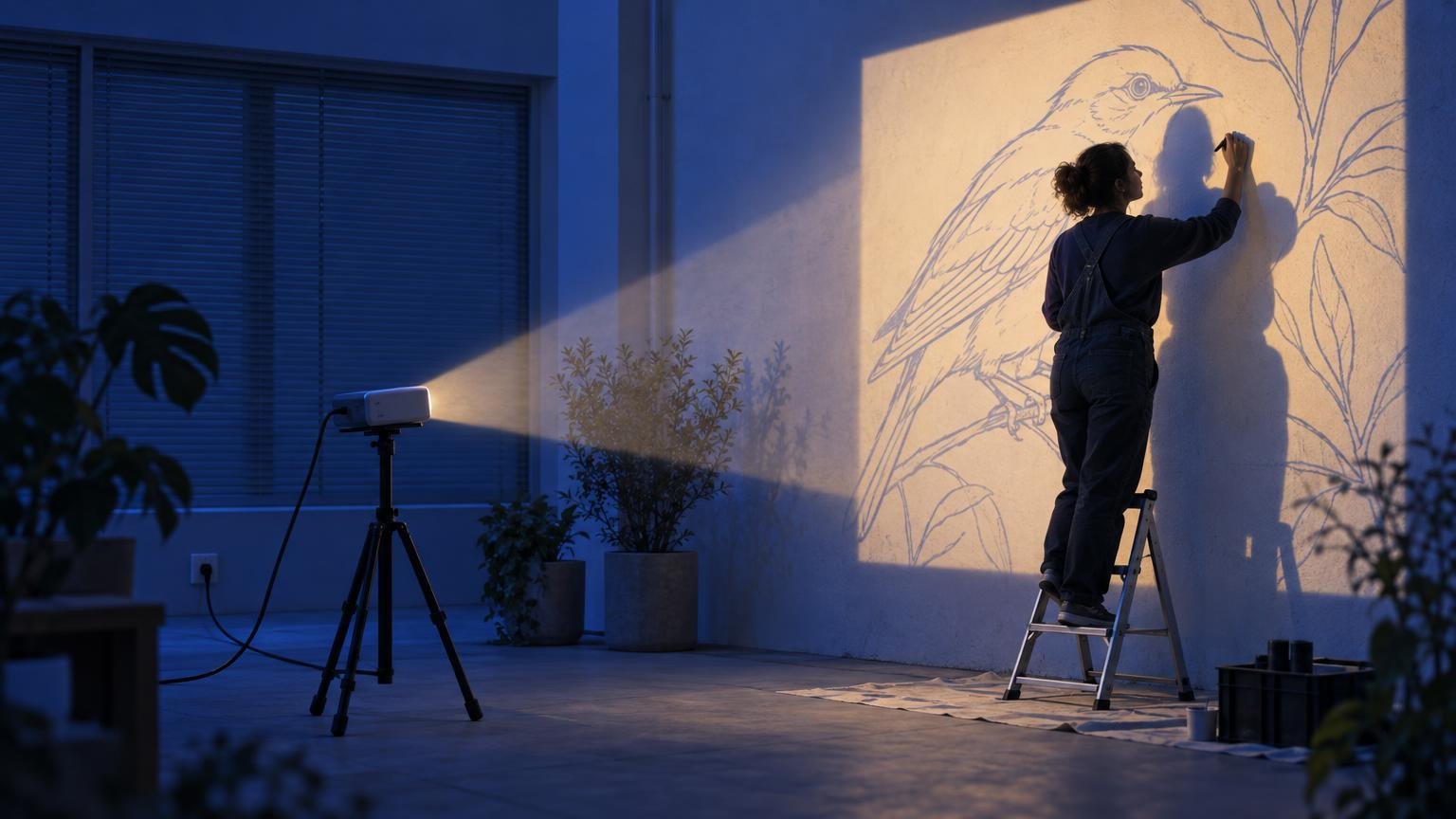
How many lumens does a mural projector need?
Brightness is listed in ANSI lumens. Treat marketing lumens ("9,000 lumens" on a $90 projector) as fiction; look for the ANSI figure.
Indoor room, lights off: 2,000–3,000 ANSI lumens is enough for a wall up to about 4 m wide.
Outdoor wall at night, no street light on it: 3,000–4,000 ANSI lumens for a wall up to 6–8 m wide. Bigger walls need more light or a closer, smaller projection done in sections.
Outdoor wall at dusk or under street lighting: 5,000+ ANSI lumens, and you still lose fine lines.
The larger the image, the dimmer it gets: double the width and the same light spreads over four times the area. That is why big walls get projected in pieces.
Throw distance: how far back do you need to stand?
Every projector has a throw ratio, printed in the specs. Distance to the wall equals throw ratio multiplied by the width of the image you want.
A standard projector has a throw ratio around 1.2–1.5. For a 6 m wide image you need to stand 7–9 m back.
A short-throw projector, around 0.5, needs about 3 m for the same 6 m image.
An ultra-short-throw unit sits almost against the wall, but these are built for flat screens and are expensive to risk on site.
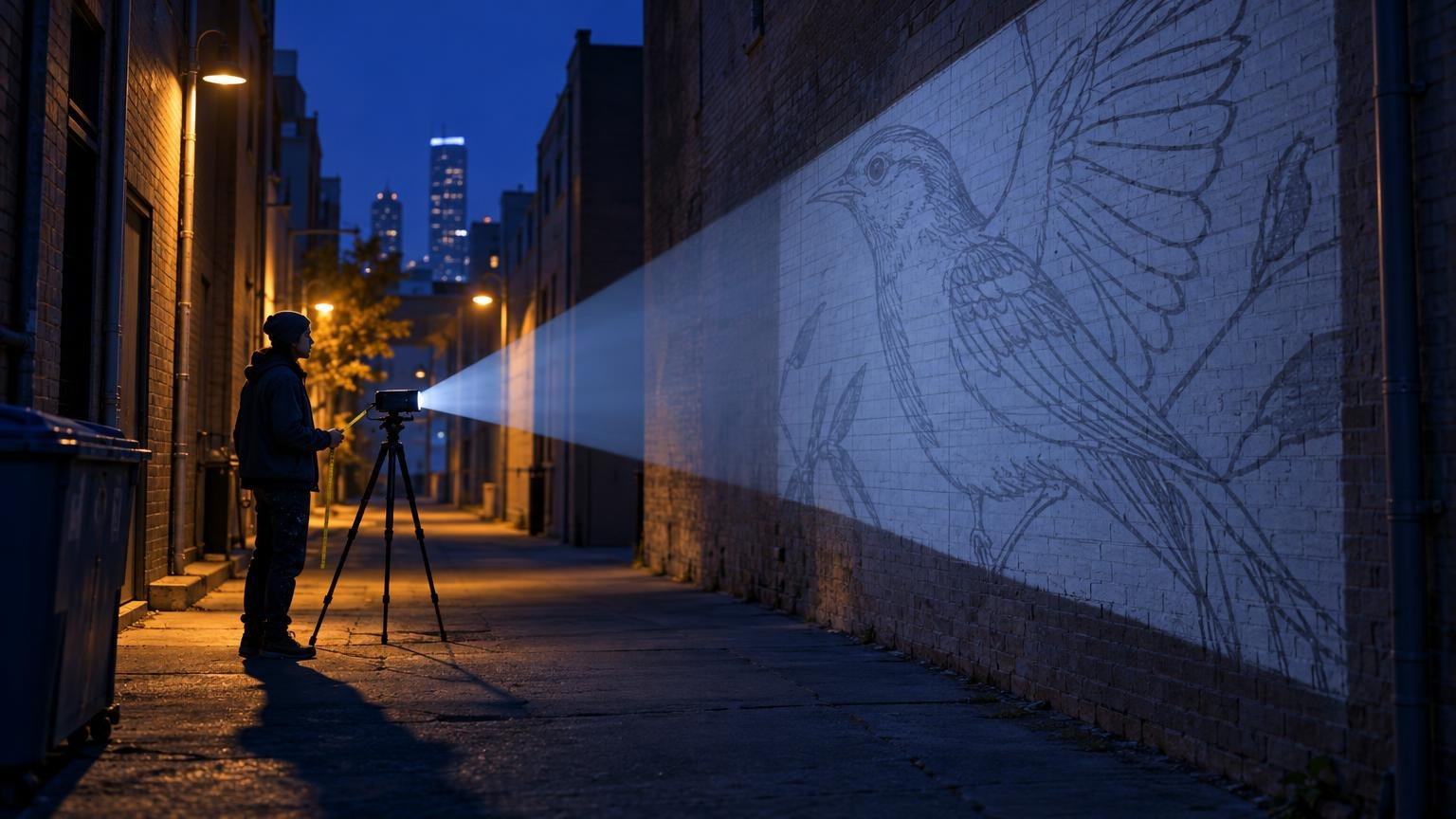
Measure the space before you buy. A narrow alley with a wide wall is a short-throw job or no projector at all.
Keystone, lens shift and focus
Keystone correction squares up the image when the projector is slightly above, below or to the side of centre. Digital keystone also throws away pixels, so lines get softer. Use it for small corrections only.
Lens shift moves the image without distortion, but is rare on cheap units.
Focus drifts as the lamp warms up. Check the corners of the image ten minutes in, not just the centre.
Step 1 – Prepare the file
Export the sketch as a high-contrast line drawing, black lines on white, at the wall's proportions. A colour sketch projected at night is hard to read; a line version is not. If you have not designed at the wall's proportions yet, start with How to paint a mural on a wall – step by step.
Step 2 – Mark the wall first
Before switching on, mark the four corners of your intended mural with tape or chalk. You will align the projected image to these marks, not the other way round.
Step 3 – Place the projector
Centre it on the wall, at the height of the image centre if possible, at the throw distance you calculated. Lock the tripod.
Step 4 – Align and square
Match the projected corners to your tape marks. Use the projector's zoom first, keystone second. Walk to the wall and check that a straight line in the sketch is straight on the wall.
Step 5 – Trace fast, in one session
Trace every line you need before anyone touches the projector. If you must stop, photograph the projector position and the tape marks so you can rebuild the setup.
Step 6 – Shoot a reference
Photograph the finished outline in daylight. From here on you paint from the outline and the reference, and the projector goes back in its case.
Where projectors fail
Daylight. The most common one. Commercial murals are painted on weekdays in daylight, when a projector is useless.
Curved and angled surfaces. Columns, corners, cylinders and anything that is not a flat plane distort the projection. A headset wraps the sketch around the surface instead: Draw on curved walls and corners with Surface Mode.
Multi-day jobs. A projector has to be re-aligned every evening. A VR headset remembers the placement: How to resume your VR mural the next day.
Lifts and scaffolding. Your body and the lift block the beam exactly where you are painting.
High walls. A five-storey façade needs the projector far back and very bright, and the top of the image fades first.
Projector vs VR headset
Projector | VR headset (Sketchar on Meta Quest) | |
|---|---|---|
Works in daylight | No | Yes |
Needs power on site | Yes, mains | Battery, 2–3 h per charge |
Curved or angled walls | No | Yes |
Keeps placement across days | No | Yes |
Hands free | Yes | Yes |
Works from a lift or scaffold | Beam blocked | Yes |
Setup per session | 20–40 min | Minutes |
Typical cost | From a few hundred dollars | Headset plus app |
For a bedroom wall on a Saturday night, a projector is the cheapest route if you already own one. For a façade painted over a week in daylight, a headset earns its price on the first wall. Which headset you need is covered in Which VR headset do you need to paint murals with Sketchar, and setup in the Meta Quest beginner guide.
Should you buy a projector for murals?
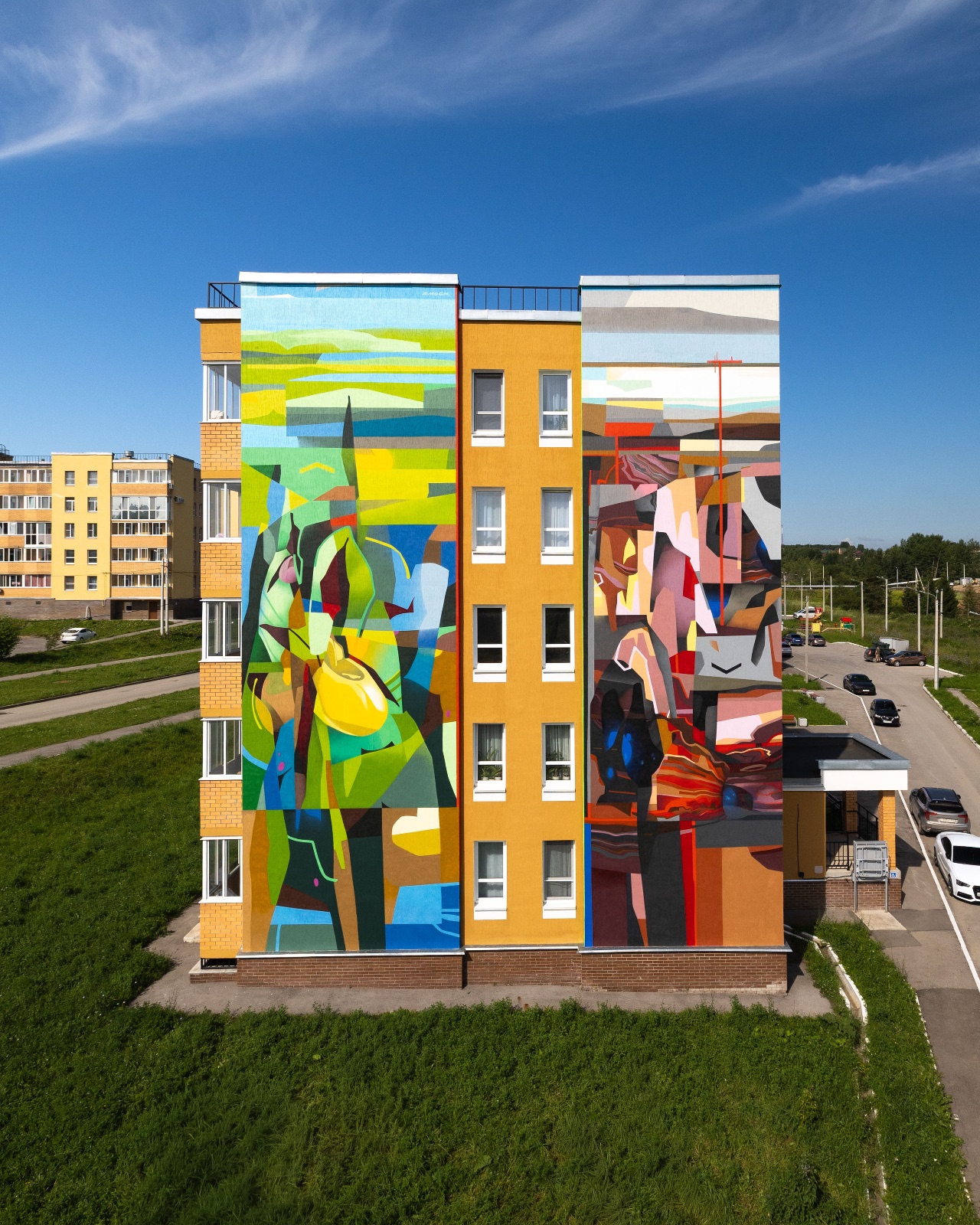
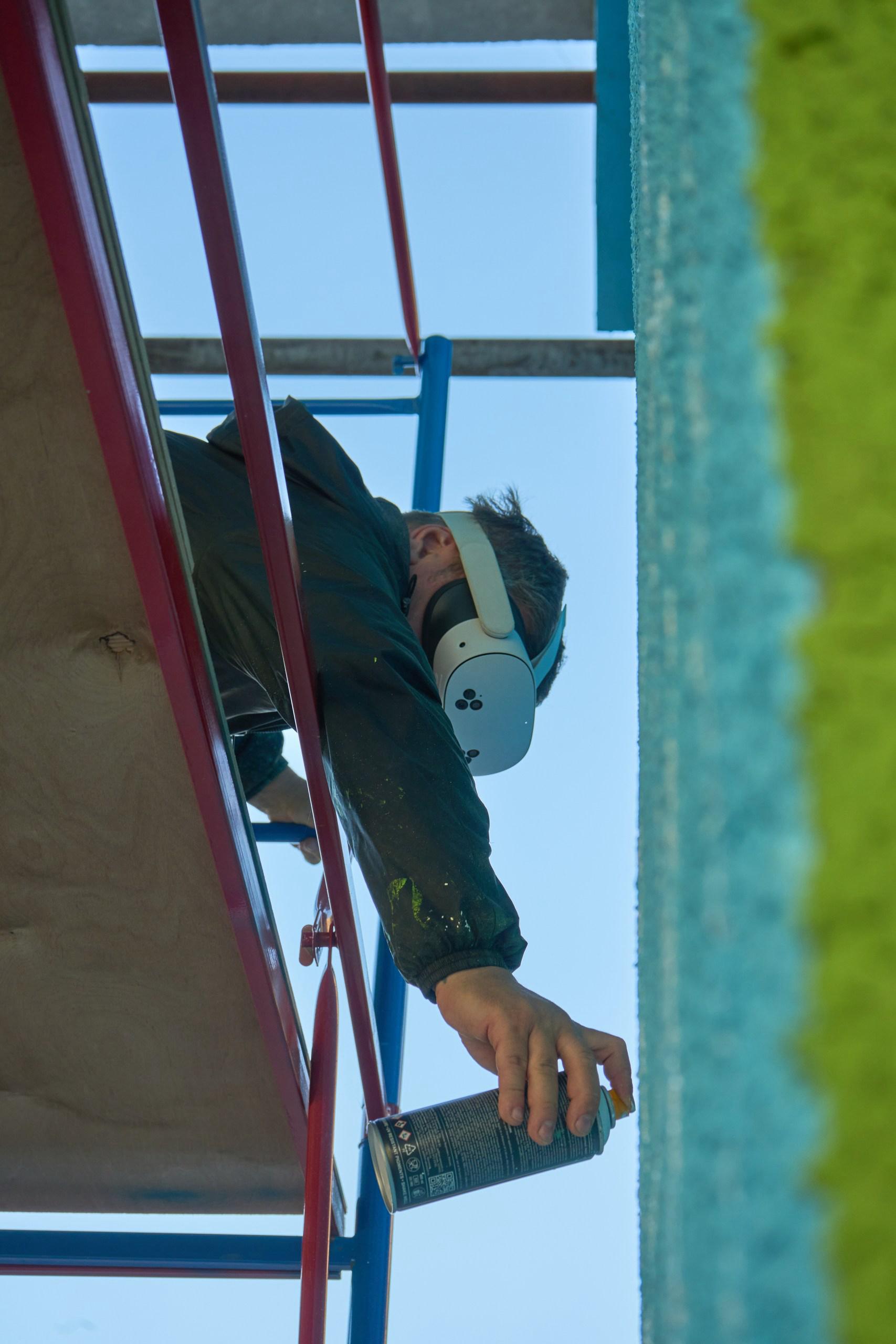
In 2026, no – not as a mural tool. A projector was the right buy when the alternative was a grid and a weekend of chalk lines. That is no longer the choice. A VR headset costs about the same as a decent 4,000-lumen projector, and it removes every limit on this page at once: it works at noon, on a curved wall, from a lift, with both hands free, and it remembers where the sketch was when you come back tomorrow. The projector still needs the dark, a flat wall, a straight shot, mains power and a fresh alignment every session – and after all that, it only ever gives you the outline.
If you already own a projector, keep using it indoors where you control the light, and borrow or rent one if a night job comes up. But if you are deciding what to spend on this year, buy the headset. Which one fits your work is in Which VR headset do you need to paint murals with Sketchar; the first wall takes an afternoon with the Meta Quest beginner guide.

If you are pricing a job and deciding what equipment to put in the quote, see How much to charge for a mural and plan the paint with the mural paint calculator.
FAQ
Can I use a cheap projector for a mural? Indoors, in a dark room, on a wall under 3 m wide – yes. The lines will be soft but traceable. Outdoors or on a big wall, cheap units are too dim and the image fades at the edges.
How do I project a mural in daylight? You cannot, not usefully. Shade the wall with a tarp for a small section, or switch to a VR headset, which shows the sketch in your view instead of lighting the wall.
Can I use my phone instead of a projector for a mural? Not for a wall. AR drawing on a phone is built for paper, canvas and small surfaces, where the camera sees the whole sheet. For walls, Sketchar runs on a VR headset that keeps the sketch in place at full size.
Do I need a short-throw projector for murals? Only when you cannot get far enough back from the wall. Measure the space: if the throw distance for your wall width does not fit, go short-throw.
Is a VR headset really cheaper than a projector for murals? About the same to buy, and cheaper to use: no rental, no night shifts, no re-alignment, and it does the whole transfer in daylight on any surface. The comparison is in How to scale a mural.
Paint in daylight, keep your placement, work hands free. Sketchar on Meta Quest puts the sketch on the wall through the headset – no lamp, no darkness, no re-aligning tomorrow. See the Mural App
▋