AR drawing online: how to trace a picture in your browser, free, no app
Trace any picture onto paper with your phone camera, straight from the browser: no app, no sign-up, no watermark. Setup in five steps, what the free version can and cannot do, and when the app is worth it.
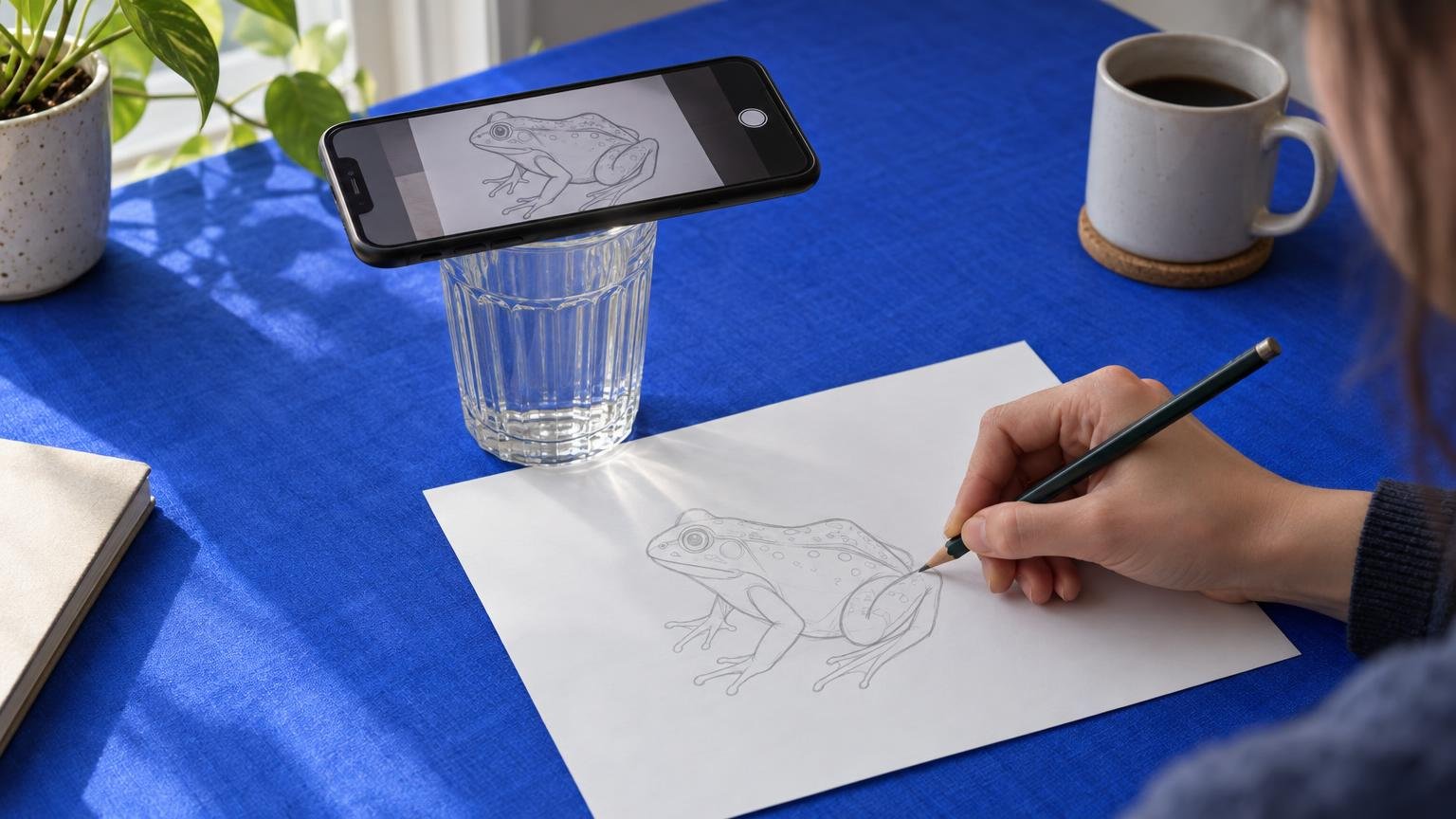
Short answer: open sketchar.io/try on your phone, pick a picture, rest the phone on a glass above a sheet of paper and trace the lines you see on the screen. It is free, there is no sign-up and no watermark, and the picture never leaves your phone. The browser version is an overlay – the phone has to stay still – which is exactly what most "AR drawing" apps in the stores do for a subscription. Real tracking, where the picture stays on the paper while the phone moves in your hand, lives in the Sketchar app.
What AR drawing online is
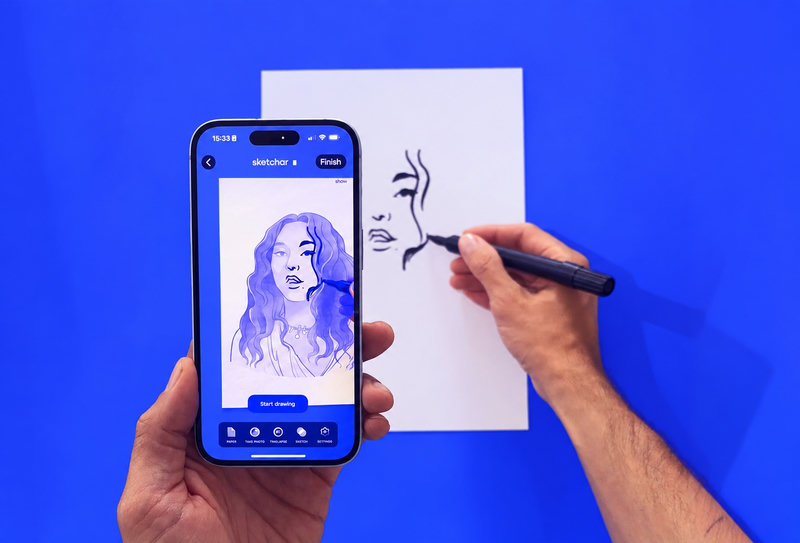
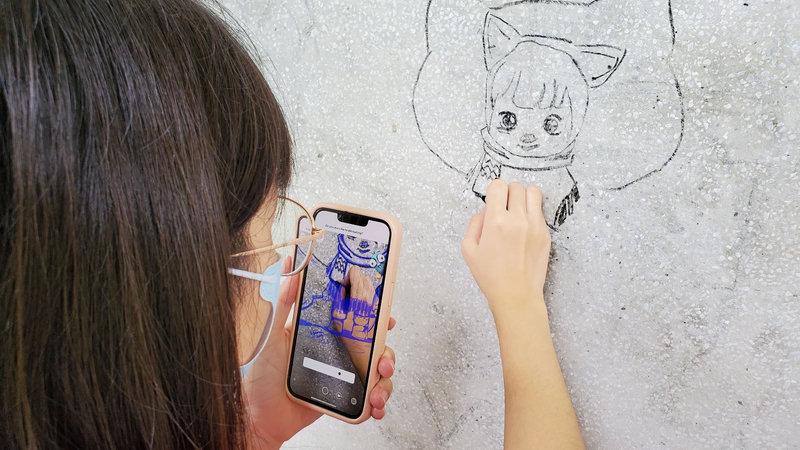
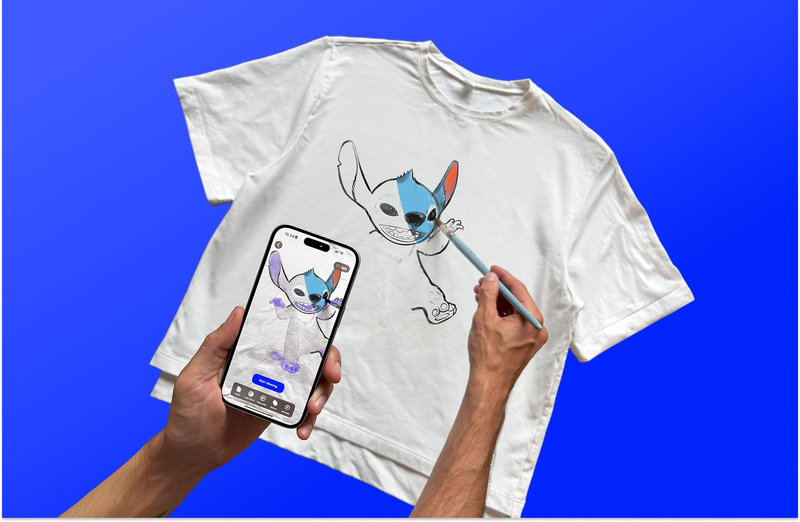
AR drawing is tracing through a screen. The camera looks at the paper, a picture is laid over the camera view, and you draw the lines you see. On paper it replaces a lightbox, carbon paper and the grid; the five-century history of those tools is in Is AR drawing cheating?.
Until now it needed an app. Sketchar's Simple AR runs in Safari and Chrome on any recent iPhone or Android phone. Nothing to install, nothing to create an account for, and because the picture is opened on the phone itself, nothing is uploaded anywhere.
Step 1 – Open the page on your phone
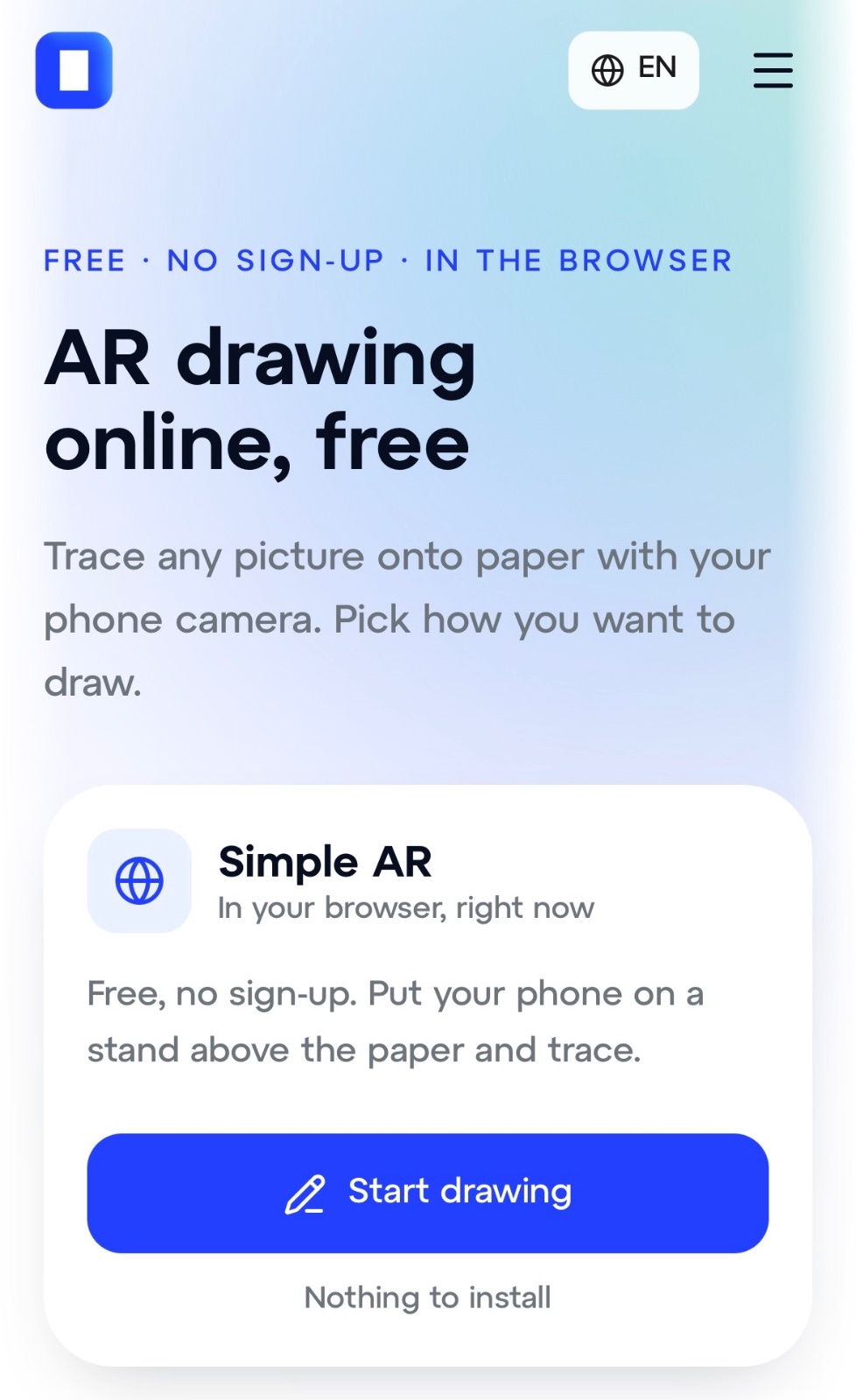
Go to sketchar.io/try and tap Start drawing. Allow camera access when the browser asks – tracing needs the camera on the back of the phone, so a laptop webcam that faces you will not do.
Step 2 – Pick a picture
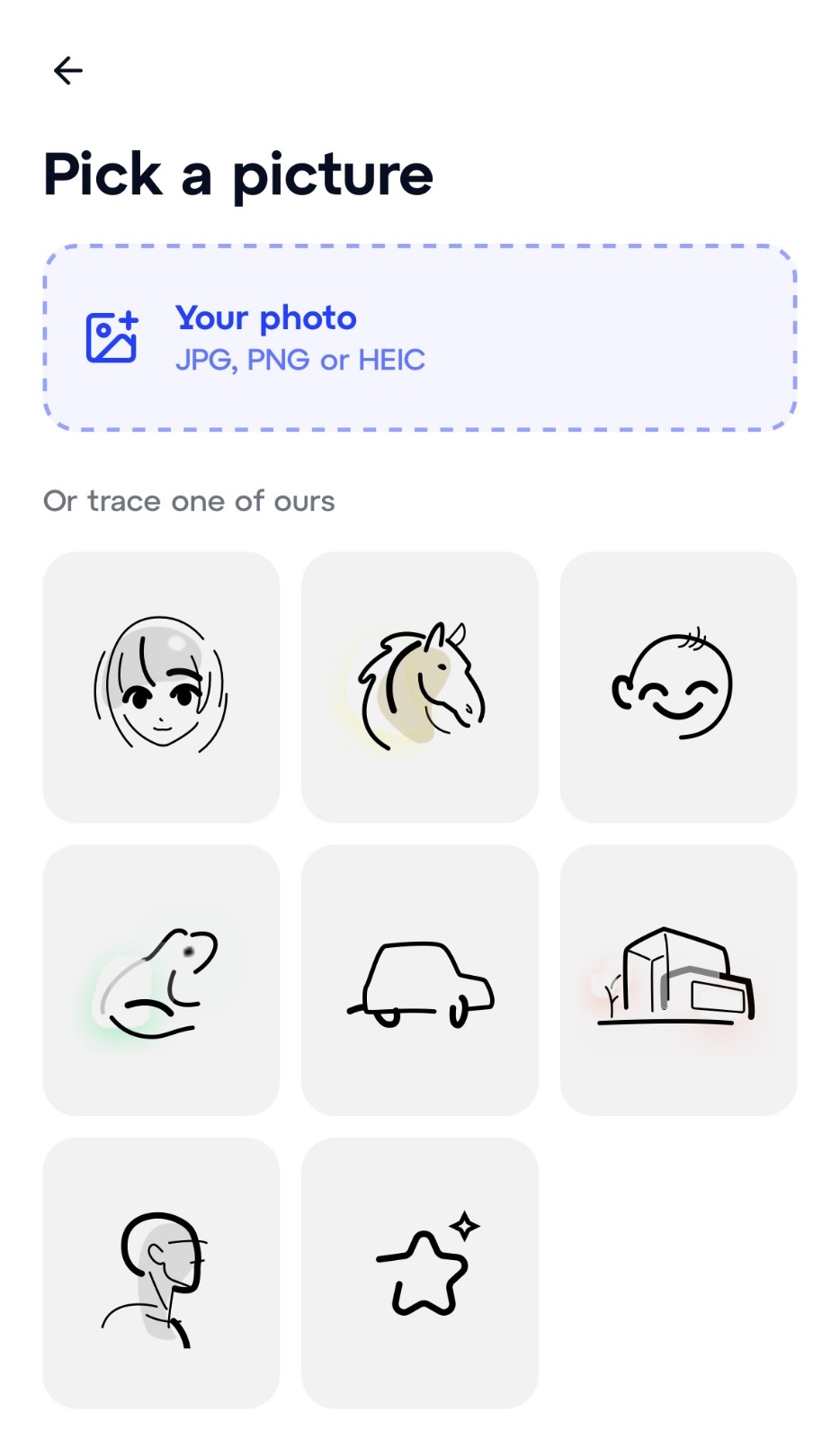
Upload your own photo (JPG, PNG or HEIC) or take one of the ready sketches: a face, a horse, a frog, a car, a building. A high-contrast line drawing is easiest to follow; a photo works if you lower the opacity.
Step 3 – Prop up the phone
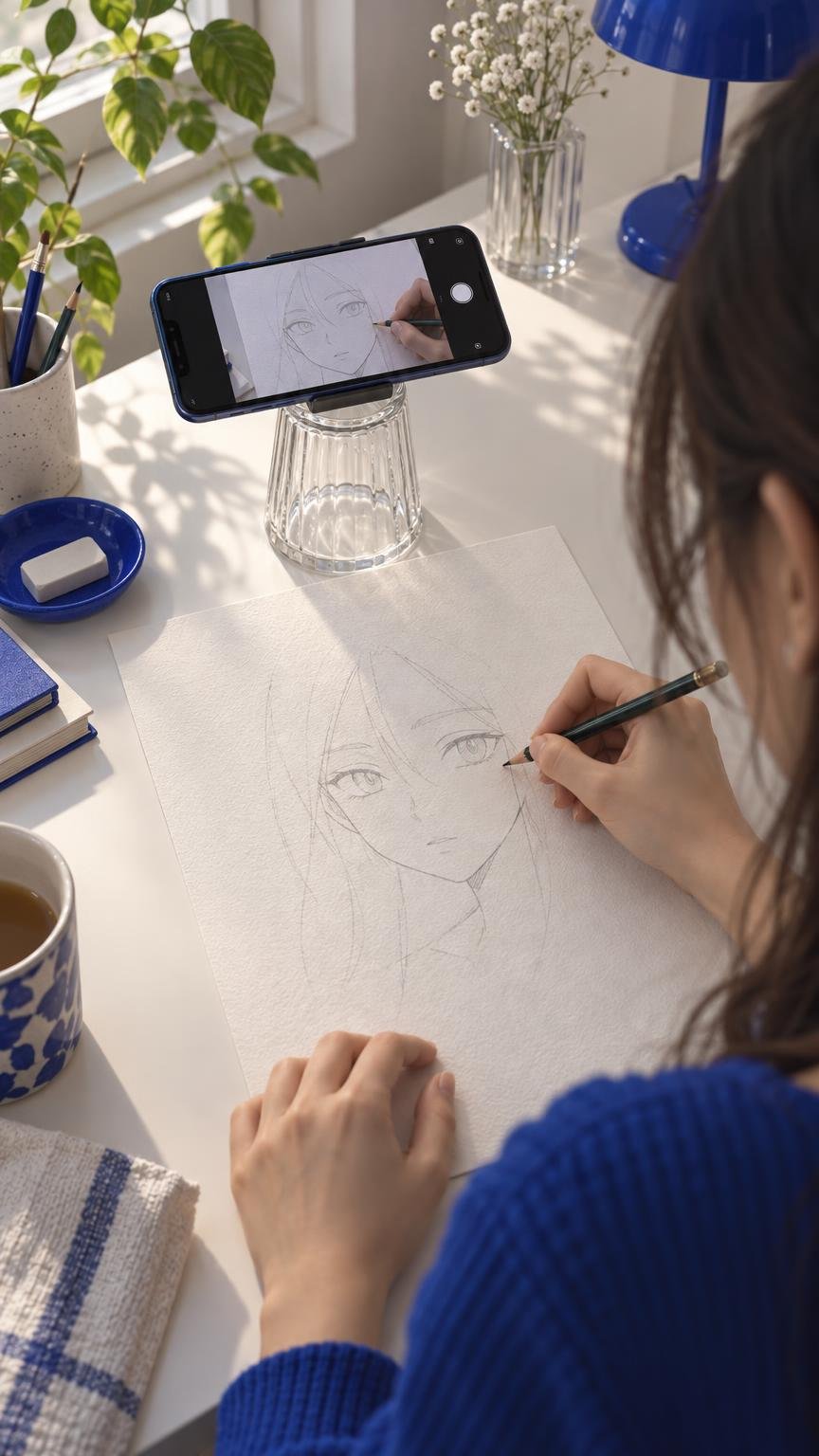
Rest it on a glass, a jar or a stack of books about 25 cm (10 in) above the paper, camera pointing straight down. This is the step that decides everything: in the browser the picture is stuck to the screen, so if the phone moves, the picture moves.
Step 4 – Set opacity, flip and grid, then lock
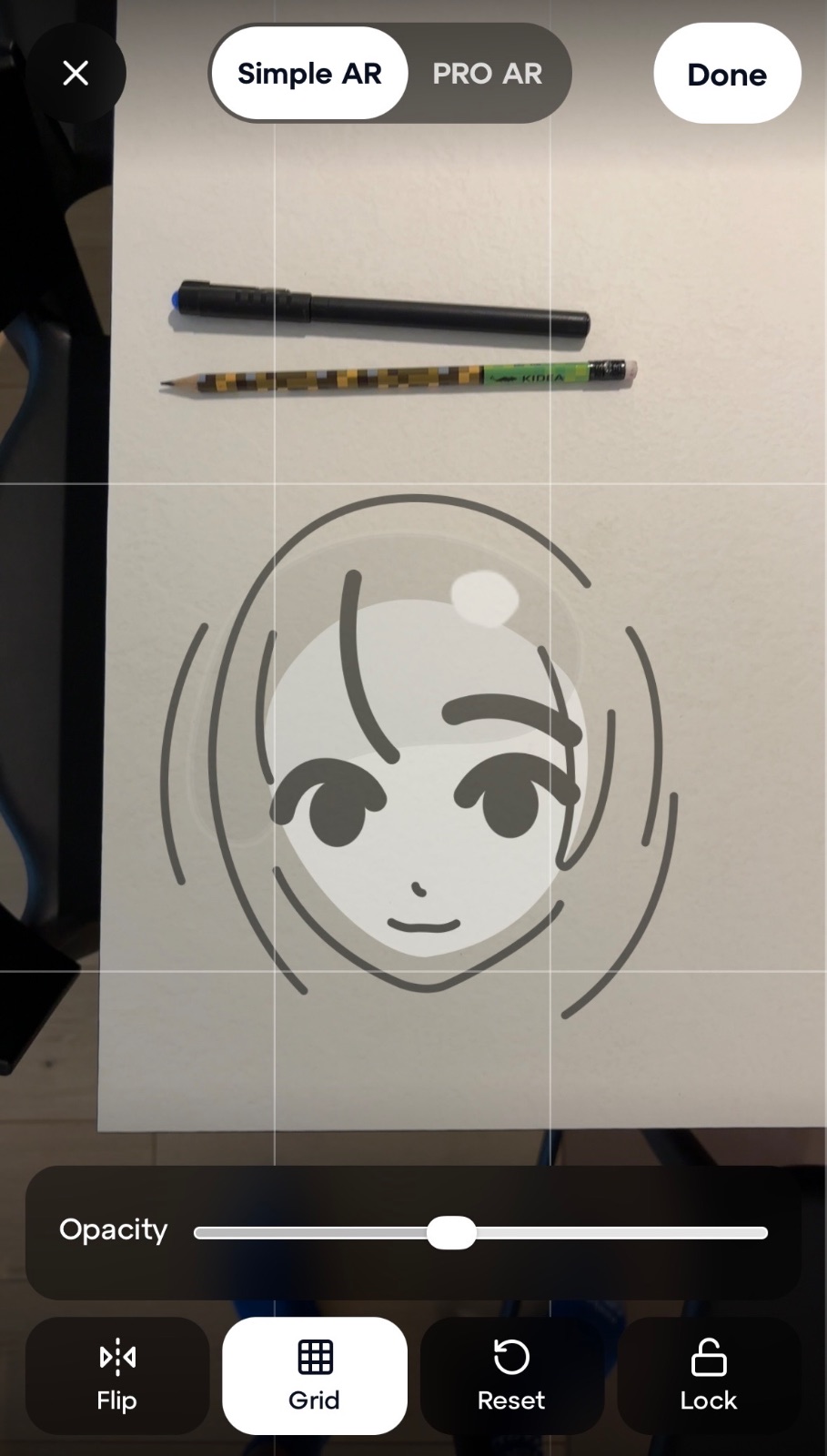
Drag the opacity slider until you can see both the lines and the tip of your pencil. Flip mirrors the image, the grid helps you keep proportions, Reset puts the picture back. Tap Lock so a stray touch does not move anything.
Step 5 – Trace
Look at the screen, draw on the paper. Outline first, details second. When you are done, tap Done – and if you want to see how the same picture behaves when the phone is in your hand, tap PRO AR.
What you need
A phone or tablet with a camera and Safari or Chrome.
Paper – slightly textured paper is easier to see the pencil on than glossy card. More on that in Best paper for AR drawing.
A pencil or a marker.
Good light from the side, ideally a window. Light from behind the phone throws its shadow onto the paper.
Something to rest the phone on. A glass is enough.
Simple AR vs the app: overlay vs tracking
There are two different things that both get called AR drawing.
Simple AR, in the browser | PRO AR, in the Sketchar app | |
|---|---|---|
Price | Free, no sign-up | Free to download, PRO subscription after a 7-day trial |
Where the picture lives | Stuck to the screen | Pinned to the paper |
Phone in your hand | No – it has to rest still | Yes – move, lean in, check the lines |
Draw on a wall, a canvas on an easel | Only if the phone can stay still above it | Yes |
Lessons | No | 1,000+ step-by-step lessons |
Time-lapse of your drawing | No | Yes |
Your photo uploaded | Never | Only if you choose to save to your account |
The first row is the one that matters for your wallet. An overlay is simple software, and a browser can do it for free. The reason it is free here is that it is the honest version of what most paid "AR drawing" apps sell: a picture over the camera. How to tell the two apart in any app is in Real AR vs fake AR in drawing apps.
When the browser version is enough
You want to try tracing once before installing anything.
You draw at a desk, on paper or a small canvas, and the phone can sit still.
You are tracing lettering, a logo, a pattern or a reference for a painting – anything that does not need you to move around.
You are in a classroom and cannot install apps on students' phones.
When you want the app
You keep knocking the phone and re-aligning the picture.
You want to hold the phone in one hand and draw with the other, or draw on something bigger than the camera can see from a glass.
You want lessons that take you from tracing to drawing freehand; the path is described in Learn to draw with AR.
You want to record a time-lapse.
The app is the same company, the same account if you make one, and the browser page links to it. Which apps do and do not track the paper, and what each costs, is compared in Best AR drawing apps compared (2026).
FAQ
Is AR drawing online really free? Yes. Simple AR has no sign-up, no watermark and no limit on how many pictures you trace. The paid part of Sketchar is the app's PRO AR with tracking and lessons.
Why does the picture slide when I move the phone? Because in a browser the picture is laid over the camera view, not attached to the paper. Keep the phone still on a stand and lock the picture. If you want it to stay on the paper while you move, that is PRO AR in the app.
Does my photo get uploaded anywhere? No. The picture is opened on your phone and never sent to a server.
Does it work on a laptop or PC? The page opens, but tracing needs a camera that looks down at the paper. A laptop webcam faces you. Use a phone or a tablet.
Which phones does it work on? Any recent iPhone or Android phone with Safari or Chrome. Allow camera access when asked.
Can I trace onto a wall with the browser version? Only if the phone can sit perfectly still facing the wall, which usually means a tripod. For walls, see the Sketchar Mural App on a VR headset.
Trace your first picture now. Free, no sign-up, nothing to install. Start drawing in the browser
▋