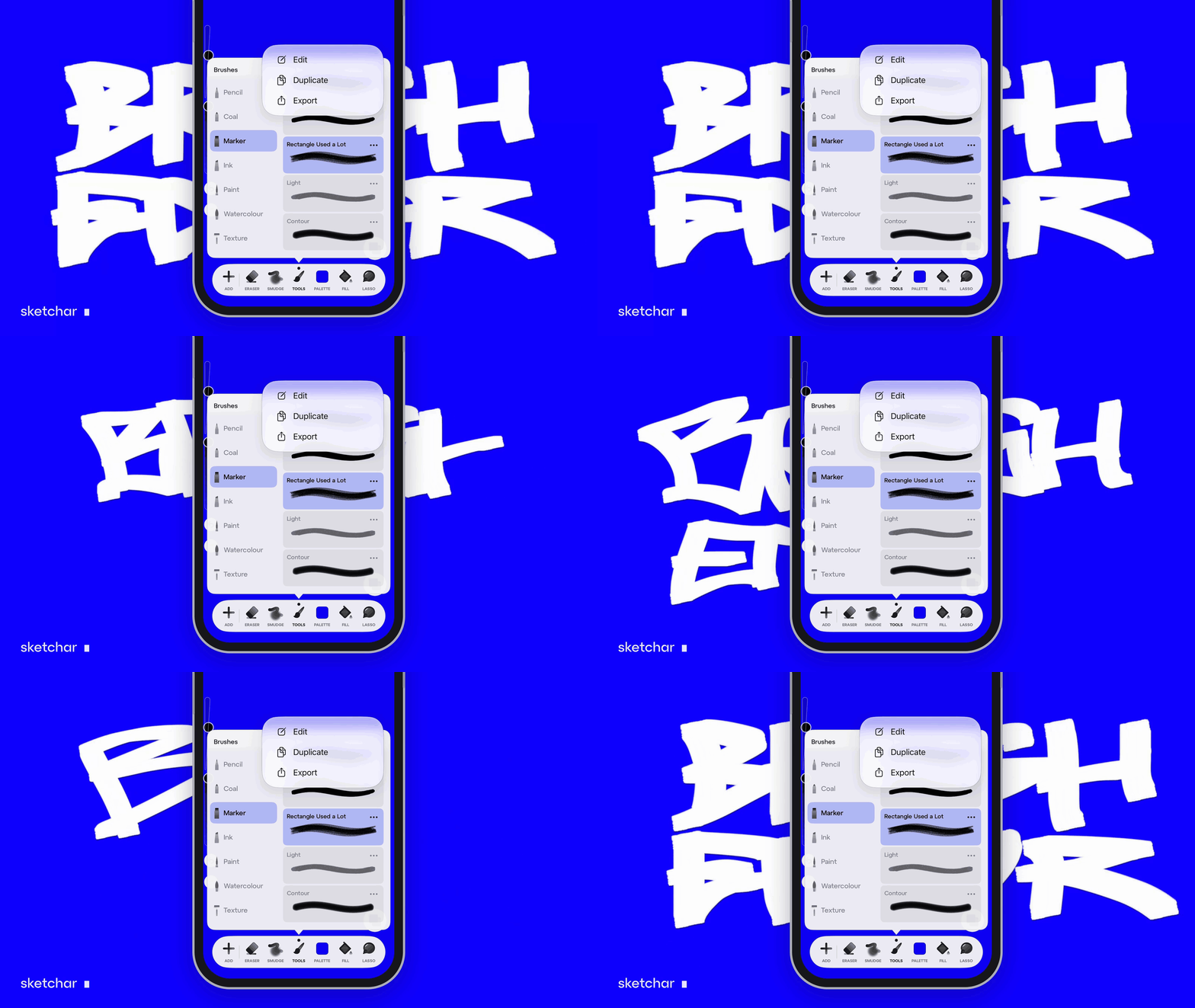
How to record a drawing time-lapse on your phone and share it
What a time-lapsed video is, three ways to record one (built-in time-lapse, screen recording, camera on a stand), how long it should be for Reels and TikTok, and how Sketchar records every drawing automatically.
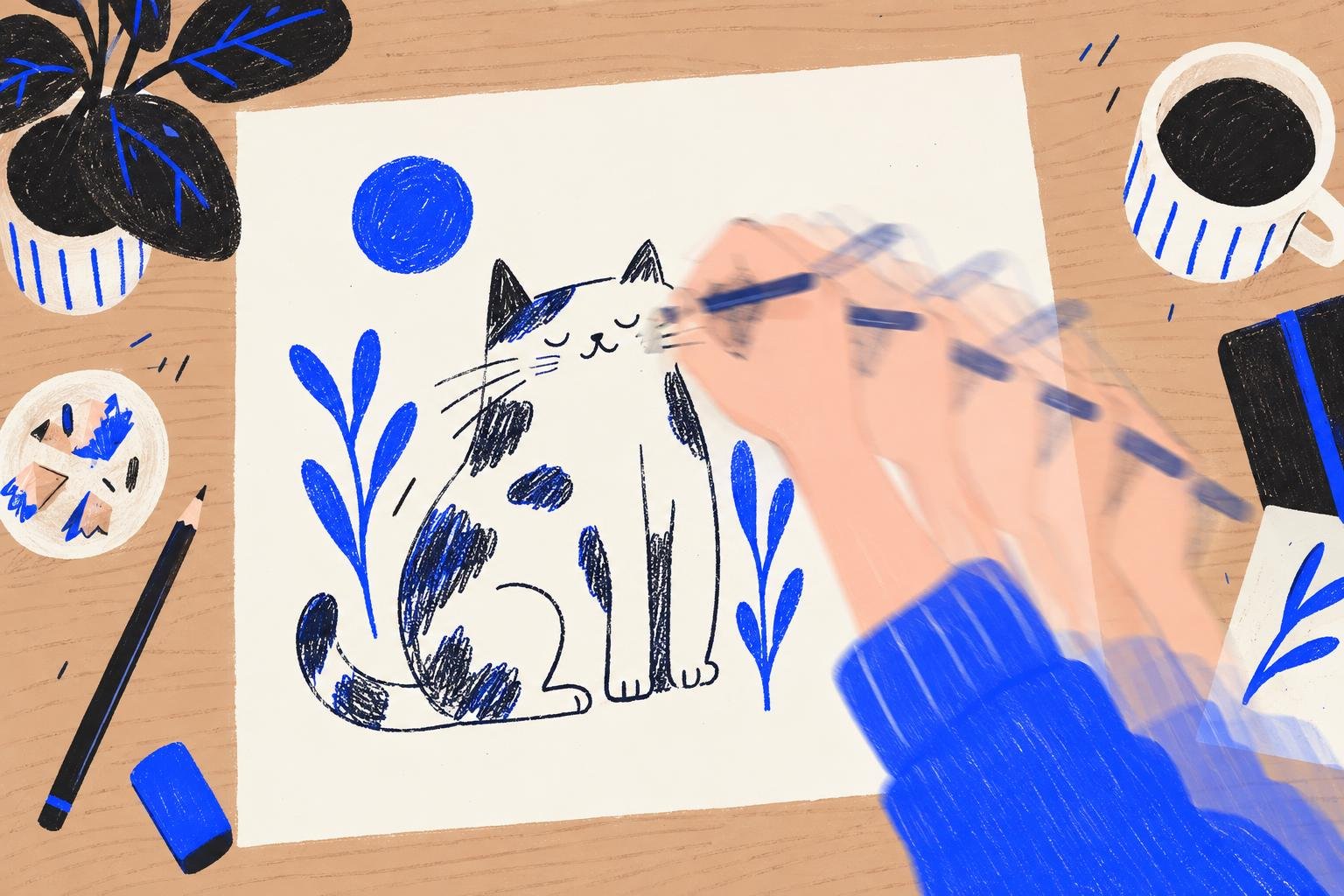
Short answer: a drawing time-lapse is a recording of a whole drawing, sped up so hours fit into a minute. The easiest way to make one is a drawing app that records it for you: Procreate does it on iPad, and Sketchar 11 does it on iPhone and Android, on the canvas and in AR. Keep the clip between 15 and 60 seconds, export it vertical (9:16) for Reels, TikTok and Shorts, and end on the finished piece.
What a time-lapsed video is, and why people watch them
A drawing time-lapse shows the process, not just the result. Viewers see the sketch turn into line art, flats, shadows and light in a few seconds each. For artists that does three things: it proves the work is yours, it teaches the people who follow you, and it performs better on social feeds than a still image.
Three ways to record a drawing time-lapse
Built into the drawing app. The app records every stroke on the canvas and replays it. Clean picture, no setup, no hands or glare in the frame.
Screen recording. Your phone's own screen recorder catches everything, including menus and zooming. You have to remember to start it, and long sessions make huge files.
A camera on a stand. For paper, or for showing your hands and stylus. Needs a tripod, steady light and editing afterwards.
For digital drawing, a built-in time-lapse is almost always the best choice.
The finished drawing tells people what you can do. The time-lapse tells them how, and that is what makes them stay.
How to record a drawing time-lapse in Procreate
Procreate records a time-lapse of every canvas automatically; the quality is set when you create the canvas. To watch it, open Actions, then Video, then Time-lapse Replay. To save it, choose Export Time-lapse Video and pick the full length or a 30-second version.
How to record a drawing time-lapse in Sketchar
Since Sketchar 11 your whole drawing process records automatically, on the canvas and in AR, on iOS and Android. There is nothing to set up and nothing to remember to press.
Step 1 – Draw as usual
Open Canvas, or draw on paper with AR drawing. Every session is recorded.
Step 2 – Open the recording
Open the time-lapse of your project whenever you want, during the work or after it.
Step 3 – Trim it
Cut the start and the end so the clip opens on the first strong line and does not drag.
Step 4 – Share it
The clip exports in 9:16 for stories, with a small Sketchar badge with your nickname, and a clean ending on the finished piece.
Step 5 – Publish it to a challenge
When you publish a drawing to an art challenge, the time-lapse goes with it, so others see how you made it. See our list of drawing challenges and prompts for ideas.
How long should a time-lapse be?
Reels, TikTok, Shorts: 15–60 seconds. Under 30 seconds is safest for people scrolling.
YouTube: 3–10 minutes with a voice-over or music for longer pieces.
Stories: 15 seconds per slide, so split a longer clip or speed it up.
Tips for a time-lapse people finish watching
Show the result first. One second of the finished drawing at the start, then the process.
Keep the canvas still. Rotating and zooming a lot makes a time-lapse hard to follow.
Hide references. A reference photo on screen in a screen recording can raise copyright questions.
Hold the last frame. End on the finished piece for a second or two.
Add music the platform licenses, from the app's own library, so the clip is not muted.
FAQ
What is a drawing time-lapse? A sped-up recording of a drawing from the first line to the finished piece.
How do I record a drawing time-lapse on my phone? Use a drawing app that records it for you, such as Sketchar on iPhone and Android, or your phone's screen recorder.
How do I export a time-lapse in Procreate? Actions, then Video, then Export Time-lapse Video, and pick full length or 30 seconds.
Does Sketchar record a time-lapse automatically? Yes. Since Sketchar 11 every drawing is recorded on the canvas and in AR. You can trim it and share it in 9:16.
What is the best length for a time-lapse on TikTok or Reels? 15 to 60 seconds; under 30 seconds holds the most viewers.
Can I record a time-lapse of drawing on paper? Yes. In Sketchar, AR drawing sessions on paper are recorded too. Otherwise use a phone on a stand above the paper.
Draw. The time-lapse records itself. Sketchar on iOS and Android. Open Canvas
▋