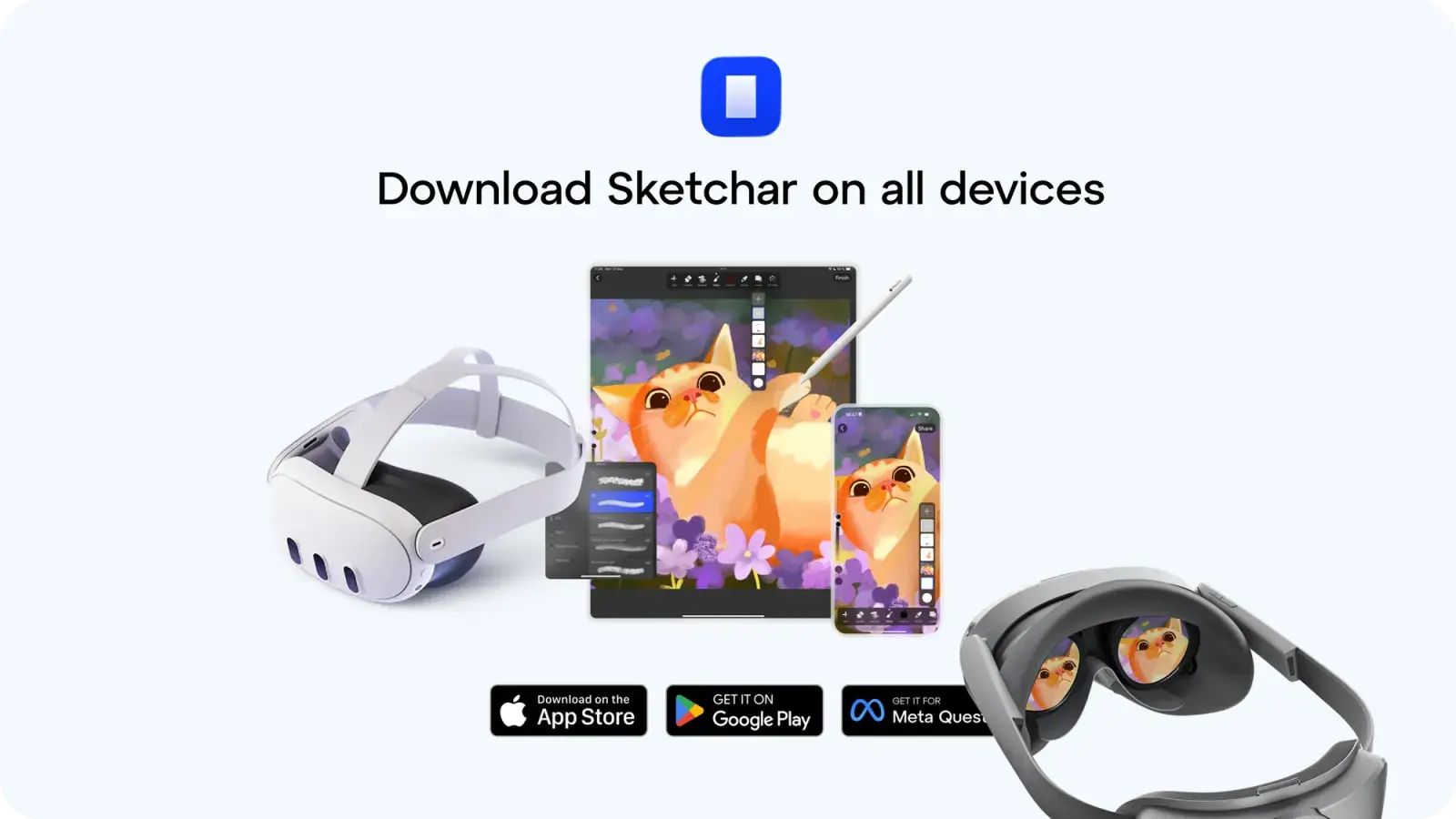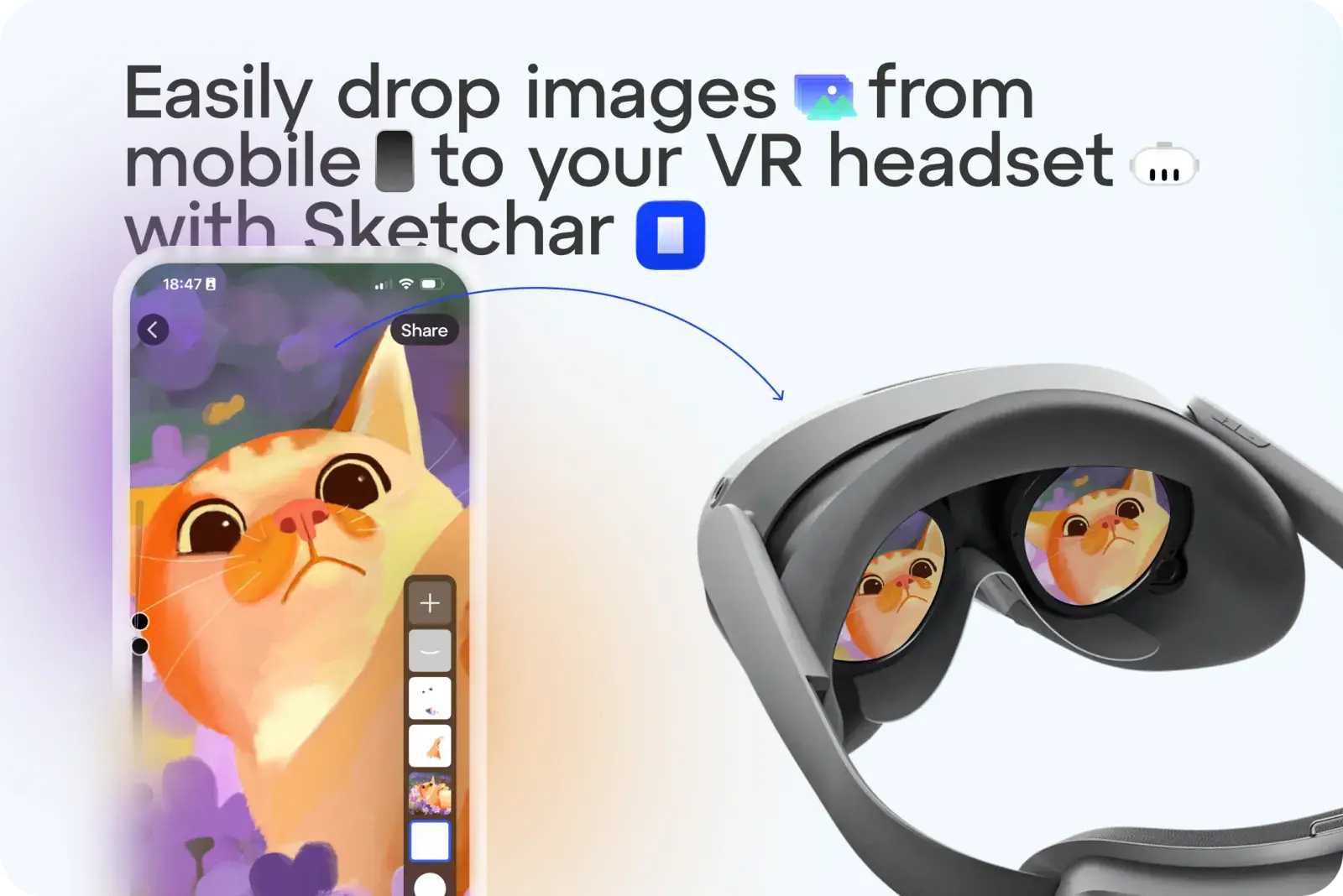
スケッチや画像をテンプレートとしてVRヘッドセットに送信する手間はもう不要です。Sketcharを使えば、ワンタップでどんな画像でもアップロードできます。
使い方:
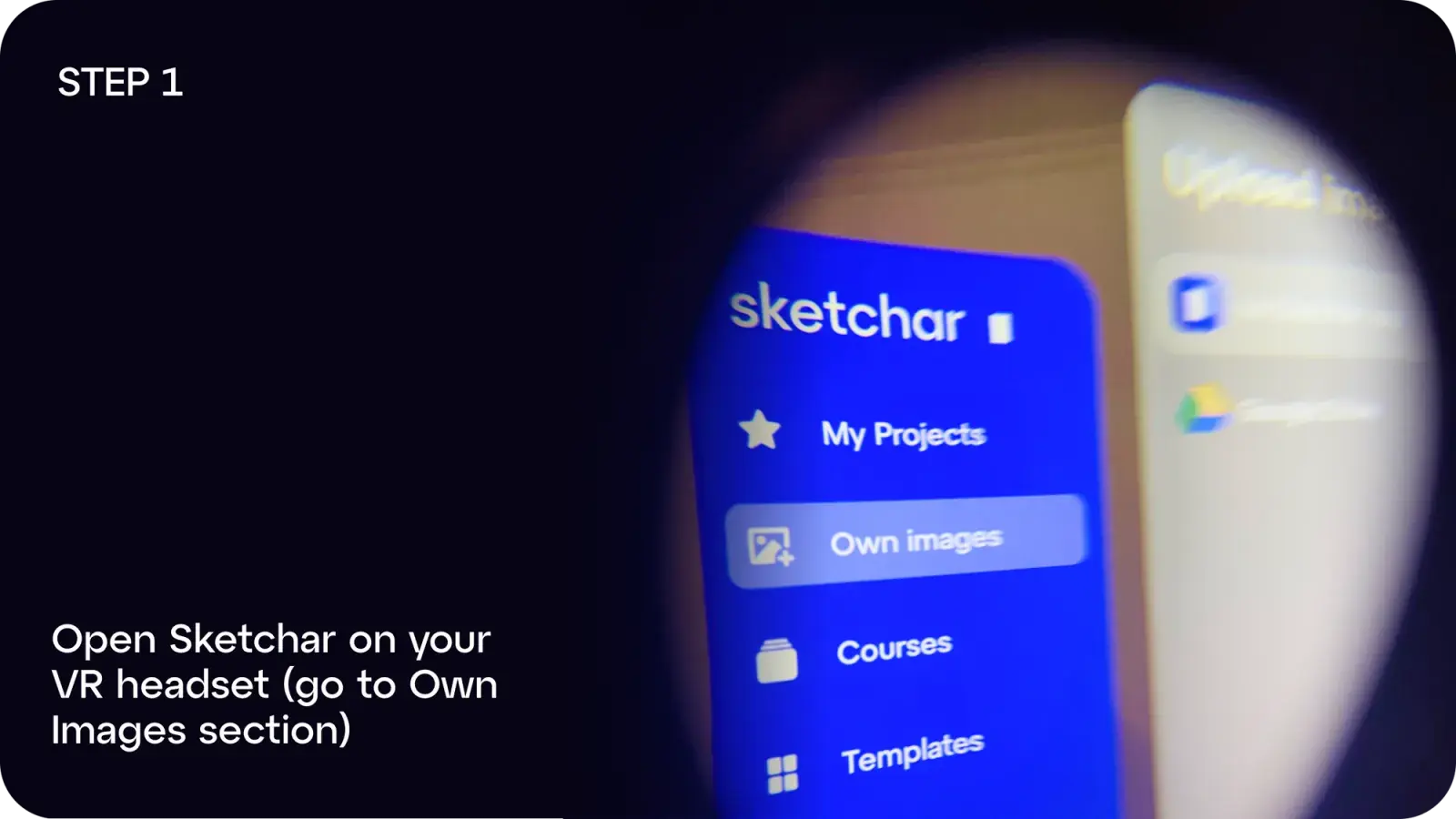
ステップ1: VRヘッドセットでSketcharを開き、「自分の画像」に移動します。
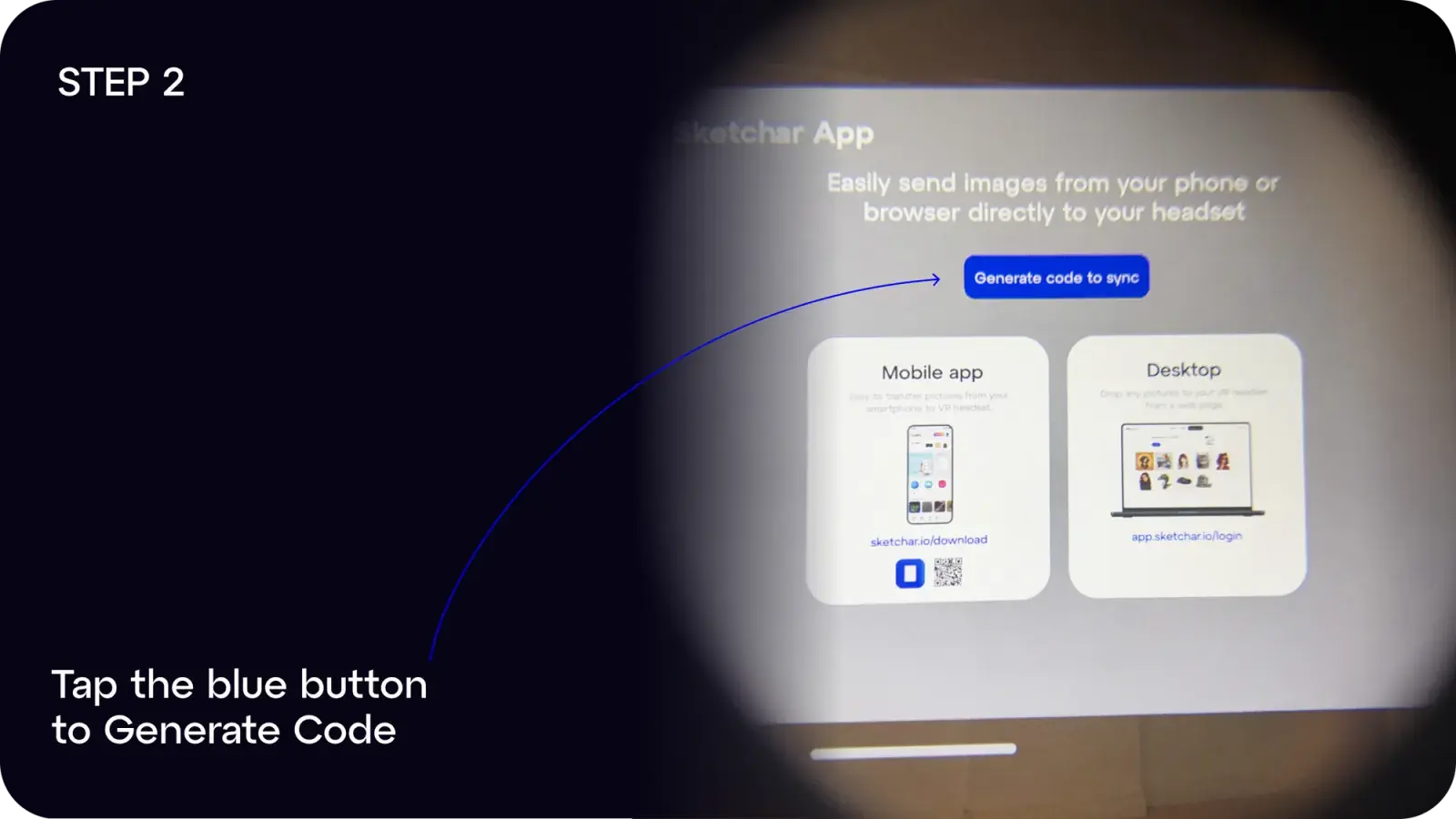
ステップ2: 青いボタンをタップして「コードを生成」します。
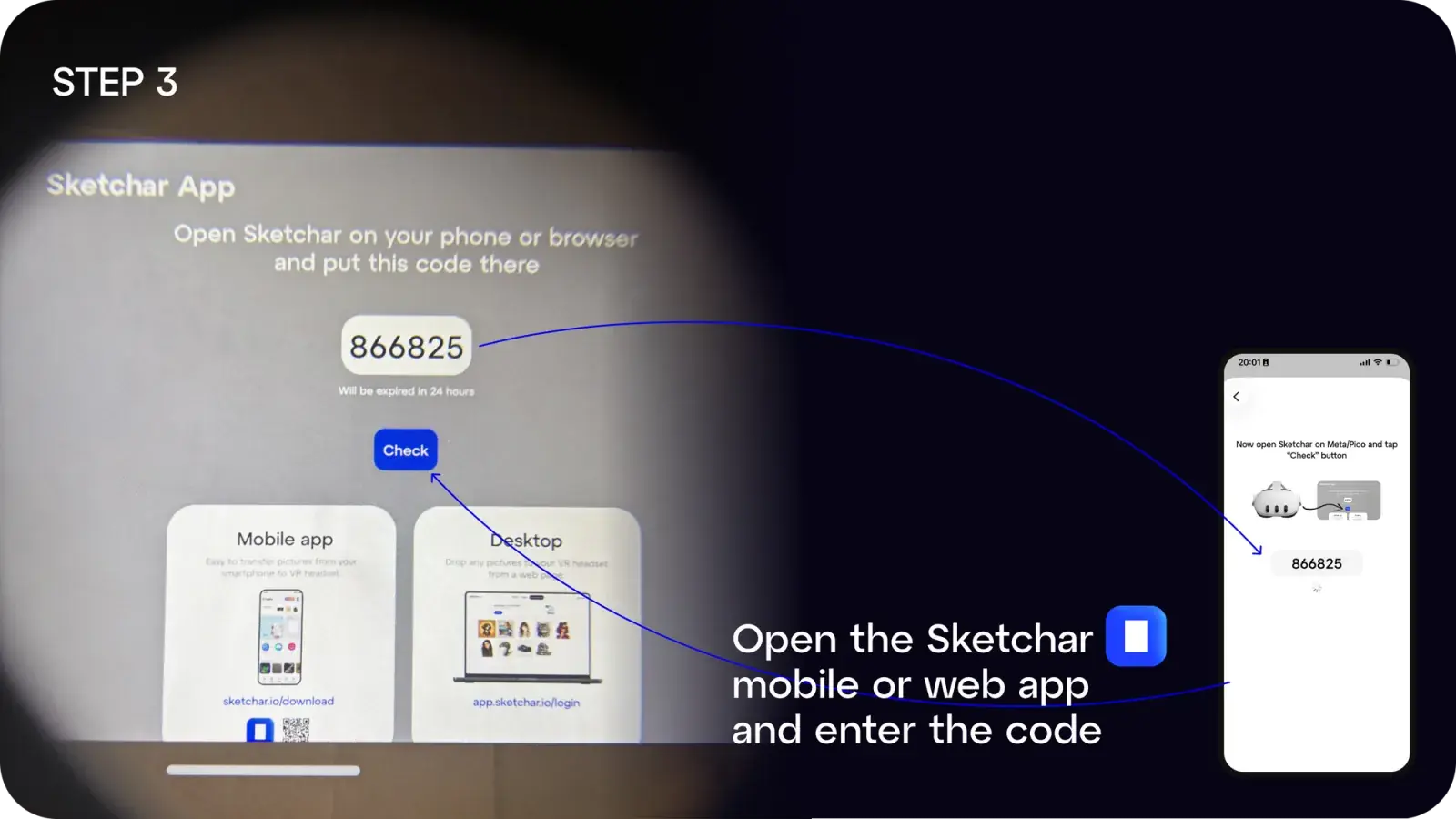
ステップ3: モバイル端末またはデスクトップでSketcharアプリを開き、生成されたコードを入力します。
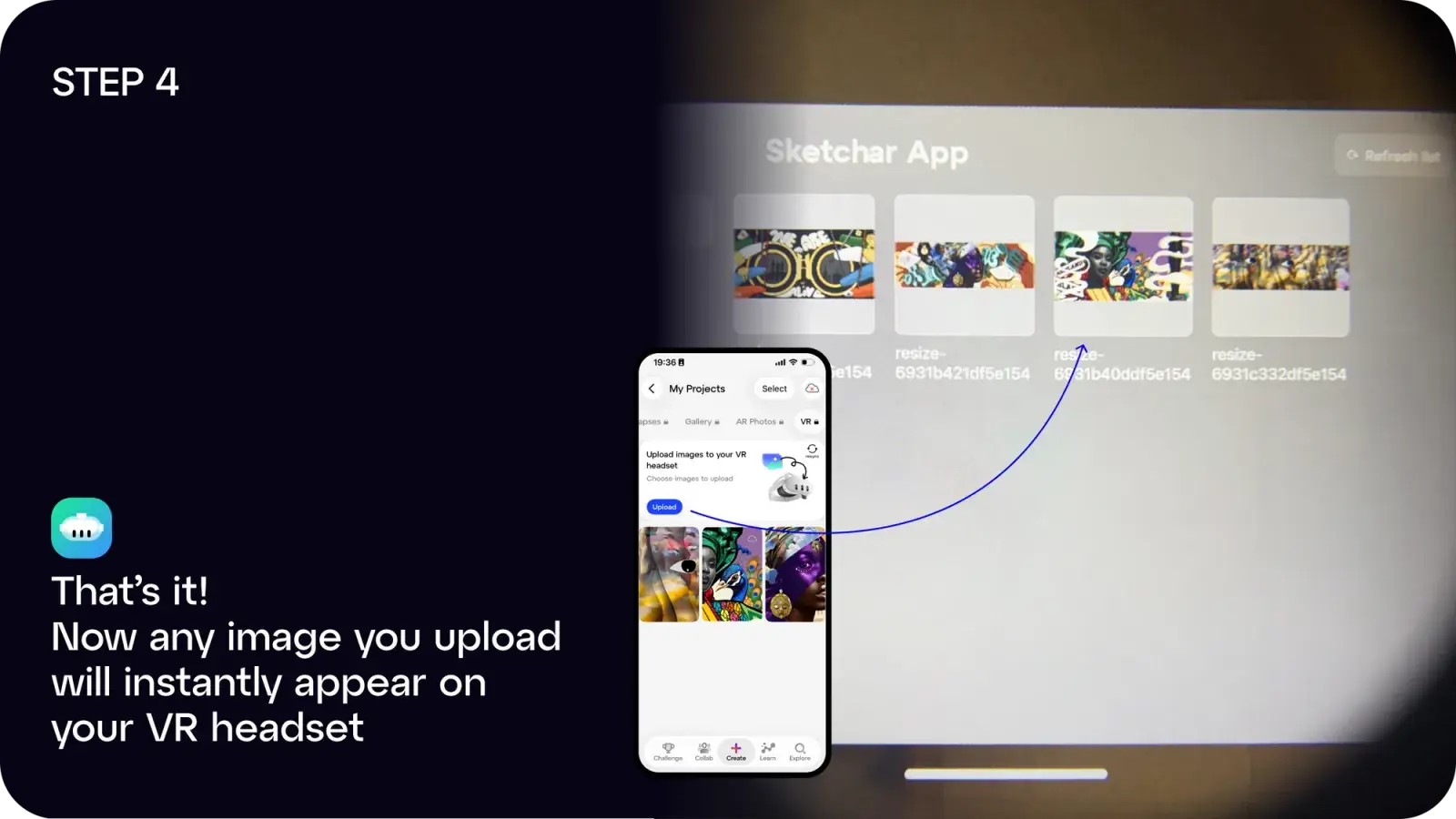
ステップ4: 完了!アップロードした画像はすべてヘッドセットに即座に表示されます。
以下のいずれかの方法でご利用いただけます。
- SketcharアプリをiOSまたはAndroidからダウンロードする、または
- ウェブアプリapp.sketchar.io/loginからデスクトップからアップロードする
ご意見やご提案がありましたら、お気軽にお寄せください。 hello(at)sketchar.io までご連絡ください。