Beyond Paper: 7 Surfaces You Can Draw On With AR (Clothes, Sneakers, Walls, Skin)
AR drawing started as a way to transfer sketches onto walls — but the same trick works on t-shirts, sneakers, clay reliefs and even skin. Here's how artists use augmented reality drawing far beyond paper.

Paper is where most of us learn to draw. It's also the first thing an AR drawing app makes optional. Once your reference lives on the screen instead of the surface, you can trace a drawing with your phone on almost anything — fabric, leather, glass, clay, concrete, skin.
A quick bit of history
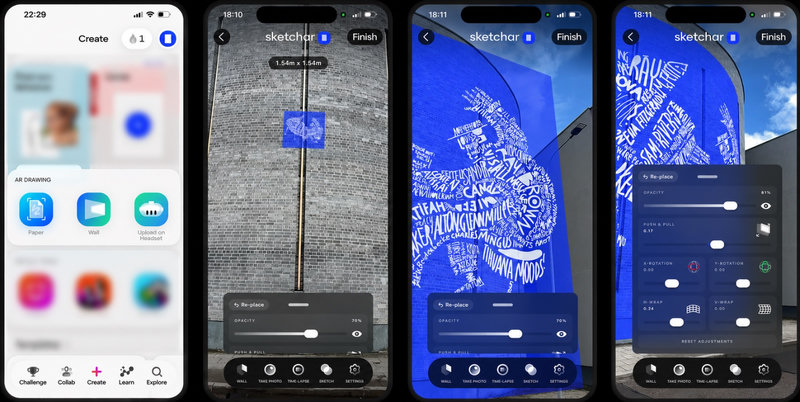
Back in 2012, our founder Andrey (Adno) Drobitko and the team came up with the concept that later became Sketchar: use augmented reality to project a sketch onto a real surface and simply trace it. The original goal was murals — transferring small sketches onto big walls without grids, projectors or scaling math.
It took about five minutes to realize the idea was much bigger than walls. Anywhere you can point a phone camera, you can place a reference layer. And that opens up surfaces where a pencil sketch was never an option in the first place.
1. Custom clothing: t-shirts, denim, tote bags
Fabric is unforgiving. You can't sketch lightly on a white tee and erase it — pencil ghosts stay, and fabric markers bleed. When you draw with AR, the guideline lives on the screen, not on the shirt, so every stroke you actually make is a final stroke.
That makes AR ideal for custom denim jackets, hoodies, and hand-painted tees: you draw clean the first time.


Video by @duenas_art
2. Sneaker customization
Sneakers are the hardest surface in the room — curved toe boxes, panels, seams. That's exactly why Sketchar has a Curved surface mode, which lets you wrap a design over a non-flat object and keep the proportions readable while you trace.
If you want to practice before touching a real pair, the mobile app includes sneaker customization art challenges — guided tasks that teach placement, line weight and composition on footwear. It's one of the easiest ways to learn to draw with AR on a surface that matters.


Video by @duenas_art
3. Bas-reliefs and sculpted volume
AR isn't only for lines. When you're building a bas-relief in clay or plaster, the overlay shows you the intended silhouette and shading while you add material — you can literally see the target form and grow volume toward it, layer by layer.


Artwork by @barelef_spb
4. Glass and storefront windows
Storefront windows are the one surface where every traditional method fails. A projector needs something to catch the light — glass gives it nothing. Grid marks won't hold. Transfer paper can't stick to a vertical pane you're painting from the outside.
AR is the only reference that works here: the sketch sits on the glass in your view, visible only to you, while the surface stays completely clear. Window painters have been waiting for this one.
5. Tattoos: drawing straight onto skin
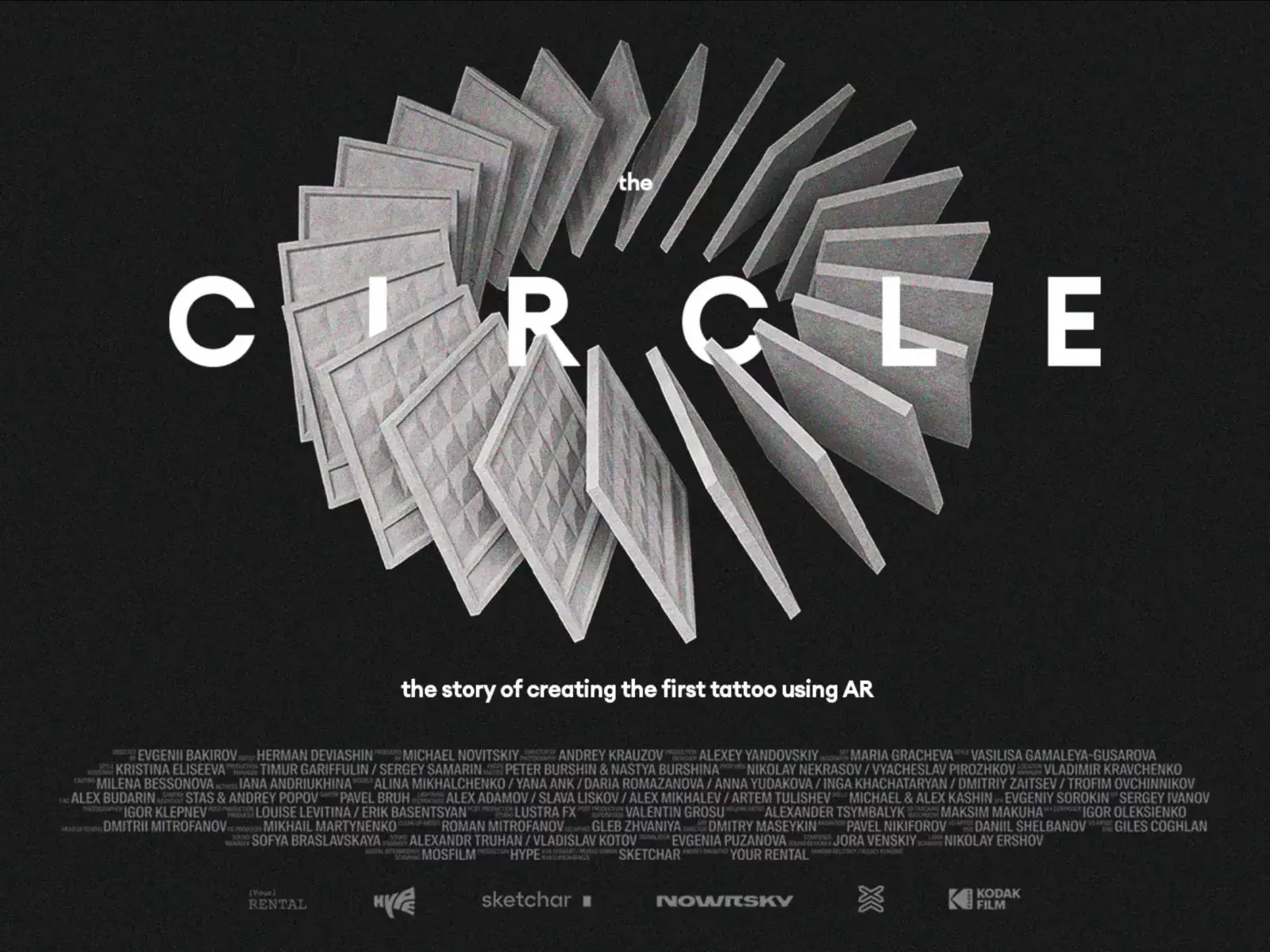
Skin is the ultimate "no undo" surface. Together with artist Herman IX, we made a short film about the creation of the first tattoo designed with AR directly on the body — no stencil, the design placed and adjusted live on the client, then tattooed.
For tattoo artists, that means testing placement, size and flow on the actual anatomy instead of guessing from a flat print.

6. Surfboards, cars, and any curved shape
Surfboards, car hoods, motorcycle helmets, cylindrical columns — anything without a flat plane to work from. Sketchar's Curved Surface Mode bends the sketch to match the geometry, keeping proportions intact where a grid or projector would warp them. Custom paint jobs, board art, helmet designs: same workflow, no compromise.


Artist @duenas_art
7. Murals — where it all began
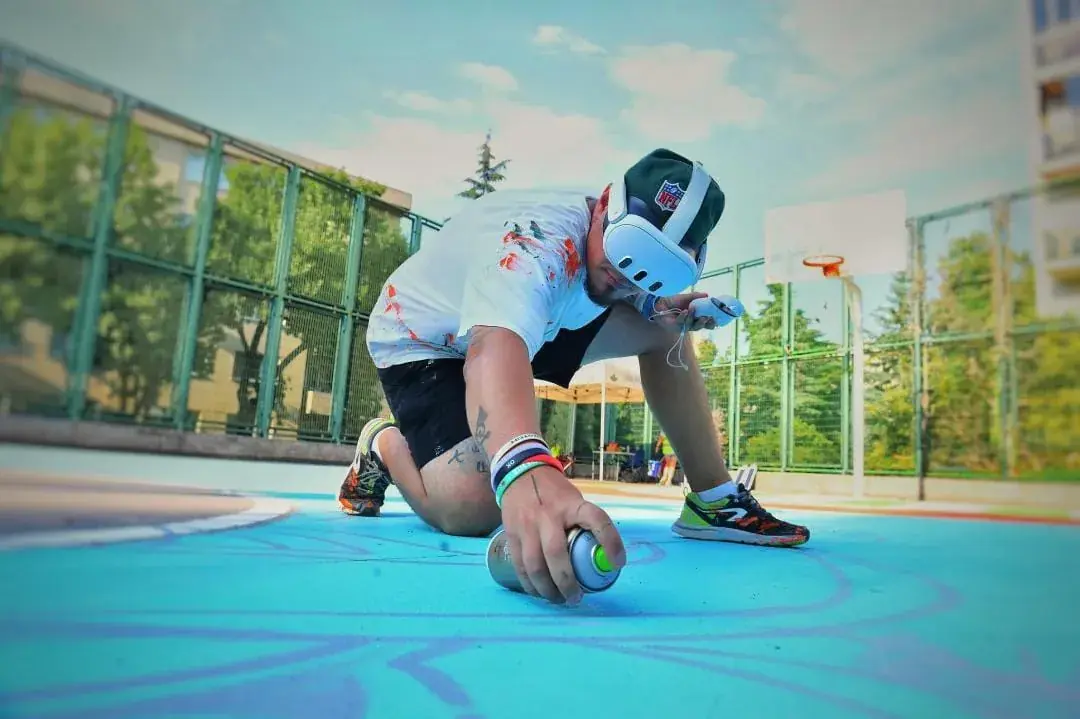
And of course, murals. From a small canvas to a five-meter wall, AR scaling keeps the drawing proportional. If you want to go bigger, Sketchar also brings VR mural painting to Meta Quest, so you can rehearse a large-format piece before renting the scaffolding.
Try it on something that isn't paper
Pick one object today — a tote bag, an old pair of sneakers, a blank wall — open the camera, place your design and trace. Paper was never the limit.
▋