Free tracing app or tracing website: do you need to install anything to trace a drawing?
What a tracing app does, what a tracing website can do without installing anything, how to tell a free one from a free trial – and the setup that makes either work on paper.

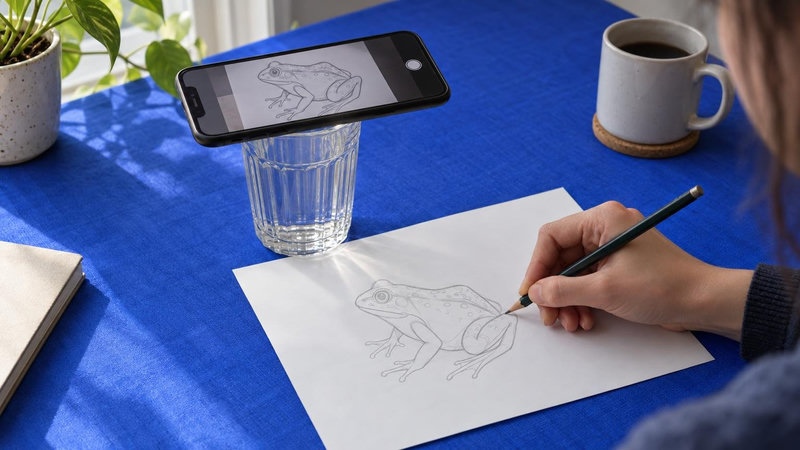
Short answer: no. To trace a drawing from your phone you need three things – a camera, a picture laid over what the camera sees, and a way to hold the phone still – and a website can give you the first two. Sketchar's tracing page does it in Safari or Chrome for free, with no account. A tracing app is worth installing when you want the picture to stay on the paper while the phone moves in your hand, or when you want lessons on top of the tracing.
What a tracing app actually does
Strip away the names and every tracing app on a phone does one of two things.
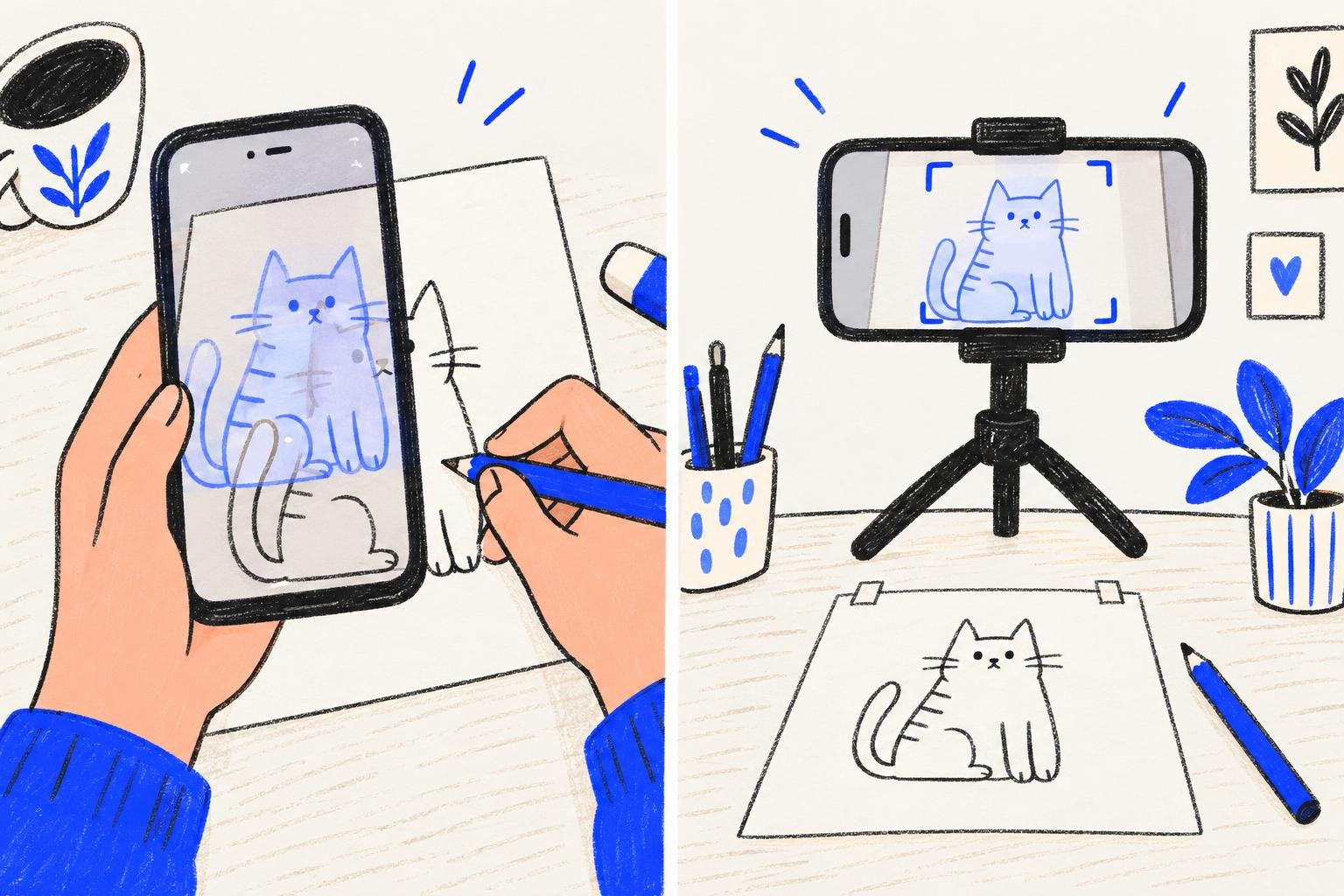
Overlay. The app shows the camera feed and draws your picture on top of it at the opacity you choose. Move the phone, and the picture moves with the screen. Prop the phone up, and you can trace.
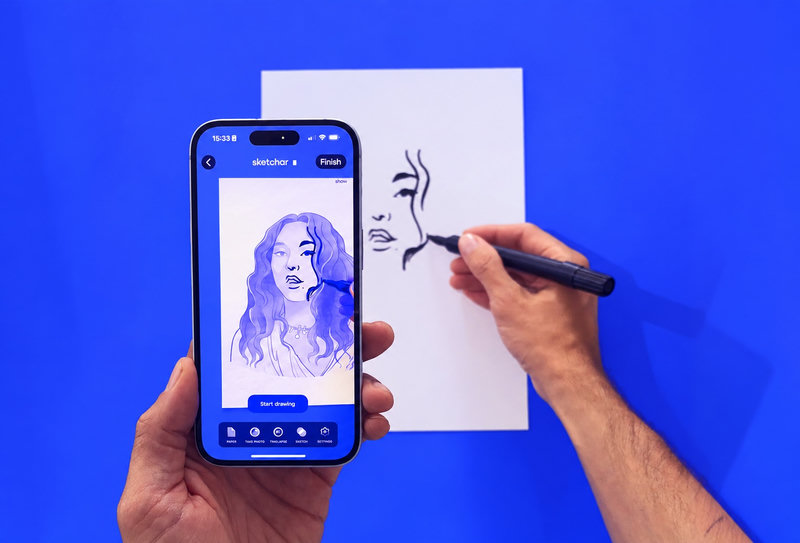
Tracking. The app recognises the paper through the camera and attaches the picture to it. Move the phone, and the picture stays where it was on the sheet.
The first needs almost nothing from the device. The second is computer vision and is what Sketchar has been building since 2016. Both get called "tracing app", "AR drawing app" or "drawing camera" in the stores, which is why the price tags make no sense until you know which one you are looking at. The two-minute version of telling them apart is in Real AR vs fake AR in drawing apps.
What a tracing website can do
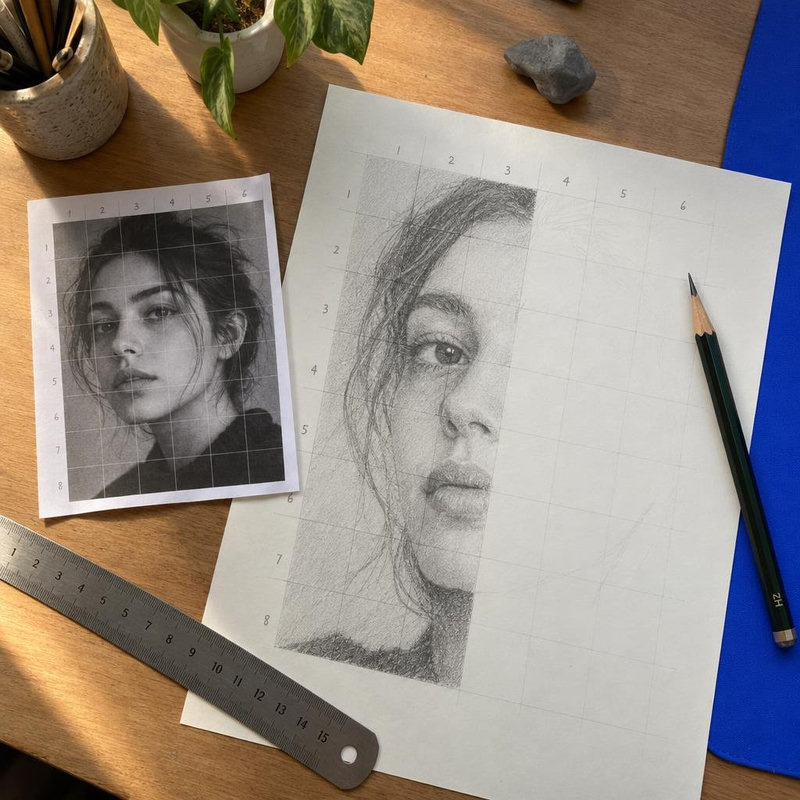
A browser can open the camera, open a picture from your phone and draw one over the other. That is the whole overlay, and it runs on the phone without sending anything anywhere. Sketchar's Simple AR at sketchar.io/try adds the controls that make it usable: opacity, flip, a grid, reset and a lock so a stray touch does not shift the picture. Nothing to install, no sign-up, no watermark.
What a browser cannot do, at least not reliably across phones, is tracking. So a tracing website is an overlay by nature, and you work with the phone on a stand.
A tracing website answers the only question a beginner actually has: can I start right now, with what is in my pocket. Yes. The app is for the day you want the picture to stay on the paper while you move.
Step-by-step guide for web AR Drawing
Step 1 – Open the page on your phone, not a laptop
The camera has to look down at the paper. A laptop webcam looks at you. Go to sketchar.io/try and tap Start drawing.
Step 2 – Choose the picture
Your own photo (JPG, PNG or HEIC) or one of the ready sketches. Line drawings with clear contrast are easiest.
Step 3 – Rest the phone on a glass or a stack of books
About 25 cm (10 in) above the sheet, camera straight down, light from the side.
Step 4 – Set the opacity, then lock
Lower the opacity until you can see both the lines and the pencil tip, then tap Lock so a stray touch does not move the picture.
Step 5 – Trace the outline, then the details
Lift the pencil, glance at the screen, keep going. Full setup notes, including the light and paper mistakes that ruin a trace, are in How to trace a drawing with your phone camera.
Free app, free trial, or free website: reading the fine print
"Free" on a store page means one of three things: free with ads, free to download with a subscription behind the first picture, or a free core with paid extras. Only the last one is free to use. The way to check is the in-app purchase list on the store page and the latest one-star reviews; we went through five listings in Free AR drawing apps: what's actually free.
A website has no in-app purchase list to read. Simple AR is free in the plain sense: it does not ask for an account, so it has nothing to charge.
When to install the app anyway
You keep moving the phone. Tracking lets you hold it in one hand and draw with the other, lean in and check lines, and move around a larger sheet or a canvas.
You want to learn, not only copy. The Sketchar app has 1,000+ step-by-step lessons built on the trace-then-draw loop; how that loop turns tracing into drawing is in Is AR drawing cheating?.
You want a time-lapse of the drawing to post.
The Sketchar app is free to download with a 7-day free trial of PRO; after that PRO is a subscription, with current plans on the pricing page. The browser page has a PRO AR button that opens the app, so you can try the overlay first and the tracking second.
Tracing app vs tracing website
Tracing website (Simple AR) | Tracing app with tracking (Sketchar PRO AR) | |
|---|---|---|
Install | Nothing | App Store or Google Play |
Account | None | Account for sync and lessons |
Price | Free | Free trial, then subscription |
Picture stays on the paper | No, phone must stay still | Yes |
Phone in hand | No | Yes |
Lessons, time-lapse | No | Yes |
Your photo leaves the phone | Never | Only if you save it to your account |
Works on a laptop | No, the webcam faces you | No, phone or tablet |
FAQ
Is there a free tracing app? For the overlay, you do not need an app at all: a tracing website does it. For tracking, the Sketchar app has a free trial.
Can I trace a picture online without downloading anything? Yes. Open sketchar.io/try on your phone, pick a picture, prop the phone above the paper and trace.
What is the best tracing app for drawing? The one that does what you need. Desk, paper, phone on a stand: a free overlay. Phone in hand or a canvas on an easel: an app with tracking.
Does a tracing website work on a laptop or PC? The page opens, but the webcam looks at you, not at the paper. Use a phone or a tablet.
Is tracing with a phone cheating? No more than a lightbox or a grid, which artists have used for centuries. It is cheating only if you claim the trace as freehand work.
Trace without installing anything. Free, no sign-up, your photo stays on your phone. Open the tracing page
▋