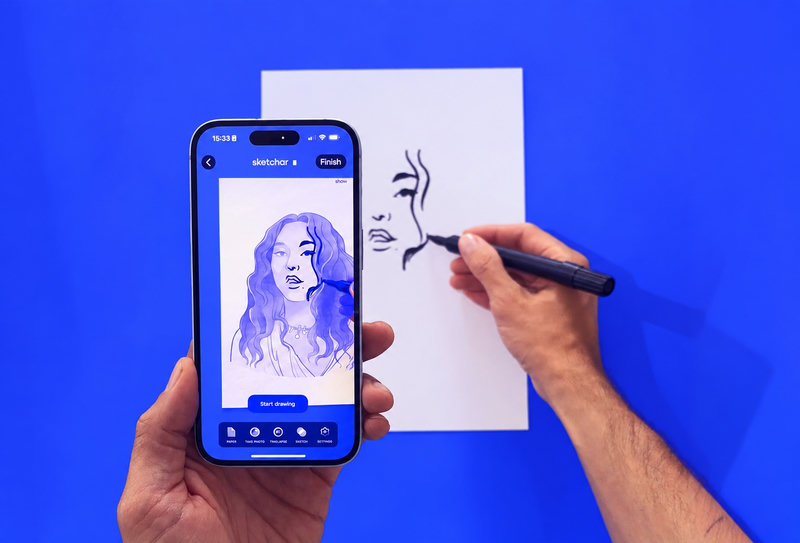
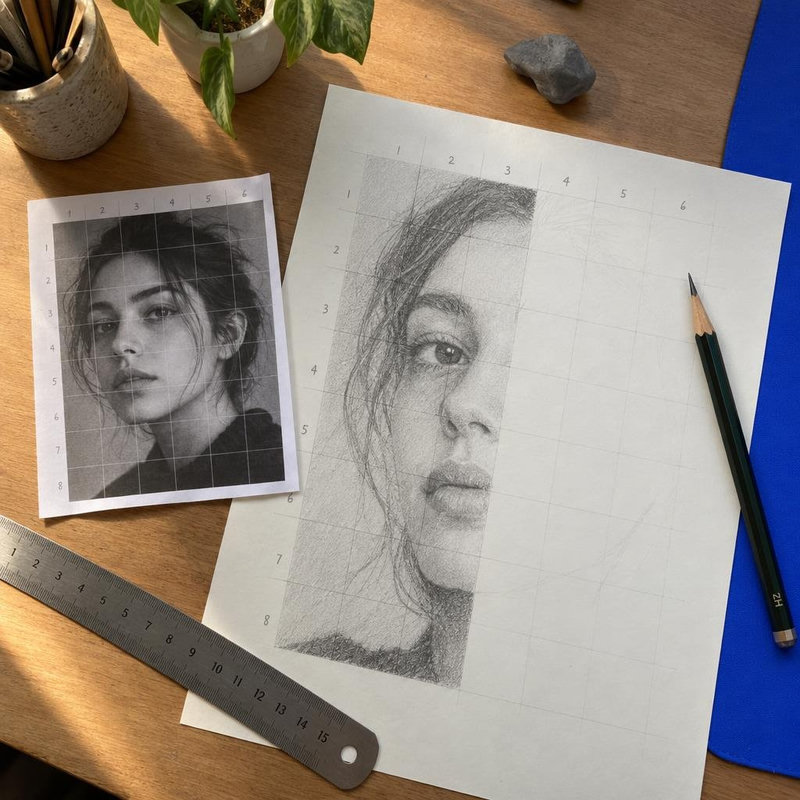
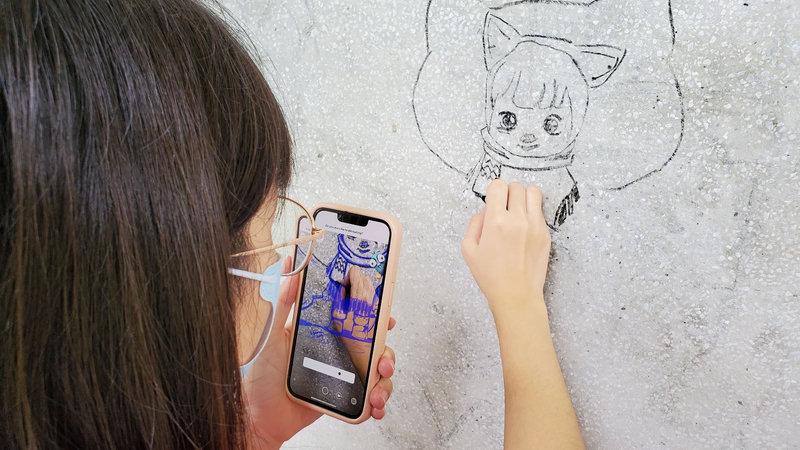
20 things to make with AR tracing: Christmas ornaments, wood burning, T-shirts, cakes, mini canvases and more
AR tracing is not only for paper. Twenty small projects you can transfer through a phone camera – painted ornaments, pyrography, fabric, cake lettering, engraving, rocks and chalk – with the setup tip for each surface.
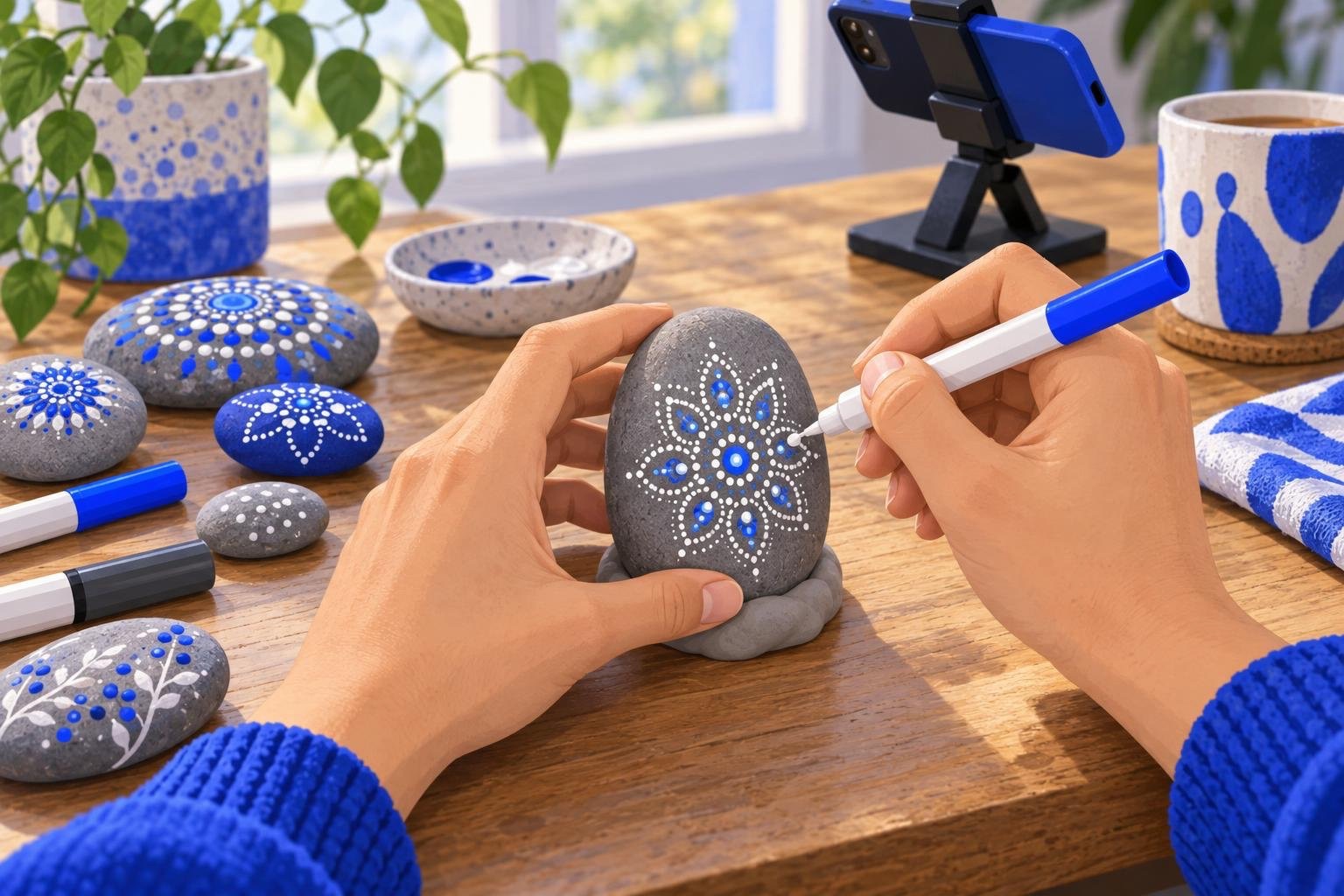
Short answer: anything flat enough for a phone camera to see all at once can be traced with AR: a Christmas bauble on a stand, a wooden disc before you burn it, a T-shirt stretched over cardboard, the top of a cake, a mini canvas, a pebble, a square of pavement. The app lays your design over the object on the screen, pinned in place, and you follow the lines with whatever tool the surface takes – paint, pyrography pen, fabric marker, piping bag, engraver or chalk. Below are twenty projects, grouped by surface, each with the setup that makes the trace hold.
How AR tracing works on things that aren't paper
The camera needs to see the surface and keep seeing it. Three things decide whether the trace holds:
A stand. For small objects, prop the phone on a stand or a stack of books so the camera looks straight down and both hands are free. Hand-held works for paper; for a bauble or a cake it is easier not to.
Some texture and light. A plain white glossy surface gives the camera nothing to lock onto. Matte, slightly textured surfaces track best; a tablecloth or a sheet of paper under the object helps. The same rules as for paper, explained in Best paper for AR drawing.
A design made for the object. Crop or draw your design at the proportions of the surface before you start, and simplify it: one colour and thick lines for a bauble, no fine hatching on a T-shirt.
The basic technique – load the image, set the opacity, trace – is in How to trace a drawing with your phone camera.
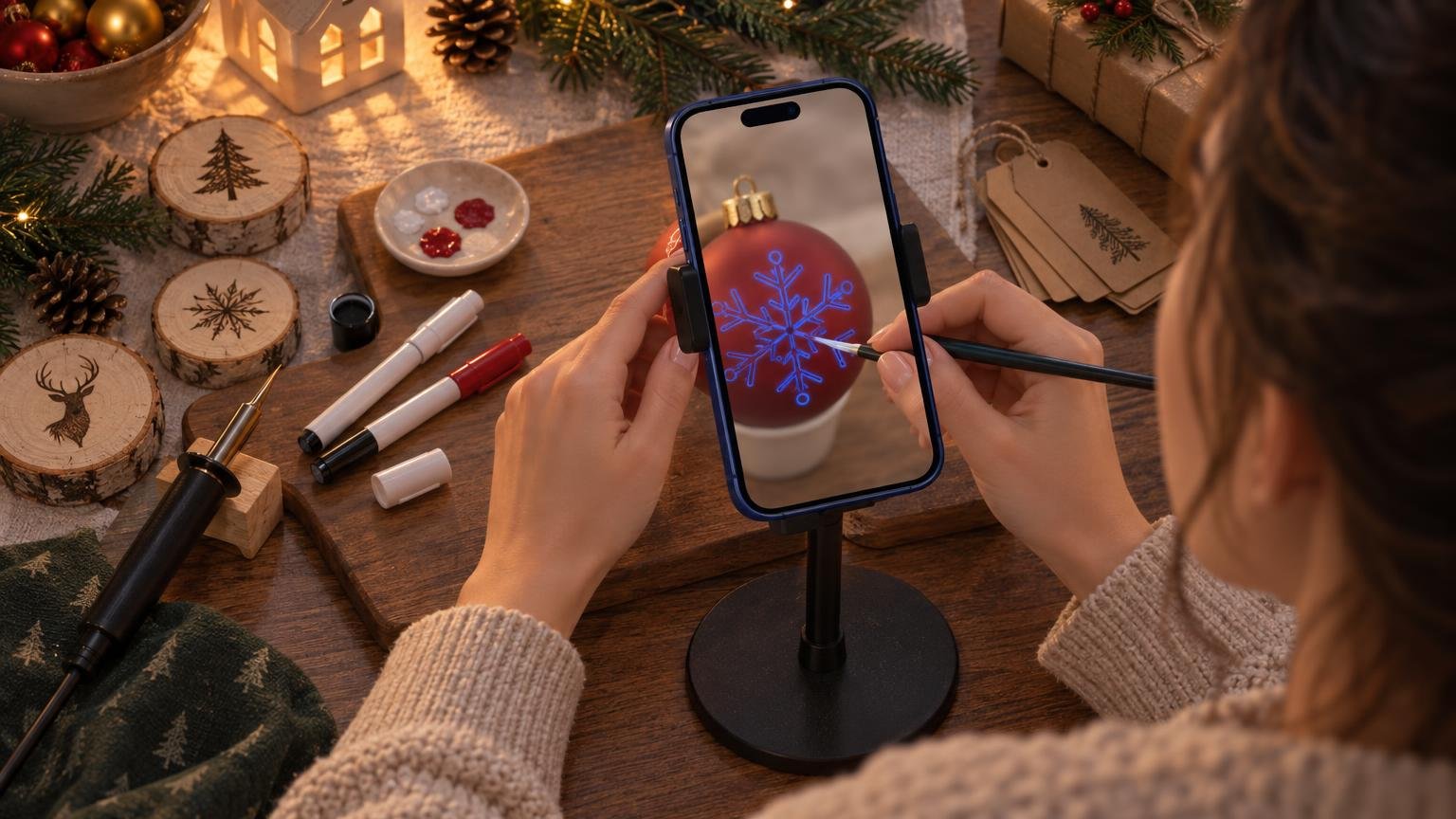
Christmas and seasonal
1. Painted Christmas ornaments. Matte baubles or flat wooden ornaments, acrylic paint or paint markers. Put the ornament in an egg cup or a ring of tape so it cannot roll, trace the design onto the face that points at the camera, then turn it and trace the next face. Flat wooden stars and discs are the easiest first ornament; glass baubles need a matte primer first.
2. Wooden slice ornaments. Birch slices with the bark on. Trace a snowflake, a name or a small animal in pencil through the phone, then go over it with a fine marker or a pyrography pen.
3. Hand-lettered gift tags and cards. Card stock, brush pen. Trace the lettering lightly in pencil, ink it, erase. Twelve identical tags in one sitting – the app keeps the design the same size on every card.
4. Advent calendar numbers. Small paper bags or boxes, one number each. Trace the same numeral style 24 times; by number ten you will not need the phone.
Wood burning and engraving
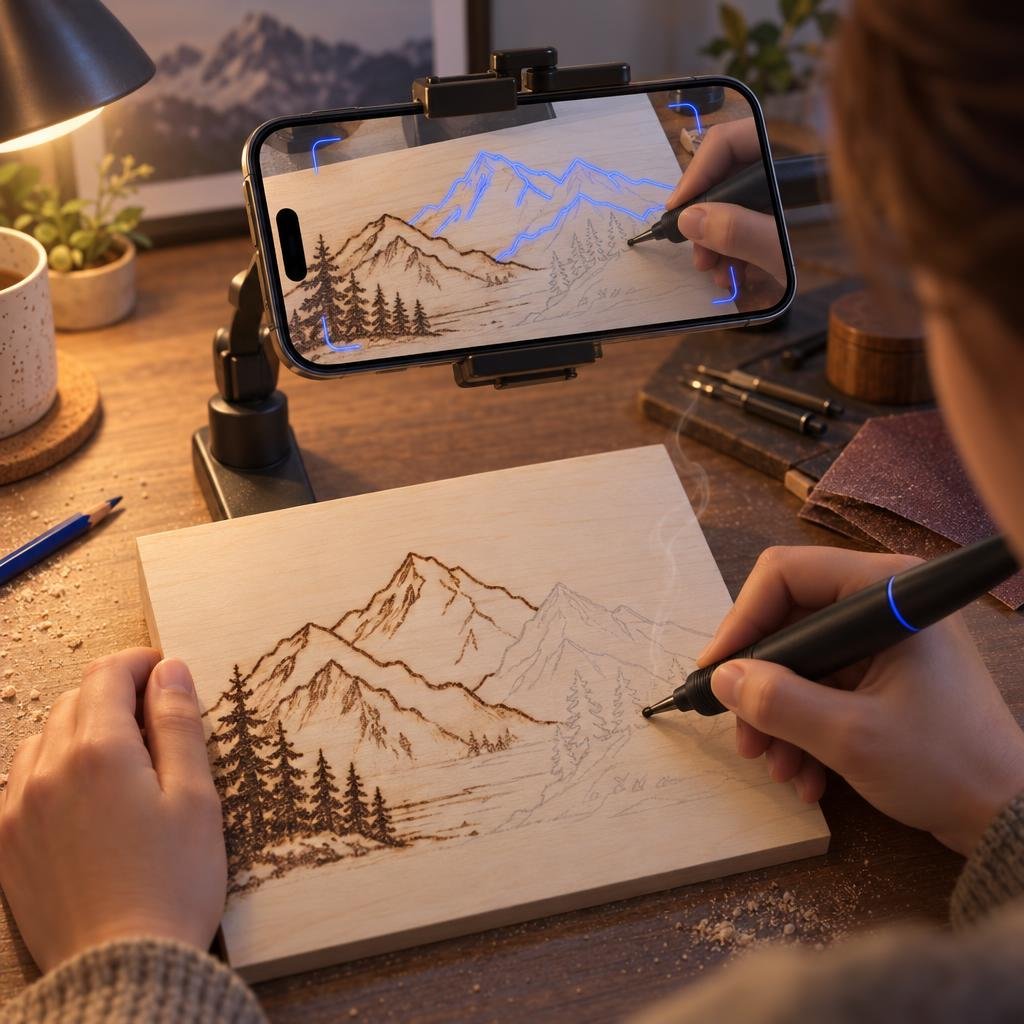
5. Pyrography on a wooden board. Basswood or birch plywood, a wood-burning pen. Trace the design in soft pencil through the phone, then burn along the pencil line. Good first designs: a mountain line, a single leaf, a monogram. Keep the lines well apart – the pen tip is wider than a pencil.
6. Cutting board or coaster set. Trace a pattern or a family name onto a bamboo board, burn it, oil it. Matching coasters use the same design scaled down in the app.
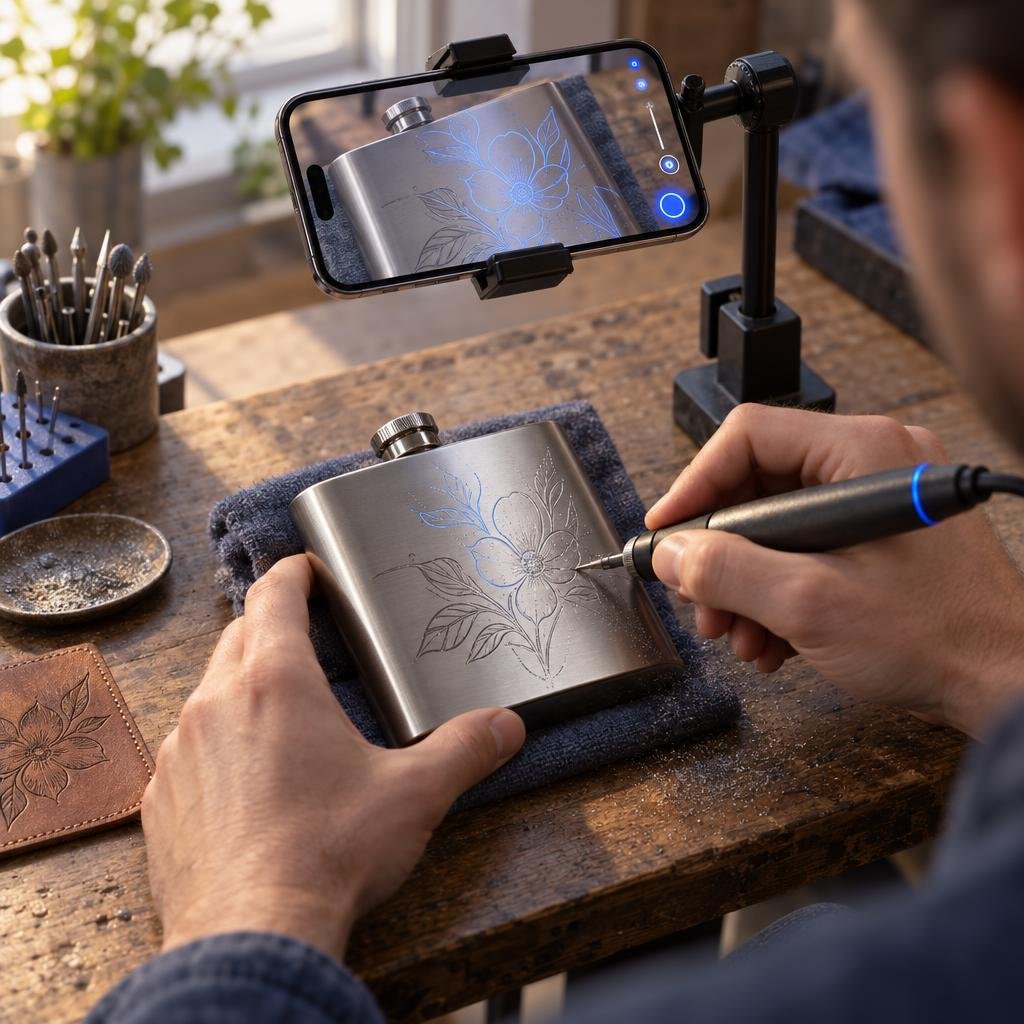
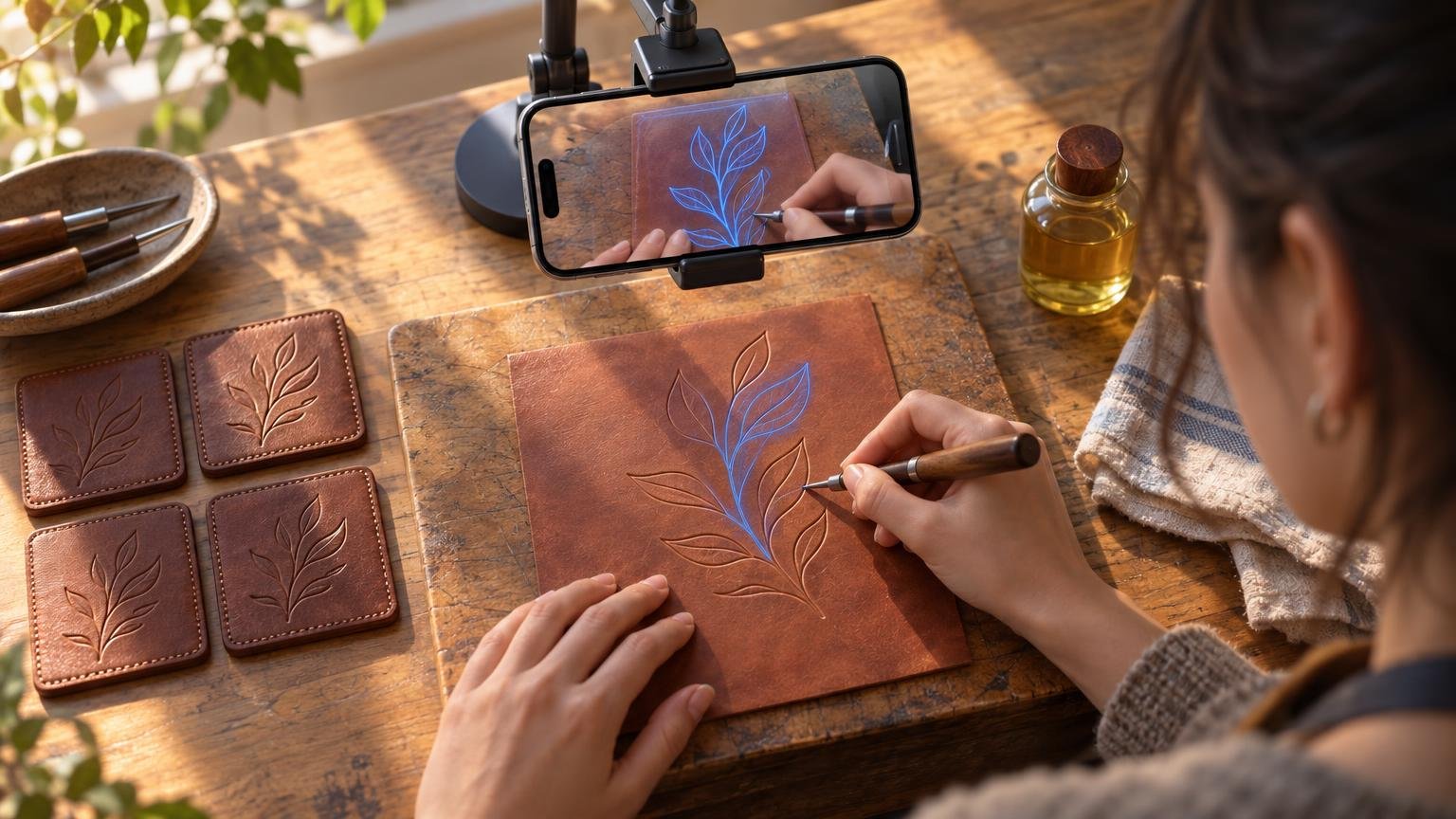
7. Engraving ideas for metal, glass and leather. A rotary tool or a hand engraver. Trace the design with a fine marker that wipes off (or a grease pencil on glass), engrave along it, clean up. Flat surfaces only: the back of a phone case, a flask, a leather patch. Curved glasses are possible if you prop them so the face you engrave is level.
Fabric
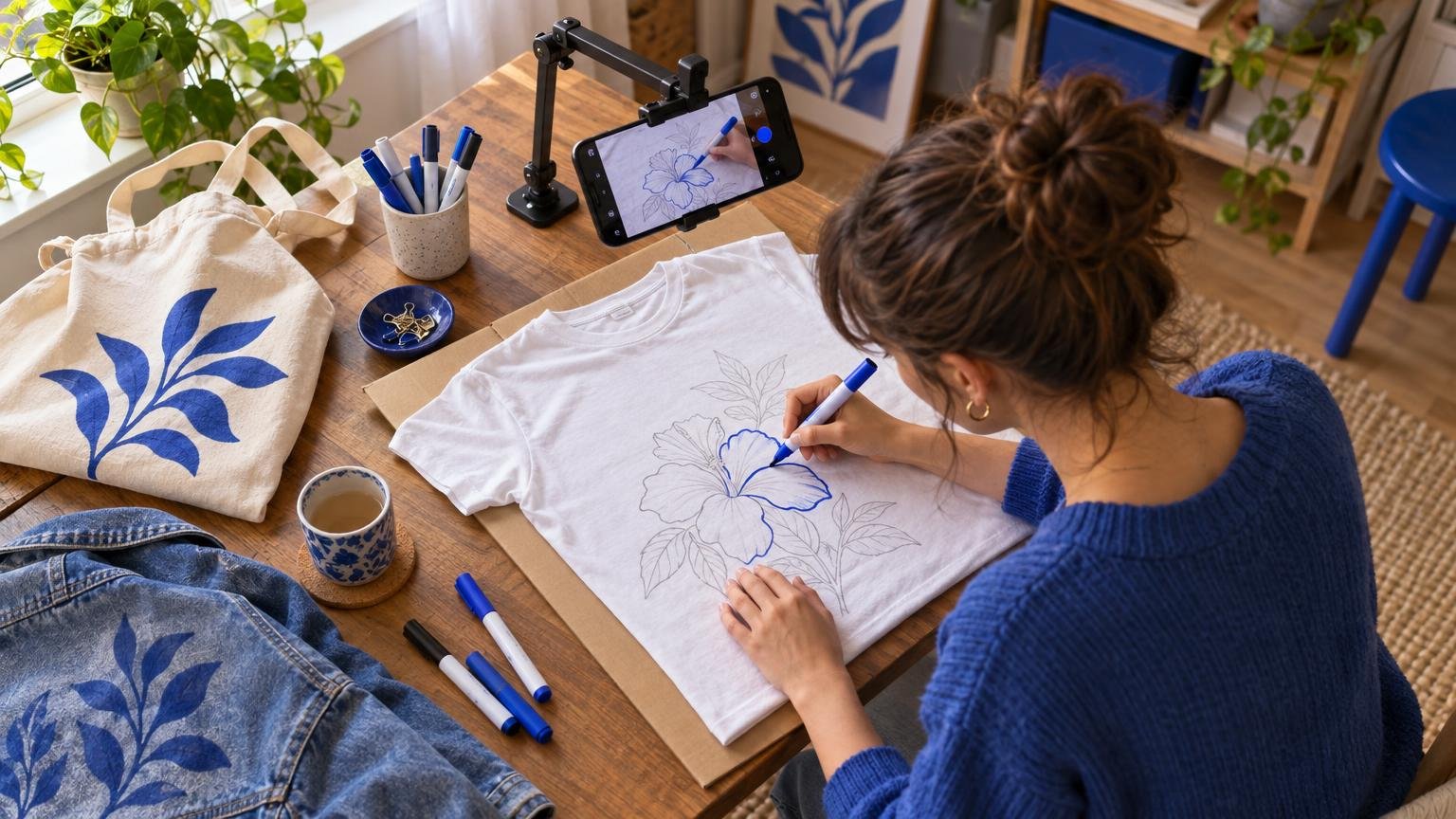
8. T-shirt painting. Stretch the shirt over a sheet of cardboard inside it so the fabric is flat and the paint does not bleed through. Fabric paint or fabric markers. Trace the outline, lift the phone away, fill in. Heat-set per the paint's instructions.
9. Tote bags and pouches. Same method, smaller surface; canvas tote fabric tracks well because of its weave.
10. Denim jackets and sneakers. Thicker fabric and curved surfaces: trace one panel at a time. We covered sneakers, clothes and skin in Beyond paper: 6 surfaces you can draw on with AR.
11. Embroidery transfer. Trace the pattern onto the fabric with a water-soluble pen, then stitch. The phone replaces carbon paper and a lightbox.
Kitchen
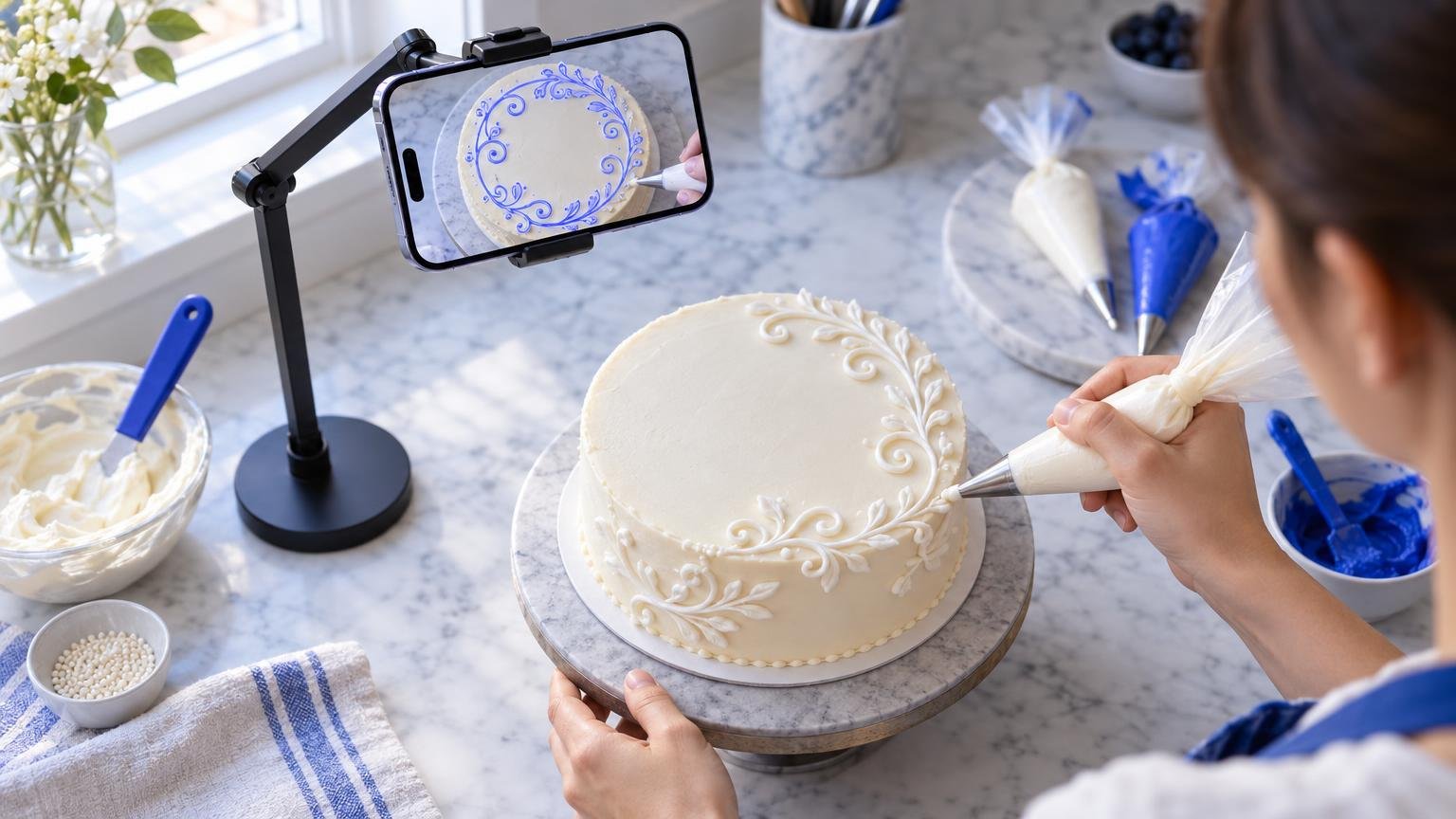
12. Cake lettering and cake-top drawings. Phone on a stand directly above the cake, piping bag with a fine tip. Trace the lettering or a simple outline in piping gel or a toothpick scratch first, then pipe over it in buttercream or royal icing. Keep the phone above the cake, not touching it, and work in a cool room so the frosting stays firm.
13. Cookie icing. Flood the cookie, let it set, then trace the detail lines through the phone with a fine tip. One design, forty cookies, all the same.
14. Latte art stencils and chocolate transfers. Trace the design onto acetate, cut it out as a stencil for cocoa dusting, or pipe melted chocolate over the traced lines on baking paper, chill and lift.
Small art
15. Mini canvas painting. Canvases from 10 × 10 cm up. Trace the composition in pencil, paint in acrylic. A set of three minis with one design across all three is a quick wall piece; the grid alternative for scaling between sizes is in Grid method drawing.
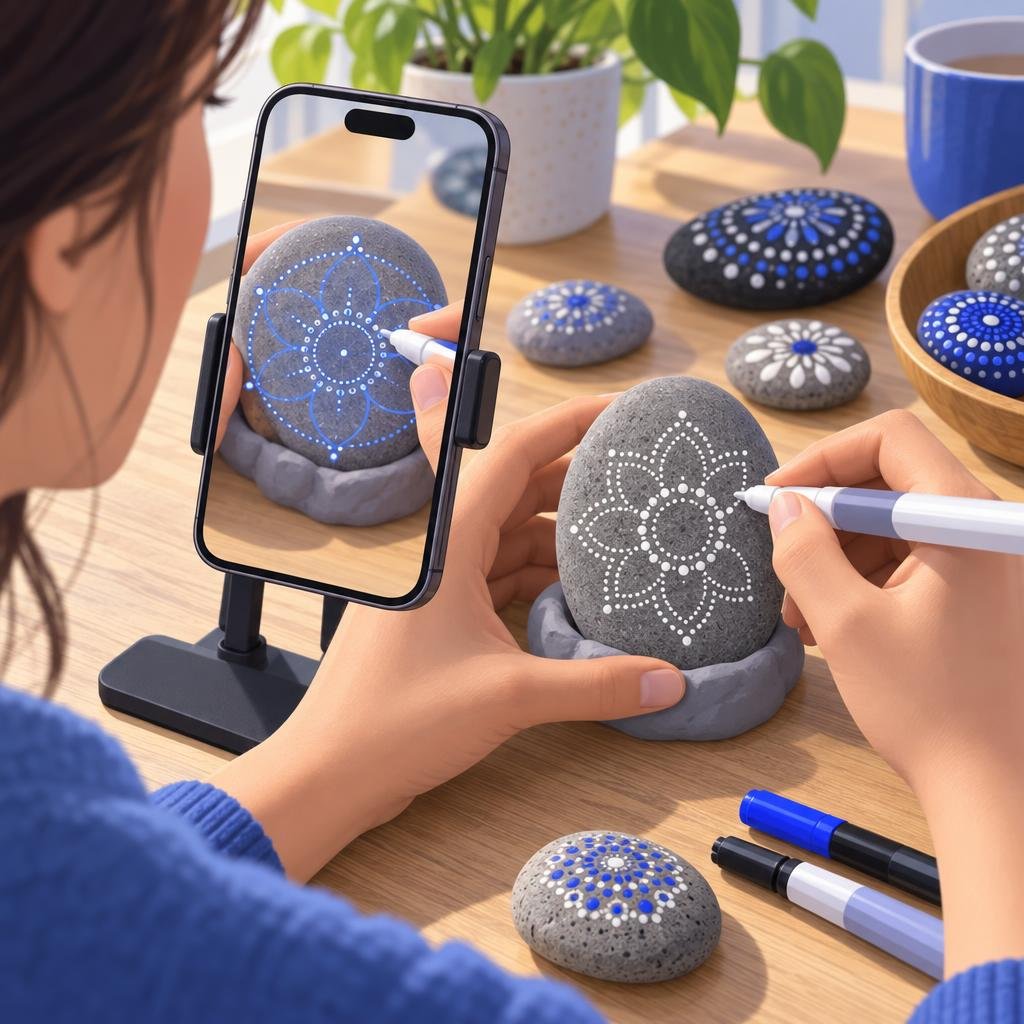
16. Rock painting. Smooth, flattish stones, acrylic paint markers. Prop the stone in a ring of modelling clay so it does not rock. Mandalas, animals and lettering all work; keep the design inside the flattest area.
17. Bookmarks and postcards. Card stock. Trace, ink, colour. A good first project for a child: the result is finished in twenty minutes.
18. Mugs and plates with porcelain markers. Prop the mug on its side in a towel so the face you draw is level, trace, bake per the marker's instructions. Plates lie flat and are easier.
Outdoors, small scale
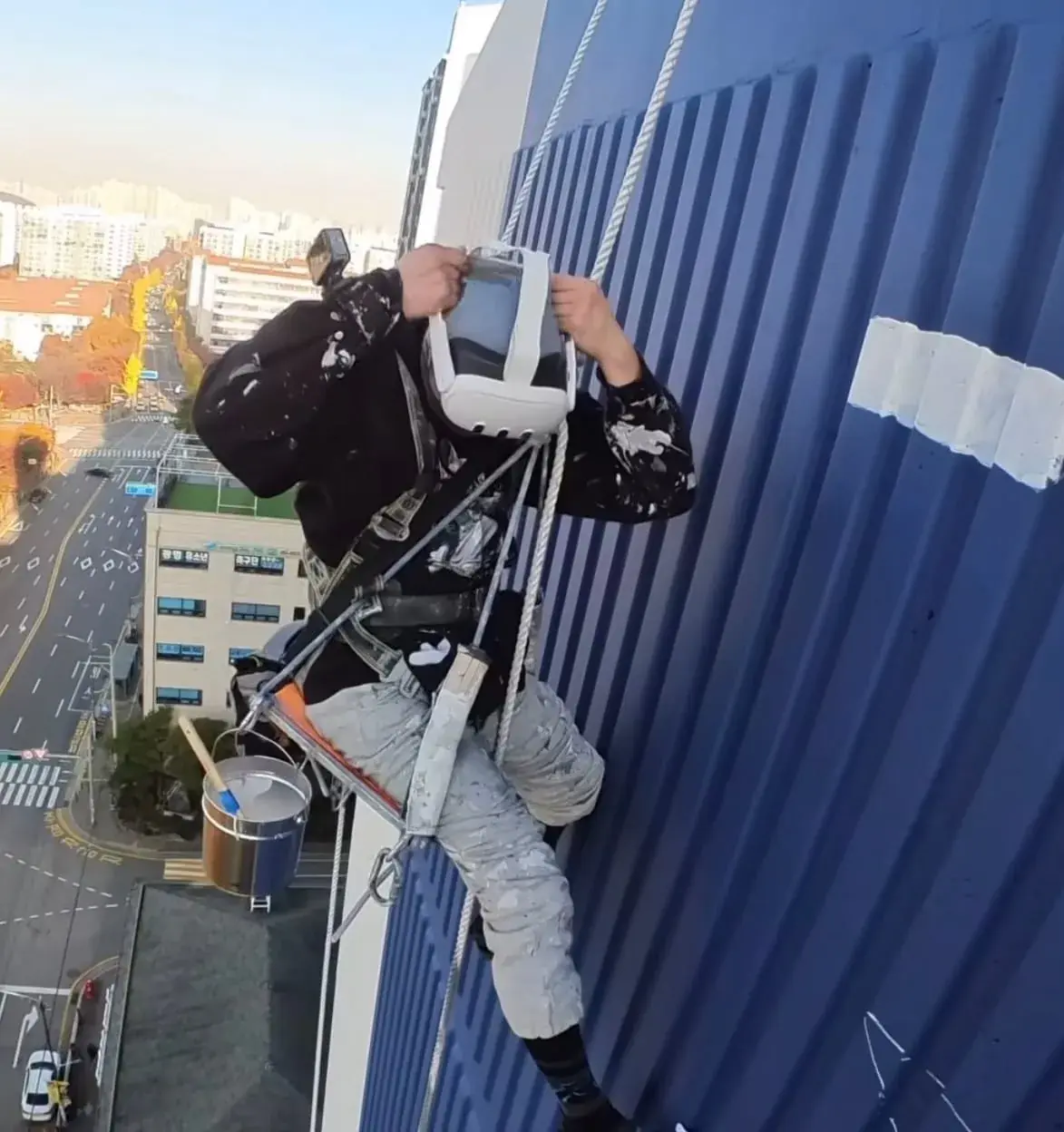
19. Chalk lettering on pavement. A square metre of paving, sidewalk chalk. Prop the phone on a step or a low stand looking down at the slab, trace the letters, fill them. For birthday messages, shop signs on the pavement, or a hopscotch grid that is actually straight. The phone app is for small areas like this; for a whole wall or a courtyard, Sketchar runs on a VR headset instead – see the Mural App.
20. Garden markers and house numbers. Slate, wood or painted tile. Trace plant names or a house number, paint with outdoor acrylic or paint markers, seal.
What to do when the trace will not hold
The image slides off the object. The camera cannot find enough texture. Put a patterned cloth or a sheet of newspaper under and around the object and try again.
The object is too curved. Trace the flattest face only, then rotate and trace the next face as a separate pass.
You cannot see your tool. Lower the opacity of the overlay until both the lines and the tip of your pen are visible. Add light from the side, not from behind the phone.
Your hand is in the way. Use a stand and trace from the far side of the object toward you.
FAQ
Can you use an AR drawing app on surfaces other than paper? Yes: fabric, wood, cardboard, canvas, stone, ceramics, cake and pavement, as long as the camera can see the surface and it has some texture to track. Glossy, plain or very curved surfaces are harder.
How do you trace a design onto a Christmas ornament? Fix the ornament so it cannot roll, point the phone at the face you want to paint, lower the overlay opacity and trace with a paint marker. Flat wooden ornaments are easiest; matte-primed baubles next; shiny glass last.
Can you trace a design onto a cake with your phone? Yes, with the phone on a stand above the cake and a piping bag. Mark the lines first with piping gel or a toothpick, then pipe. Keep the phone off the cake and the room cool.
How do I transfer a design for wood burning? Trace it through the phone in soft pencil onto the wood, then burn along the pencil lines. It replaces carbon paper and leaves nothing to sand off.
Does AR tracing work on a T-shirt? Yes. Put cardboard inside the shirt so the fabric is flat, trace the outline with a fabric marker, then fill with fabric paint and heat-set it.
Trace it on anything the camera can see. Sketchar puts your design on the object through the phone camera, pinned in place while you work. Try AR drawing
▋