Blend modes explained: Multiply, Screen, Overlay and the rest, for digital artists
What layer blend modes do, the five groups they fall into, which ones artists actually use for shadows, light and colour, and how to use them in Procreate and Sketchar 11.
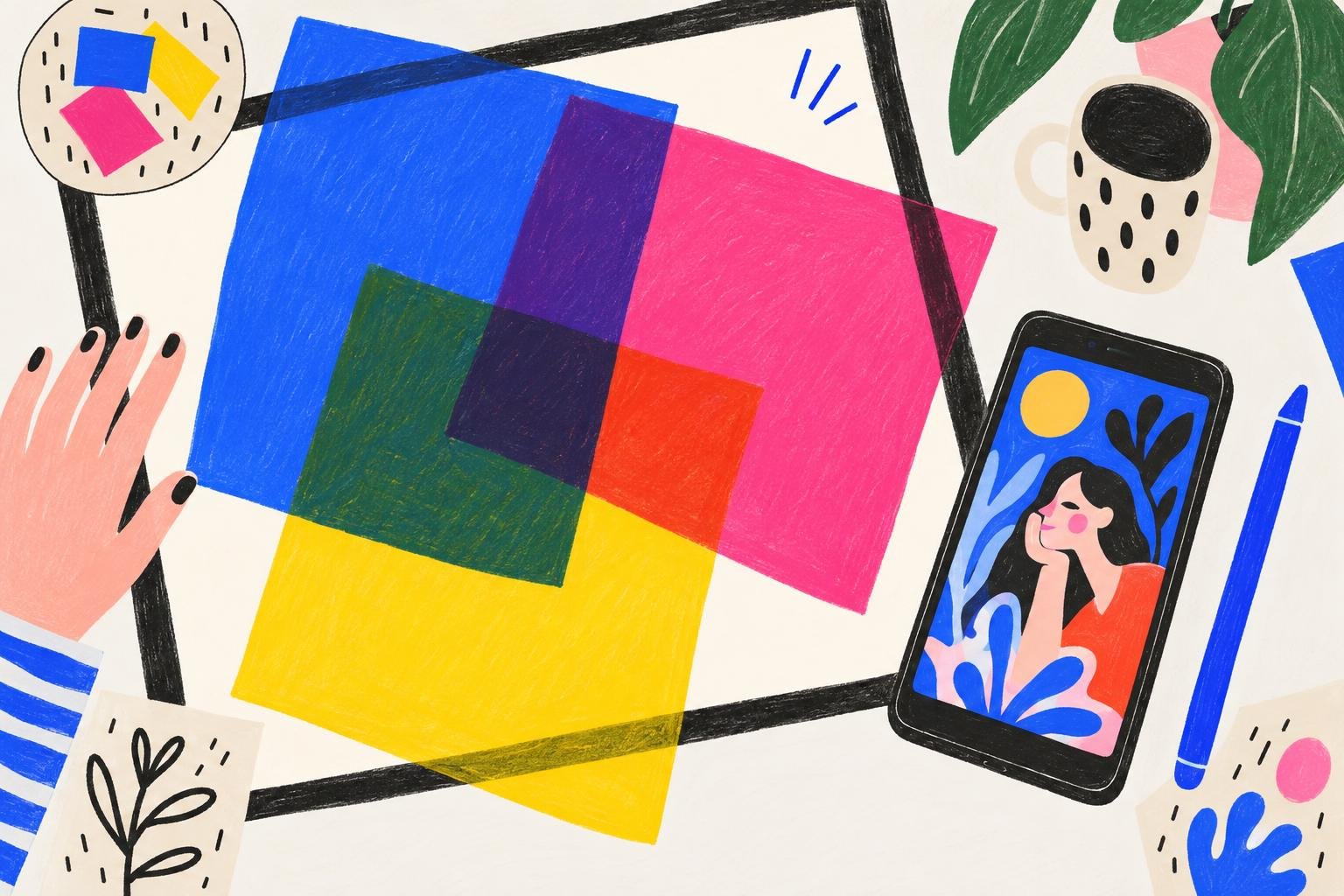
Short answer: a blend mode decides how a layer mixes with the layers under it. Most drawing apps, including Procreate and Sketchar 11, offer 26 of them, but they fall into five groups: modes that darken, modes that lighten, modes that add contrast, modes that compare and modes that swap one colour property. In daily work artists mostly use four: Multiply for shadows, Screen or Add for light, Overlay for colour and texture, and Color for recolouring.
What a blend mode does
In Normal mode, a pixel on the upper layer simply covers the pixel below. Every other mode does a small calculation with the two colours instead. Multiply, for example, multiplies them, so the result is always darker; Screen does the opposite, so the result is always lighter.
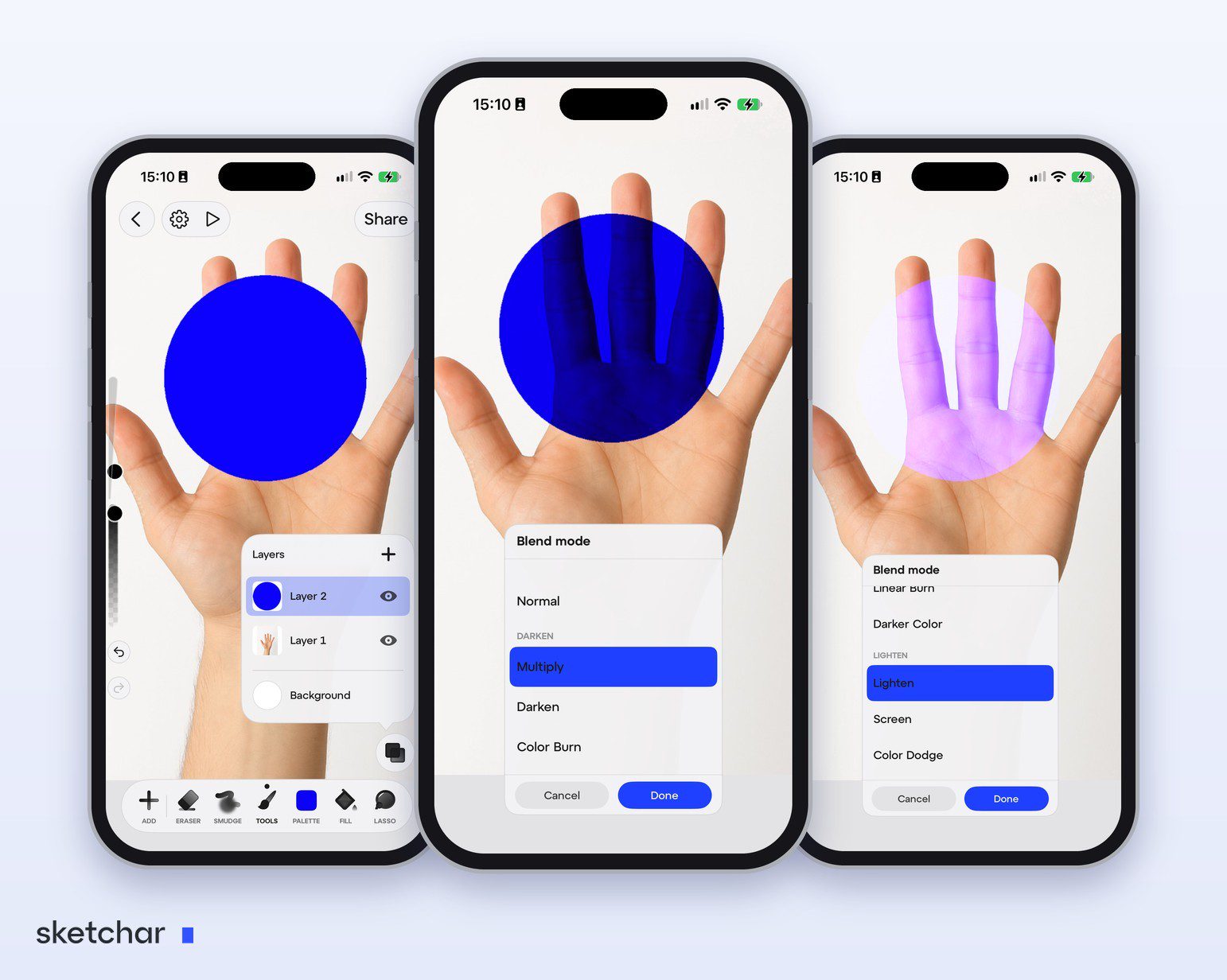
You do not need the maths. You need to know what each group does to a picture.
The five groups of blend modes
Darken: Multiply, Darken, Color Burn, Linear Burn, Darker Color
White disappears, everything else darkens what is below. Multiply is the shadow mode: paint a shadow in a muted purple or blue on a Multiply layer and the colours below stay rich instead of turning grey. It is also how you lay line art over colour, since the white paper vanishes.
Lighten: Lighten, Screen, Color Dodge, Add, Lighter Color
Black disappears, everything else lightens. Screen gives soft light; Add and Color Dodge give strong glows, sparks, neon and sunlight through leaves. Use them on small areas; they burn out quickly.
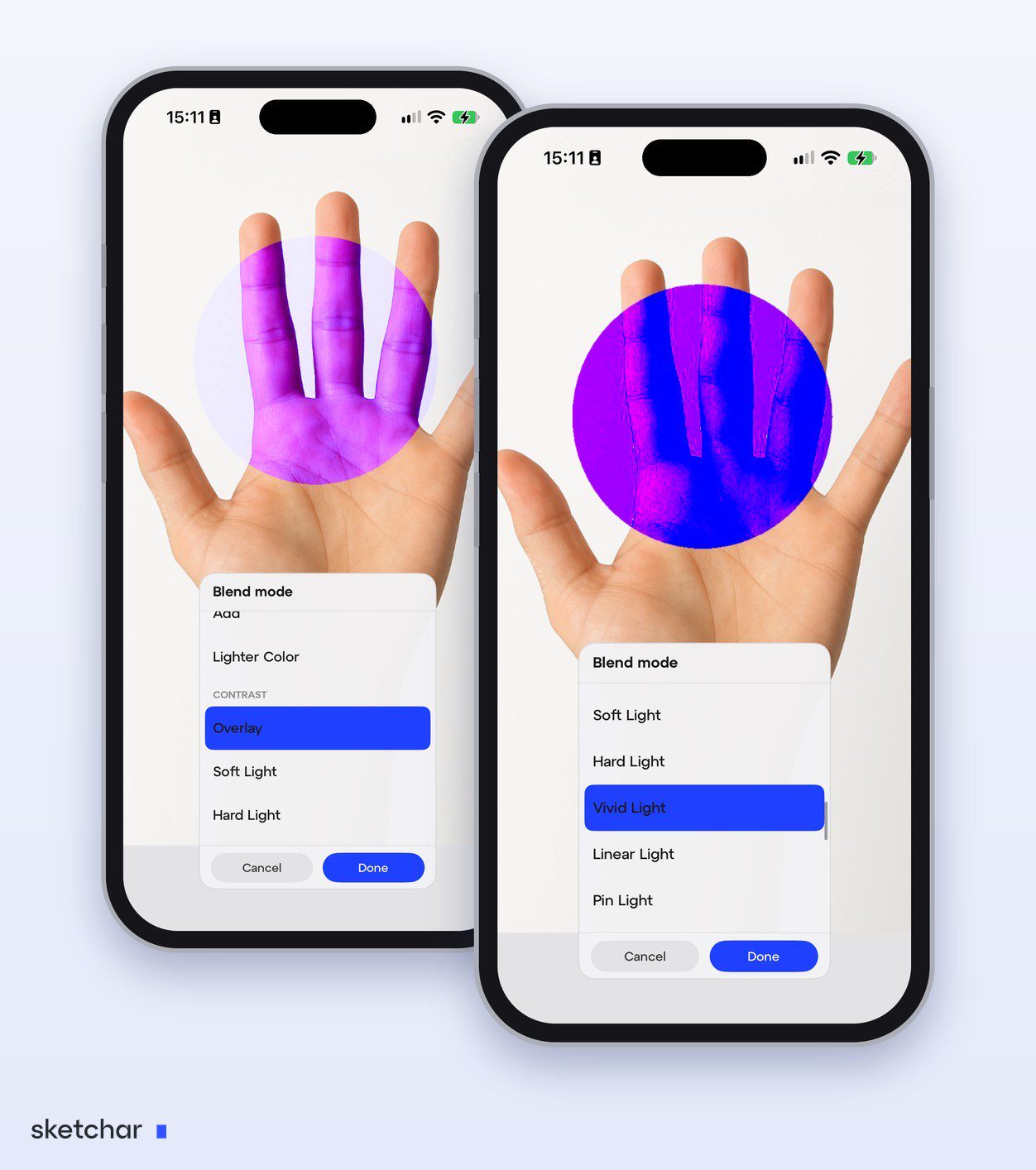
Contrast: Overlay, Soft Light, Hard Light, Vivid Light, Linear Light, Pin Light, Hard Mix
Mid-grey disappears; light colours lighten and dark colours darken. Overlay and Soft Light are the go-to modes for a final colour wash, warming or cooling the whole picture, or adding paper and canvas texture.
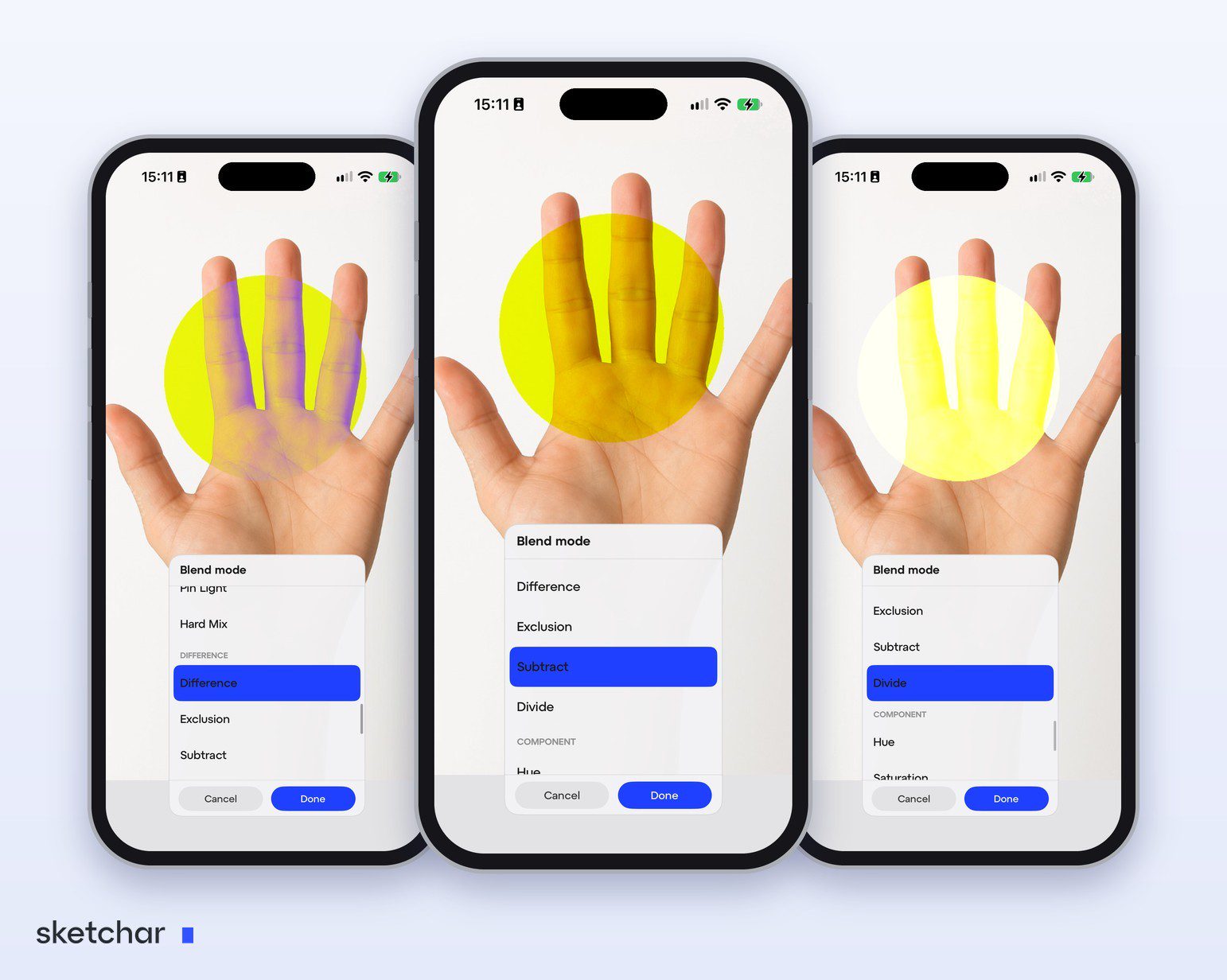
Difference: Difference, Exclusion, Subtract, Divide
These compare the two layers. They are mostly technical: checking whether two versions of a drawing line up, or creating graphic, inverted effects.
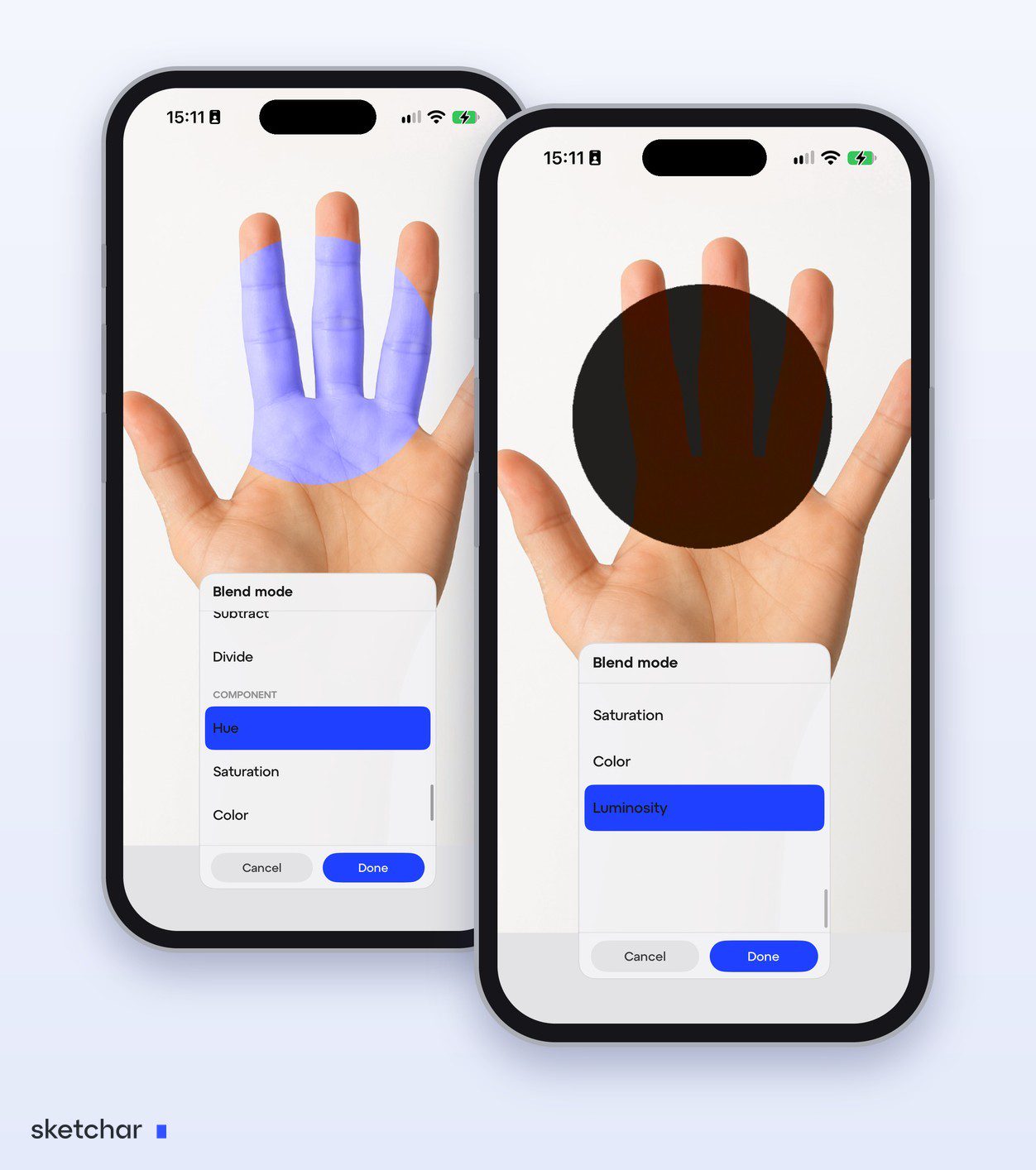
Component: Hue, Saturation, Color, Luminosity
These take one property from the upper layer and keep the rest from below. Color recolours a shaded area without losing the shading; Luminosity shows the values of a picture, handy for checking contrast.
Learn four blend modes well and you will use them every day. Learn the other twenty-two when a drawing asks for them.
Four blend mode recipes
Shadows: a layer clipped to your flat colours, set to Multiply, painted with one cool colour at 40–70 % opacity.
Rim light: a clipped layer on Screen or Add, a warm colour, a thin stroke along the edge facing the light.
Colour grading: a layer at the top on Overlay or Soft Light, a large soft brush in orange for sunset or blue for night, opacity around 20–30 %.
Recolour a finished area: a clipped layer on Color, paint the new colour over the old one.
Clipping these layers keeps them inside the shapes; see alpha lock vs clipping mask.
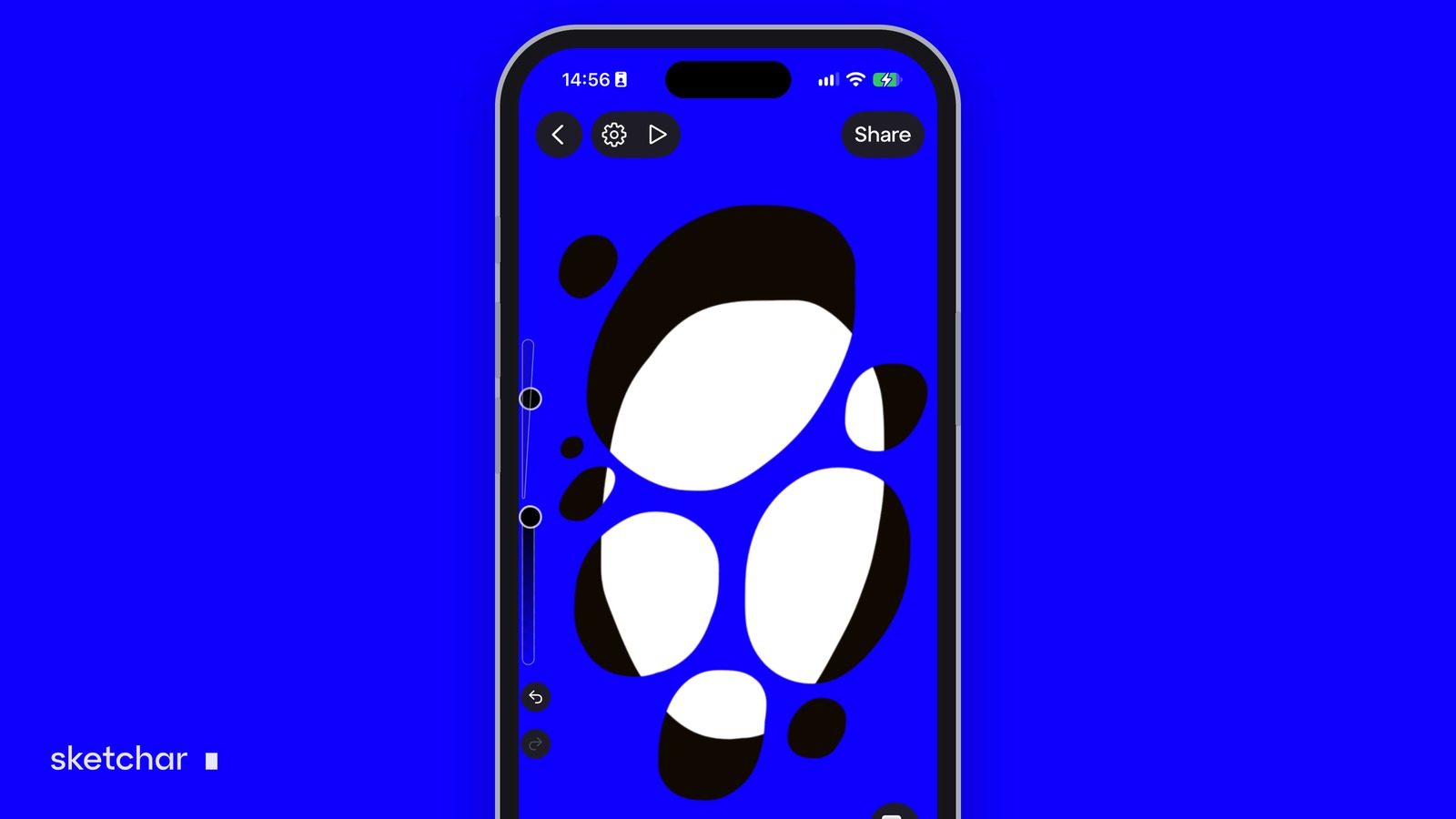
Blend modes in Procreate
Tap the N next to a layer's name in the Layers panel. The blend mode list opens with an opacity slider above it; the letter changes to show the mode, such as M for Multiply.
Blend modes in Sketchar
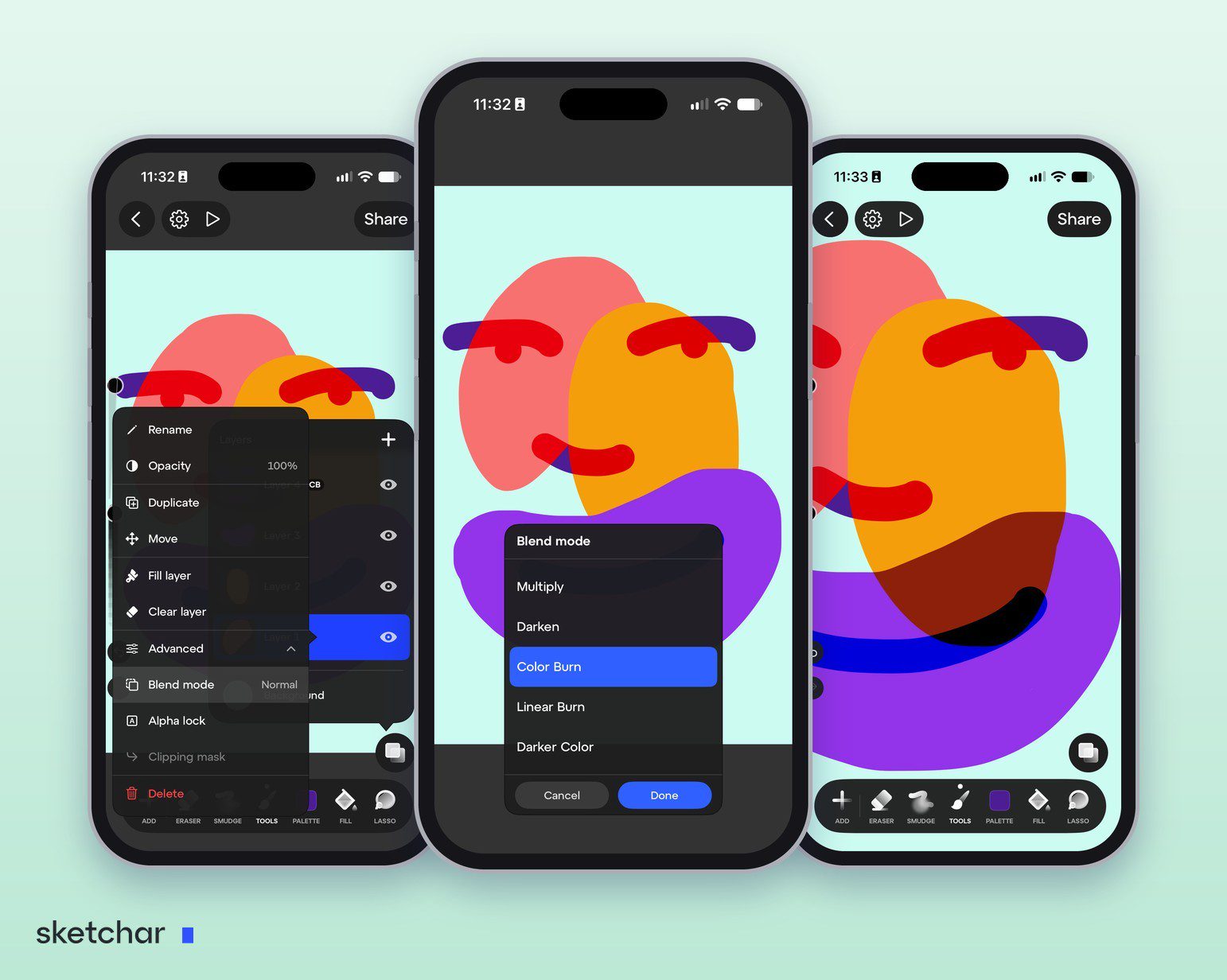
Sketchar 11 added 26 blend modes on iOS and Android.
Step 1 – Open the layer menu
Tap the layer you want to change.
Step 2 – Go to Advanced, then Blend mode
Blend mode sits under Advanced, next to Alpha lock and Clipping mask.
Step 3 – Scroll through the modes
The canvas previews each mode live as you scroll, so you can pick by eye.
Step 4 – Check the badge
A layer with a blend mode gets a short badge in the layers panel, such as CB for Color Burn. When you merge layers, Sketchar respects their blend modes instead of flattening them to Normal.
FAQ
What are blend modes? Settings that decide how a layer's colours mix with the layers below it.
What does the Multiply blend mode do? It darkens: white becomes invisible and every other colour darkens what is underneath. It is the standard mode for shadows and for line art over colour.
Which blend mode is best for shading? Multiply for shadows, Screen or Add for light.
What is the difference between Overlay and Soft Light? Both add contrast and colour; Soft Light is gentler.
How many blend modes does Procreate have? 26, counting Normal.
Does Sketchar have blend modes? Yes. Sketchar 11 has 26 blend modes with a live preview, on iOS and Android.
Try Multiply on your next shadow. 26 blend modes with live preview in Sketchar Canvas. Open Canvas
▋