Alpha Lock vs Clipping Mask: What Each One Does and When to Use Which (Procreate and Sketchar)
What alpha lock and clipping masks do, how they differ, and how to turn them on in Procreate and in Sketchar 11 — plus a simple shading workflow on your digital drawing canvas that uses both.
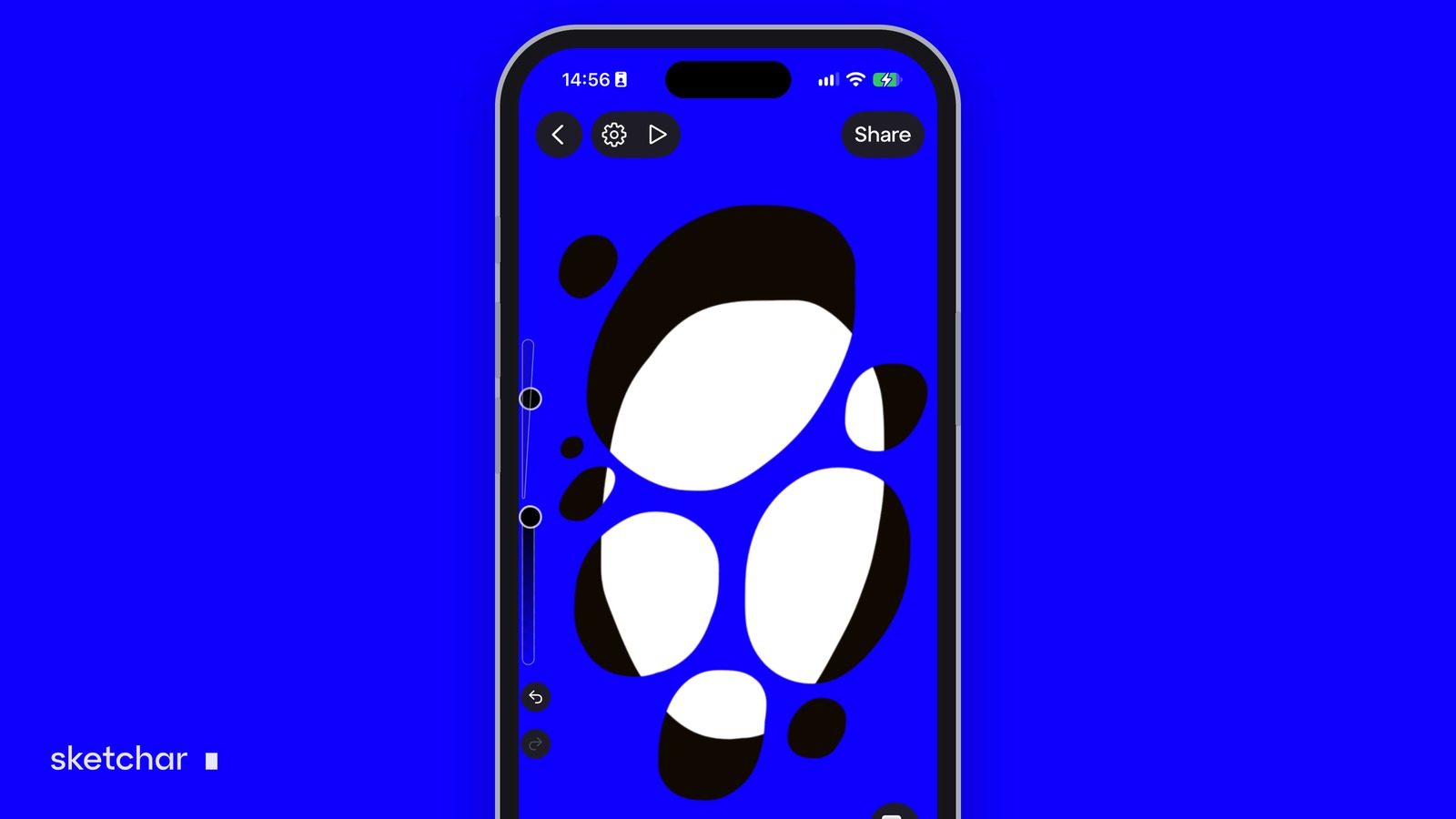
Short answer: both let you paint only inside a shape you have already drawn. Alpha lock locks the transparent pixels of a layer, so you paint on that same layer and only where something is already there. A clipping mask is a separate layer above that shows only where the layer below has pixels.
Use alpha lock for quick recolouring of lines or flats; use a clipping mask for shading and texture you may want to change, hide or set to a blend mode later.
What alpha lock does
Alpha is the transparency of each pixel. With alpha lock on, the transparent parts of the layer are protected, so a brush stroke only lands on pixels that already have colour.
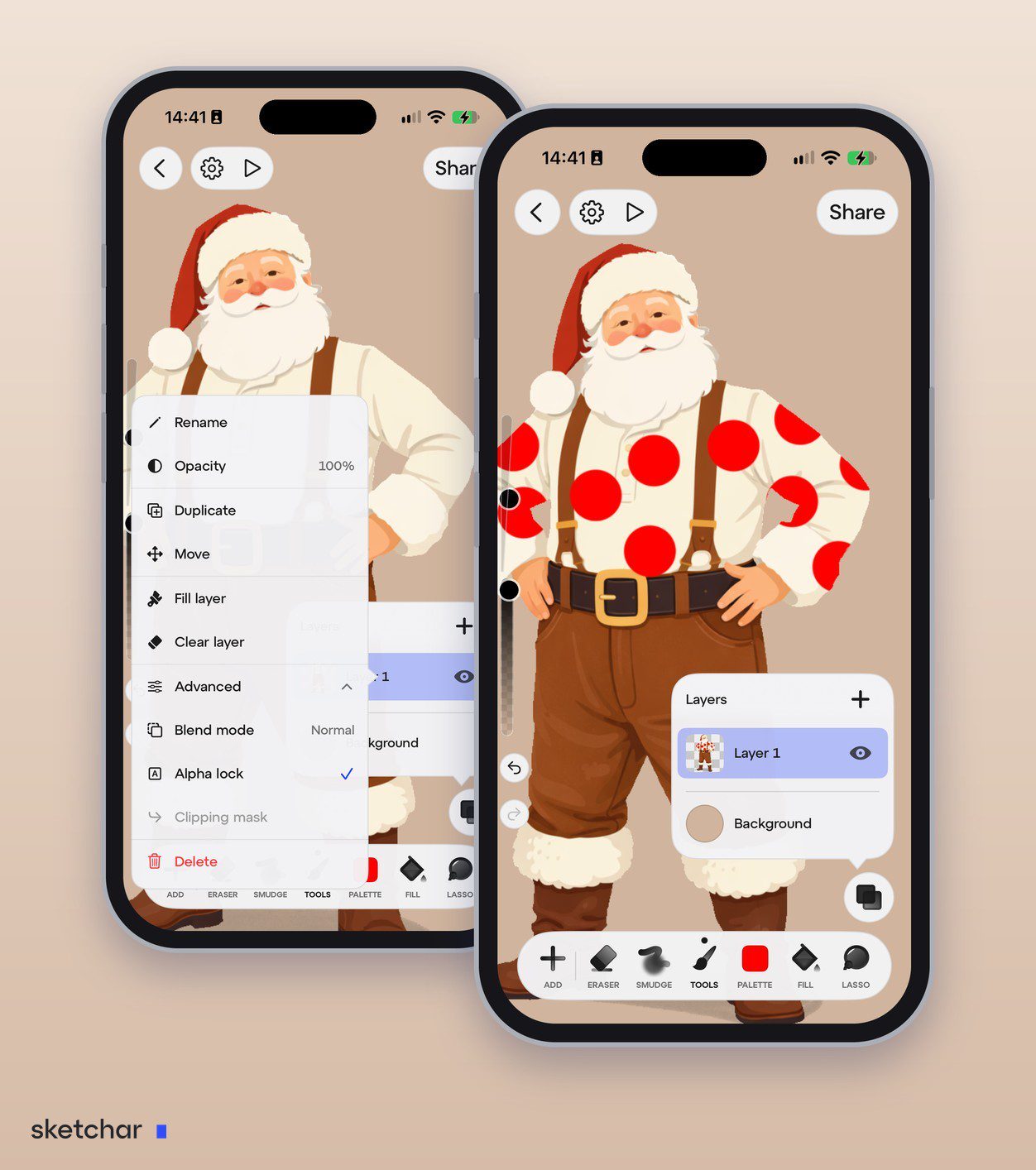
Typical uses:
- Recolour line art: lock the line layer and paint over it with a new colour or a gradient.
- Add texture or a colour shift inside a flat shape without going over the edge.
- Fix a colour without redrawing the outline.
The catch: it changes the layer itself. If you paint a shadow with alpha lock and later want a different shadow, you have to repaint the flat colour.
What a clipping mask does
A clipping mask is a new layer placed above a base layer and clipped to it. You can paint anywhere on it, but only the parts that overlap the base layer's pixels are visible.
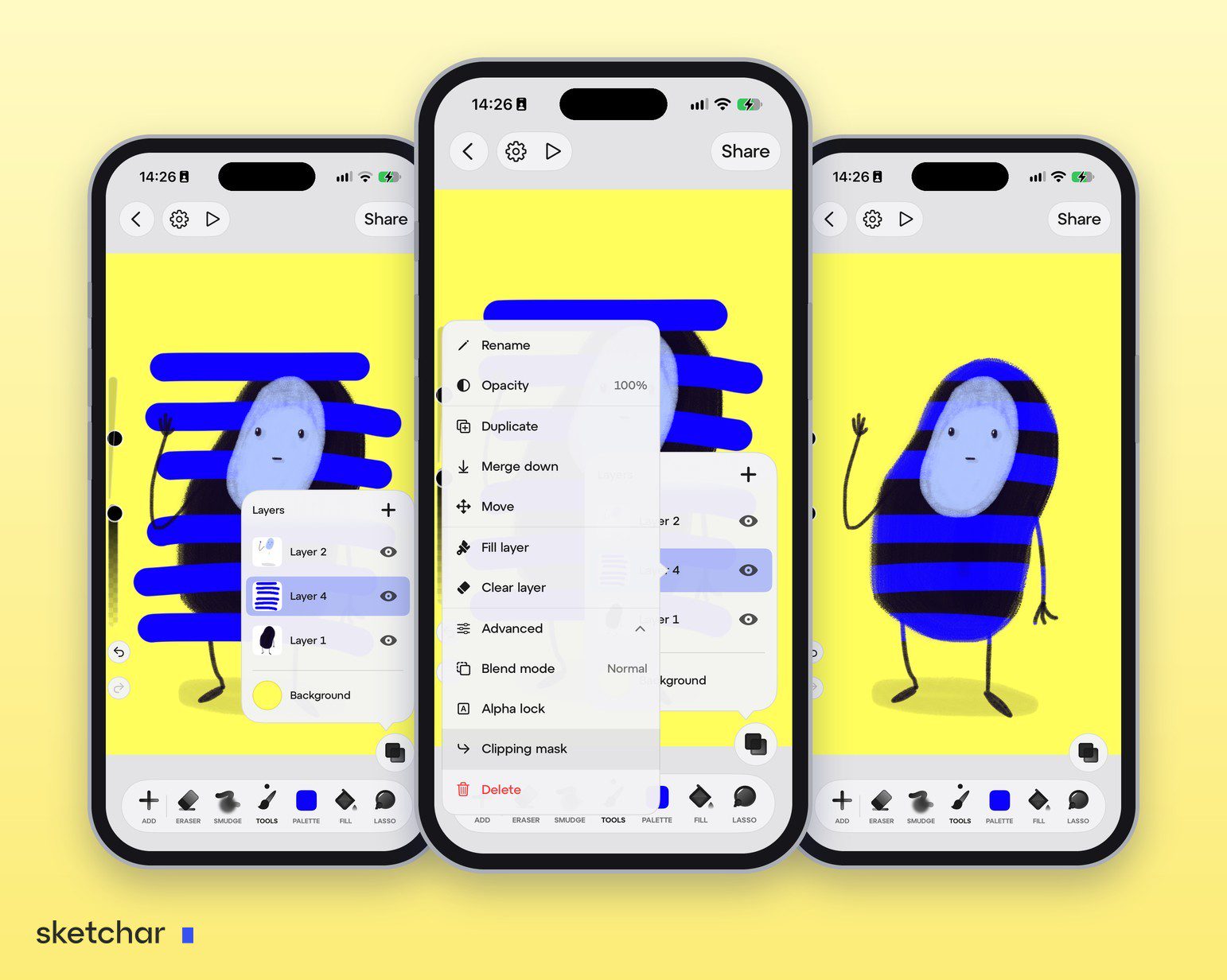
Typical uses:
- Shadows and highlights on top of flat colours.
- A texture or pattern inside a character or an object.
- Several effects stacked on one base: shadow, light and texture, all clipped to the same flat.
The base stays untouched, so you can hide, erase, change opacity or pick a different blend mode at any time.
Alpha lock vs clipping mask at a glance
- Where you paint: alpha lock on the same layer; clipping mask on a separate layer.
- Undo later: alpha lock is destructive; a clipping mask can be hidden or deleted.
- Layers used: alpha lock uses none extra; each clipping mask is one more layer.
- Blend modes: alpha lock paints in the layer's own mode; a clipped layer can have its own, such as Multiply for shadows.
- Best for: alpha lock for quick recolours; clipping masks for shading, light and texture.
Alpha lock edits the shape. A clipping mask edits what sits on top of it. Most artists use both in the same drawing.
In Procreate
- Alpha lock: swipe right with two fingers on the layer, or tap the layer and choose Alpha Lock. The thumbnail shows a checkerboard background.
- Clipping mask: add a layer above the base, tap it and choose Clipping Mask. A small arrow points down to the base layer.
In Sketchar
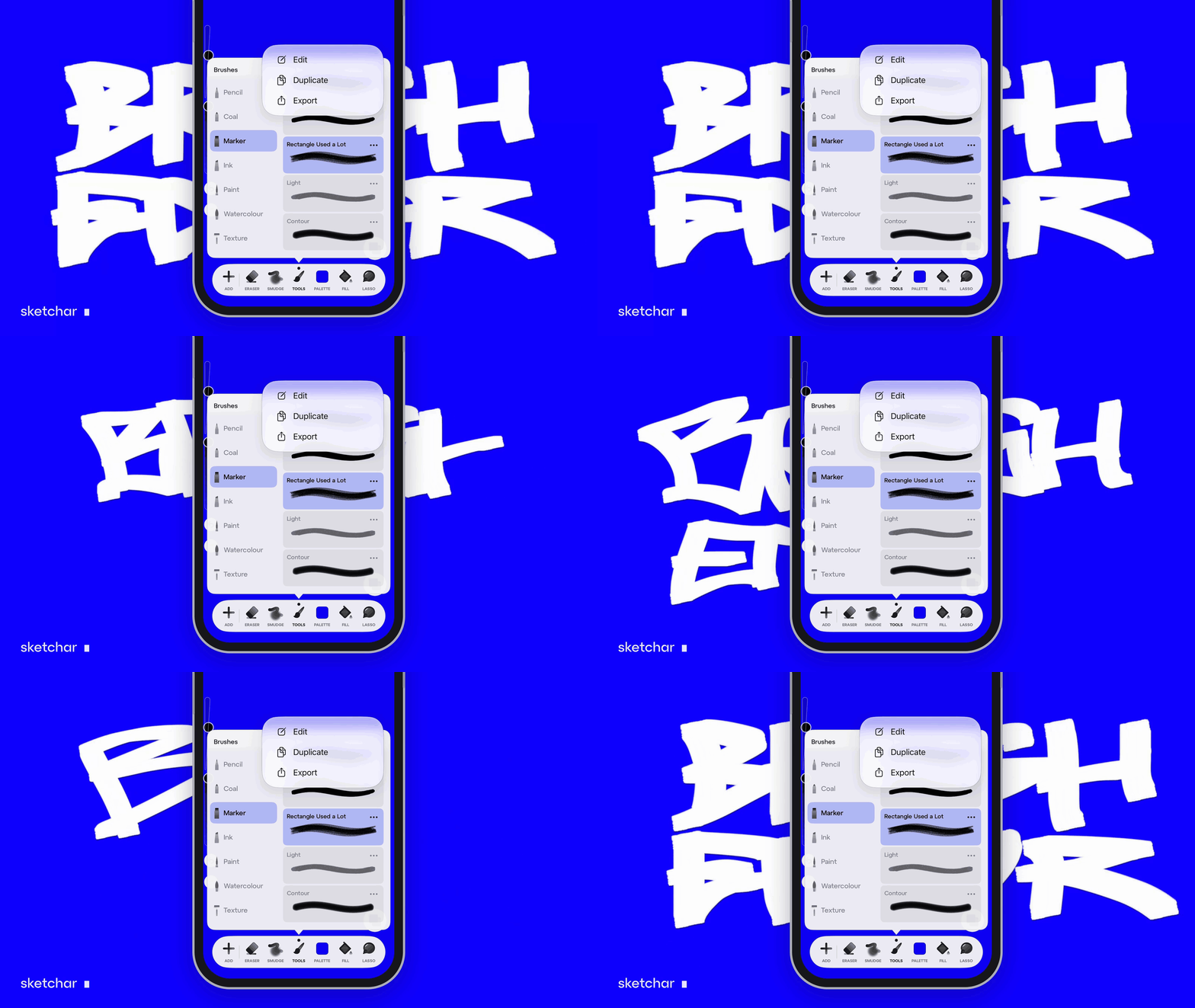
Sketchar 11 added alpha lock and clipping masks on iOS and Android, together with 26 blend modes — so the same pro workflow works in a sketching app you already use to learn to draw.
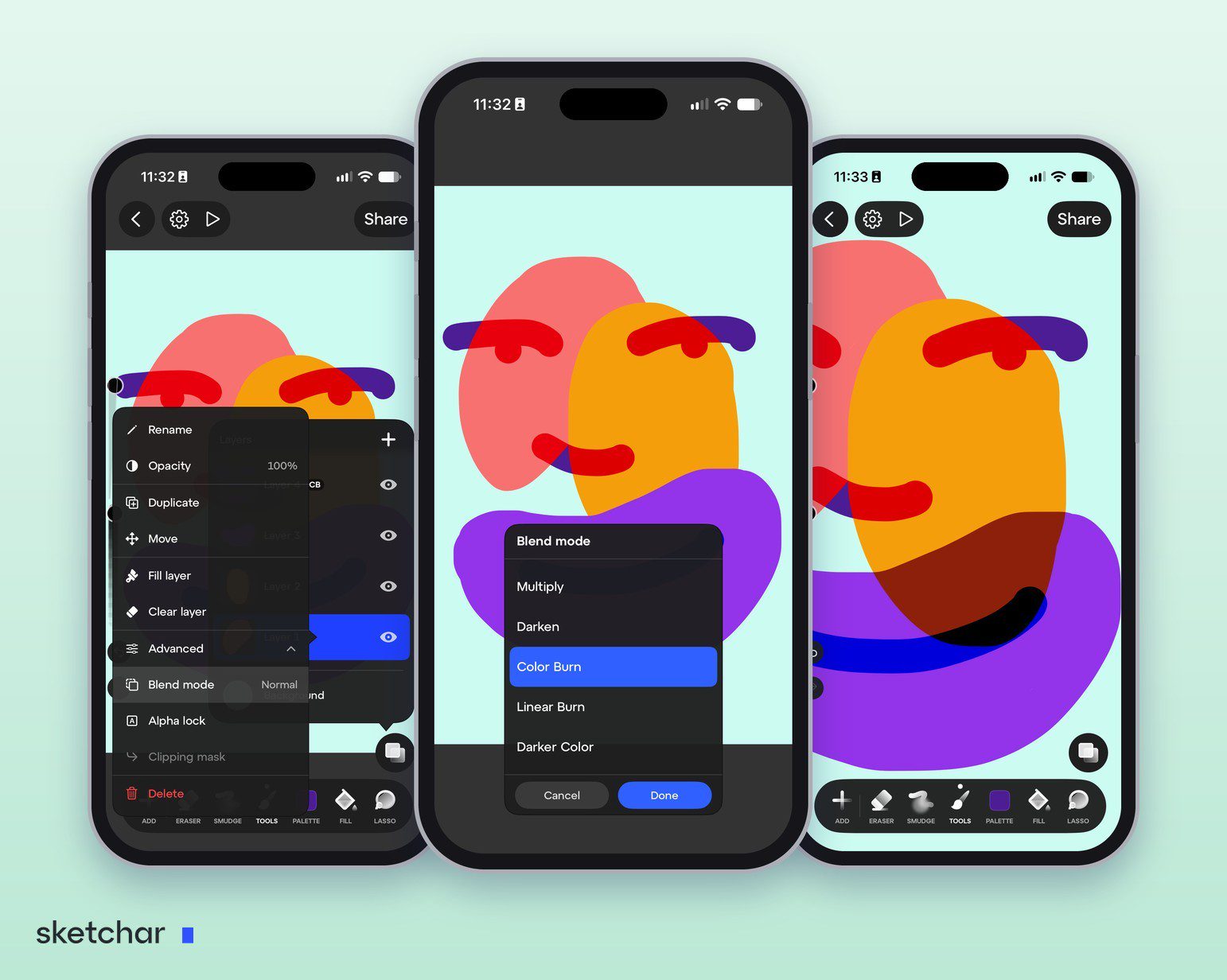
- Draw the flat colour on its own layer — a character's jacket, for example.
- Add a layer directly above it.
- Turn on Clipping mask in the new layer's menu under Advanced. To lock transparency instead, turn on Alpha lock in the same place.
- Shade and set a blend mode: paint the shadow, then set the layer to Multiply under Blend mode. A badge in the layers panel shows which layer it is.
A shading workflow that uses both
- Line art on top, flat colours below, one layer per area.
- Alpha lock the line art and tint the lines with a darker version of each area's colour.
- One clipped layer on Multiply for shadows over each flat.
- One clipped layer on Screen or Add for light.
- A final clipped texture layer on Overlay at low opacity.
The result is easy to edit and stays well within layer limits; see how many layers a digital illustration needs.
FAQ
What is the difference between alpha lock and a clipping mask? Alpha lock paints on the same layer and changes it; a clipping mask paints on a separate layer and leaves the base untouched.
Can I clip several layers to one base? Yes. Stack them above the base and clip each one.
Does Sketchar have alpha lock and clipping masks? Yes, since Sketchar 11, on iOS and Android, under Advanced in each layer's menu.
Shade without going over the lines. Alpha lock, clipping masks and 26 blend modes in the free drawing app's Canvas. Open Canvas