Layer limit: why you run out of layers, and how many a digital illustration really needs
Why Procreate caps your layers, how to get more, how many layers a typical illustration uses, and how Sketchar 11 reaches 200 layers on a phone and tablet
Short answer: Procreate does not have one fixed layer limit. It works out the maximum for every canvas from two numbers: the canvas size in pixels and the memory of your iPad or iPhone. A bigger canvas or an older device means fewer layers. To get more, make the canvas smaller in pixels, merge finished layers, or split the work into two files. Most illustrations need 10 to 30 layers; 200 is a comfortable ceiling that very few pieces ever touch.
Why drawing apps limit layers at all
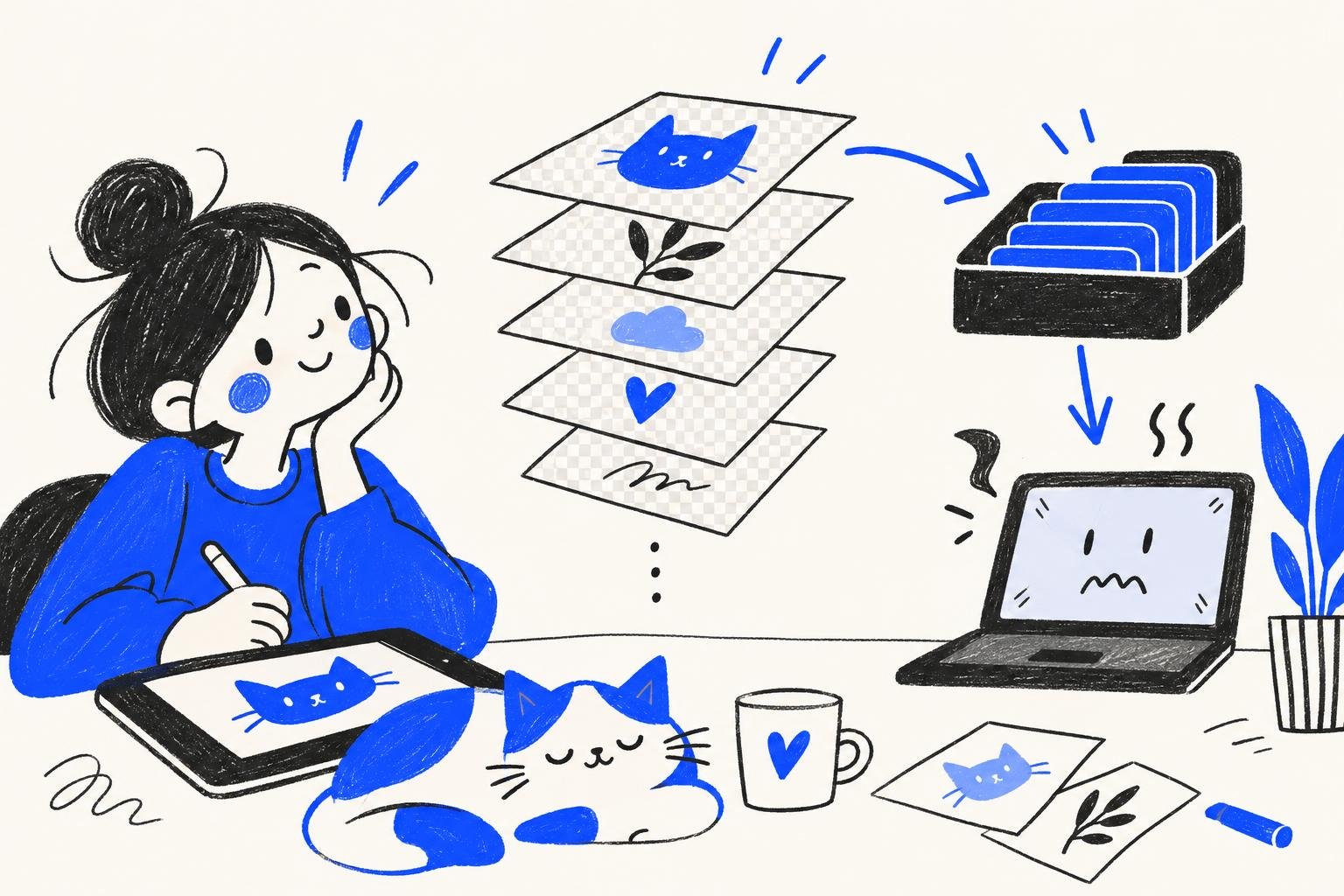
Every layer is a full picture the size of your canvas. A 4096 × 4096 px layer holds about 16.7 million pixels, and with four channels per pixel (red, green, blue and transparency) that is about 64 MB of raw data. Ten such layers are already 640 MB. The app has to keep that in memory, together with the undo history and the screen itself, so it caps the count before the device runs out.
That is why the same app gives you different limits on different devices, and why the limit falls as the canvas grows.
How the Procreate layer limit works
It is calculated per canvas. When you create a custom canvas, Procreate shows the maximum number of layers for that size before you confirm it.
Pixels decide, not DPI on its own. If you set the size in inches or centimetres, a higher DPI means more pixels and fewer layers. If you set it in pixels, DPI changes nothing about the limit.
The device decides the rest. Newer iPads with more memory allow more layers at the same size. Procreate Pocket on an iPhone usually allows fewer than Procreate on an iPad.
The limit is fixed once the canvas exists. Resizing the canvas later recalculates it, and you cannot add layers above the cap.
How to get more layers in Procreate
Step 1 – Check the real size you need
A piece for Instagram does not need a print-size canvas. Pick the size for where the work will end up; our guide to the best canvas size for digital art lists the common ones.
Step 2 – Merge what is finished
Once the line art or a colour block is final, merge it down. Keep a copy of the file first if you might want to edit those layers again.
Step 3 – Use clipping masks instead of extra copies
Shading on a clipping mask or with alpha lock means one layer per job, not a duplicate of the whole character. Our explainer on alpha lock vs clipping mask shows when to use which.
Step 4 – Split the piece into two files
Paint the background in one file, the characters in another, then bring the flattened background into the final file as a single layer.
How many layers does a digital illustration need?
Fewer than you think. A typical character illustration looks like this:
Sketch: 1–3 layers, hidden once the line art is done.
Line art: 1–2 layers.
Flat colours: one layer per main area, often 5–10.
Shadows and light: one or two per area, clipped to the flats.
Background: 2–5 layers.
Effects and final adjustments: 2–5 layers with blend modes such as Multiply, Screen or Overlay.
That adds up to 15–35 layers for a detailed piece. Comic pages, concept art with many variants and animation frames are where people hit the cap.
A layer limit is not a rule about art. It is a rule about memory, and memory is an engineering problem.
200 layers on a phone: how Sketchar 11 does it
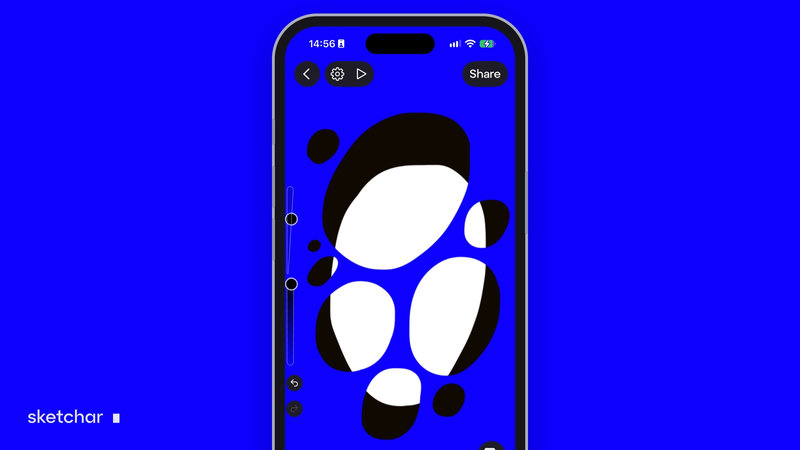
In Sketchar 11 we rebuilt the canvas engine. It now stores your drawing in tiles and loads only the part you are looking at, instead of holding every layer of the whole canvas in memory at once.
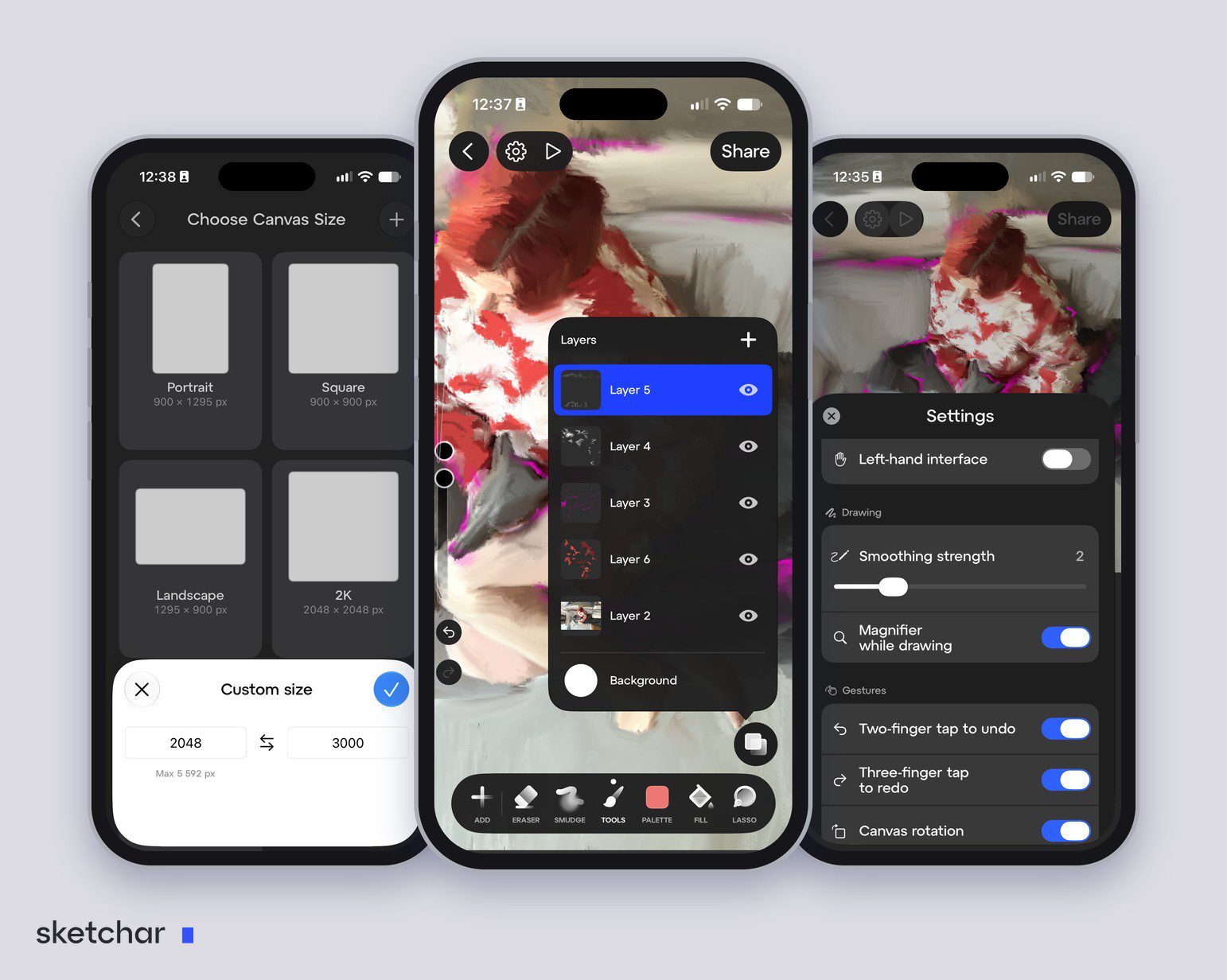
Up to 200 layers per project.
Canvases up to 4096 × 4096 px on devices with 3 GB of RAM; the app shows the largest size your own device can handle.
Projects open instantly and save in the background, with no freezes mid-stroke.
Undo is limited by free storage, not by a fixed number of steps.
It runs on iOS and Android, so Android artists get the same layer count as iPhone users.
Each layer has its own menu with rename, opacity, duplicate, merge down, move, fill and clear, plus blend modes, alpha lock and clipping masks under Advanced.
FAQ
What is the Procreate layer limit? There is no single number. Procreate calculates the maximum for each canvas from its size in pixels and your device's memory, and shows it when you create a custom canvas.
Why is my Procreate layer limit so low? Your canvas is large in pixels, your device has less memory, or both. Lower the size or the DPI, or merge finished layers.
How do I get more layers in Procreate? Make the canvas smaller, merge finished layers, use clipping masks instead of duplicates, or split the piece into two files.
Does DPI affect the number of layers? Only through pixels. A higher DPI at the same size in inches means more pixels, so fewer layers.
How many layers does Sketchar have? Up to 200 layers per project in Sketchar 11, on iOS and Android.
How many layers do I need for digital art? Most illustrations use 10 to 30. Comics, concept sheets and animation use more.
Draw without counting layers. Sketchar Canvas on iOS and Android, with up to 200 layers in Sketchar 11. Open Canvas
▋