Free Procreate brushes: use them in Sketchar on Android and iOS, find them safely, and import them into Procreate
How to use Procreate brushes in Sketchar on an Android phone or tablet, iPhone and iPad, where to download free Procreate brushes safely, and how to import .brush and .brushset files into Procreate.
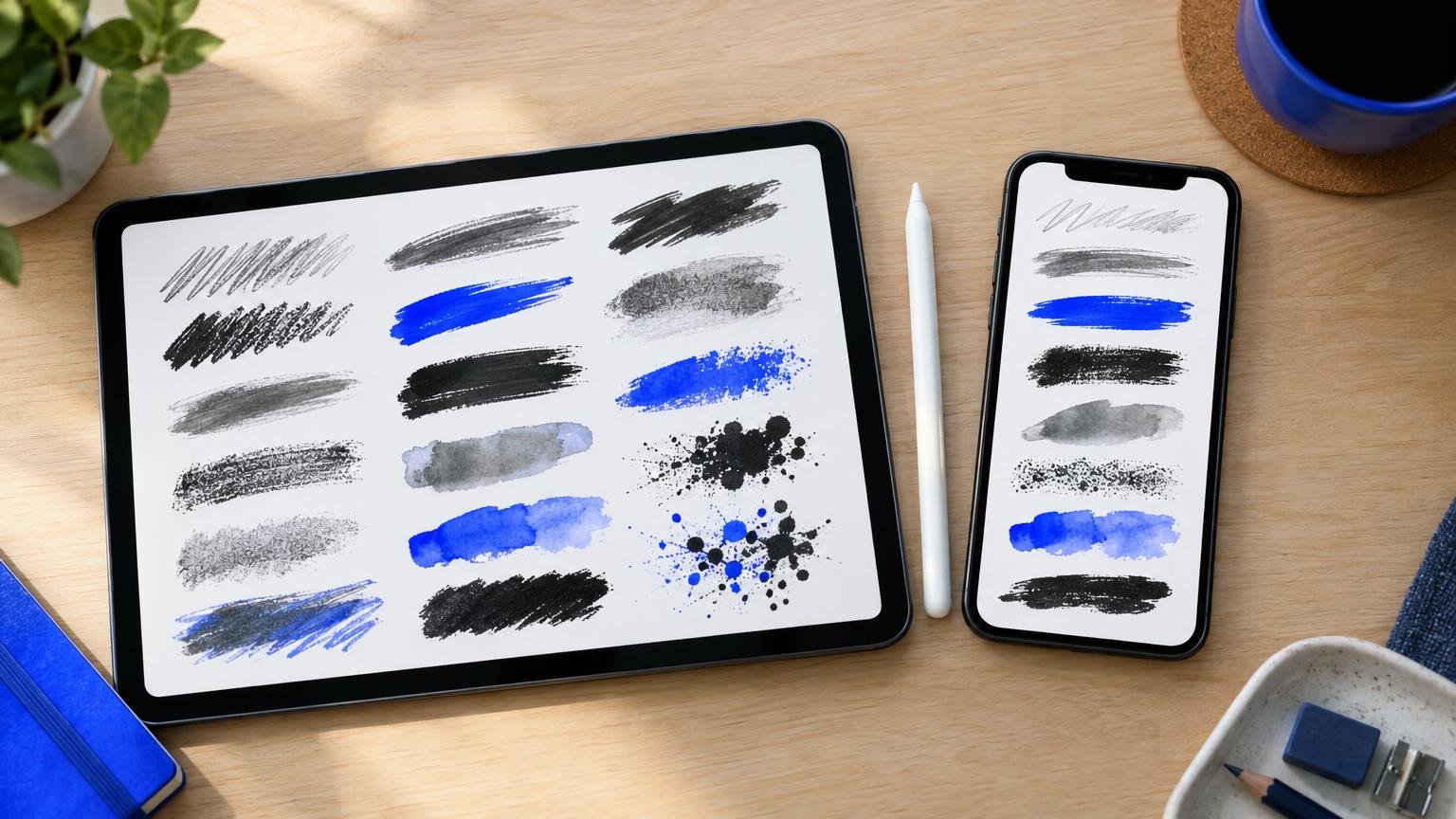
Short answer: Sketchar 11 reads Procreate .brush files on Android, iPhone and iPad, so a free Procreate brush also works on devices Procreate does not exist for: in Canvas, tap Tools, then + in the Brushes panel, and choose Import from Files. Free Procreate brushes come from the artists who make them (often as pay-what-you-want downloads), from asset marketplaces with free sections and from Procreate's own brush library. In Procreate on iPad, download the file, open it from the Files app, and Procreate adds it to your Brush Library.
What a Procreate brush file is
.brushis one brush: its shape, its grain and all its settings in a single file..brushsetis a whole set of brushes in one file, with the set's name..zipis an archive. Many packs come zipped; unzip first, and the brush files are inside.
Knowing which one you have saves most import problems.
Where to find free Procreate brushes
The brushes you already have. Sketchar Canvas and Procreate both ship with a brush library, and duplicating and tweaking a brush is often faster than searching. Our guide on how to make your own brush shows which settings to change.
Artists' own shops. Many illustrators share a free starter set or a pay-what-you-want pack on their own site or store page.
Asset marketplaces. Big design marketplaces have free sections and weekly free goods that include brush packs.
Art communities. Forums and subreddits for digital art regularly post free sets made by members. In Sketchar, friends from the community of artists can send each other their own brushes as exported files.
Before you download, check two things: the licence (free for personal use is not always free for commercial work) and the file itself. A brush pack should contain brush files and maybe a preview image, never an app or an installer.
A good brush is portable. The work you did to find it should not stay locked to one device.
How to use Procreate brushes in Sketchar on Android, iPhone and iPad
Sketchar 11 adds brushes made by other artists, including Procreate .brush files, on Android as well as on iPhone and iPad. On Android that matters most: there is no Procreate for Android, and most Android drawing apps cannot read the Procreate brush format.
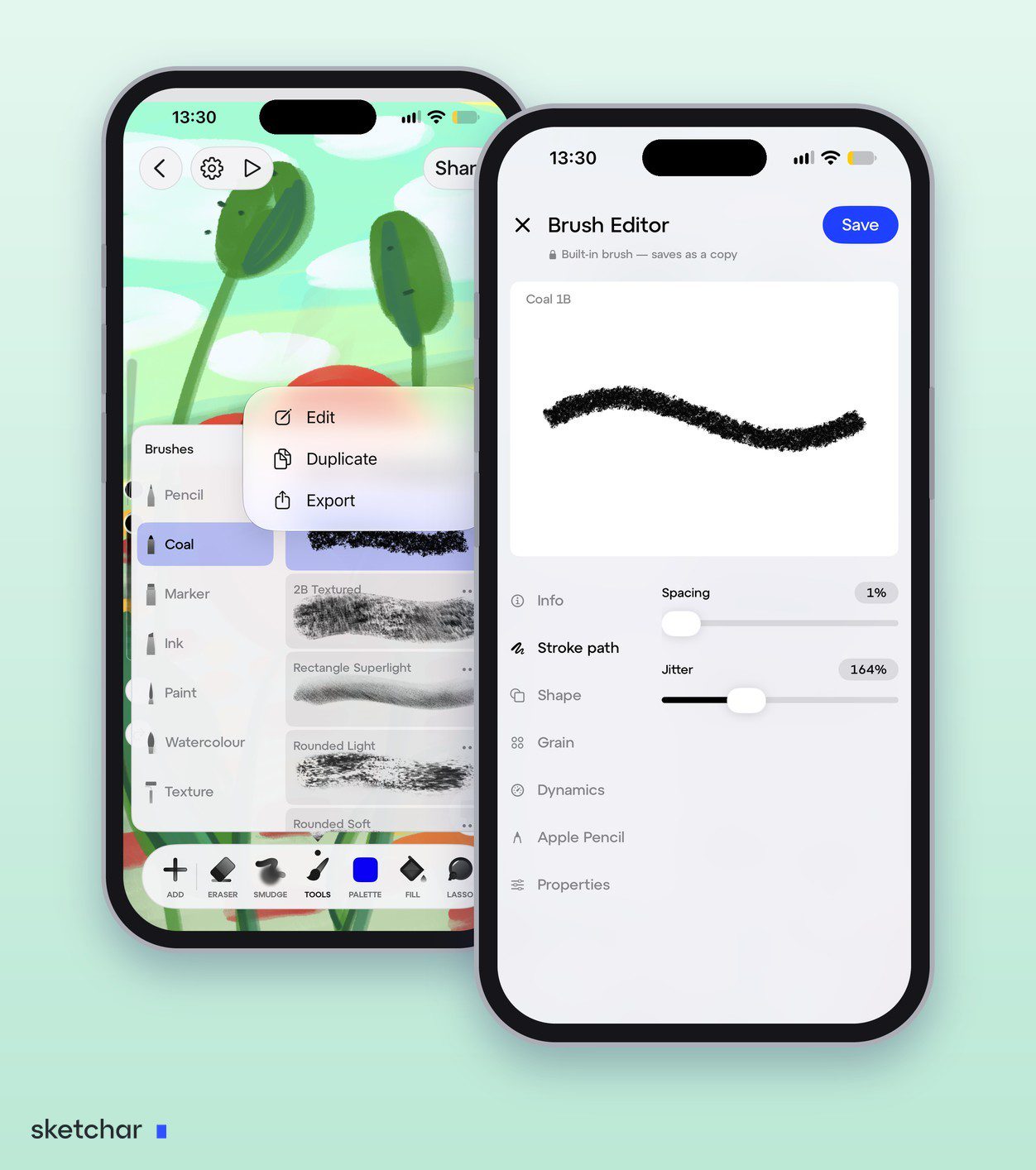
Step 1 – Download the brush to your phone or tablet
If it is zipped, unzip it with your file manager so you have the .brush file itself.
Step 2 – Import it from the Brushes panel
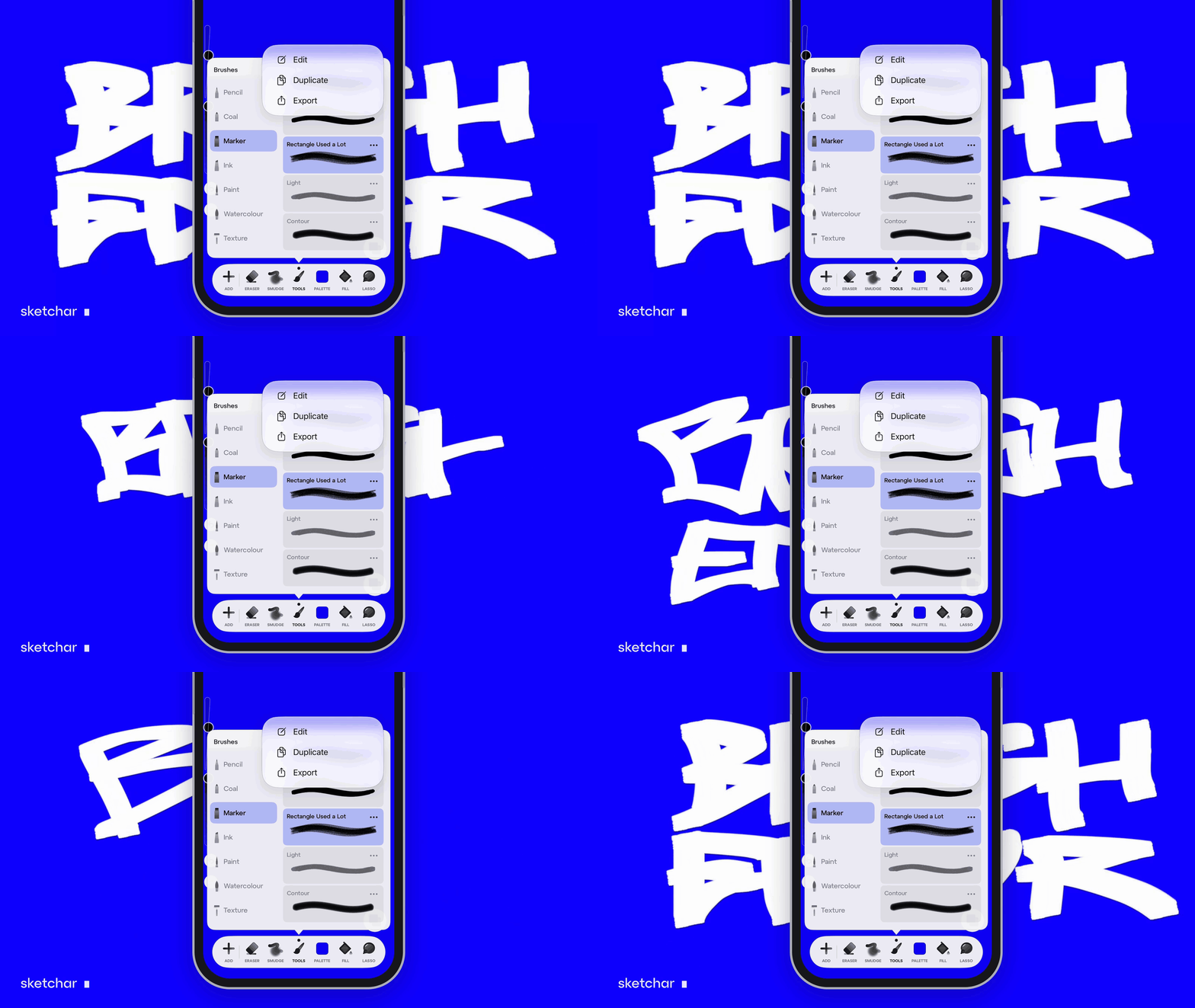
Open Canvas and tap Tools in the bottom bar. In the Brushes panel, tap + at the top, choose Import from Files and pick the brush file. The same menu has New Set, so you can keep imported brushes in a set of their own.
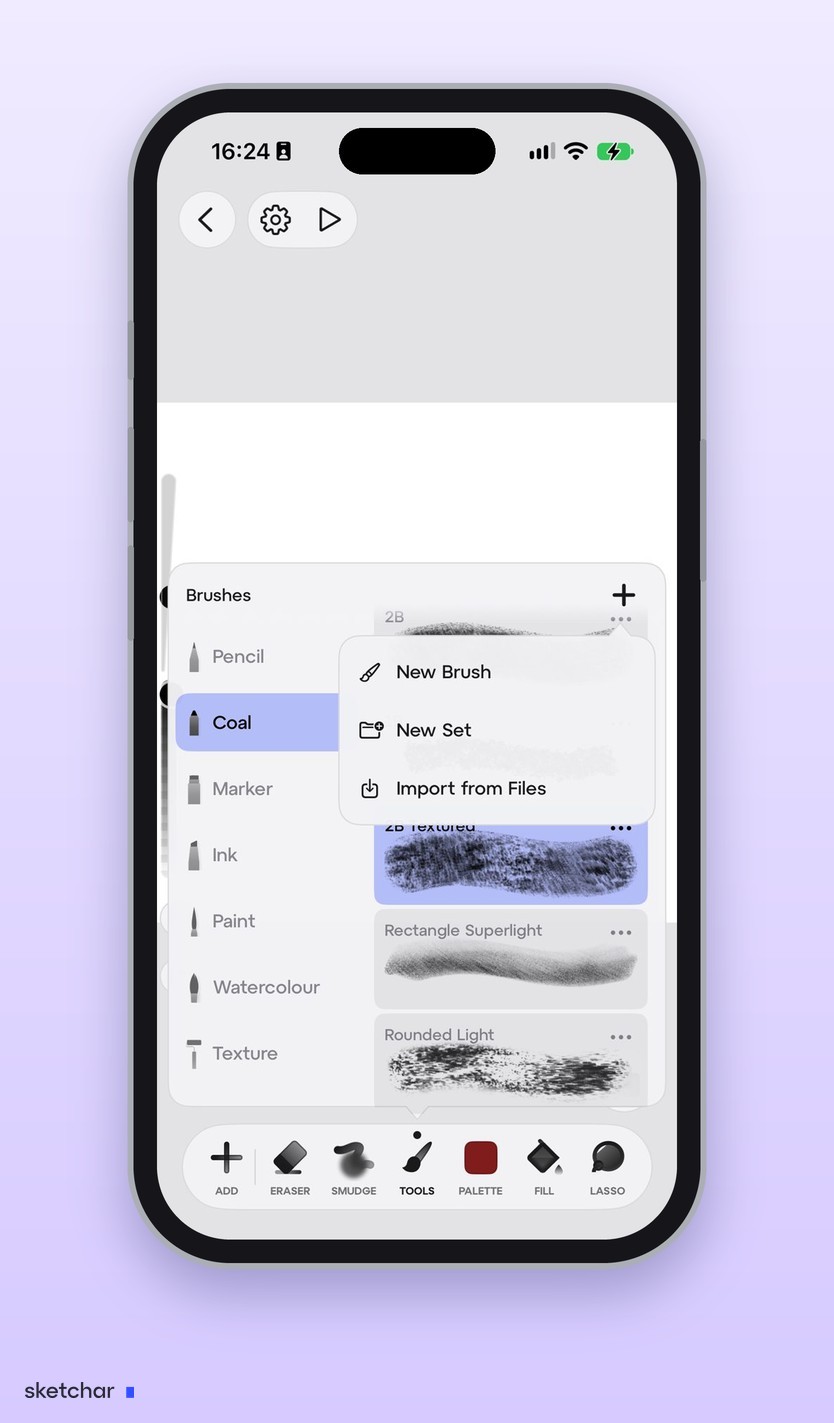
There is a second way: find the file in your file manager, tap Share and choose Sketchar. The Brushes panel is the recommended route.
Step 3 – Test it and tune it
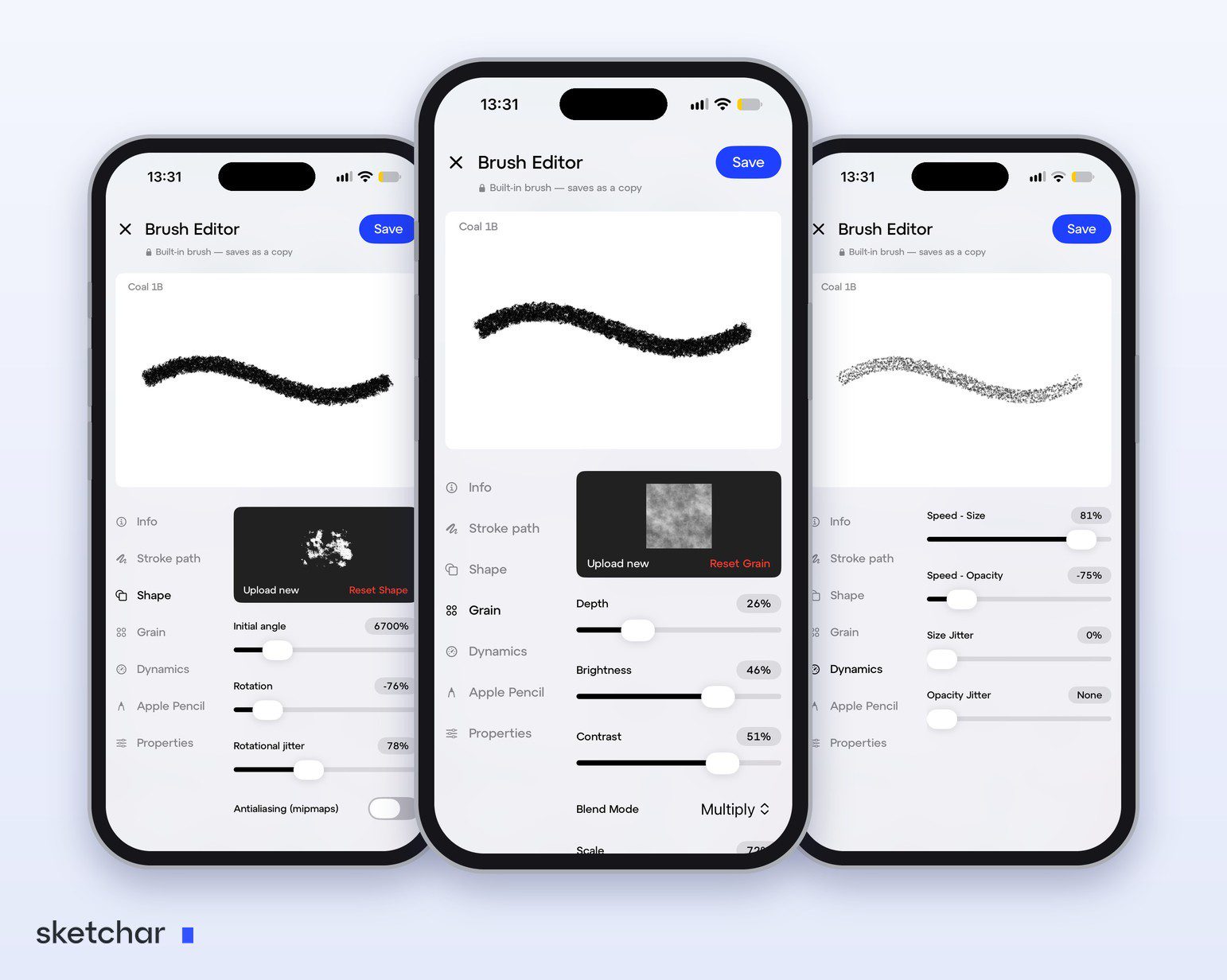
Every app renders strokes with its own engine, so an imported brush can feel a little different. Open it with Edit, draw on the live test canvas and adjust the Stroke path, Grain or Dynamics until it feels right.
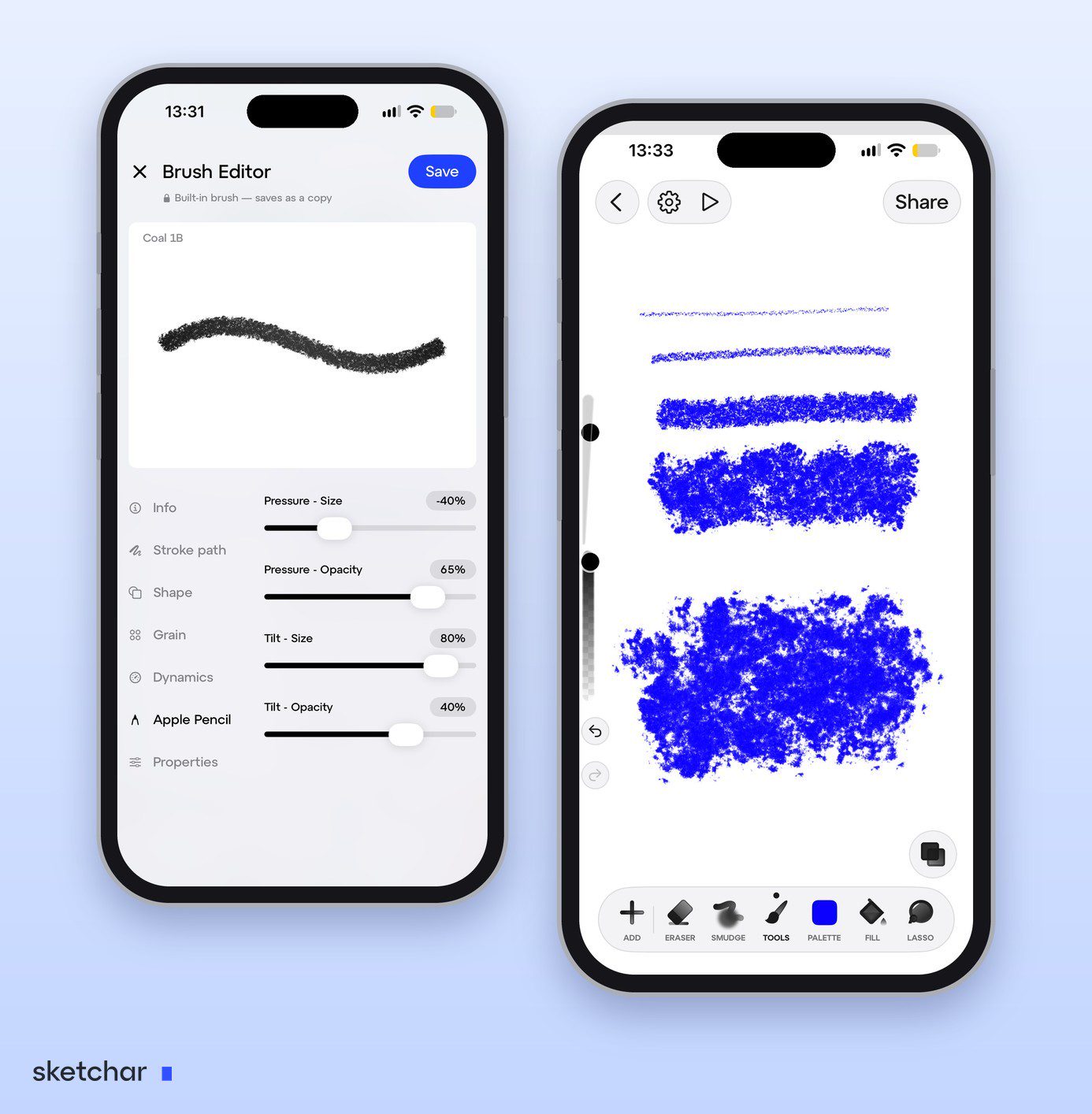
Step 4 – Save it
Saving imported brushes as your own needs PRO.
If you are moving from iPad to an Android tablet altogether, our overview of Procreate for Android and the alternatives compares the main apps.
How to import brushes into Procreate
On iPad the same files go straight into Procreate:
Download the file on your iPad. Save it to Files. If it is a
.zip, tap it once in Files and it unzips into a folder.Open the brush file. Tap the
.brushor.brushsetfile in Files. It opens in Procreate.Find it in the Brush Library. A
.brushsetappears as a new set with its own name. A single.brushgoes to a set called Imported at the top of the library.
You can also drag brush files from Files into the Brush Library with the two apps side by side.
Why an imported brush can look different
Pressure curves differ between styluses: an Apple Pencil, an S Pen and a generic stylus report pressure differently.
Some settings are app-specific, such as Procreate's wet-paint mixing, and other apps draw them their own way.
Canvas size matters. A brush tuned for a 4K canvas looks thin on a small one. Check the size slider first.
FAQ
Can I use Procreate brushes on Android? Yes, in Sketchar. Sketchar 11 reads Procreate .brush files on Android, iPhone and iPad. Procreate itself is iPad and iPhone only.
How do I import a brush into Sketchar? In Canvas, tap Tools, then + at the top of the Brushes panel, and choose Import from Files.
Where can I get free Procreate brushes? From artists who share free or pay-what-you-want packs, from free sections of asset marketplaces, and from Procreate's own library. Check the licence before commercial use.
How do I import brushes into Procreate? Download the .brush or .brushset file, unzip it if needed, and tap it in the Files app. It opens in Procreate and appears in the Brush Library.
Where do imported brushes go in Procreate? A .brushset becomes its own set. Single .brush files go to the Imported set at the top.
Are free Procreate brushes safe? The brush files themselves are safe. Download them from the artist or a known marketplace, and never install an app that claims to be a brush pack.
Can I sell art made with free brushes? Usually yes, but read the licence of each pack: some are for personal use only.
Bring your brushes with you. Sketchar reads Procreate brushes on iOS and Android. Open Canvas
▋