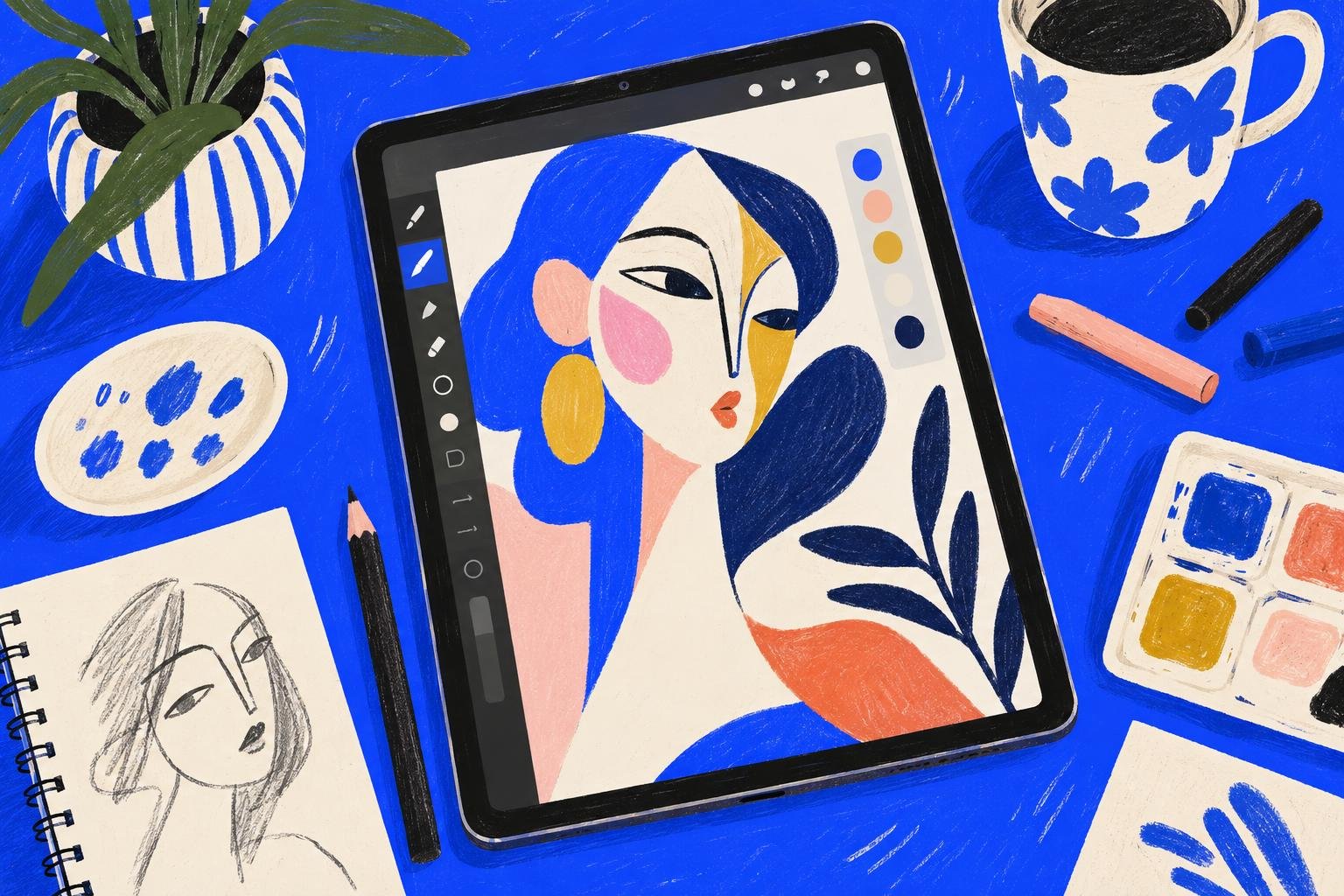
Short answer: Sketchar is a drawing app for Android, iPhone and iPad with one account, and it is what we suggest in place of Procreate on Android, because there is no Procreate for Android. Procreate is made by Savage Interactive for iPad, with a smaller Procreate Pocket for iPhone, and it is not free – both are one-time purchases on the App Store. Sketchar also goes further than any drawing tool: it is a community of artists, with profiles, art challenges and real-time Multiplayer, and it can show a drawing on real paper with AR. Several other professional drawing apps run on Android tablets and phones too; all of them are compared below.
Procreate alternatives for Android
Check each store listing before you install – features and prices change.
Sketchar Canvas – one drawing app on Android, iPhone and iPad, with lessons built in, Procreate brush import, AR drawing on real paper and a community of artists: profiles, art challenges and real-time Multiplayer. The only one here that is more than a tool. Details below.
Ibis Paint X – free with ads, a large brush library and a huge community of tutorials. The closest thing to a "default" drawing app on Android.
Infinite Painter – built for tablets, with a deep brush engine and perspective guides. Free to try, paid to unlock.
Clip Studio Paint – the comics and manga standard, on Android as a subscription. Heavy, but complete.
Krita – free and open source, now on Android tablets as well. Powerful, with a desktop-style interface.
On iPhone and iPad Sketchar, Ibis Paint X, Infinite Painter and Clip Studio Paint are available too, plus Procreate itself and Adobe Fresco.
The best drawing app is the one that opens on the device in your hand. For a lot of artists, that device runs Android.
Sketchar Canvas: one drawing app on iOS and Android
Canvas is the drawing tool inside Sketchar. It runs on iOS and Android, with one account and your work synced across your phone and tablet. Sketchar 11 rebuilt the canvas engine and added the tools artists coming from Procreate look for:
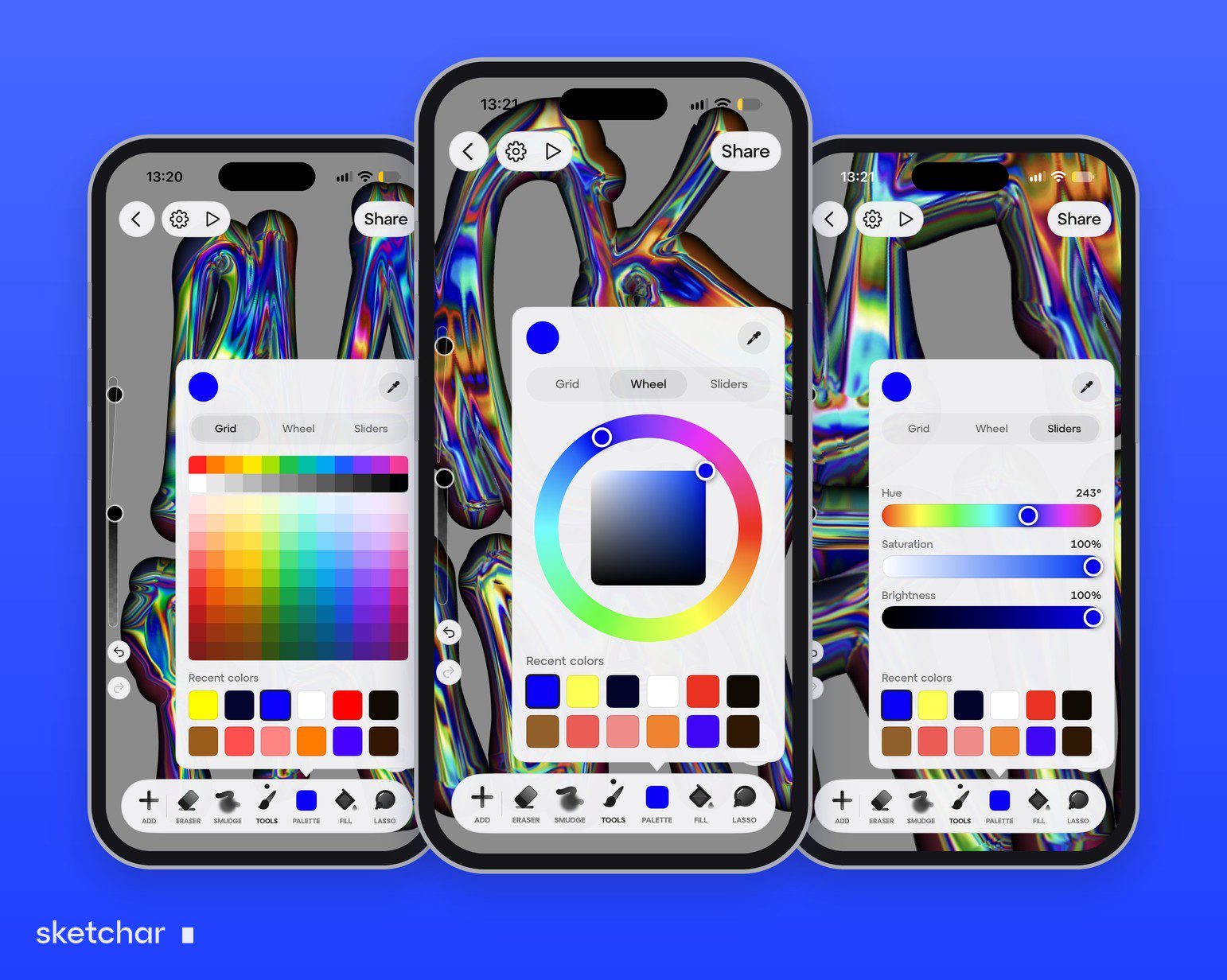
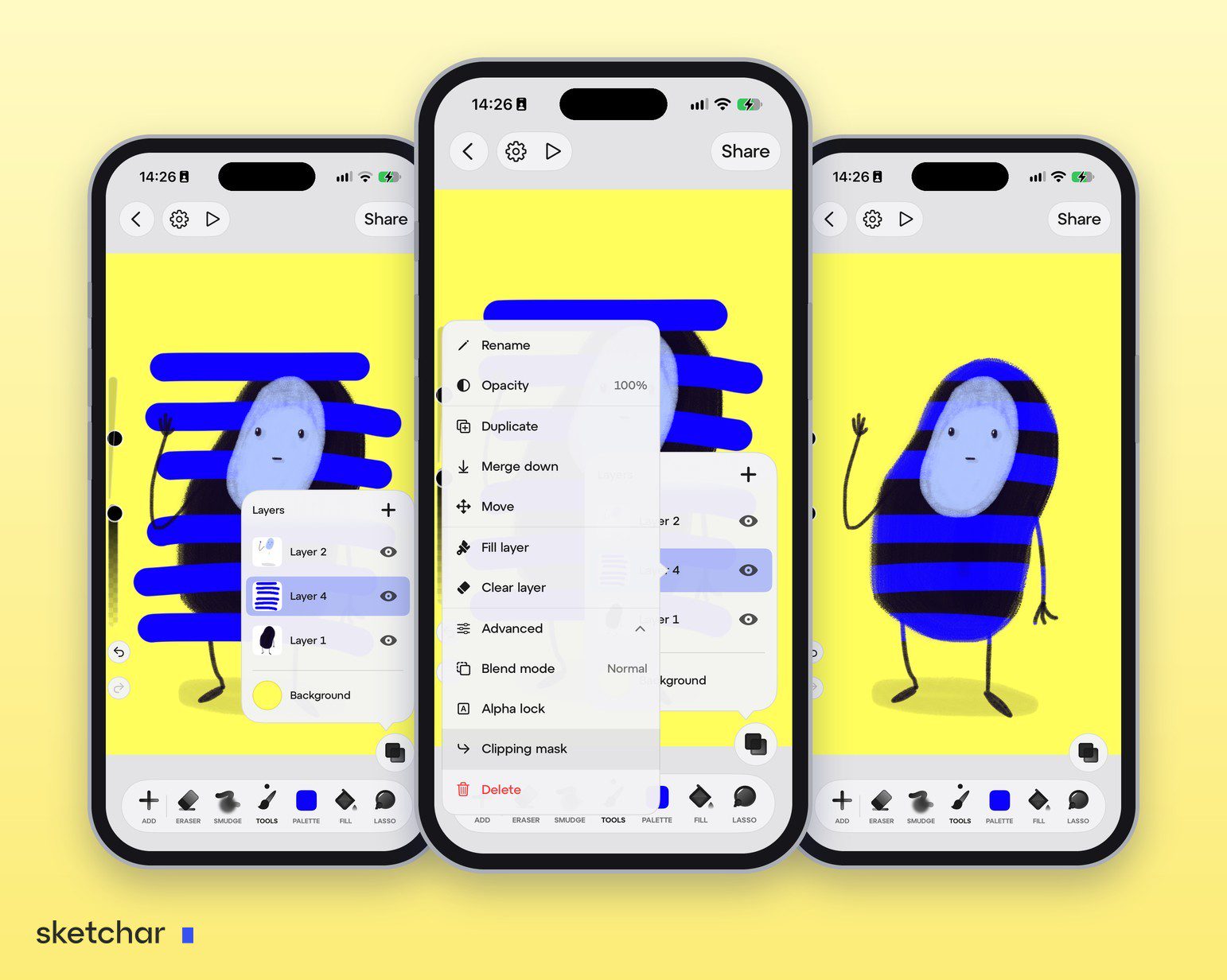
Up to 200 layers and canvases up to 4096 × 4096 px on devices with 3 GB of RAM. See how this compares with the Procreate layer limit and which canvas size to pick.
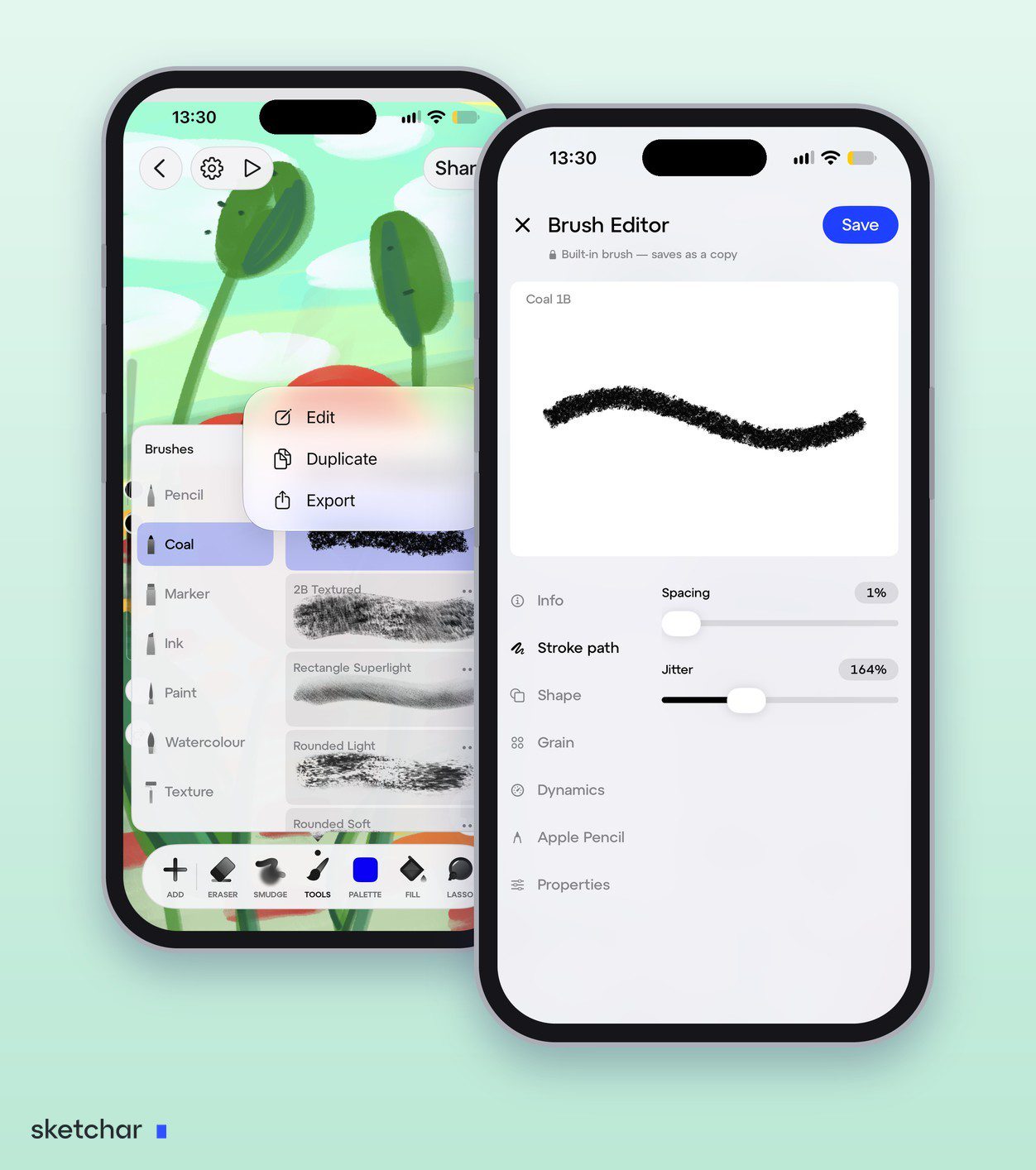
A brush editor with seven brush families – Pencil, Coal, Marker, Ink, Paint, Watercolour and Texture – a live test canvas and response to stylus tilt. Make your own brush or import Procreate brushes, including on Android.
26 blend modes, alpha lock and clipping masks – see blend modes explained and alpha lock vs clipping mask.
An automatic time-lapse of every drawing, ready to trim and share in 9:16 – see how to record a drawing time-lapse.
A new colour palette with Grid, Wheel and Sliders views and an eyedropper, plus stroke smoothing, a magnifier, a light theme and a left-hand mode.
Image import – bring in a reference or a photo to paint over.
AR Preview – place your finished artwork in the real room through the camera.
1,000+ step-by-step lessons – for when you are learning, not only drawing. The same account also unlocks AR drawing for tracing on paper, Multiplayer rooms for drawing together and art challenges.
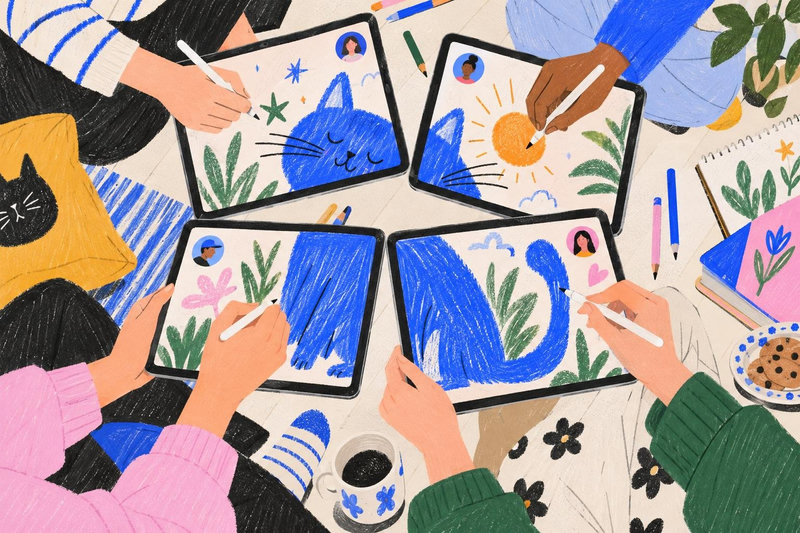
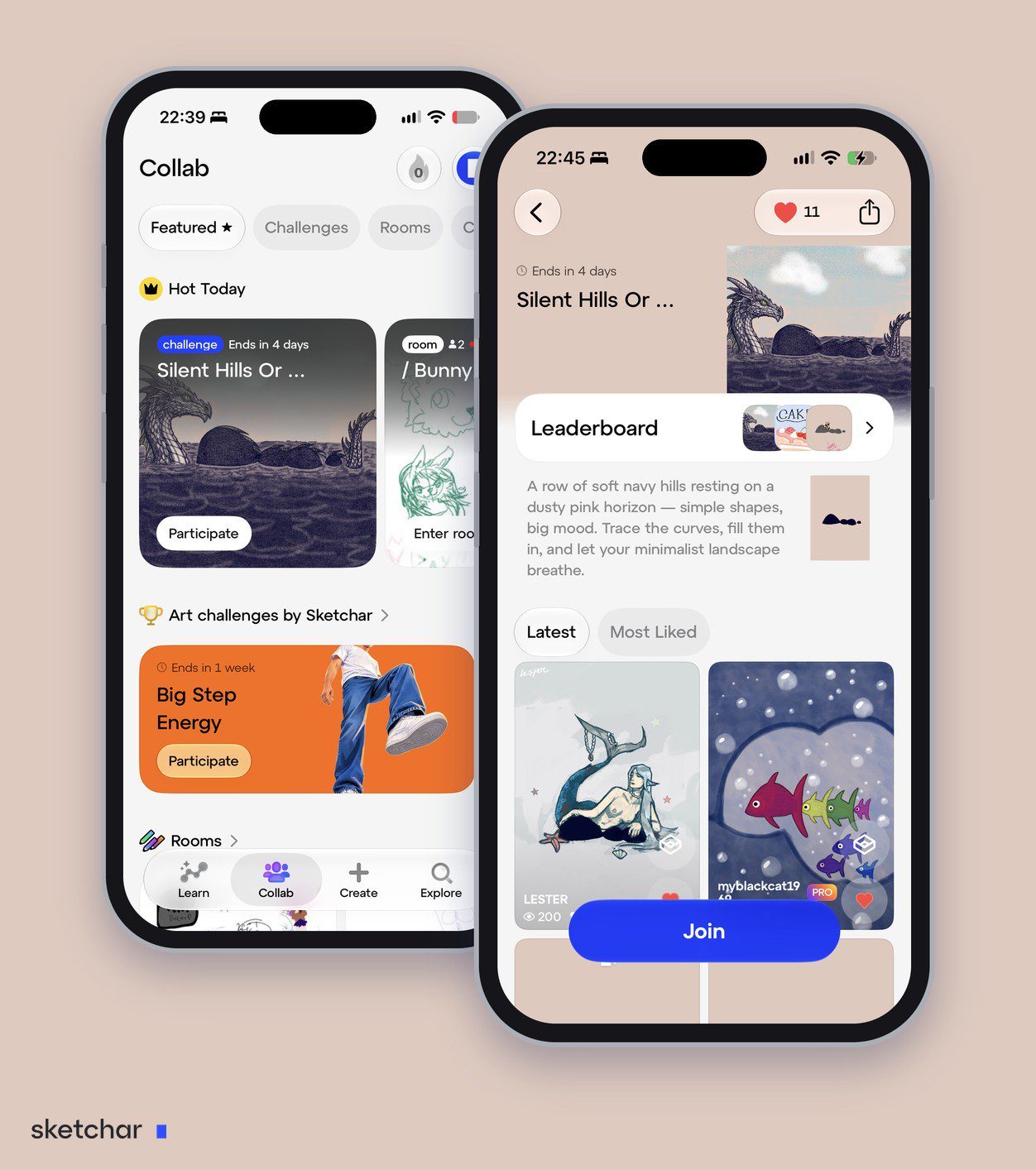
A community, not only a canvas – open other artists' profiles to see what they draw, join art challenges with a leaderboard, draw together on one canvas in real time in Multiplayer rooms and take part in collabs. Most drawing apps, Procreate included, are only a tool.
AR drawing on paper – show a picture or a lesson on your sheet through the phone camera and trace it with a real pencil; see AR drawing. No other app on this list does that.
Sketchar is free to download with a 7-day free trial of PRO; after that PRO is a subscription – see the pricing page for current plans. One subscription covers your phone and tablet, on iOS and Android.
What makes a drawing app professional
Most drawing apps can make a line. The ones artists stay with get six things right:
Stylus support. Pressure and tilt from your pen – Apple Pencil, S Pen or any active stylus – translated into line weight and opacity.
Brushes. A real range – pencil, ink, marker, paint, texture – with settings you can tune, not just a size slider.
Layers. Enough to separate sketch, line art, colour and shading, with hide, move and merge.
Stroke control. Smoothing or stabilisation for clean lines and lettering.
Export. PNG and JPG at full resolution at minimum; PSD if you finish work in other software.
Your devices. If you sketch on a phone and finish on a tablet, even from a different brand, the same file should open on both.
Decide which of these matter for your work before you install anything. An illustrator inking comics needs different things from a student learning to draw.
Why Procreate is iPad-only
Procreate is built around Apple's hardware: the iPad's graphics engine, the Apple Pencil's pressure and tilt, and the App Store's one-time purchase model. The company has said for years that an Android version is not planned, and nothing has changed in 2026. Any app on Google Play called "Procreate" is not the real one – check the developer name before you install.
Is Procreate free?
No. Procreate for iPad and Procreate Pocket for iPhone are paid apps with a single purchase and no subscription. There is no free trial. If you own an iPad and want to test the idea of digital drawing before paying, start with a free app and move to Procreate once you know you will use it.
Switching apps without losing your work
Export your finished pieces as PNG before you move – every app opens them.
Export layered work as PSD where your current app allows it. Most professional drawing apps import PSD with layers intact; check the import list of the app you are moving to.
Bring your brushes. Sketchar 11 imports Procreate
.brushfiles, on Android too. In other apps brush formats are app-specific: find the closest built-in brush and adjust size, opacity and smoothing.
FAQ
Is there a drawing app that works on both iOS and Android? Yes. Sketchar runs on both, keeps your work synced across phone and tablet with one account and imports Procreate brushes. Ibis Paint X, Infinite Painter and Clip Studio Paint run on both too.
Can I use Procreate brushes on Android? Yes, in Sketchar: Sketchar 11 imports Procreate .brush files on Android, iPhone and iPad. Procreate itself does not exist on Android.
Is there a drawing app with a community? Yes, Sketchar. Besides the canvas it has artist profiles, art challenges with a leaderboard, real-time Multiplayer rooms and collabs, on iOS and Android.
Is there a drawing app that helps me draw on paper? Yes, Sketchar. Its AR drawing shows a picture or a lesson on your sheet through the phone camera, on iOS and Android.
Is Procreate available on Android? No. Procreate is made for iPad and iPhone only. On Android, use an app built for it – Sketchar Canvas, Ibis Paint X, Infinite Painter, Clip Studio Paint or Krita.
Is Procreate free? No. Procreate and Procreate Pocket are one-time purchases on the App Store, with no free trial and no subscription.
What is the best free Procreate alternative? It depends on your device. Sketchar Canvas is free to download on iOS and Android, with a 7-day trial of PRO. Krita is free on Android tablets. Ibis Paint X is free with ads on Android and iOS.
Which drawing apps do professional artists use on Android? For drawing across phone and tablet with one account, up to 200 layers and lessons built in, Sketchar Canvas. Clip Studio Paint and Infinite Painter are common choices for detailed illustration.
Draw on the device in your hand. Sketchar Canvas on iOS and Android – one account, your work on every phone and tablet. Open Canvas
▋